
Capsule CRM
VerifiedSimple, powerful CRM for managing contacts, sales pipelines, and projects
 See all screenshots
 - Deployment Cloud Based
- Starting price Free
- Free trial Available
- Best for Freelancers, Startups, SMEs
What is Capsule CRM?
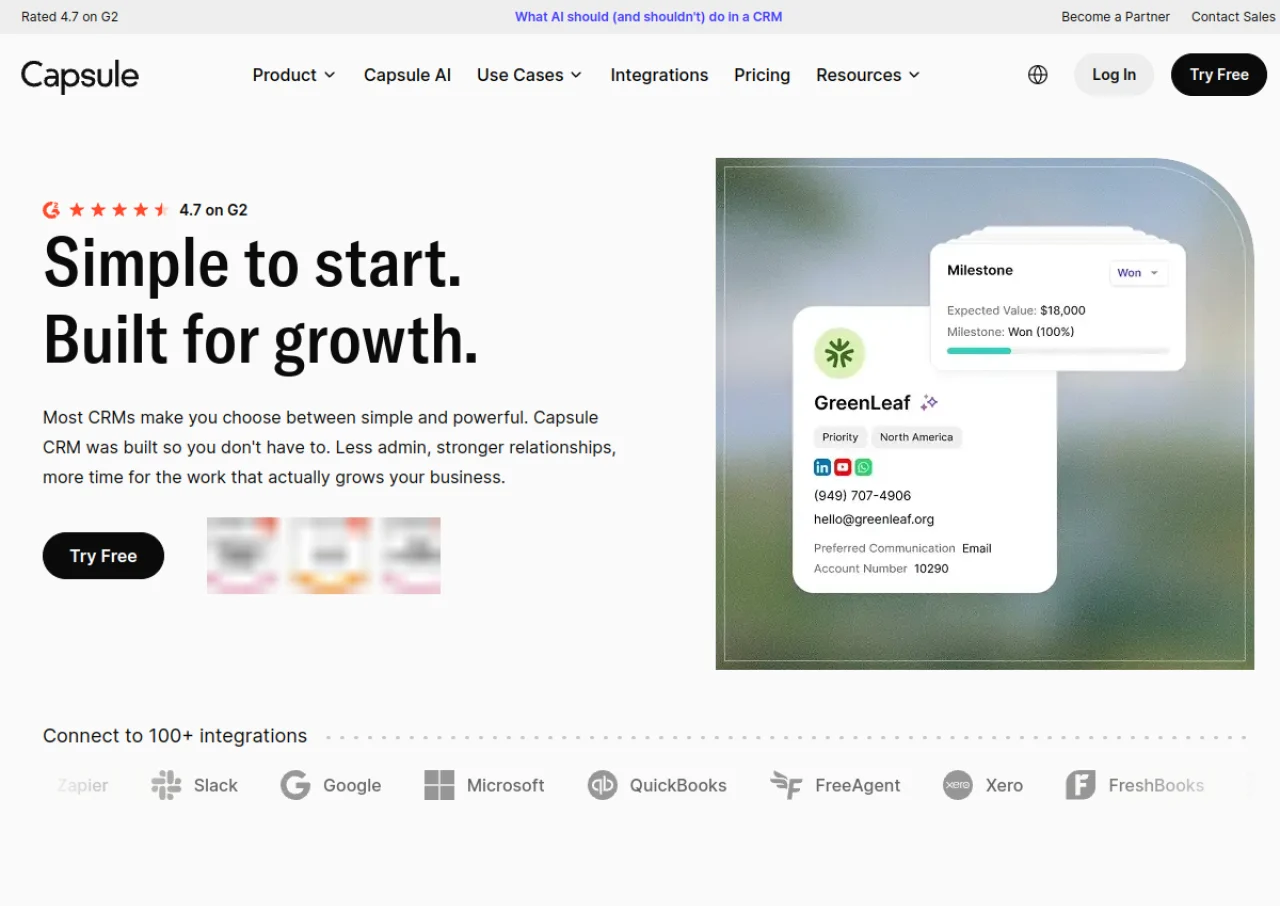
Capsule CRM is a customer relationship management platform built for small and mid sized businesses that want an easier way to manage contacts, sales opportunities, and projects. It provides a centralized contact database with notes, emails, and activity history, along with drag and drop sales pipelines, task and activity tracking, kanban style project boards, and reporting dashboards. Users can create multiple pipelines for different sales processes and set up workflow automations to reduce manual admin work.
The platform integrates with Gmail, Outlook, Microsoft 365, Google Workspace, Xero, QuickBooks, Mailchimp, and over 1,000 other apps through Zapier and its own API. Capsule also offers AI features such as contact and business enrichment, meeting prep summaries, and an AI pipeline generator. It is available as a web app with iOS and Android mobile apps, and offers a free plan alongside paid tiers with a 14 day trial.
Key Features of Capsule CRM
Capsule CRM lists 10 documented features, including Centralized contact management with notes, emails, and activity history, Drag and drop sales pipelines with custom stages and multiple pipeline support and Kanban style project boards for managing client delivery. The list below covers what the product does rather than how it is marketed.
- Centralized contact management with notes, emails, and activity history
- Drag and drop sales pipelines with custom stages and multiple pipeline support
- Kanban style project boards for managing client delivery
- Task management with repeating tasks and automated task sequences (Tracks)
- Workflow automations for sales, project, and marketing processes
- Advanced sales reporting and customizable reporting dashboards
- AI features including contact enrichment, business enrichment, AI summaries, and meeting prep
- Email templates and shared mailbox integration with Gmail and Outlook
- Custom fields, tags, milestones, and branding
- 1,000+ integrations via Zapier plus a public API and native integrations with Xero, QuickBooks, and Mailchimp
Capsule CRM Pricing
Capsule CRM lists 5 plans. Four carry a published figure, from Free to $54; the rest are quoted on request.
Growth
$36/user/month
Billed annually; 60,000 contacts; multiple pipelines and project boards; 14-day free trial
Advanced
$54/user/month
Billed annually; 120,000 contacts; 50 project boards; 50 sales pipelines; 14-day free trial
Ultimate
Custom
For teams with 5+ users; dedicated account manager and custom training
Capsule CRM Specifications
Capsule CRM is available on web app and has iOS and Android apps. It offers an API, has a free trial and has a free plan.
- Deployment
- Cloud Based
- Billing cycle
- Monthly
- Desktop
- Web App
- Mobile
- iOS
- Android
- Languages
- English
- Built for
- Freelancers
- Startups
- SMEs
- Agencies
- Support
- Live Support
- Tickets
- Integrations
- Zapier (1,000+ apps), native API, Gmail, Outlook, Microsoft 365, Google Workspace, Xero, QuickBooks, Mailchimp, Wufoo, Zendesk, Transpond (email marketing), WhatsApp
- Public API
- Yes
- Free trial
- Yes
- Free plan
- Yes
- Runs in browser
- Yes
- Customisable
- Yes
- Website
- capsulecrm.com
Capsule CRM Videos
Capsule CRM Screenshots
Capsule CRM Comparisons
Side by side comparisons of Capsule CRM against 3 other CRM Software options listed here.


Used Capsule CRM? Write the first review.
Capsule CRM FAQs
Alternatives to Capsule CRM
Other Contact Management Software recorded on the same fields.