Copper
VerifiedCRM built into Google Workspace for managing pipelines, contacts, and customer relationships
 See all screenshots
 - Deployment Cloud Based
- Starting price $29
- Free trial Available
- Best for Freelancers, Startups, SMEs
What is Copper?
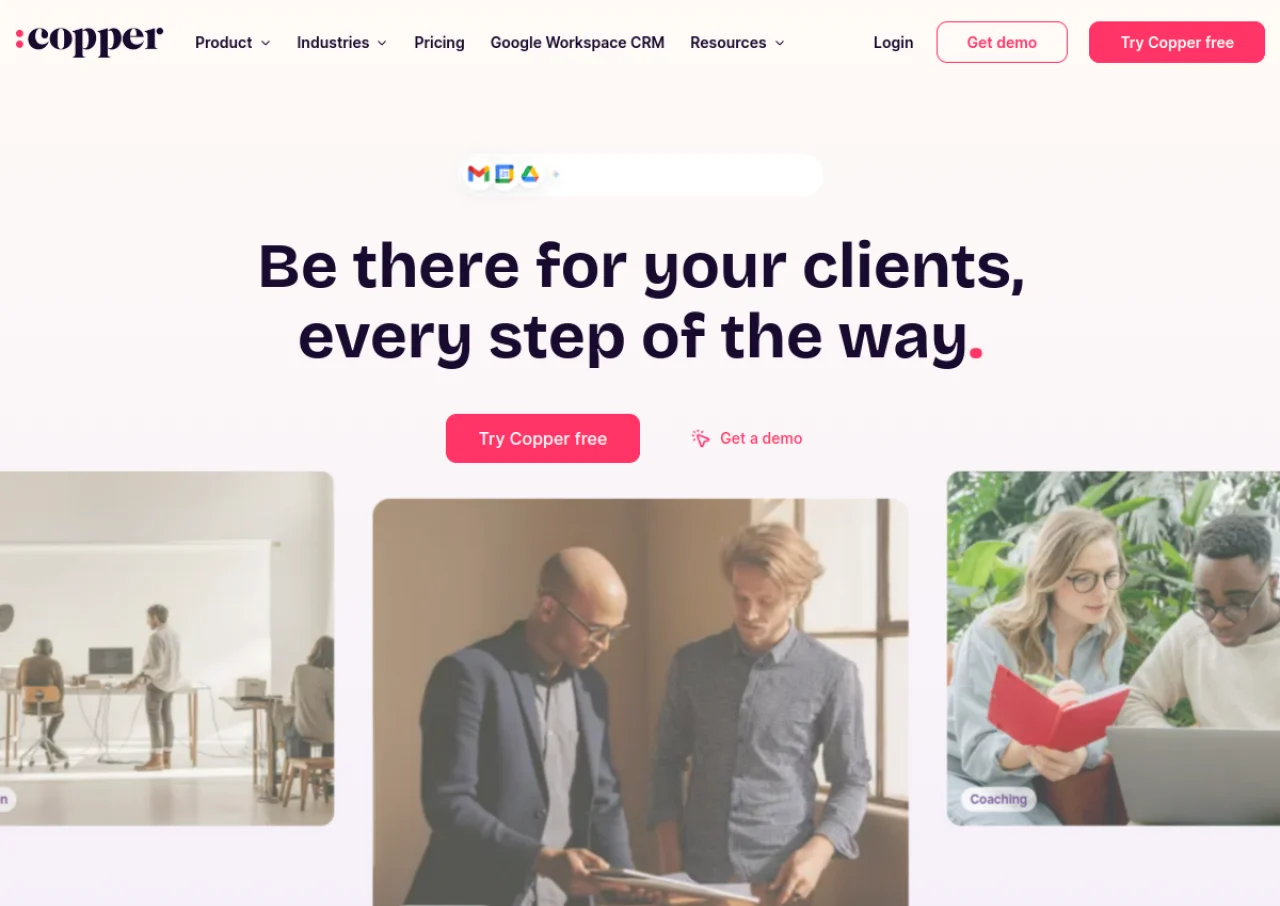
Copper is a cloud based customer relationship management platform built specifically to work inside Google Workspace. It integrates natively with Gmail, Google Calendar, Google Drive, and Google Contacts so sales and account teams can capture contacts, track email threads, and log calendar events without leaving their inbox. Copper is aimed at service oriented businesses such as agencies, consulting firms, and small to mid sized teams that already rely on Google tools for daily work.
The platform provides visual drag and drop sales pipelines, task automation, workflow automation, email templates and bulk email, project management tools, and custom reporting for revenue tracking and team performance. It also connects with third party tools including Slack, LinkedIn, PandaDoc, DocuSign, and QuickBooks, and offers mobile apps for iOS and Android so users can manage relationships and deals while away from their desk.
Key Features of Copper
Copper lists 10 documented features, including Visual drag-and-drop sales pipeline management, Automatic contact and email capture from Gmail and Google Workspace and Task and workflow automation with trigger-based rules. The list below covers what the product does rather than how it is marketed.
- Visual drag-and-drop sales pipeline management
- Automatic contact and email capture from Gmail and Google Workspace
- Task and workflow automation with trigger-based rules
- Bulk email and email templates/sequences
- Project management and delivery tracking
- Custom reporting and revenue forecasting
- Contact enrichment
- Multi-currency support (Business plan)
- Mobile apps for iOS and Android
- Integrations with Slack, LinkedIn, PandaDoc, DocuSign, and QuickBooks
Copper Pricing
Copper lists 2 plans, from $29 to $134.
Basic
$29
per seat per month
Monthly billing rate with flexible pipelines and team collaboration; $23 per seat per month paid annually.
Business
$134
per seat per month
Monthly billing rate with customer nurture and custom analytics; $99 per seat per month paid annually.
Copper Specifications
Copper is available on web app and has iOS and Android apps. It offers an API and has a free trial.
- Deployment
- Cloud Based
- Billing cycle
- Monthly
- Desktop
- Web App
- Mobile
- iOS
- Android
- Languages
- English
- Built for
- Freelancers
- Startups
- SMEs
- Agencies
- Support
- Phone
- Live Support
- Integrations
- Gmail, Google Calendar, Google Drive, Google Contacts, Google Sheets, Slack, LinkedIn, PandaDoc, DocuSign, QuickBooks, Zapier
- Public API
- Yes
- Free trial
- Yes
- Free plan
- No
- Runs in browser
- Yes
- Customisable
- Yes
- Website
- copper.com
Copper Videos
Copper Screenshots
Copper Comparisons
Side by side comparisons of Copper against 3 other CRM Software options listed here.


Used Copper? Write the first review.
Copper FAQs
Alternatives to Copper
Other CRM Software recorded on the same fields.