
Free Payment Gateways: 5 With No Monthly Fee and What They Really Cost
No payment gateway is truly free. Compare 5 with no monthly fee, what each charges per sale, and a worked cost example so you can pick the right one.

No payment gateway is free. The ones sold as free charge no monthly or setup fee, then take a percentage plus a flat amount from every sale. That's the right trade for a new store with low volume, and the wrong one once sales grow.
What Free Means for a Payment Gateway
A free payment gateway is a service that routes card payments from your checkout to your bank with no monthly, setup or minimum fee. Every transaction still carries a processing fee, which usually bundles the card network's cost and the provider's margin.
Two costs hide behind the word. Chargebacks carry a separate fee per dispute. Currency conversion and international cards usually add a surcharge. Our guide to payment gateway cost covers what a build or white-label route adds on top.
How These 5 Were Chosen
These five were chosen because each has a published price, no required monthly fee on its entry plan, and a checkout a small seller can set up without a developer. Each pricing page was the source for what's described. Nothing here comes from hands-on testing.
Rates change often, so every figure below carries a check against the vendor's own page. Stripe's rates are on Stripe's pricing page.
What a Free Gateway Costs on $10,000 in Sales
A flat rate of 2.9% plus 30 cents per online sale costs $350 on $10,000 of sales made as 200 orders of $50. That's $290 in percentage fees plus $60 in flat fees, or 3.5% of revenue.
The flat part is what hurts small tickets. If your average order is under $15, compare rates before you compare features. The 2.9% plus 30 cents rate is an illustration, so check each gateway's own pricing page before you plug it in.
The 5 Free Payment Gateways
Each entry gives what the gateway is, who it suits, its pricing reality and one limit.
Stripe
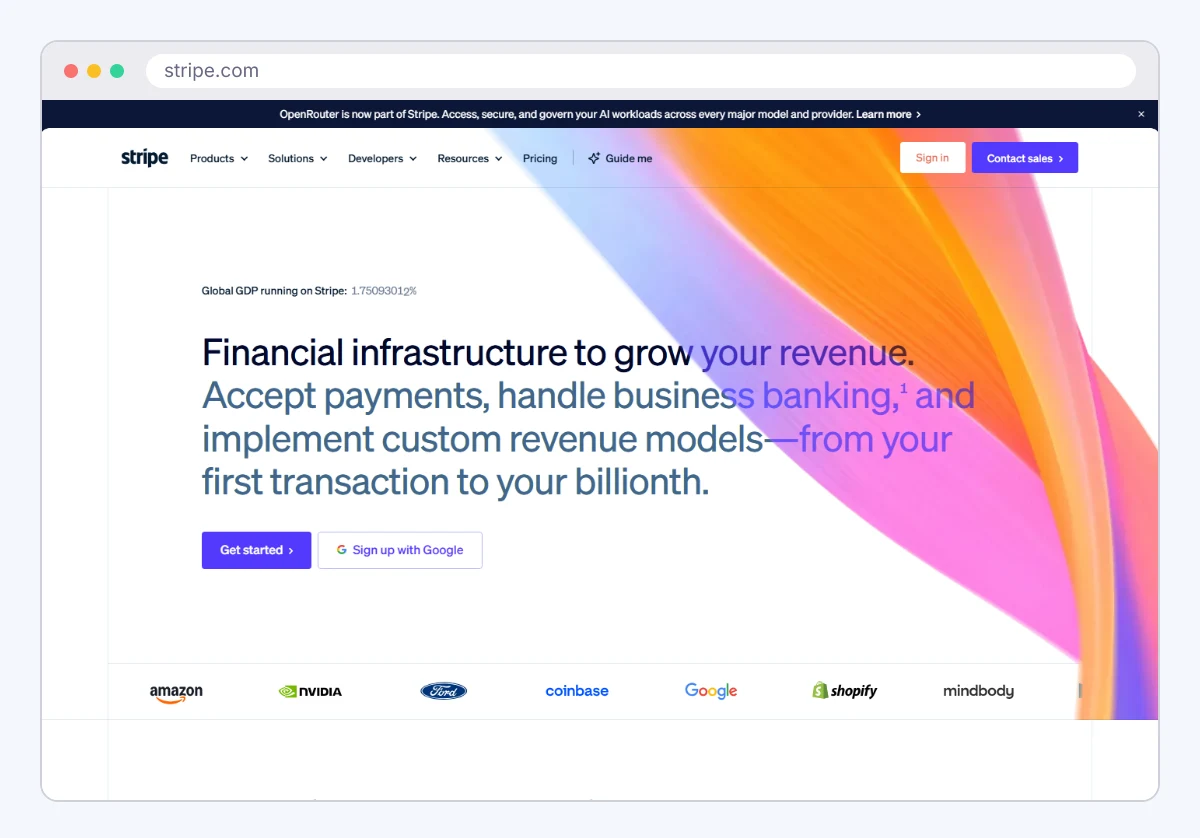
Stripe is a developer-first payment platform with hosted checkout, payment links and subscriptions. It suits online sellers and SaaS companies who want flexible APIs. Pricing is pay-per-transaction with no monthly fee on standard processing (2.9% + 30¢ per successful domestic card transaction). The limit: setup and dispute handling expect some technical comfort, and fees stack as you add features.
Square
Square covers in-person card readers and online checkout in one account. It suits shops that sell in a store and online. Pricing is per transaction with no monthly fee on its free plan (see Square's pricing page for current rates). The limit: hardware costs extra, and online rates run higher than a negotiated plan at volume.

PayPal
PayPal is a wallet and card gateway that many buyers already trust. It suits sellers who want fast checkout and no setup. Pricing is per transaction, with different rates for wallet, card and international payments (see PayPal's business fees page for current rates). The limit: dispute and hold policies can freeze funds, and the fee table is long.
Helcim
Helcim is a processor and gateway that uses interchange-plus pricing, where you pay the card network cost plus a small stated margin. It suits sellers with larger orders or rising volume, since the margin can fall as you process more. The limit: the rate is less predictable than a flat percentage, so you need to read your statement.
Whop Payments
Whop Payments handles checkout for digital products, memberships and communities sold through Whop. It suits creators selling access or downloads. See the Whop Payments listing for its recorded fields. Pricing is listed as 2.7% + $0.30 per transaction with no monthly subscription. The limit: it's built around selling on Whop, so it's a poor fit for a general store.

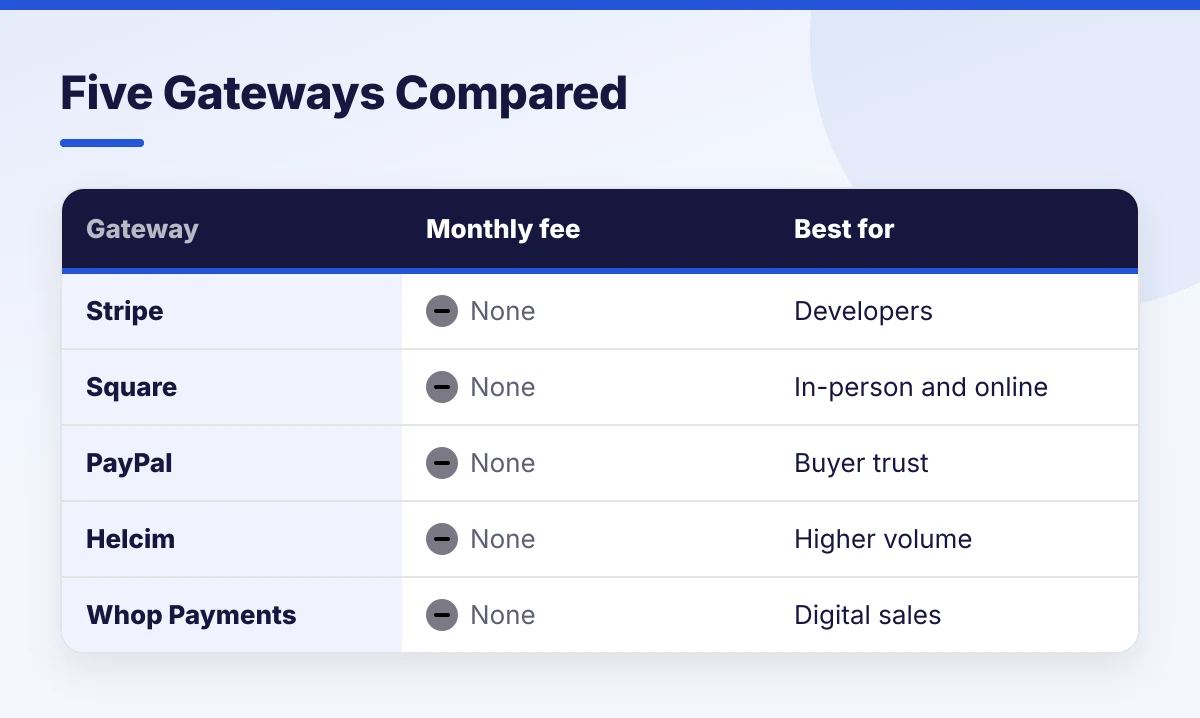
Summary Table
| Gateway | Monthly fee | Pricing style | Best for |
|---|---|---|---|
| Stripe | None on standard processing | Flat per transaction | Developers, subscriptions |
| Square | None on free plan | Flat per transaction | Store plus online |
| PayPal | None on standard | Flat, varies by method | Buyer trust, quick setup |
| Helcim | None | Interchange-plus | Larger orders |
| Whop Payments | None | Per transaction | Digital products |
Check each vendor's current pricing page before you rely on any cell.
Which One to Pick by Seller Type
The right free gateway depends on average order size and where you sell.
- Online store with a developer: Stripe.
- Shop with a counter and a website: Square.
- Brand-new store that wants buyer familiarity: PayPal alongside a card gateway.
- Orders above about $100 or rising volume: Helcim, then compare statements.
- Creator selling memberships or files: Whop Payments.
Selling to buyers abroad adds conversion costs and delays, which the post on managing cross-border payments walks through.
Run Your Own Numbers This Week
Take last month's order count and total sales, then apply each gateway's published rate the way the example above does. Pick the cheapest for your average order, and set a calendar reminder to rerun it when monthly volume doubles. Free is a fine place to start. It rarely stays the cheapest place to stay.
Add SocialAtoZ as a preferred source
See us more often in your Google results.