Sentry
VerifiedApplication performance monitoring and error tracking built for developers
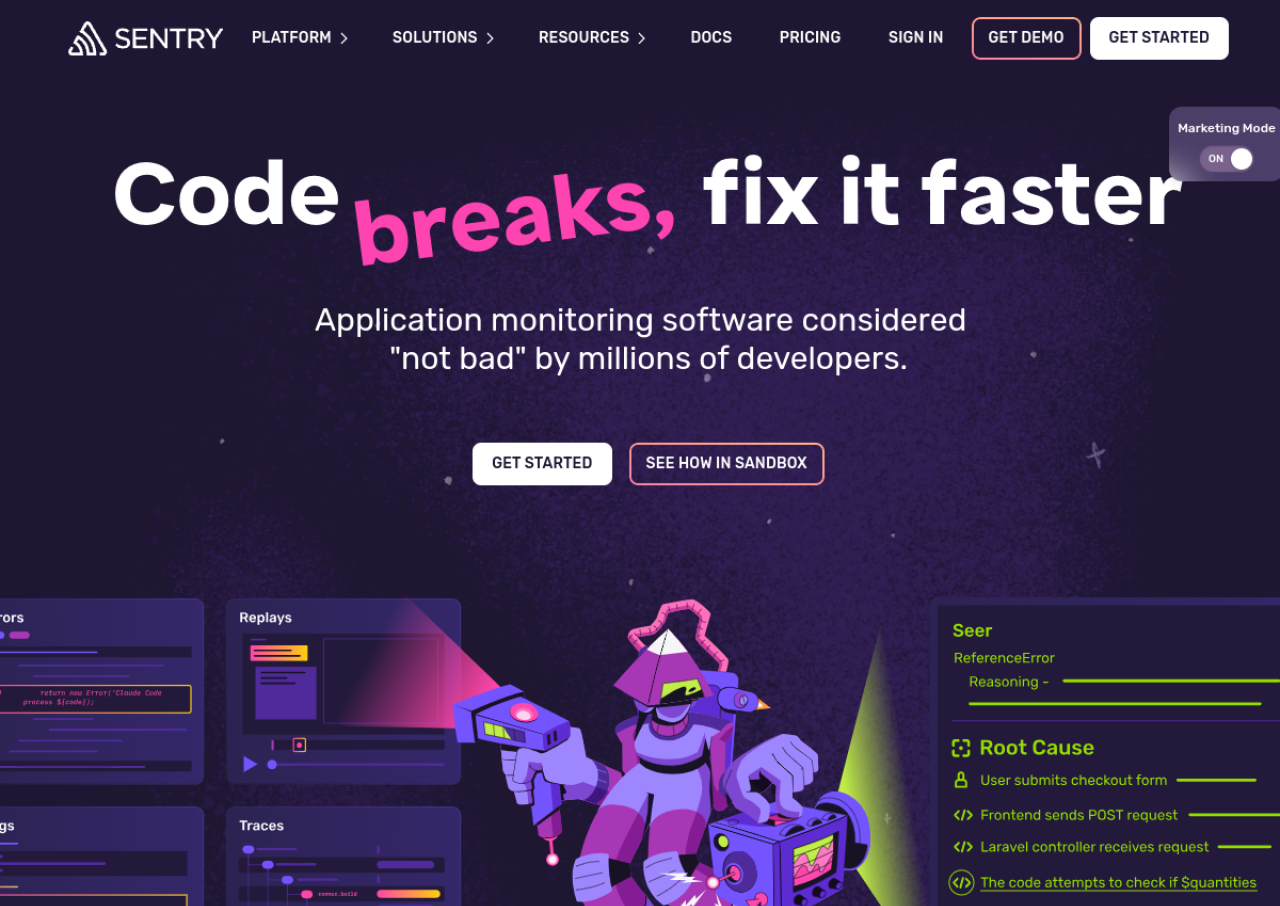 See all screenshots
 - Deployment Cloud Based, On Premises
- Starting price Free
- Free trial Available
- Best for Startups, SMEs, Agencies
What is Sentry?
Sentry is an application performance monitoring and error tracking platform used by developers to catch, group, and diagnose issues in production code. It captures stack traces, breadcrumbs, and contextual data for every error, automatically groups repeat occurrences into a single issue, and traces requests across services to pinpoint slow or failing code paths.
Sentry supports web, mobile, and backend applications through language specific SDKs, and integrates with tools like Slack, GitHub, Jira, and PagerDuty for alerting and workflow automation. Pricing is usage based around error and span volume, with a free Developer plan, paid Team and Business tiers, and custom Enterprise plans for larger organizations with advanced compliance needs.
Key Features of Sentry
Sentry lists 10 documented features, including Automatic error grouping and deduplication, Stack traces with local variable context and Distributed performance tracing. The list below covers what the product does rather than how it is marketed.
- Automatic error grouping and deduplication
- Stack traces with local variable context
- Distributed performance tracing
- Session replay
- Code profiling
- Custom dashboards and alerting
- AI-powered root cause analysis (Seer)
- Release and deploy tracking
- Slack, GitHub, and Jira integrations
- Open source and self-hostable
Sentry Pricing
Sentry lists 3 plans, starting free and running to $80.
Developer
Free
free
For solo devs working on small projects, limited to one user, with error monitoring, tracing and alerts.
Team
$26
/mo
When billed annually with default pre paid data. Everything needed to monitor an application as it scales.
Business
$80
/mo
When billed annually with default pre paid data. For teams that need more powerful debugging.
Sentry Specifications
Sentry is available on web app. It offers an API, has a free trial and has a free plan.
- Deployment
- Cloud Based
- On Premises
- Billing cycle
- Monthly
- Desktop
- Web App
- Languages
- English
- Built for
- Startups
- SMEs
- Agencies
- Enterprises
- Support
- Tickets
- Integrations
- Slack, GitHub, GitLab, Jira, Microsoft Teams, PagerDuty, Codecov, Vercel
- Public API
- Yes
- Free trial
- Yes
- Free plan
- Yes
- Runs in browser
- Yes
- Customisable
- Yes
- Website
- sentry.io
Sentry Videos
Sentry Screenshots
Sentry Comparisons


Sentry Reviews
No reviews yet
Used Sentry? Share your experience and help other buyers decide.
Sentry FAQs
Alternatives to Sentry
Other Bug Tracking Software recorded on the same fields.