GitHub Issues
VerifiedIntegrated issue tracking and lightweight project planning built into GitHub
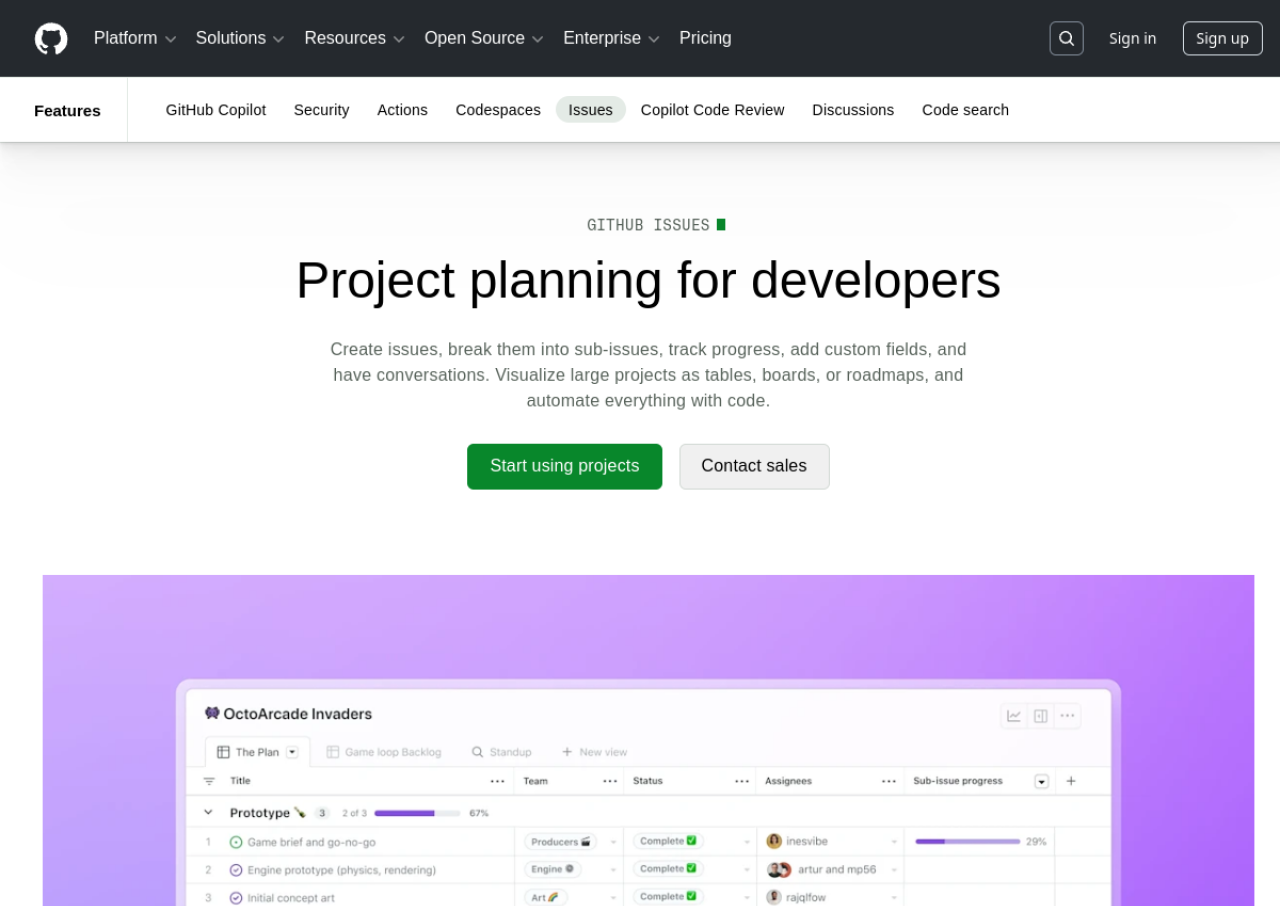 See all screenshots
 - Deployment Cloud Based, On Premises
- Starting price Free
- Free trial Not offered
- Best for Freelancers, Startups, SMEs
What is GitHub Issues?
GitHub Issues is the built-in issue tracking and lightweight project management feature of GitHub, used to track bugs, feature requests, and tasks directly alongside a repository's code. Issues can be organized into tables, boards, and roadmap views through GitHub Projects, with custom fields, sub-issues, labels, and milestones, and automated using GitHub Actions.
GitHub Issues and Projects are included free with every GitHub account, including free public and private repositories. GitHub itself is priced across Free, Team, and Enterprise tiers based mainly on repository features like code owners, required reviewers, and SSO rather than issue tracking specifically, since core issue tracking is available at every tier.
Key Features of GitHub Issues
GitHub Issues lists 10 documented features, including Issue creation with labels, milestones, and assignees, Sub-issues and task lists for breaking down work and Custom fields for tracking priority, estimates, and status. The list below covers what the product does rather than how it is marketed.
- Issue creation with labels, milestones, and assignees
- Sub-issues and task lists for breaking down work
- Custom fields for tracking priority, estimates, and status
- Table, board, and roadmap views (GitHub Projects)
- Automation via GitHub Actions and workflows
- Linking issues to pull requests and commits
- Discussions and threaded comments on issues
- Saved views and filters
- Cross-repository and organization-wide project boards
- Mobile access via GitHub iOS/Android apps
GitHub Issues Pricing
GitHub Issues lists 3 plans, starting free and running to $21.
Free
Free
per month
Free forever basics for individuals and organizations, with unlimited public and private repositories.
Team
$4
per user/month
Most popular tier for advanced collaboration; the page footnotes this rate as applying for the first 12 months.
Enterprise
$21
per user/month
Starting at this rate for security, compliance and flexible deployment; the page footnotes it as applying for the first 12 months.
GitHub Issues Specifications
GitHub Issues is available on web app, Windows and macOS and has iOS and Android apps. It offers an API and has a free plan.
- Deployment
- Cloud Based
- On Premises
- Billing cycle
- Monthly
- Desktop
- Web App
- Windows
- macOS
- Mobile
- iOS
- Android
- Languages
- English
- Built for
- Freelancers
- Startups
- SMEs
- Agencies
- Enterprises
- Support
- Tickets
- Integrations
- Slack, Jira, Trello, Zapier, VS Code, and thousands of GitHub Marketplace apps and Actions
- Public API
- Yes
- Free trial
- No
- Free plan
- Yes
- Runs in browser
- Yes
- Customisable
- Yes
- Website
- github.com
GitHub Issues Videos
GitHub Issues Screenshots
GitHub Issues Comparisons



GitHub Issues Reviews
No reviews yet
Used GitHub Issues? Share your experience and help other buyers decide.
GitHub Issues FAQs
Alternatives to GitHub Issues
Other Bug Tracking Software recorded on the same fields.