Formstack Documents
VerifiedDocument generation tool that merges data into templates to create PDFs, Word, Excel, and PowerPoint files
Is this your product? Rent a top-5 spot in Document Generation Software from $219 a month.
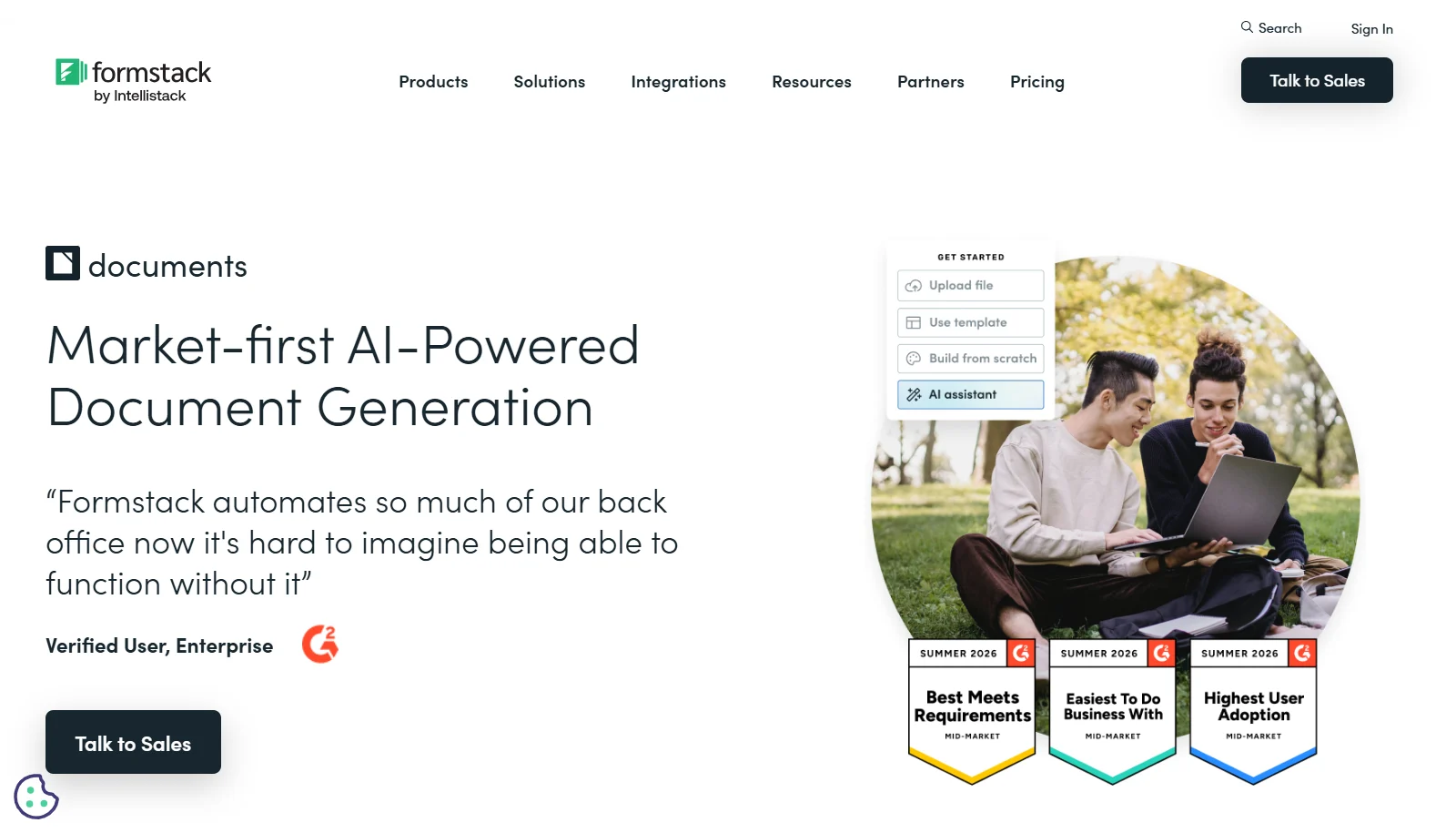 See all screenshots
 - Deployment Cloud Based
- Starting price $250
- Free trial Not offered
- Best for SMEs, Agencies, Enterprises
What is Formstack Documents?
Formstack Documents lets businesses build document templates in DOCX, PPTX, PDF, or CSV formats and automatically populate them with data pulled from CRMs, forms, and databases. It supports conditional (if/else) logic to control document content, auto-generates online forms from templates, and offers a REST API for custom integrations.
The product is HIPAA compliant and encrypts stored data and documents in transit. On Formstack's official pricing page, Documents is offered as part of the bundled Suite plan alongside Forms and Sign, with separate custom pricing for Salesforce-focused and Enterprise deployments; standalone Documents-only pricing is not publicly listed.
Key Features of Formstack Documents
Formstack Documents lists 8 documented features, including Drag-and-drop and AI-assisted template builder, Support for DOCX, PPTX, PDF, and CSV templates and Conditional (if/else) logic for dynamic content. The list below covers what the product does rather than how it is marketed.
- Drag-and-drop and AI-assisted template builder
- Support for DOCX, PPTX, PDF, and CSV templates
- Conditional (if/else) logic for dynamic content
- Data population from CRMs, forms, and databases
- Auto-generated online forms based on document fields
- eSignature integration with Formstack Sign and DocuSign
- HIPAA-compliant document handling with SSL encryption
- Open REST API for custom document generation
Formstack Documents Pricing
Formstack Documents lists one plan, at $250.
Suite
$250
per month, paid annually
Forms, Documents and Sign together with three builder users; this is the only listed tier that includes Documents, since the cheaper Forms plan does not.
Formstack Documents Specifications
Formstack Documents is available on web app. It offers an API.
- Deployment
- Cloud Based
- Billing cycle
- Yearly
- Desktop
- Web App
- Languages
- English
- Built for
- SMEs
- Agencies
- Enterprises
- Support
- Live Support
- Tickets
- Training
- Integrations
- Salesforce, DocuSign, Formstack Forms, Formstack Sign, Google Drive, Dropbox, Box, Microsoft, REST API
- Public API
- Yes
- Free trial
- No
- Free plan
- No
- Runs in browser
- Yes
- Customisable
- Yes
- Website
- formstack.com
Formstack Documents Videos
Formstack Documents Screenshots
Formstack Documents Comparisons



Your experience counts
Rate Formstack Documents
Used Formstack Documents? Your honest review helps the next buyer decide. It takes about three minutes.
Thanks, your review is in.
Our editors check every review before it goes live, usually within 2 business days.
Formstack Documents FAQs
Alternatives to Formstack Documents
Other Document Generation Software recorded on the same fields.