Document Automation Software: 4 Tools and the Job Each One Does
Document automation software splits into two jobs: building documents from data and reading incoming ones. Compare 4 tools, their pricing basis and fit.

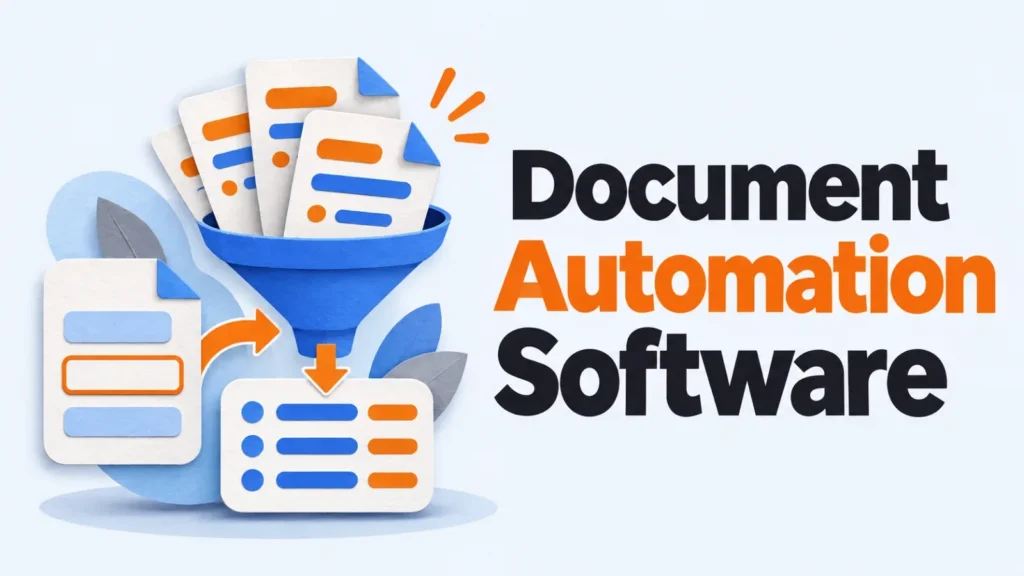
Document automation software does one of two jobs: it builds outgoing documents such as quotes, contracts and letters from your data, or it reads incoming ones such as invoices and pulls out the fields. Pick the direction first. Then match the tool to where your data already lives.
Key takeawaysGeneration tools fill templates with data; processing tools pull data out of documents.Formstack Documents fits teams whose records start in web forms or Salesforce.Plumsail Documents fits teams already building flows in Power Automate.Adobe Document Cloud fits work that ends in a signed or edited PDF.Billing is per seat or per document, and your monthly volume decides which costs less.
What Does Document Automation Software Do?
Document automation software replaces copy-and-paste work around documents. Generation tools take data from a form, CRM or spreadsheet and drop it into a template, producing a finished file. Processing tools work the other way: they read invoices, forms or IDs and turn them into structured data.
The two directions share a name but little else. A template engine won’t read a scanned invoice, and an extraction tool won’t assemble a 12-page proposal. Signing and PDF editing sit between them, and some suites cover that step too.
Processing tools are often sold as intelligent document processing (IDP): software that uses machine learning to find fields such as totals and dates in documents whose layouts vary. If you’re weighing AI agents that act on those fields, our post on agentic AI across SaaS platforms covers where they fit.
Which Tools Does This Page Cover, and Why?
This page covers four products with listings on SocialAtoZ: three that generate or finish documents and one that processes them. Each was picked to cover a different starting point for your data. The order isn’t a ranking, and nothing here comes from hands-on testing.
How the figures were gathered: each pricing note describes the billing basis shown on the vendor’s own pricing page, not plan prices, since tiers change often. Confirm the current plan on the vendor’s site before you buy.
Formstack Documents: Generation From Forms and Salesforce
Formstack Documents, formerly WebMerge, is a document generation tool. You upload a Word, PDF, Excel or PowerPoint template, map merge fields to incoming data, and it outputs a finished file for each record.
It suits operations and sales teams whose data starts in a web form or Salesforce, such as applications, quotes and onboarding packets. Its strength is delivery: one run can email the file, save it to cloud storage and route it for signature.
The limit is logic depth. Templates with dozens of conditional rules get hard to maintain, so map the branching on paper before you build. Pricing: Documents is sold only as part of Formstack’s bundled Suite plan with Forms and Sign, and standalone Documents-only pricing is not publicly listed, so check Formstack’s pricing page for current plans and limits.
Plumsail Documents: Generation Inside Microsoft 365 Flows
Plumsail Documents generates DOCX, XLSX, PPTX and PDF files from templates, triggered from Power Automate, Zapier or Make. It’s built as a connector, so the document becomes one step in a flow you already run.
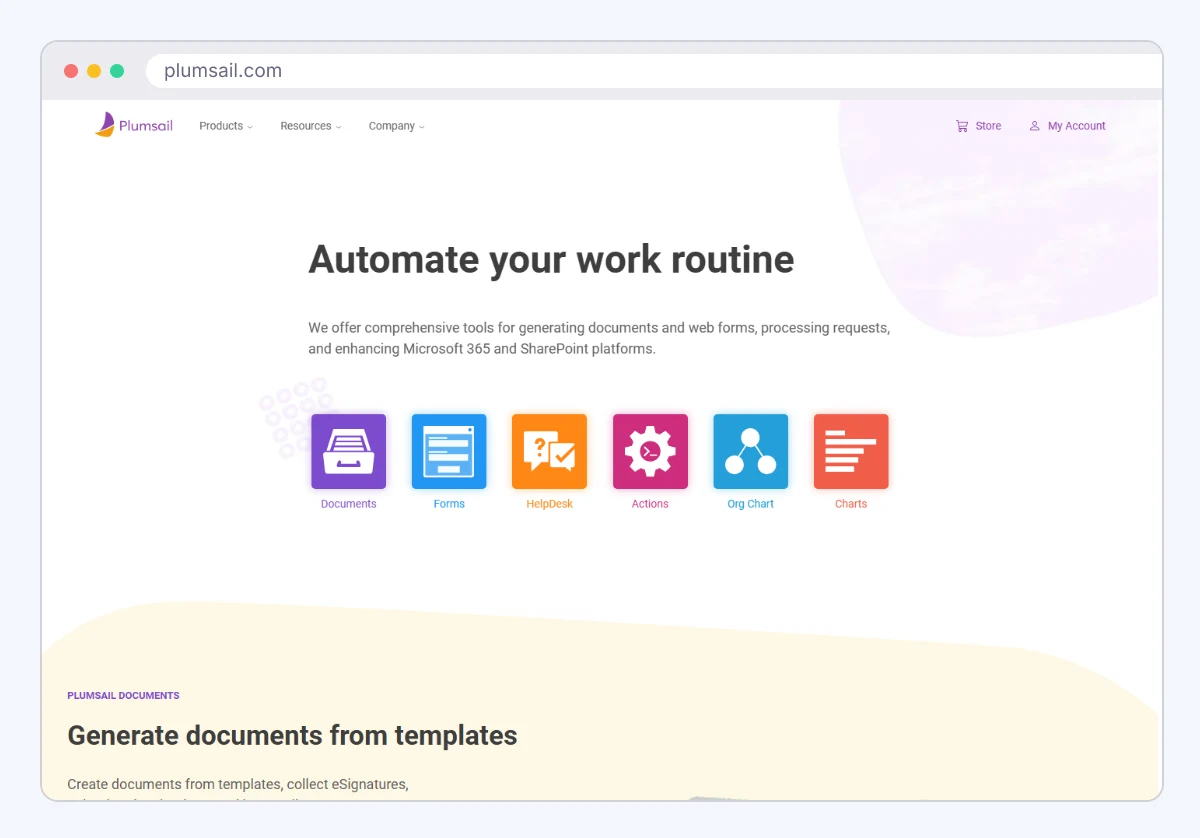
It suits Microsoft 365 teams that keep records in SharePoint lists and already automate approvals in Power Automate. A contract can be filled from a list item, saved back to SharePoint and passed to an e-signature step without leaving the flow.
The limit is that it needs a flow builder around it. Teams without Power Automate, Zapier or Make skills will stall at setup. Pricing: plans are based on documents processed per month, from 200 documents a month on the Folder plan to 3,000 on Cabinet, with a custom plan for higher volume.
Adobe Document Cloud: PDF Editing, Signing and a Generation API
Adobe Document Cloud is Adobe’s family of document products: Acrobat for creating and editing PDFs, Acrobat Sign for e-signatures, and Acrobat Services APIs for developers. Its Document Generation API fills Word templates with JSON data. It suits teams whose work ends in a signed or edited PDF, such as offer letters, agreements and finance approvals.
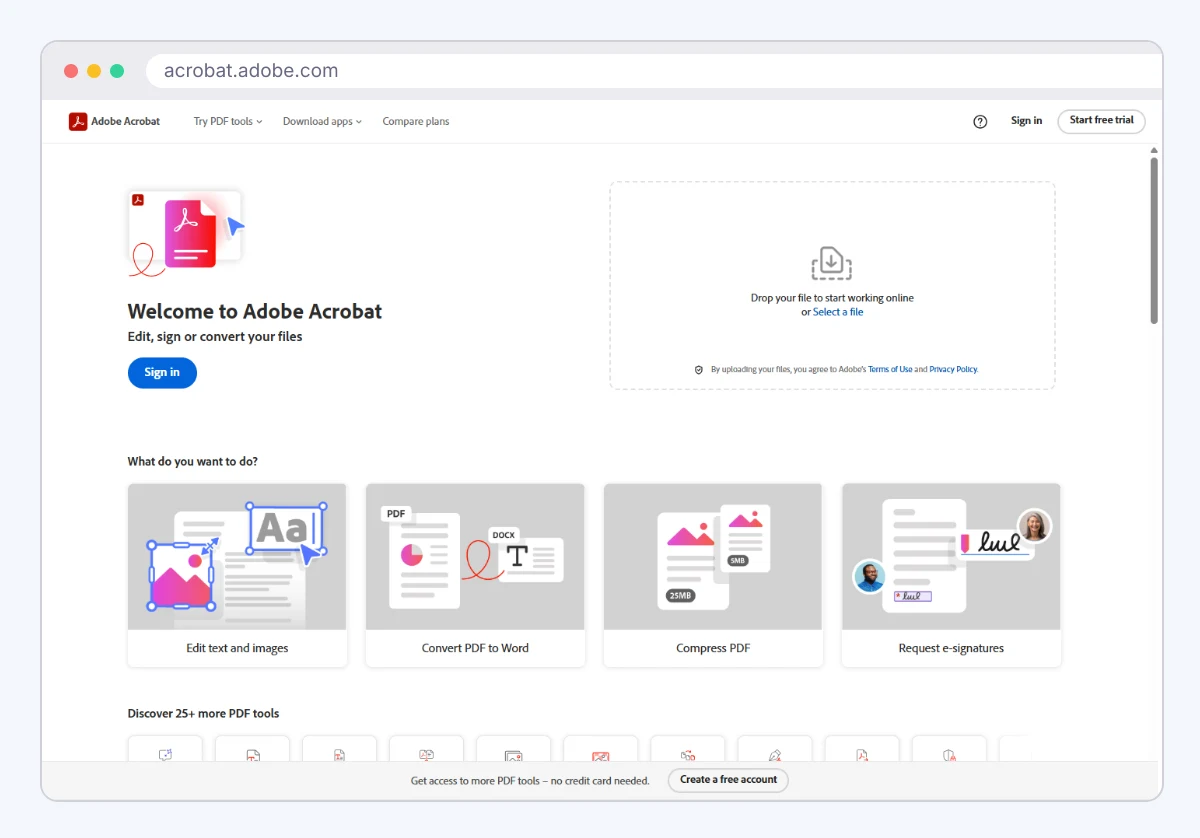
The limit is that data-driven generation lives in the API, not in Acrobat itself, so merging your own records into templates needs a developer. Pricing: Acrobat is sold per user, while the APIs use usage-based billing, meaning you pay by documents processed rather than by people. Check Adobe’s site for current Acrobat and Acrobat Services pricing.
Automation Anywhere: Processing Incoming Documents
Automation Anywhere is a robotic process automation (RPA) platform, meaning software bots that repeat clicks and keystrokes across business apps. Its Document Automation module is the IDP side: it reads invoices, purchase orders and forms, extracts the fields and hands them to a bot.
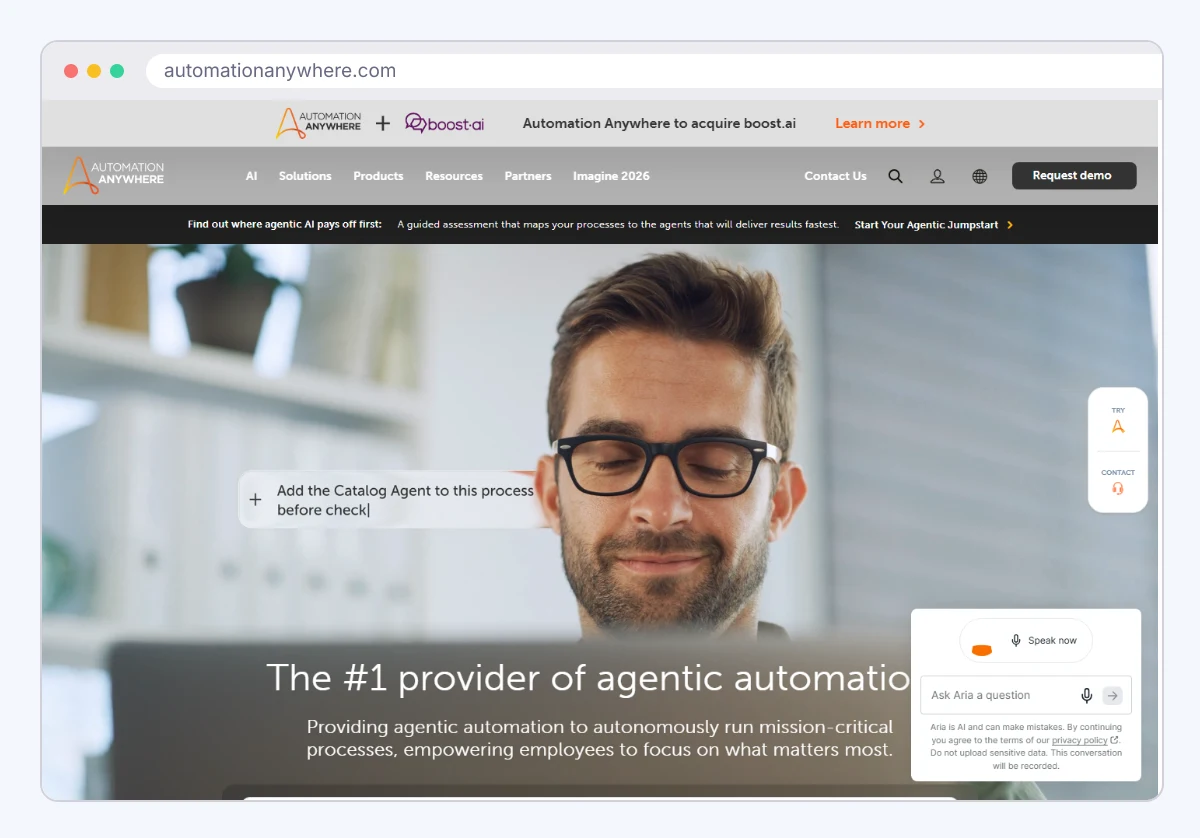
It suits finance and shared-services teams keying data from hundreds of supplier documents into an ERP. Fields the model isn’t confident about go to a person to validate, so staff check exceptions instead of typing every line.
The limit is the size of the commitment. It’s an enterprise platform, and it won’t build an outgoing contract for you. Pricing is quote-based, with no published rate.
How Do the Four Tools Compare?
The four products start from different places, so the right one depends on your data’s direction and home. This table sets out the job each one does.

| Product | Main job | Best for | |
|---|---|---|---|
| Formstack Documents | Generate from forms and CRM data | Ops and sales teams on Salesforce | |
| Plumsail Documents | Generate inside automation flows | Microsoft 365 teams | |
| Adobe Document Cloud | Automation Anywhere | Edit, sign and generate PDFs | Teams ending in signed PDFs |
None of the four is a contract lifecycle management (CLM) platform, which handles redlining, approval chains and renewal dates. If negotiation is your bottleneck, shortlist CLM software separately.
How Do You Choose Document Automation Software?
Choose by where your data starts, not by feature count. Find your situation below, then shortlist the tool that matches it.
| Your situation | Start with |
|---|---|
| Records start in web forms or Salesforce | Formstack Documents |
| Approvals already run in Power Automate | Plumsail Documents |
| Every document ends in a signature | Adobe Document Cloud |
| Staff key in hundreds of invoices | Automation Anywhere |
Then check the billing basis against your volume. Per-seat plans charge by the people using the tool, while per-document plans charge by output. A three-person team producing 900 quotes a month pays for 3 seats or 900 documents, and only the seat count stays flat as sales grow.
Ask each vendor whether test runs and regenerated files count toward a document cap. Fixing a template typo and rerunning that 900-quote batch turns one month’s count into 1,800.
Count Last Month’s Documents Before Any Demo
Pull last month’s numbers for two things: documents your team built by hand and documents it keyed in from outside. The bigger number tells you which direction to buy for. Then note where the data lives and who’ll maintain templates, and bring both answers to the first vendor call.
Frequently Asked Questions
For a one-off batch from a spreadsheet, yes. Mail merge runs only when someone starts it, has limited rules and doesn’t file or route anything. Once documents must build themselves from a form or CRM event, a generation tool earns its place.
No. Generation tools fill approved templates with data, so the wording stays what legal signed off on. AI drafting tools write new text, which then needs review.
Templates do. A simple letter maps in a few fields, but a proposal with optional sections, pricing tables and regional clauses needs its logic planned first. Budget most of the rollout for template work, not the tool connection.
The billing basis matters more than the list price. Per-document plans scale with output, per-seat plans with headcount, and enterprise IDP is usually quote-based. Use only the vendor’s own pricing page, since third-party figures go stale.
Add SocialAtoZ as a preferred source
See us more often in your Google results.