
BrowseReporter (CurrentWare)
VerifiedEmployee internet and application usage monitoring module in the CurrentWare suite
Is this your product? Rent a top-5 spot in Employee Monitoring Software from $219 a month.
 See all screenshots
 - Deployment Cloud Based, On Premises
- Starting price $12
- Free trial Available
- Best for SMEs, Agencies, Enterprises
What is BrowseReporter (CurrentWare)?
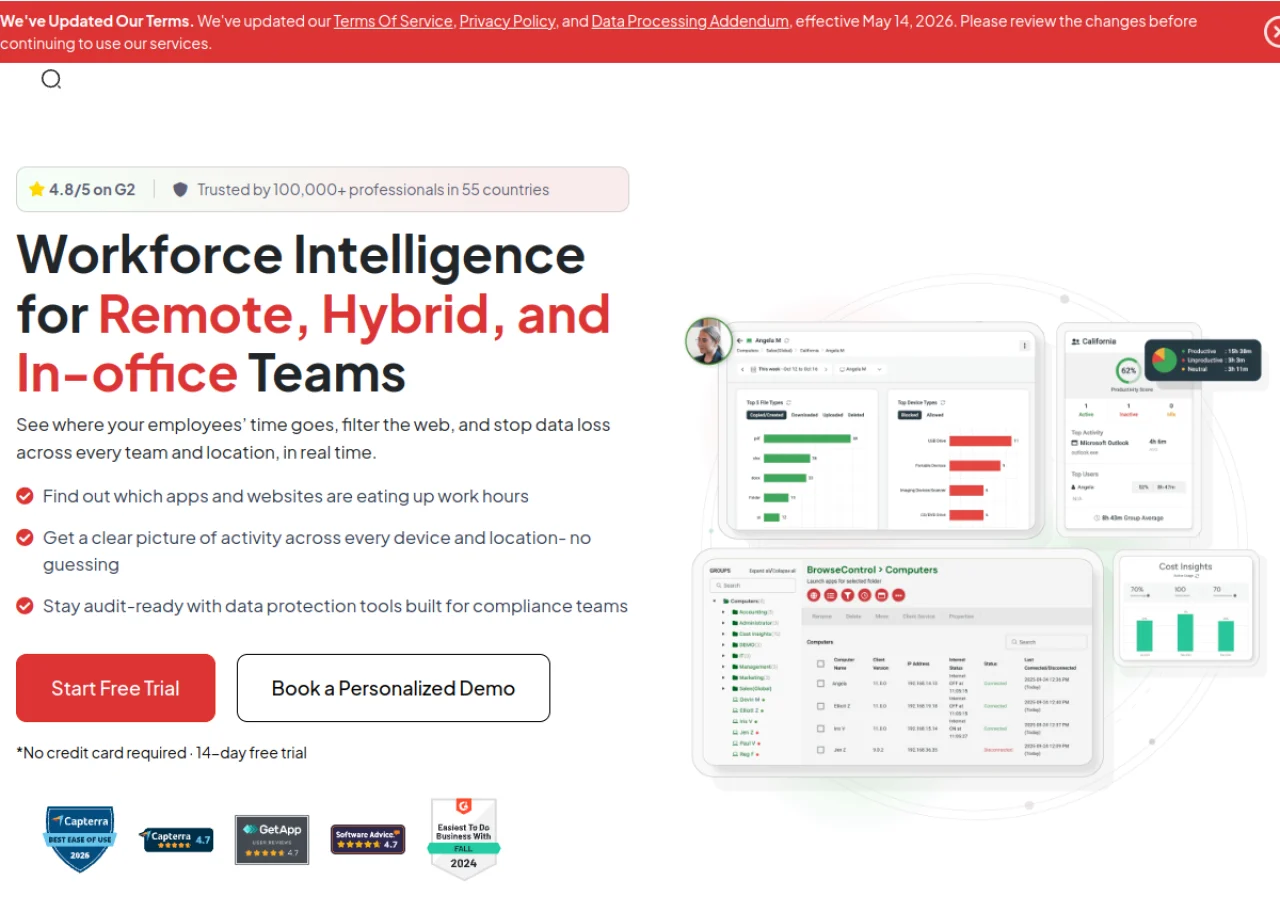
BrowseReporter is the internet and application monitoring module of the CurrentWare suite, built by the Toronto based company CurrentWare Inc. It tracks the websites and software employees use, measures active versus idle time, monitors bandwidth consumption, and can capture screenshots as an add on, presenting the data through real time dashboards and reports by user, device, or department.
It is priced per user per month as a standalone SaaS module or bundled with CurrentWare's other tools, BrowseControl, AccessPatrol, and enPowerManager, into a discounted annual suite. CurrentWare also offers on premises deployment for BrowseReporter, along with optional stealth or transparent notification modes so organizations can choose how visibly the monitoring runs.
Key Features of BrowseReporter (CurrentWare)
BrowseReporter (CurrentWare) lists 9 documented features, including Website and application usage tracking, Active vs idle time monitoring and Bandwidth usage tracking per user, device, or workgroup. The list below covers what the product does rather than how it is marketed.
- Website and application usage tracking
- Active vs idle time monitoring
- Bandwidth usage tracking per user, device, or workgroup
- Optional screenshot monitoring add on
- Real time computer activity dashboards
- Reports by user, device, or department
- Optional stealth mode or transparent monitoring notifications
- End user self service activity reports
- Bundled integration with BrowseControl, AccessPatrol, and enPowerManager
BrowseReporter (CurrentWare) Pricing
BrowseReporter (CurrentWare) lists 2 plans, from $12 to $20.
BrowseReporter
$12
per user/month
SaaS offering for BrowseReporter on its own, with on premise and add on pricing quoted by sales.
CurrentWare Suite
$20
per user/month
Full CurrentWare Suite bundle, which includes BrowseReporter.
BrowseReporter (CurrentWare) Specifications
BrowseReporter (CurrentWare) is available on web app and Windows. It has a free trial.
- Deployment
- Cloud Based
- On Premises
- Billing cycle
- Monthly
- Desktop
- Web App
- Windows
- Languages
- English
- Built for
- SMEs
- Agencies
- Enterprises
- Support
- Phone
- Tickets
- Training
- Integrations
- SIEM connectivity and Power BI templates (premium add on); bundles with BrowseControl, AccessPatrol, and enPowerManager
- Public API
- No
- Free trial
- Yes
- Free plan
- No
- Runs in browser
- Yes
- Customisable
- Yes
- Website
- currentware.com
BrowseReporter (CurrentWare) Videos
BrowseReporter (CurrentWare) Screenshots
BrowseReporter (CurrentWare) Comparisons



Your experience counts
Rate BrowseReporter (CurrentWare)
Used BrowseReporter (CurrentWare)? Your honest review helps the next buyer decide. It takes about three minutes.
Thanks, your review is in.
Our editors check every review before it goes live, usually within 2 business days.
BrowseReporter (CurrentWare) FAQs
Alternatives to BrowseReporter (CurrentWare)
Other Employee Monitoring Software recorded on the same fields.