Utilizing the “Upcoming Birthdays on Snapchat” feature makes it effortless to stay connected with friends during their special days. To discover the upcoming birthday on Snapchat for your friends, adhere to these guidelines: Initially, make sure you have the most recent Snapchat version installed. Next, launch the app and direct yourself to the camera screen. Swipe towards the right to enter your Friend’s List. Within this section, you’ll encounter your friends’ Bitmoji icons coupled with their usernames. If any friend is approaching their birthday, you’ll notice a cake emoji adjacent to their name, accompanied by a countdown showcasing the remaining days. With a simple tap on their name, you can explore their profile and potentially share a birthday snap or message to contribute to their unforgettable day. Maintain seamless connections and partake in celebrations effortlessly, all thanks to Snapchat’s “upcoming birthday on Snapchat” feature.
How to view Upcoming Birthdays on Snapchat using Different Devices.
On iOS Devices
Snapchat provides various app features beyond fun interactions. Checking upcoming birthdays is quite helpful. Let’s explore how to do it on an iOS device:
- Open the Snapchat app on your iOS device.
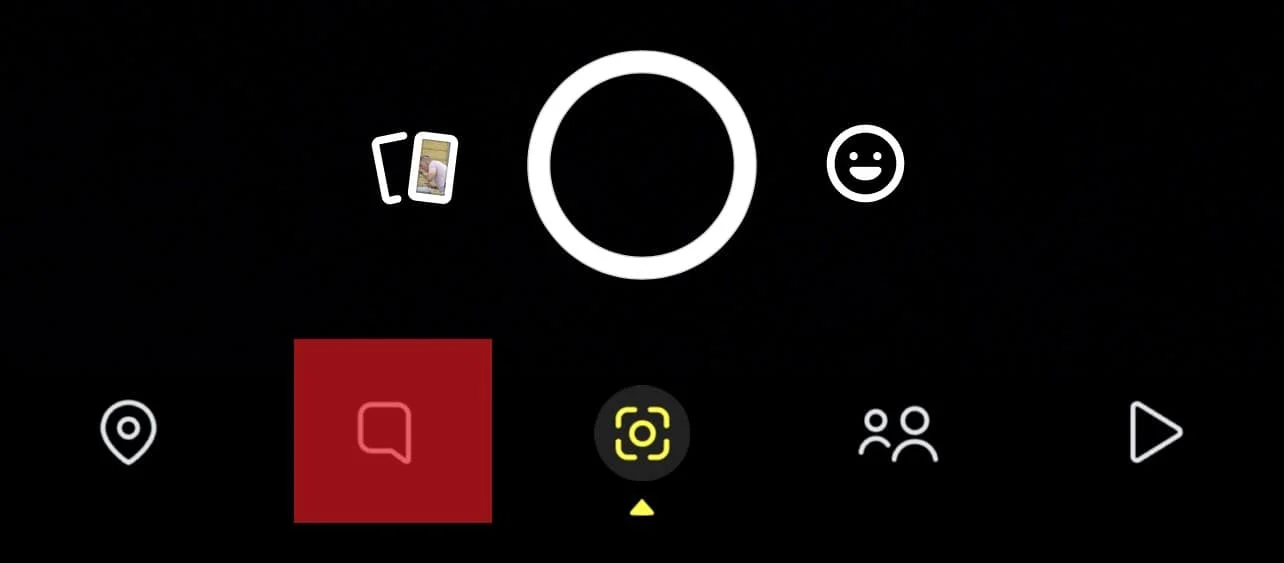
- Click on the chat icon located at the bottom navigation bar.
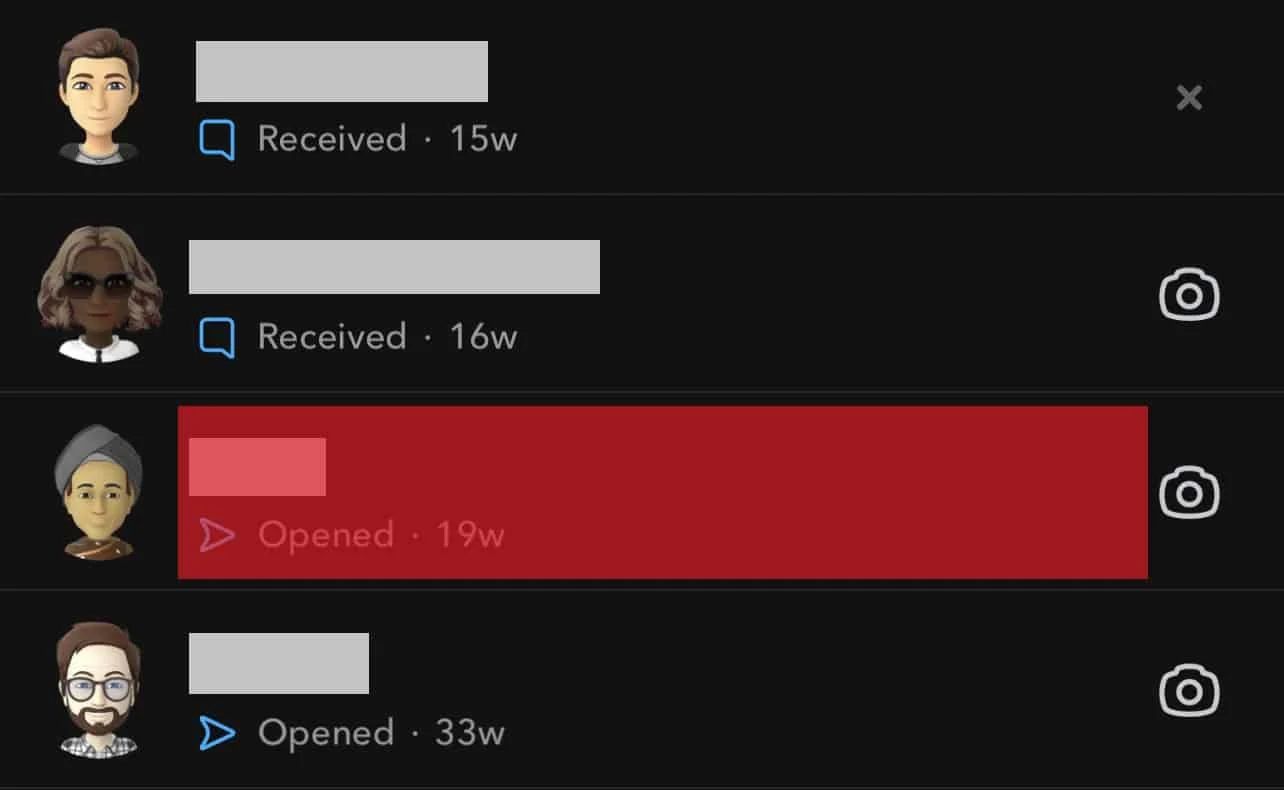
- Tap any chat to open it. Remember not to tap on the friend’s Bitmoji, as doing so will open their profile.
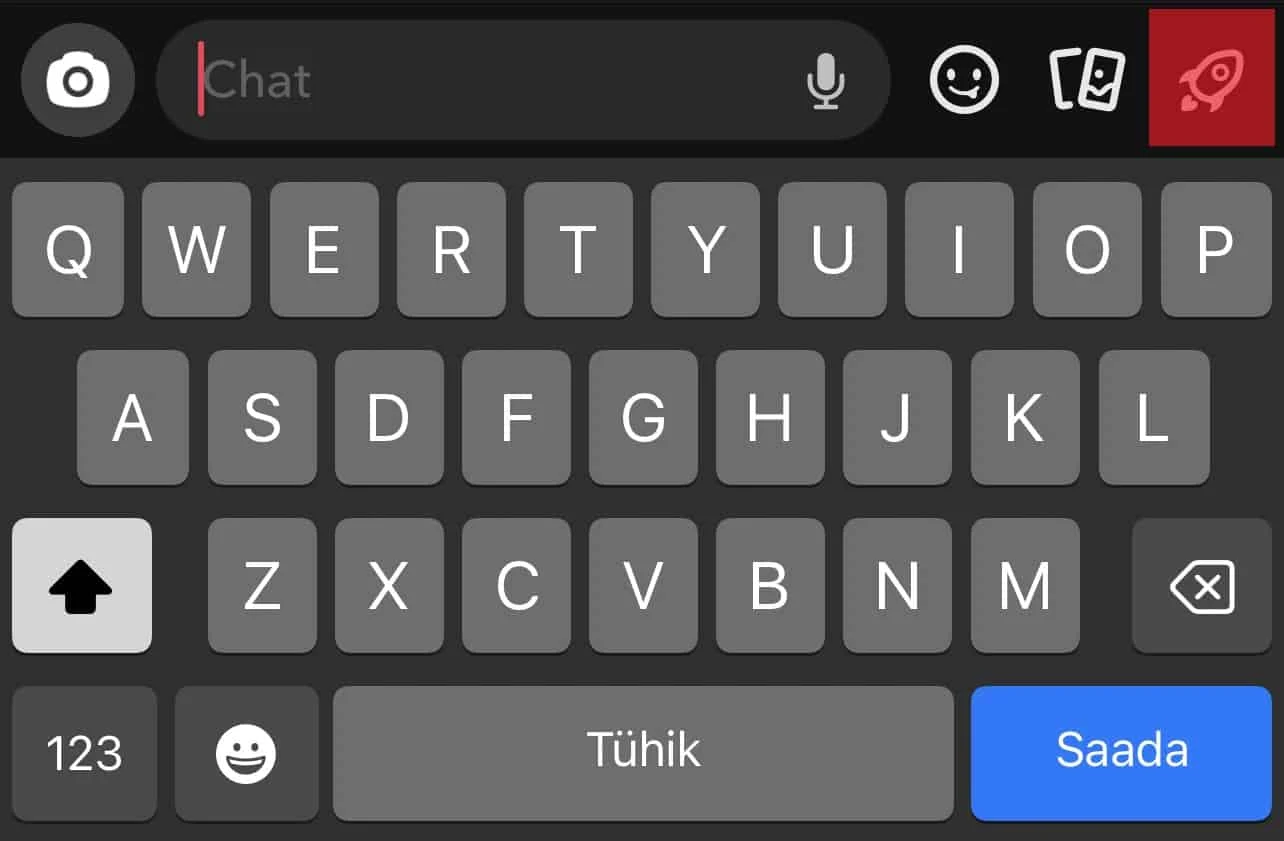
- Tap the rocket-shaped icon located in the bottom right corner of the screen.
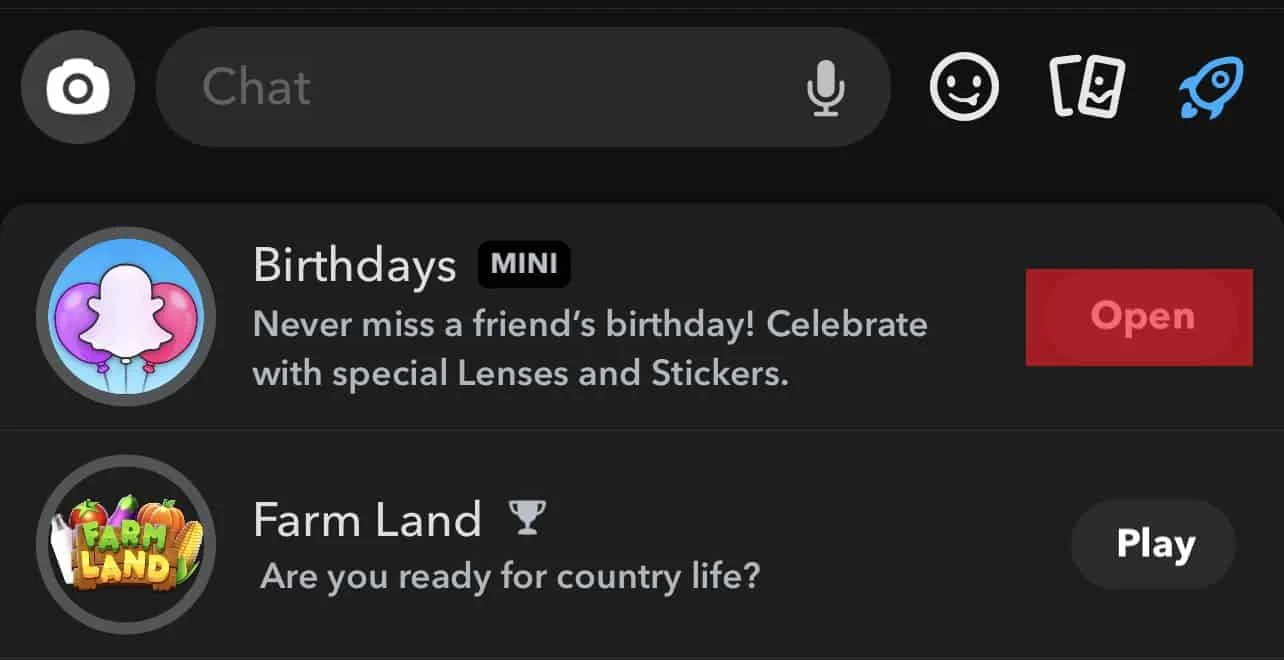
- Click on the ‘Open’ button next to ‘Birthdays’.
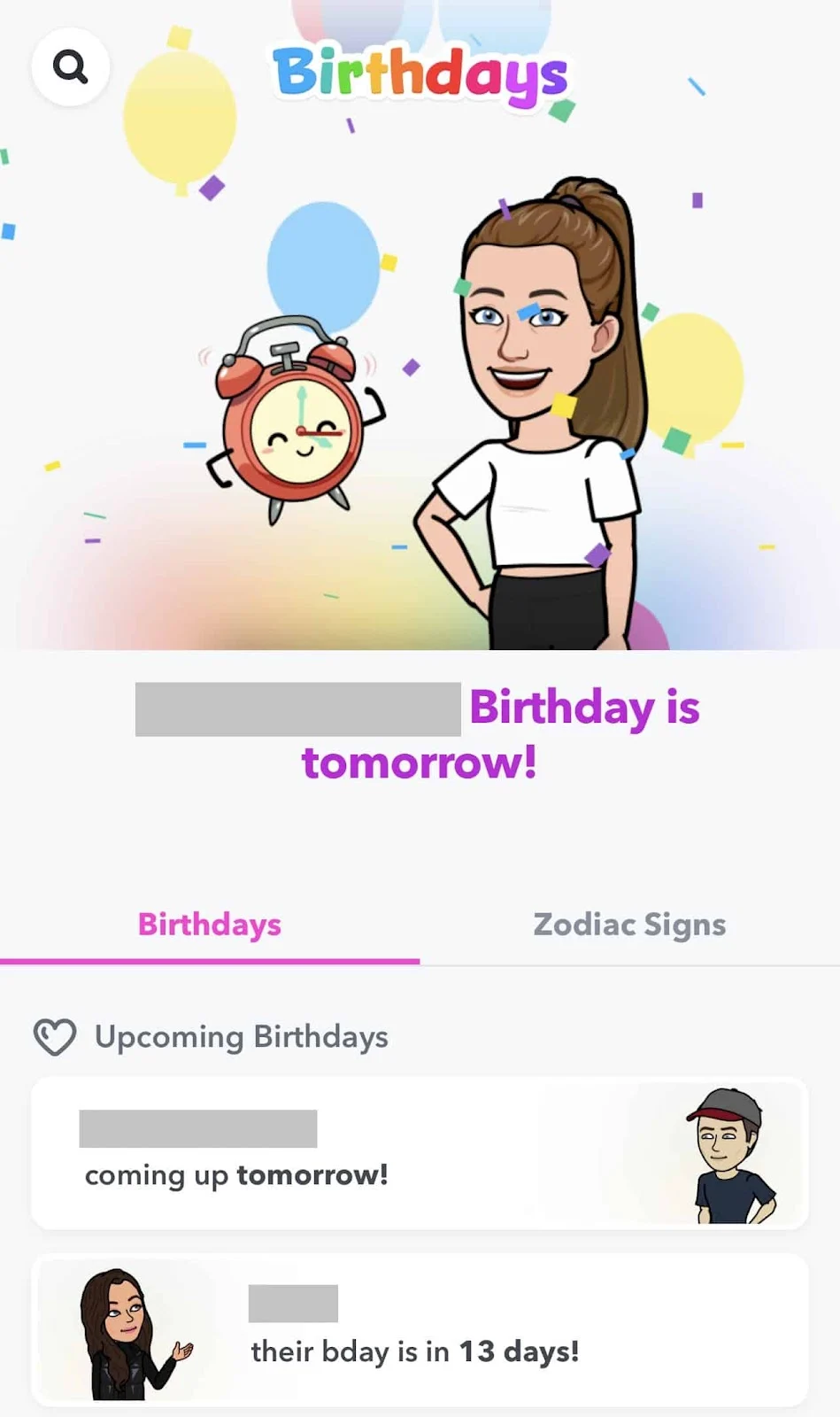
- At this point, you’ll be able to view all the upcoming birthdays, beginning with the one that’s coming up soonest.
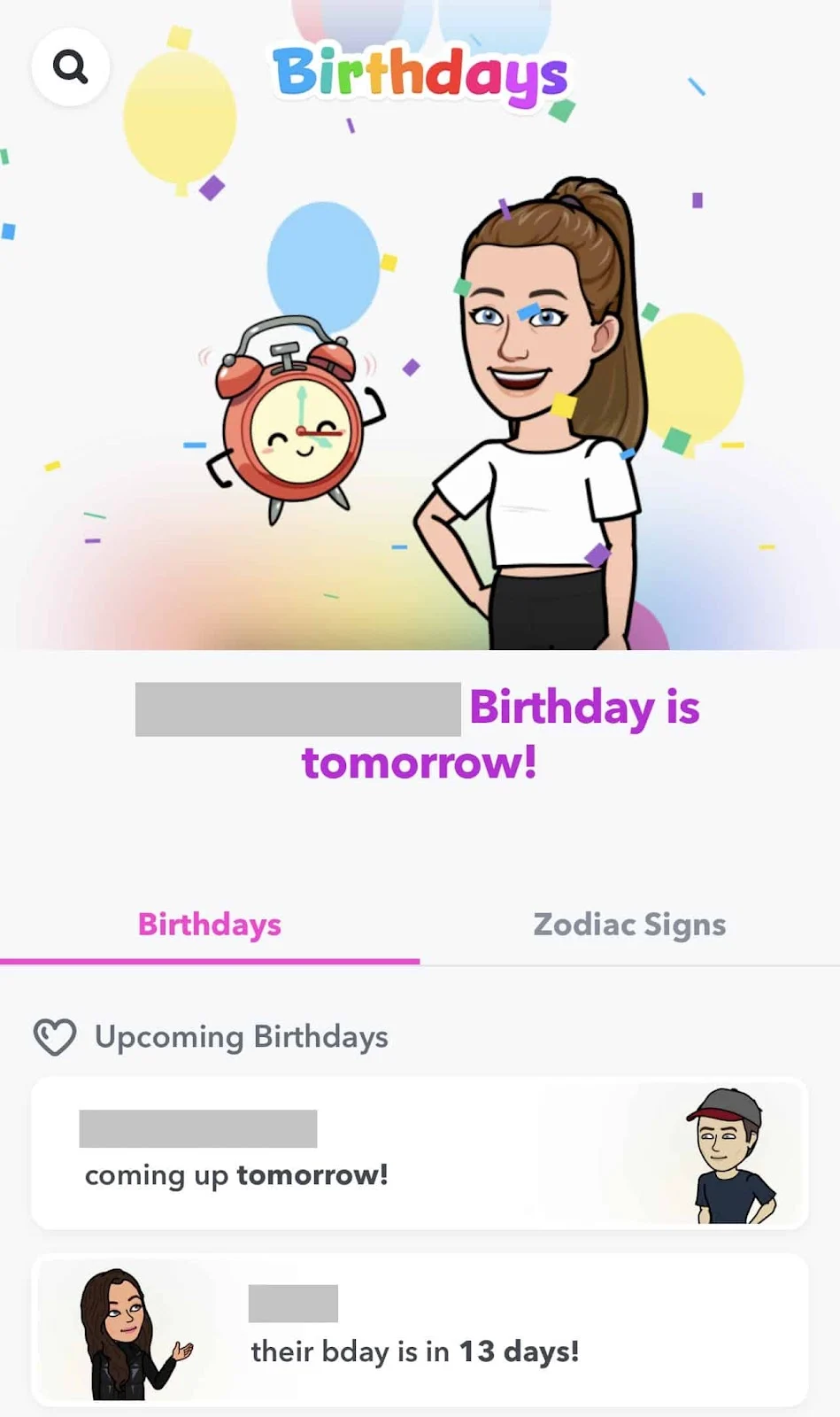
Note
Keep in mind that this feature acts as a useful reminder, as Snapchat typically notifies you of someone’s birthday on the exact date. They indicate a birthday person with a cake emoji next to their name!
On Android Devices
Viewing upcoming birthdays on an Android device through Snapchat follows a process similar to iOS. However, the interface might have minor differences. Ensure your Snapchat app and device are up-to-date. Here’s how to check upcoming birthdays on Snapchat using an Android device:
- First, open the Snapchat app on your Android device.
- Tap the chat icon located in the bottom navigation bar.
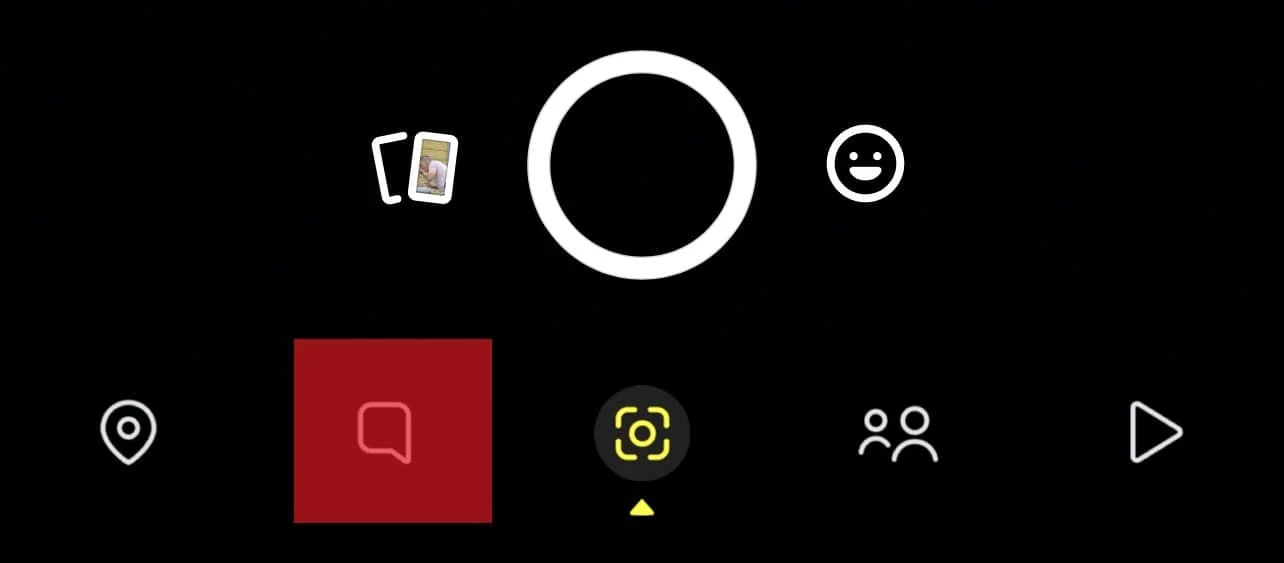
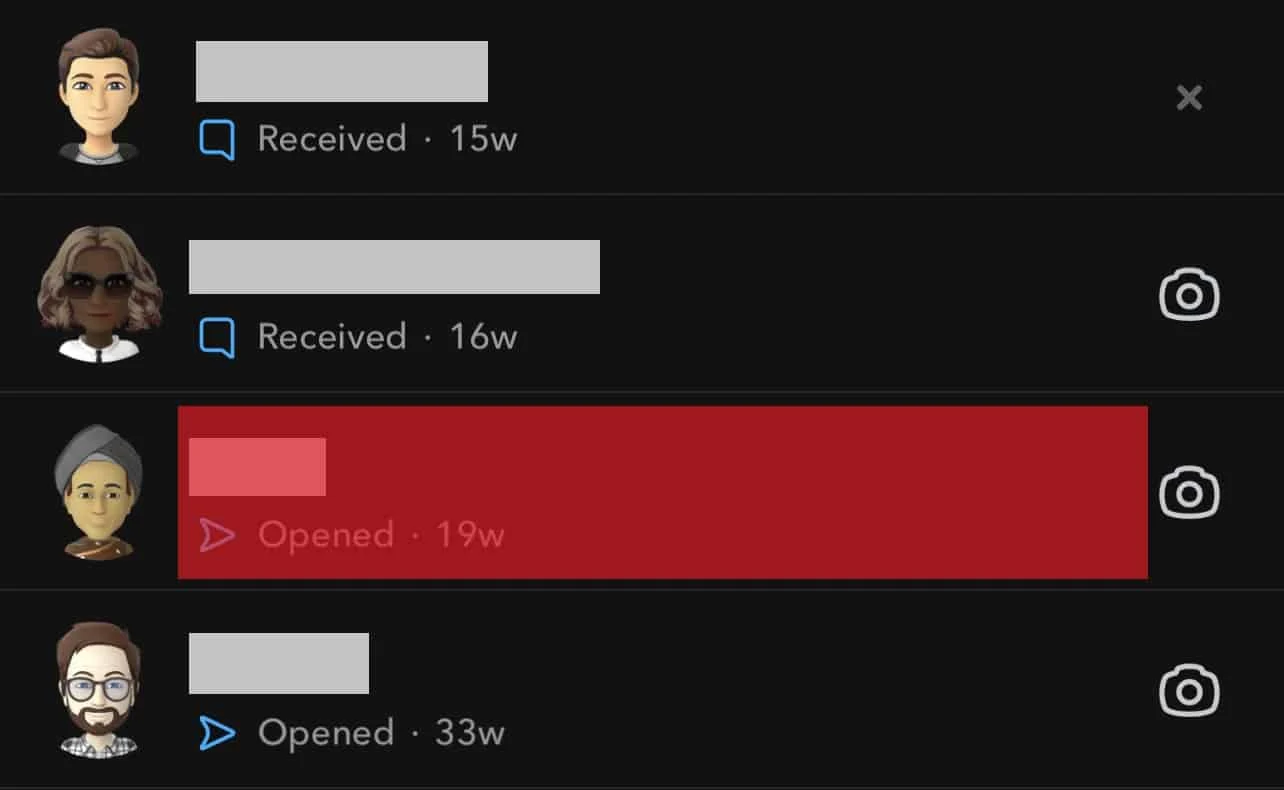
- Click on any chat to open it.
- After opening the chat, tap the rocket-shaped icon located in the bottom right corner of the screen.
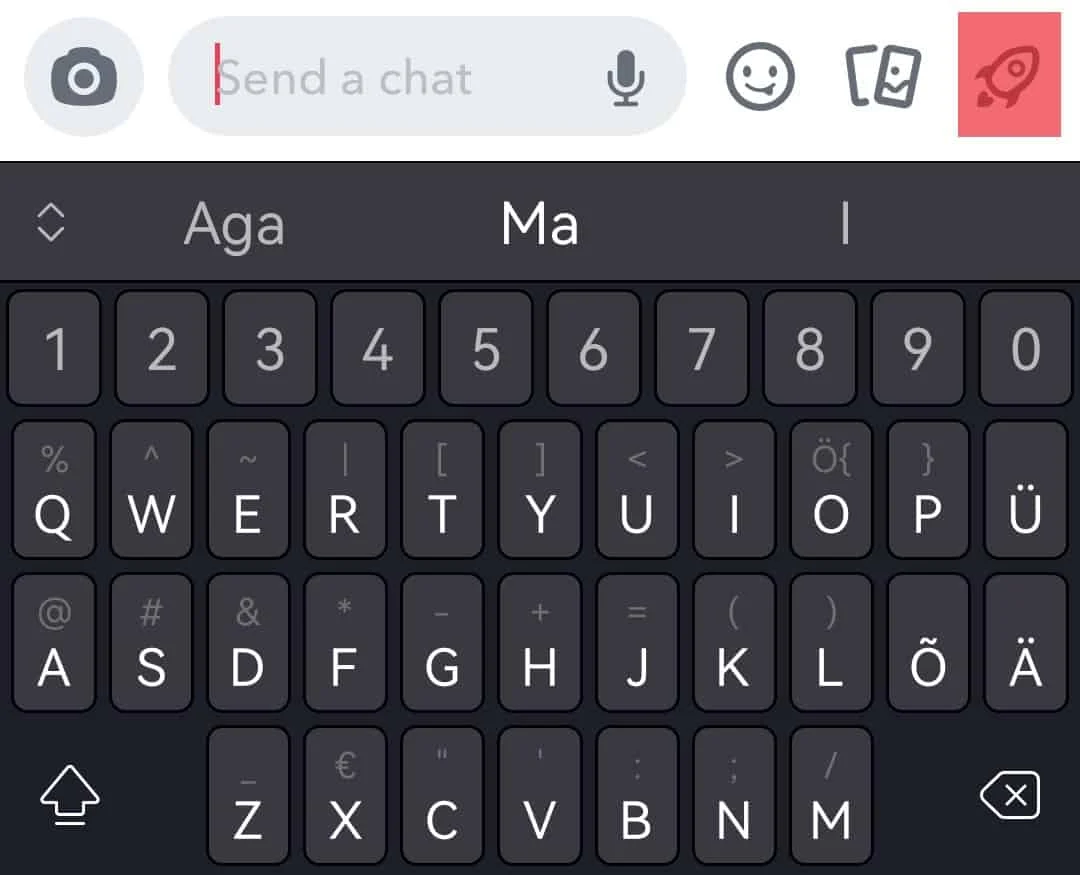
- Tap on the option labeled ‘Birthdays.’
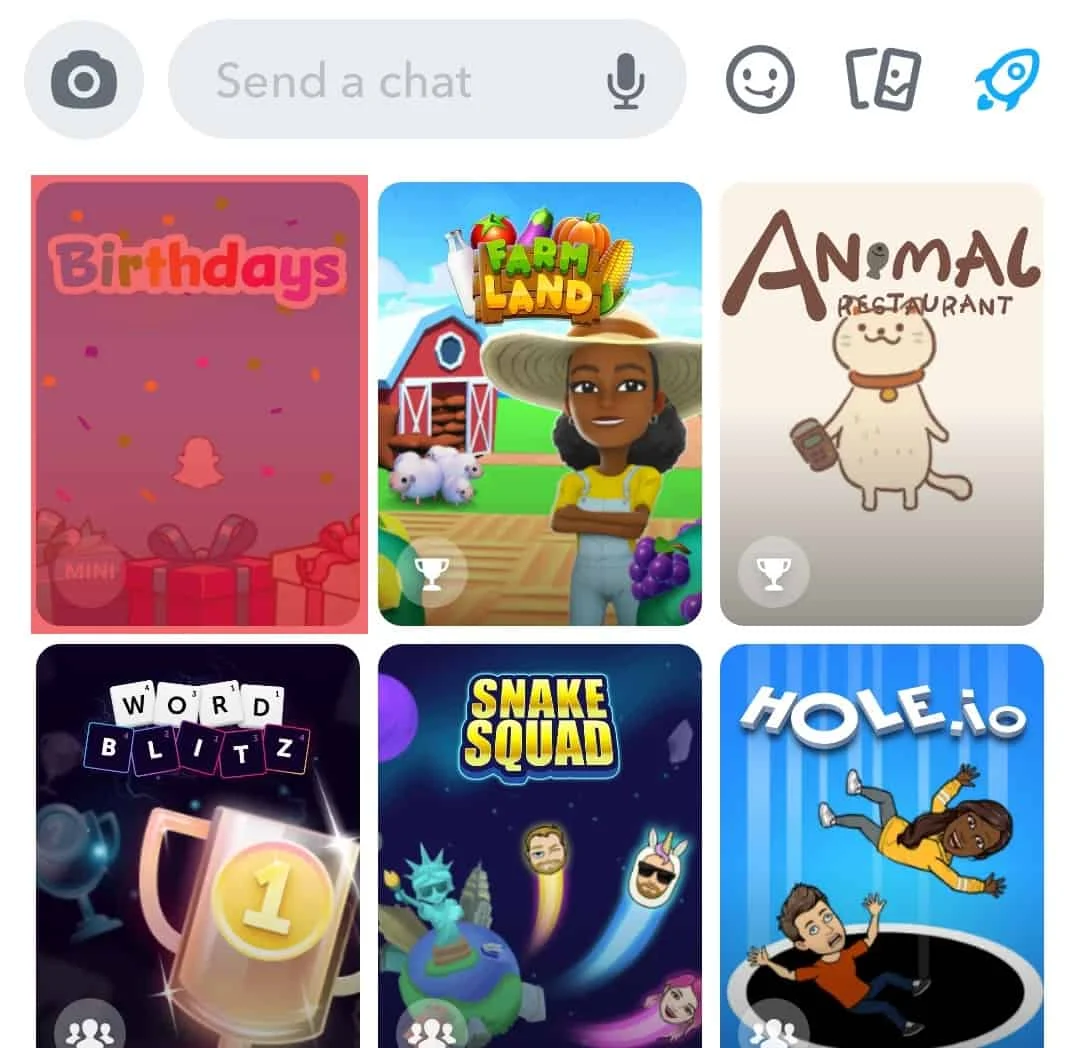
- From here, you’ll be able to see all your friends’ upcoming birthdays in the order they’re happening.
How to Add Your Own Birthday?
It’s important for your friends to remember your birthday too! To ensure they know in advance, you should set up your own birthday on your profile. Here’s how:
- First, Launch the Snapchat app on your mobile device.
- Simply tap on your Bitmoji located at the top left corner.
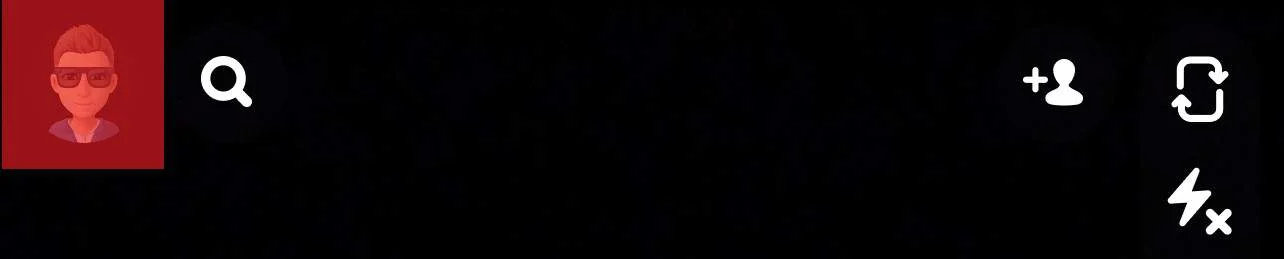
- Just click the settings icon positioned in the top right corner.

- Choose ‘Birthday’ under the “My Account” section.
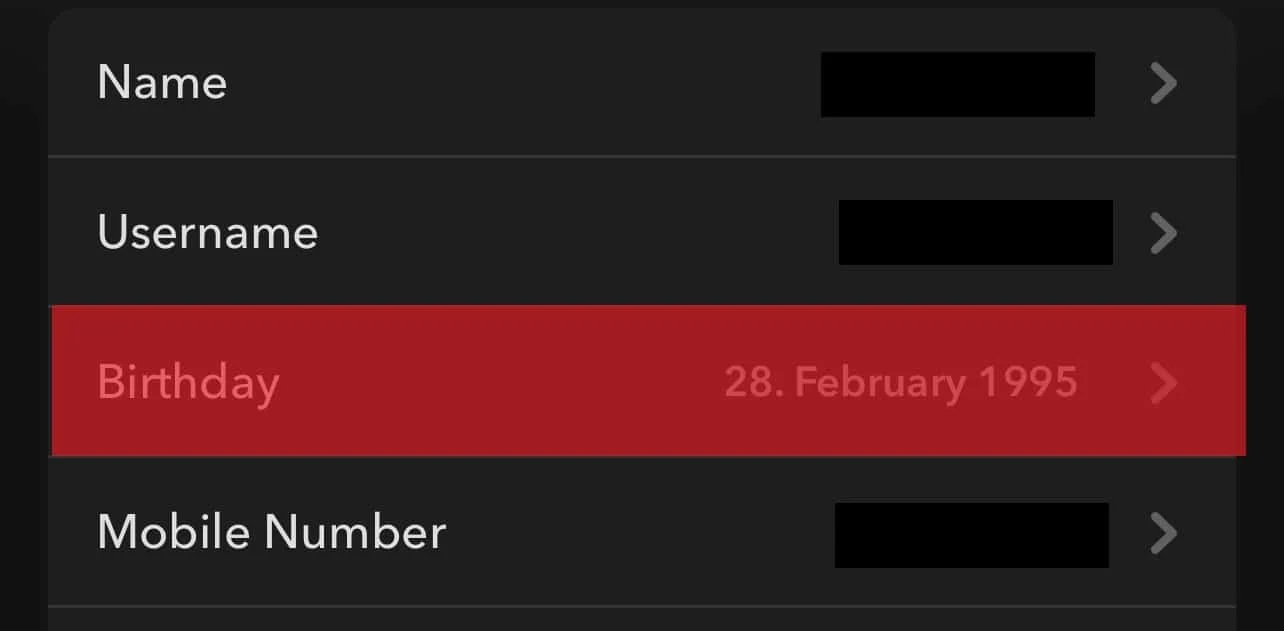
- Set up your birthday or modify the date if it’s incorrect.
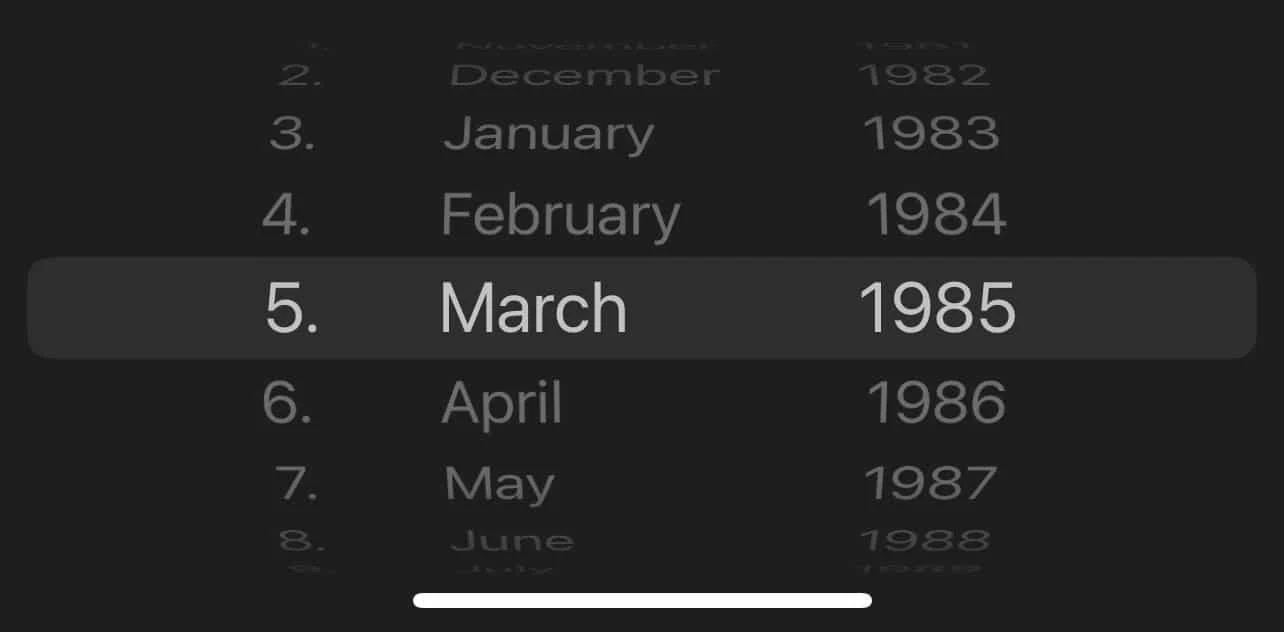
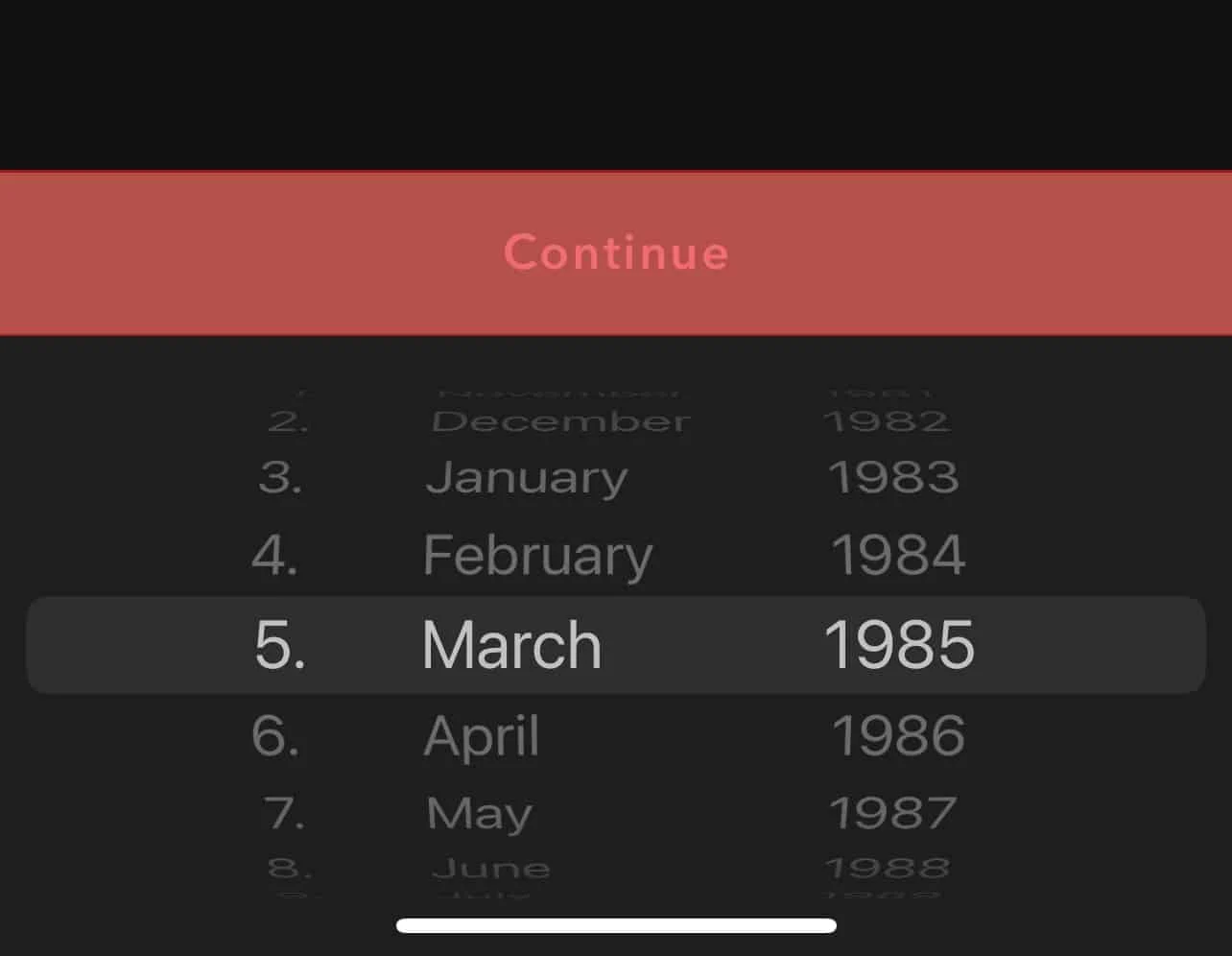
- Click on ‘Continue.’
- Click on “OK” to confirm the changes.
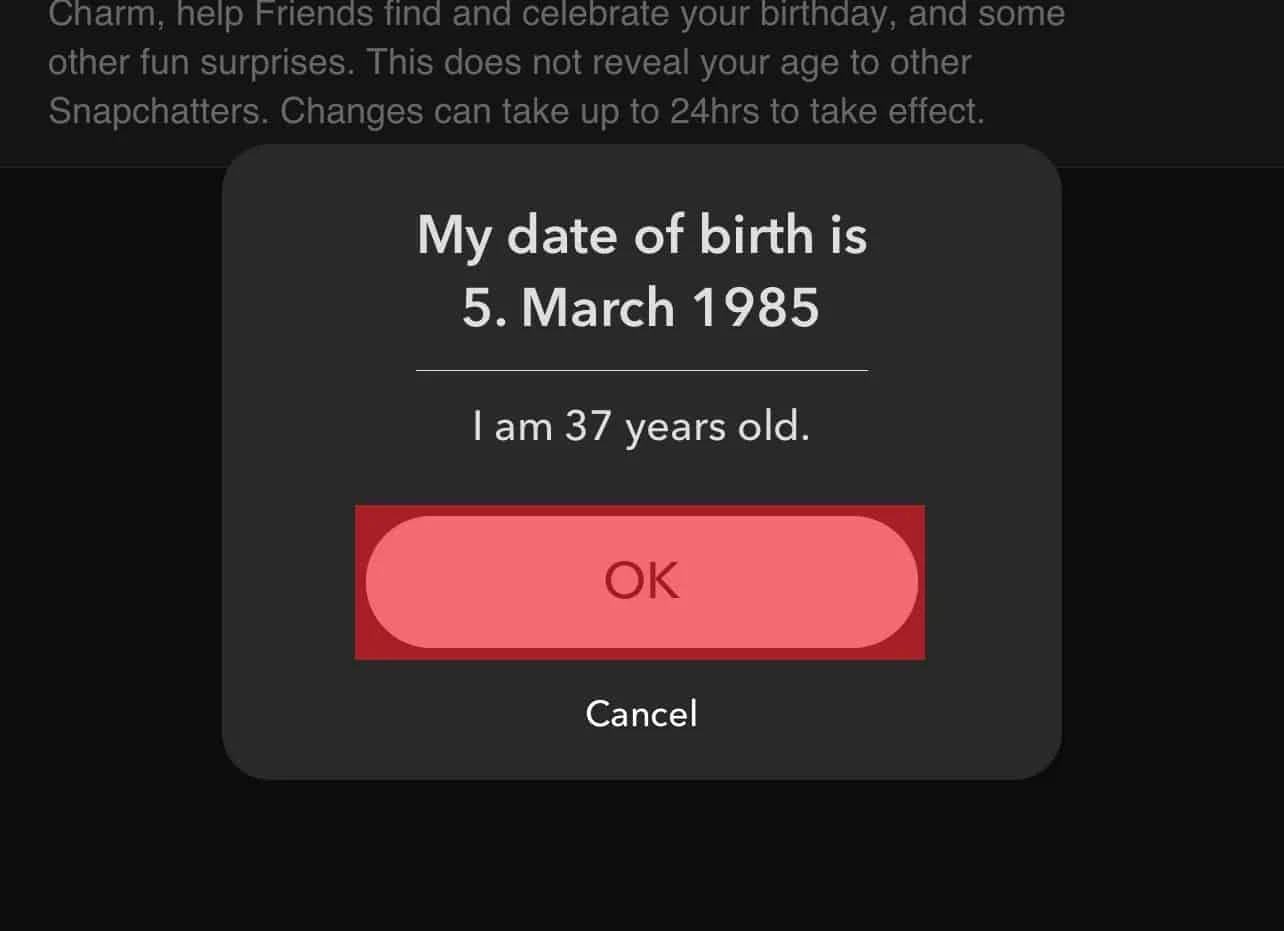
From now on, your friends will see your birthday in their ‘upcoming birthdays’ list and receive a notification on the day of your birthday!
Special Birthday Filters and Stickers
Instead of just a regular birthday message, you can now send a birthday snap to make their day extra special. To make your snap even more fun, you can use special birthday filters. But that’s not all – you’ll also get personalized Bitmojis of you and your friend in funny poses. You can add filters to these custom stickers before sending them to continue your streak. After all, these are meant to create a memorable day for your friend.
Frequently Asked Questions (FAQs) about Snapchat Birthdays
Why am I unable to view my friend’s birthday on Snapchat?
Not all users may want to share personal information. Some of your Snapchat contacts might have hidden their birthdays from you. Another possible reason is that they have turned off the Birthday party option.
How do I receive birthday notifications on Snapchat?
You can choose whether to receive birthday notifications on Snapchat. Follow these steps: Profile > Settings > Notifications > Turn on Friend’s Birthdays. This will also place a cake emoji next to your contact’s username.
What is Birthday Mini on Snapchat?
Birthday Mini used to be a feature to find someone’s birthday on Snapchat, but it’s no longer available since games and minis have been discontinued.
Add SocialAtoZ as a preferred source
See us more often in your Google results.