
Snaptrude
VerifiedAI native BIM taking a project from written brief to model in one connected workspace
Is this your product? Rent a top-5 spot in Construction Design Software from $219 a month.
 See all screenshots
 - Deployment Cloud Based
- Starting price Free
- Free trial Available
- Best for Small Business, Medium Business, Large Enterprise
What is Snaptrude?
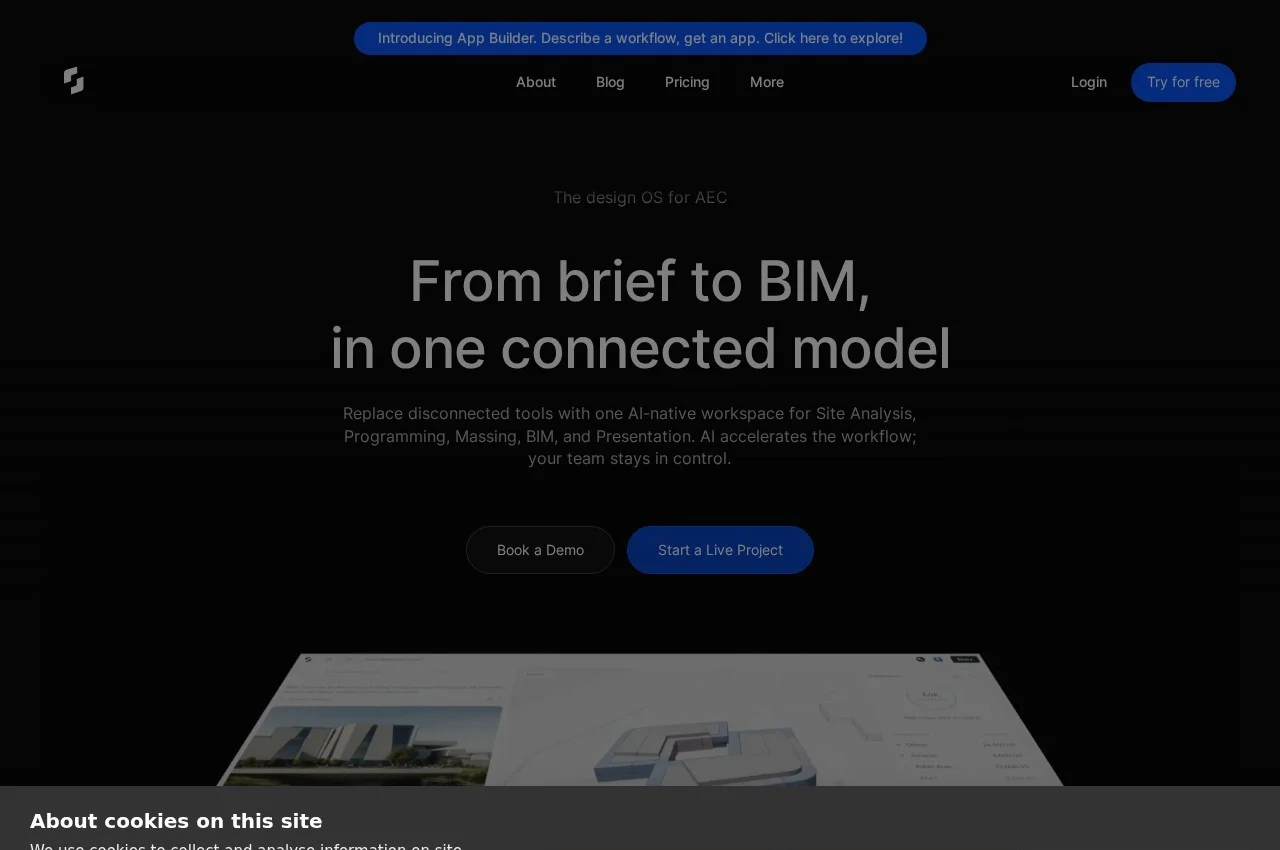
Snaptrude is AI native BIM software describing itself as the design operating system for architecture, engineering and construction, taking a project from brief to BIM in one connected model.
What it replaces is the more revealing description: disconnected tools for site analysis, programming, massing, BIM and presentation. Those five stages are conventionally done in different software with manual translation between each, and every translation is where information and time are lost. Early design in particular is usually done in tools that discard everything when real BIM begins.
The AI workflow starts further upstream than most. Upload a request for proposal or describe the project, attach a site, and Snaptrude generates a starting point that the designer then refines manually in its editor. Working from an RFP directly is genuinely novel, since the brief is where every project actually begins and no other BIM tool reads it.
Programming is live linked to the model, so a space schedule showing net area per room, room counts, departments and achieved area updates as the design changes rather than being a spreadsheet reconciled afterwards. That link is what makes area compliance continuous rather than a late discovery. Building types addressed include hospitals and university libraries. Pricing is published, with a free tier and paid plans at 60 and 100 dollars.
Key Features of Snaptrude
- AI generation from an RFP or written brief
- Site analysis
- Space programming live linked to the model
- Massing and conceptual design
- Full BIM modelling
- Presentation and rendering
- Department and area schedules that auto-update
- Manual refinement in the Snaptrude editor
- Cloud native collaboration
- Free tier available
Snaptrude Pricing
Professional
$60
Per user per month covering the connected site analysis, programming, massing and BIM workflow.
Business
$100
Per user per month with the fuller feature set for practices running multiple projects.
Snaptrude Specifications
- Deployment
- Cloud Based
- Desktop
- Web App
- Windows
- Mac
- Built for
- Small Business
- Medium Business
- Large Enterprise
- Support
- Knowledge Base
- Public API
- Yes
- Free trial
- Yes
- Free plan
- No
- Runs in browser
- No
- Customisable
- No
- Website
- snaptrude.com
Snaptrude Screenshots
Snaptrude Comparisons



Your experience counts
Rate Snaptrude
Used Snaptrude? Your honest review helps the next buyer decide. It takes about three minutes.
Thanks, your review is in.
Our editors check every review before it goes live, usually within 2 business days.
Snaptrude FAQs
Alternatives to Snaptrude
Other Construction Design Software recorded on the same fields.