

Progress WS_FTP
VerifiedSecure FTP server and Windows client from Progress for FTPS and SFTP transfers
Is this your product? Rent a top-5 spot in Managed File Transfer Software from $219 a month.
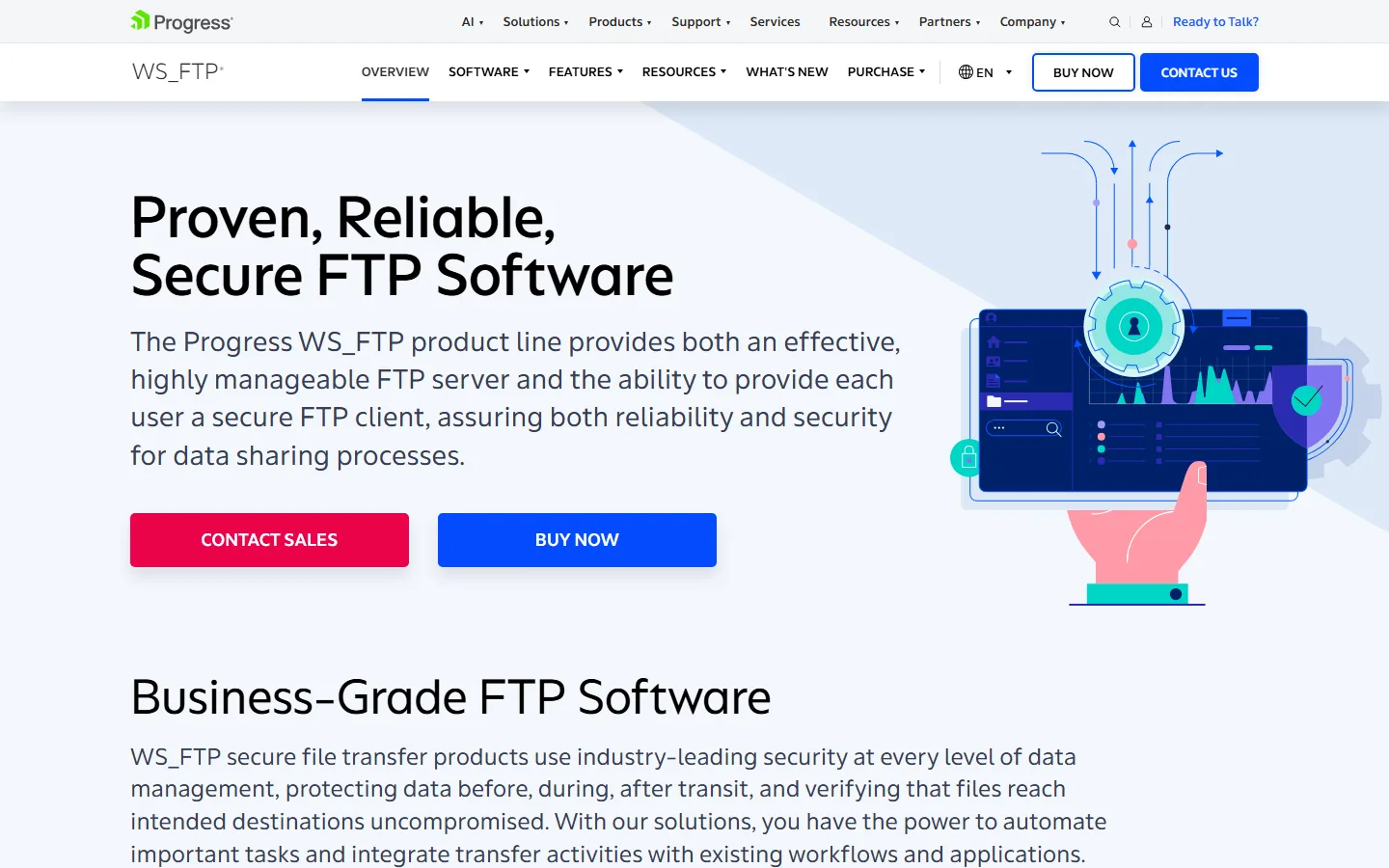 See all screenshots
- Deployment On Premises
- Starting price Not published here
- Free trial Not offered
- Best for SMEs, Enterprises
What is Progress WS_FTP?
Progress WS_FTP is a secure file transfer product line from Progress, sold as a server that hosts transfers and a Windows client that sends them. This page covers what each part does, who it fits and what to check before you buy.
What Progress WS_FTP Is Built For
WS_FTP moves files between your organization and the partners, branches and systems that need them, over encrypted protocols. It's built for IT teams that want to run file transfer on their own Windows servers instead of a hosted service.
The product comes in two halves. WS_FTP Server hosts the endpoint that others connect to, and WS_FTP Professional is the desktop client people use to connect, upload and download.
Server or Client: Which Part Do You Need?
Start from who starts the transfer. The side that hosts the files needs the server, and the side that connects needs a client.
| Your situation | Likely pick |
|---|---|
| Partners must send files to you | WS_FTP Server. You host the endpoint and control the accounts. |
| Staff upload files to a partner's server | WS_FTP Professional. It's the client side only. |
| You exchange files both ways with partners | Both. The server receives and the client sends. |
| You need central scheduling, auditing and policy control across many systems | Compare a managed file transfer (MFT) platform too, then weigh scope against cost. |
Protocols and Security to Confirm
Plain FTP sends passwords and data unencrypted, so it shouldn't carry anything sensitive. The two secure options are FTPS, which wraps FTP in SSL/TLS, and SFTP, which runs over SSH.
Your partners usually decide which one you'll need, because both ends must speak the same protocol. Confirm that the edition you're pricing supports every protocol your partners require.
What to Check Before You Buy
A short list covers most problems with a file transfer purchase:
- Which protocols each partner requires: FTPS, SFTP or both.
- Whether you need scheduled, automated transfers or only manual uploads.
- How many user accounts and connections the server license covers.
- What logging and reporting your auditors expect to see.
- Which Windows and Windows Server versions the current release supports.
How Pricing Works
We haven't recorded a confirmed price for any WS_FTP edition. The server and the client are separate products, so price each part you need on the official Progress WS_FTP pages before you budget.
Ask what support and upgrades cost after the first year. Maintenance can shift the total more than the license itself.
Other Progress Software on SocialAtoZ
Progress sells infrastructure tools beyond file transfer. If you're standardizing on one vendor, see Progress Chef for configuration and compliance as code and the Progress Kemp LoadMaster load balancer.
Key Features of Progress WS_FTP
Confirm protocol support, automation and logging for the edition you're pricing on the vendor's site.
- Secure transfers over FTPS and SFTP
- WS_FTP Server for hosting a transfer endpoint
- WS_FTP Professional desktop client for Windows
- Runs on your own Windows servers
- User accounts controlled on the server side
Progress WS_FTP Pricing
The server and client are priced separately. Confirm current figures on the vendor's WS_FTP pages.
WS_FTP Server
Not published here
Hosts the transfer endpoint
The server side that partners and staff connect to. Check edition, account limits and current pricing on the vendor’s WS_FTP pages.
WS_FTP Professional
Not published here
Windows desktop client
The client used to connect, upload and download. Check per-user pricing and support terms on the vendor’s WS_FTP pages.
Progress WS_FTP Specifications
Platform details below cover what's recorded for this listing.
- Deployment
- On Premises
- Desktop
- Windows
- Languages
- English
- Built for
- SMEs
- Enterprises
- Public API
- No
- Free trial
- No
- Free plan
- No
- Runs in browser
- No
- Customisable
- No
- Website
- progress.com
Progress WS_FTP Screenshots
Your experience counts
Rate Progress WS_FTP
Used Progress WS_FTP? Your honest review helps the next buyer decide. It takes about three minutes.
Thanks, your review is in.
Our editors check every review before it goes live, usually within 2 business days.