

InstallAware
VerifiedInstaller authoring tool for building Windows setup programs and MSI packages
Is this your product? Rent a top-5 spot in DevOps Software from $219 a month.
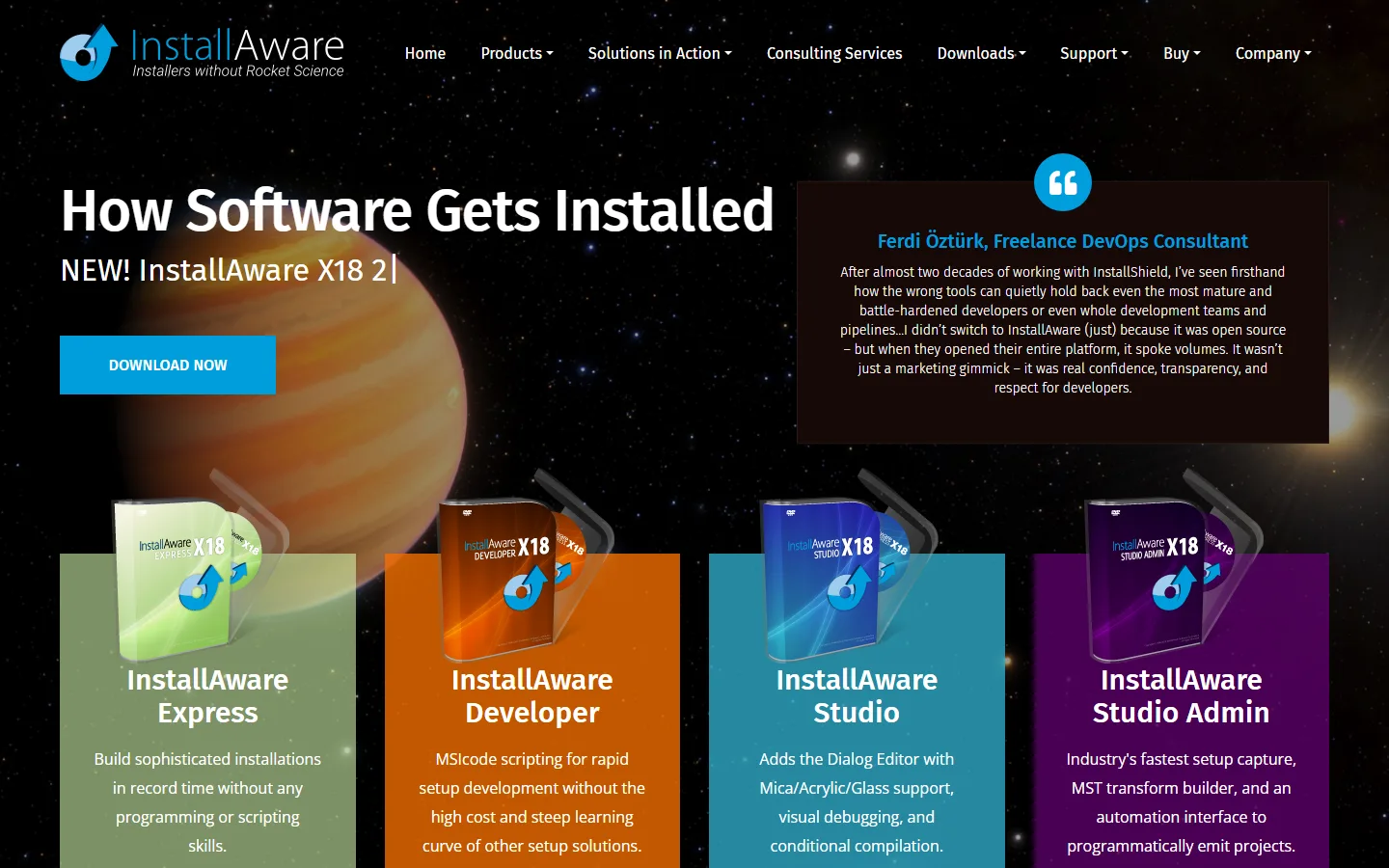 See all screenshots
- Starting price Not published here
- Free trial Not offered
What is InstallAware?
InstallAware is installer authoring software for Windows. It turns a finished application into a setup program or a Windows Installer package that customers or IT teams run to install it. The real decision is less about the tool than about which package format your buyers' IT departments expect.
What InstallAware Is Built For
Every Windows application needs a way onto the user's machine. An installer copies the files, writes registry settings, adds shortcuts, installs required runtimes and makes a clean uninstall possible.
InstallAware builds those installers. It's aimed at software vendors and in-house development teams who ship Windows desktop applications and don't want to hand-write setup logic.
Who It Fits and Who Should Skip It
InstallAware fits teams that release Windows software on a regular schedule. It's less useful if you don't ship desktop software at all.
| Your situation | Likely call |
|---|---|
| Software vendor selling a Windows desktop product | Shortlist it. Installer quality shapes first impressions. |
| Vendor whose enterprise customers deploy software centrally | Shortlist it. Confirm MSI output meets their deployment rules. |
| Internal IT team repackaging other vendors' apps | Compare first. Repackaging is a separate job from authoring. |
| Web or SaaS product with no desktop client | Skip. There's nothing to install on Windows. |
Setup.exe Versus MSI: Why the Output Format Matters
A Windows Installer package, or MSI, is Microsoft's standard database format for installing software. Enterprise IT teams prefer it because their management tools can deploy, repair and remove MSI packages silently across many machines.
A setup.exe is a program that runs the install itself, often wrapping one or more MSI packages and their prerequisites. It suits consumer downloads, while MSI suits managed corporate desktops.
If you sell to businesses, ask your largest customers which format they deploy. That answer narrows which InstallAware edition and options you actually need.
How InstallAware Is Priced
InstallAware is sold in editions with different feature sets. We haven't recorded confirmed edition prices, so check the vendor's own pricing page for current figures.
Ask whether a license is tied to a named developer or shared across a team, and how long updates and support are included after purchase.
What to Check Before You Buy
Match the edition to how you ship, not to the longest feature list. These checks cover most surprises:
- Which output formats each edition builds: setup.exe, MSI or both.
- How the installer handles prerequisites such as .NET or Visual C++ runtimes.
- Whether builds can run from the command line inside your build pipeline.
- Which Windows versions your installers must support, and whether the edition covers them.
- How upgrades and patches to an installed version are packaged.
- What happens to your license when the included update period ends.
Build a test installer for your own application before you commit. Setup tools differ most in edge cases like upgrades, so test the one you'll ship most often.
Key Features of InstallAware
InstallAware's core job is packaging Windows software for installation. Confirm which edition includes each capability.
- Builds setup programs for Windows desktop applications
- Authors Windows Installer (MSI) packages for managed deployment
- Installs files, registry settings and shortcuts, with uninstall support
- Handles application prerequisites such as required runtimes
InstallAware Pricing
Prices depend on the edition. Confirm current figures and license terms on the vendor's pricing page.
InstallAware editions
Not published here
Varies by edition
InstallAware is sold in editions with different feature sets. Check the vendor’s pricing page for current edition prices and license terms.
InstallAware Specifications
InstallAware runs on Windows and builds installers for Windows applications. Confirm trial and support terms with the vendor.
- Desktop
- Windows
- Languages
- English
- Public API
- No
- Free trial
- No
- Free plan
- No
- Runs in browser
- No
- Customisable
- No
- Website
- installaware.com
InstallAware Screenshots
Your experience counts
Rate InstallAware
Used InstallAware? Your honest review helps the next buyer decide. It takes about three minutes.
Thanks, your review is in.
Our editors check every review before it goes live, usually within 2 business days.
InstallAware FAQs
Alternatives to InstallAware
Other DevOps Software recorded on the same fields.