UI/UX Design Tools: 8 Picks, Grouped by the Job They Do
Eight UI/UX design tools, from Figma and Penpot to shadcn/ui and Ant Design, sorted by whether you design screens or build interfaces, with who each fits.

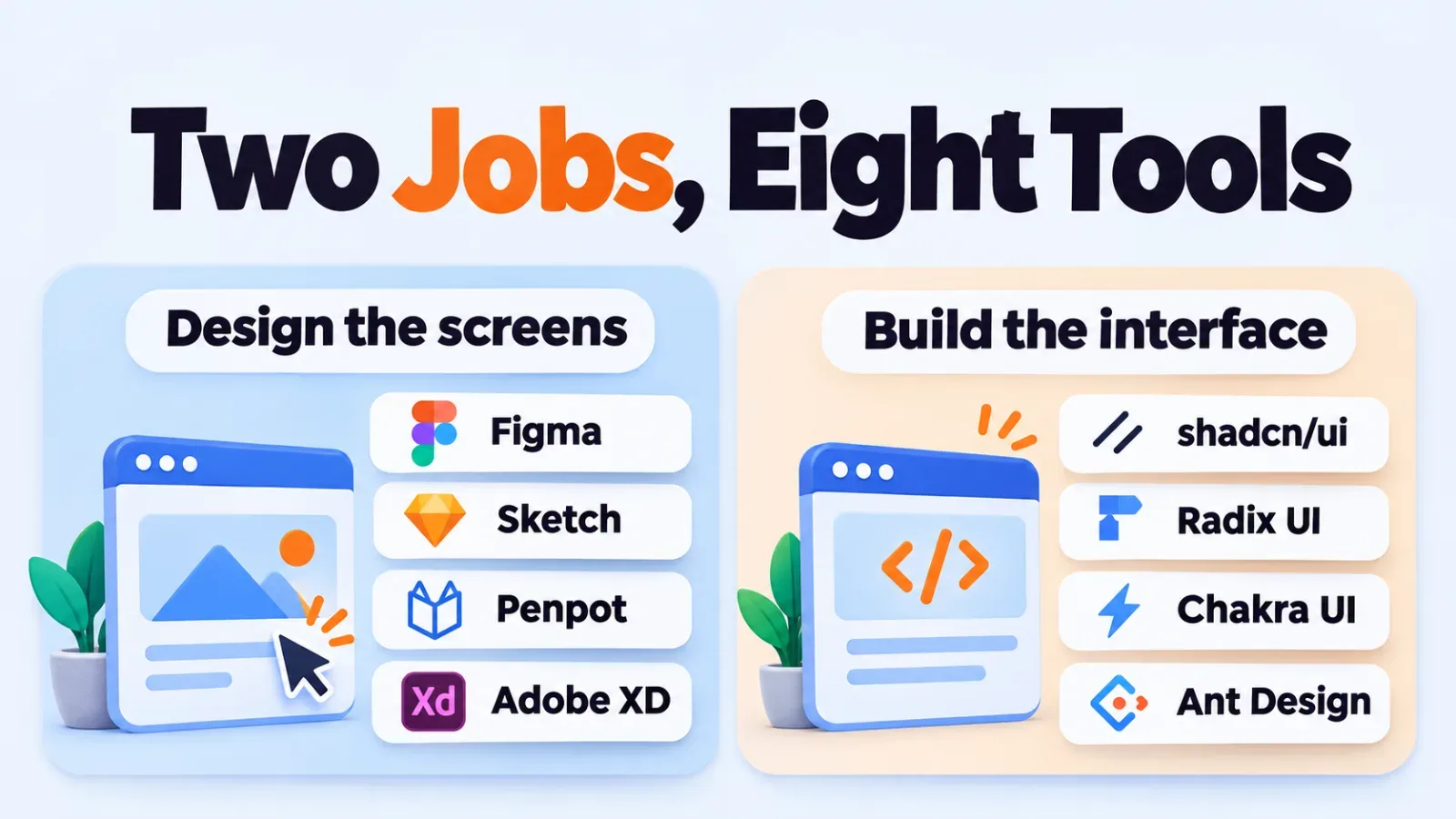
UI/UX design tools split into two jobs: apps where you draw and prototype screens, and component libraries where developers build the interface in code. Figma, Sketch, Penpot and Adobe XD do the first. shadcn/ui, Radix UI, Chakra UI and Ant Design do the second. Pick one from each job, not eight from one.
How These 8 Tools Were Chosen
The list covers four design apps and four React-based component libraries. Each was chosen because it has a public documentation site and a clear, distinct role. That's the whole basis. This page ranks nothing, and it contains no hands-on test results or user ratings.
Pricing on this page is described by model only. Vendors change plans often, so check each official pricing page before you budget.
Figma
Figma is a browser-based design and prototyping app built for real-time collaboration. Designers, PMs and developers can work in the same file at once, which is its main draw. It suits product teams where several roles touch the same screens.
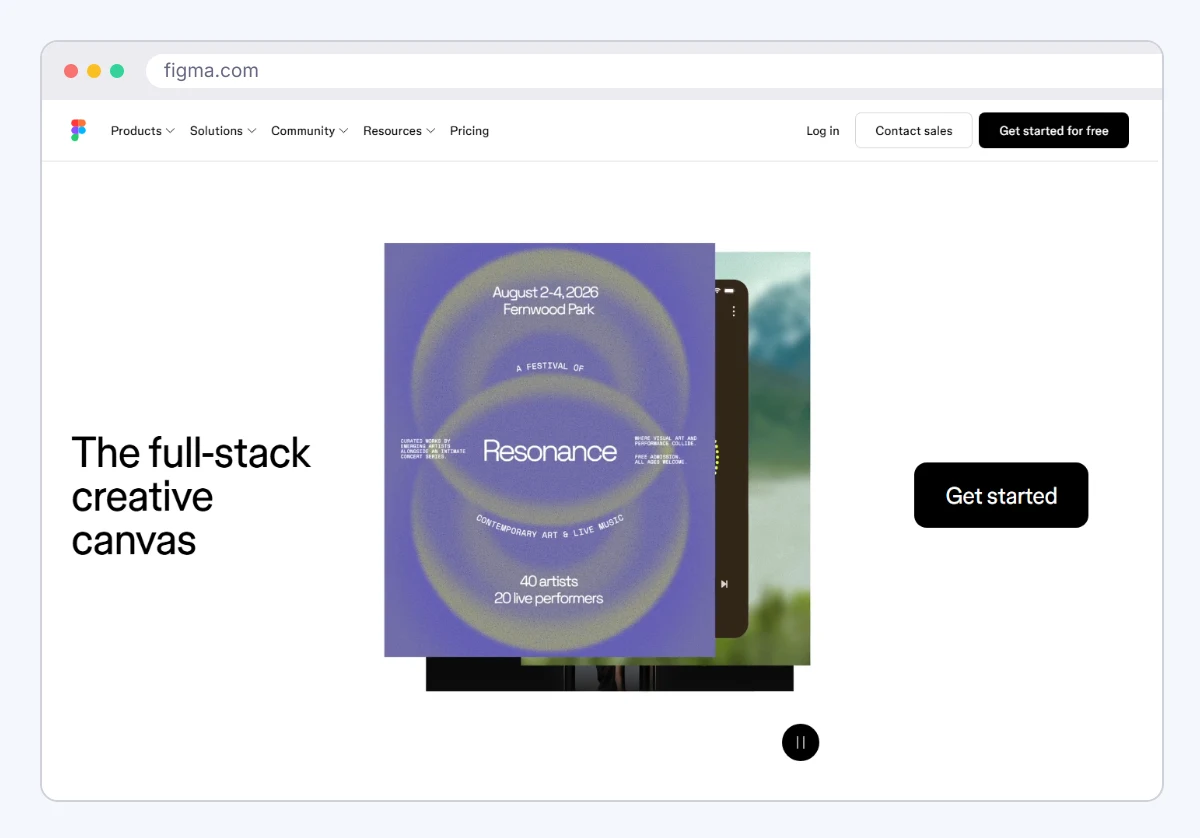
It offers a free tier and paid team plans; check the current plans on Figma's pricing page. Seat-based billing means cost grows with every editor you add. The limit: it needs a connection for most work, and large files can slow down.
Official site: figma.com.
Sketch
Sketch is a vector design app that runs natively on macOS. It's a long-standing choice for interface and icon work, with a strong plugin ecosystem. It suits Mac-only design teams that like a desktop app.
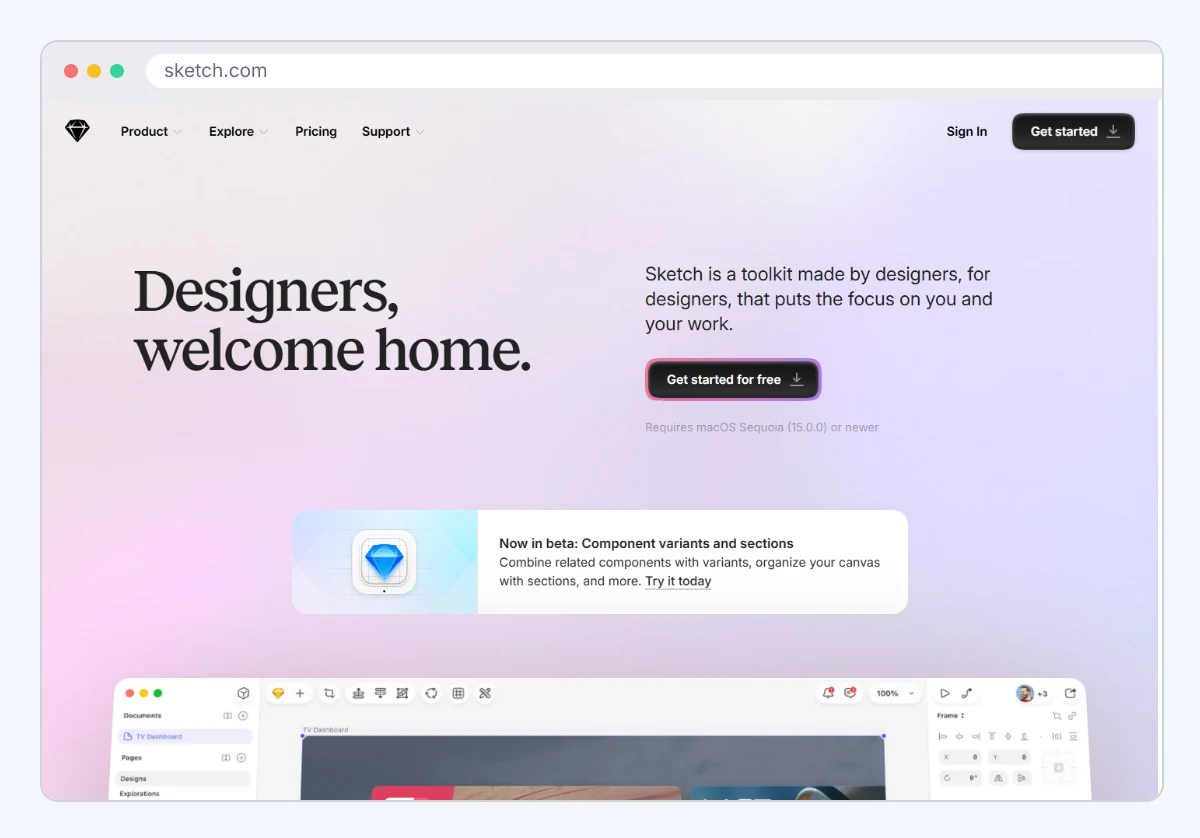
Sketch is sold as a paid license, with a web-based way to share and review files: you can share a document or a Preview of specific pages and prototypes with password protection, and pin comments on designs. Check Sketch's site for current license pricing. The limit is platform: the editing app requires macOS and doesn't run on Windows, so a mixed team can't all design in it.
Official site: sketch.com.
Penpot
Penpot is an open-source design and prototyping tool that runs in the browser. You can use the hosted version or self-host it on your own servers. It suits teams that need data control, or those wary of vendor lock-in.
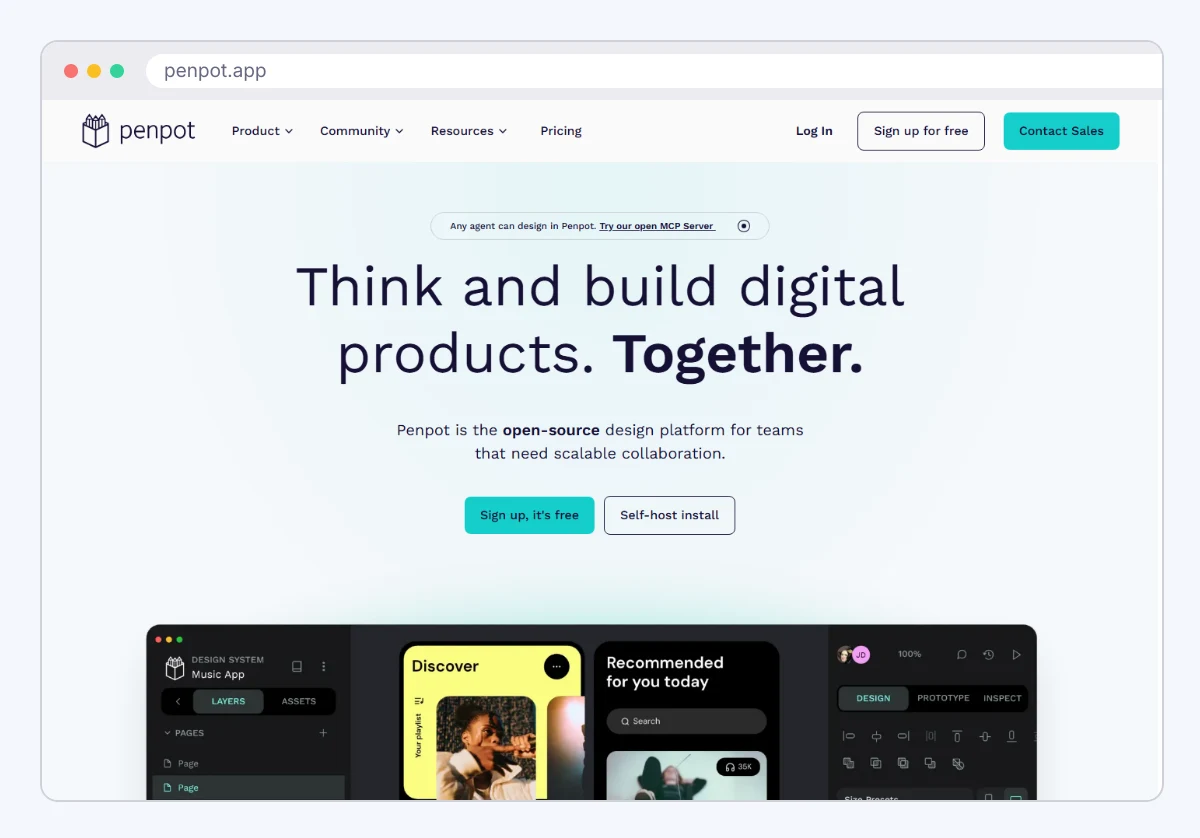
The software is free to self-host, and Penpot's cloud plans include a free Professional tier, with paid Unlimited ($7 per editor per month, capped at $175 per month) and Enterprise ($25 per member per month) plans. Self-hosting means someone on your side maintains it. Its plugin and community ecosystem is smaller than Figma's.
Official site: penpot.app.
Adobe XD
Adobe XD is Adobe's screen design and prototyping app. It's the one tool here to treat carefully: Adobe put it into maintenance mode, meaning no new features, and stopped selling it to new customers.
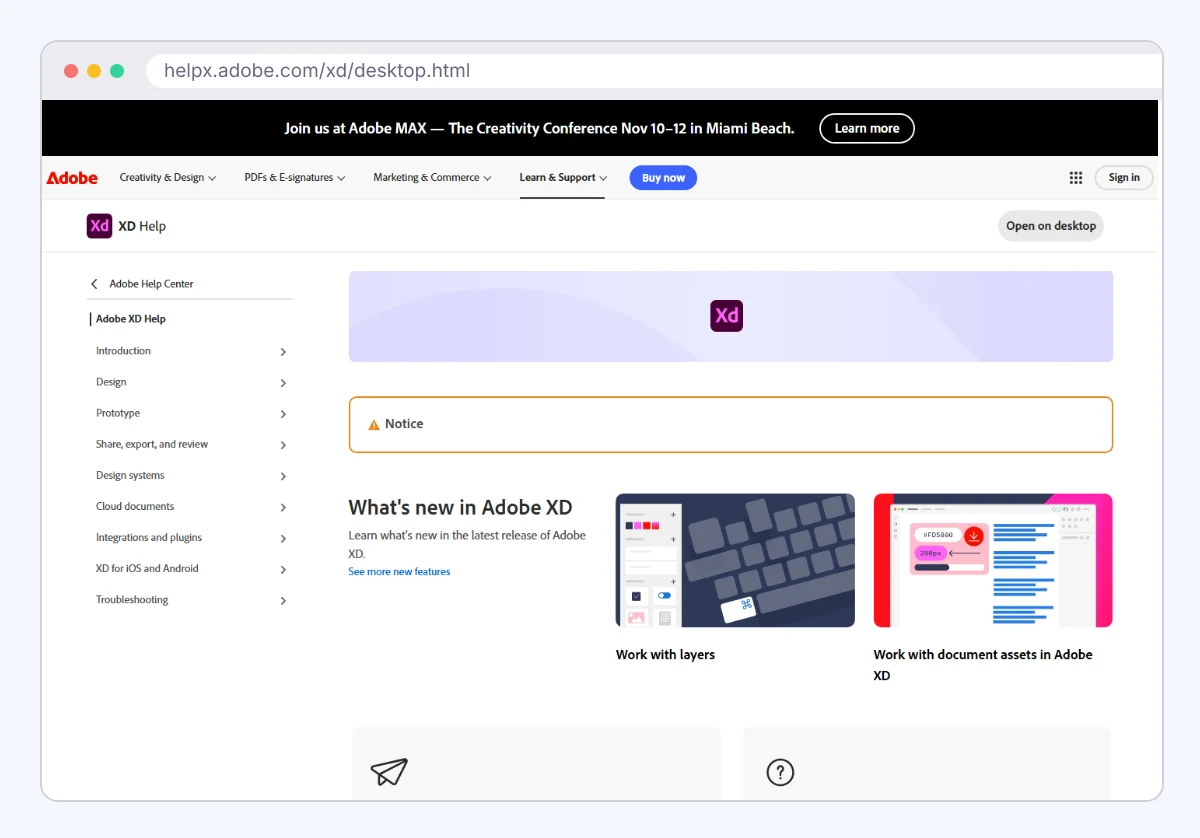
It fits teams that already have XD files and don't want to migrate yet. For a new project, skip it. A tool without development has a short shelf life, and you'd pay a migration cost later.
Official site: adobe.com/products/xd.html.
shadcn/ui
shadcn/ui isn't an installed package in the usual sense. You copy component source code into your own project, then edit it freely. It's built on Radix UI primitives and styled with Tailwind CSS. It suits developers who want full control over how components look.
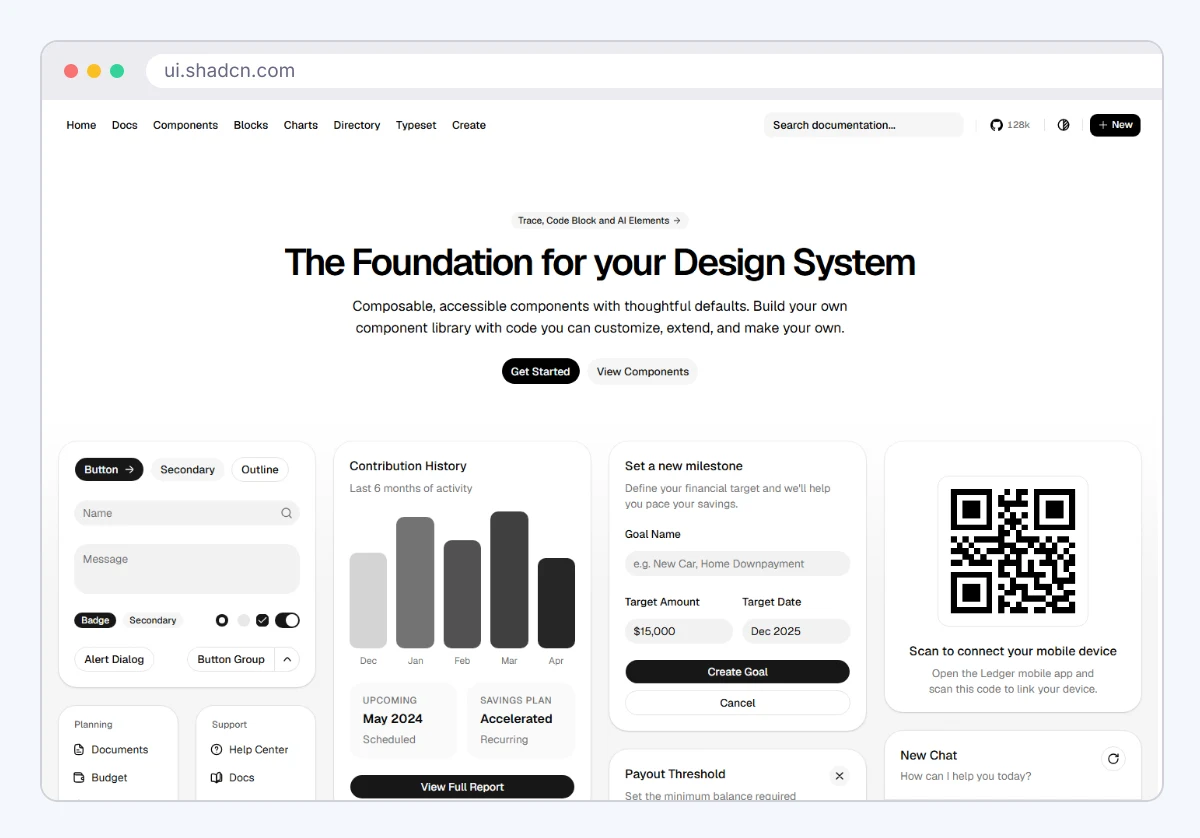
It's free and open source. The trade-off is ownership: once you copy a component, you maintain it, and updates don't arrive automatically.
Official site: ui.shadcn.com.
Radix UI
Radix UI provides unstyled, accessible interface primitives for React: dialogs, dropdowns, tabs and similar parts. It handles keyboard behavior and screen reader support, and you supply the styling. It suits teams building their own design system.
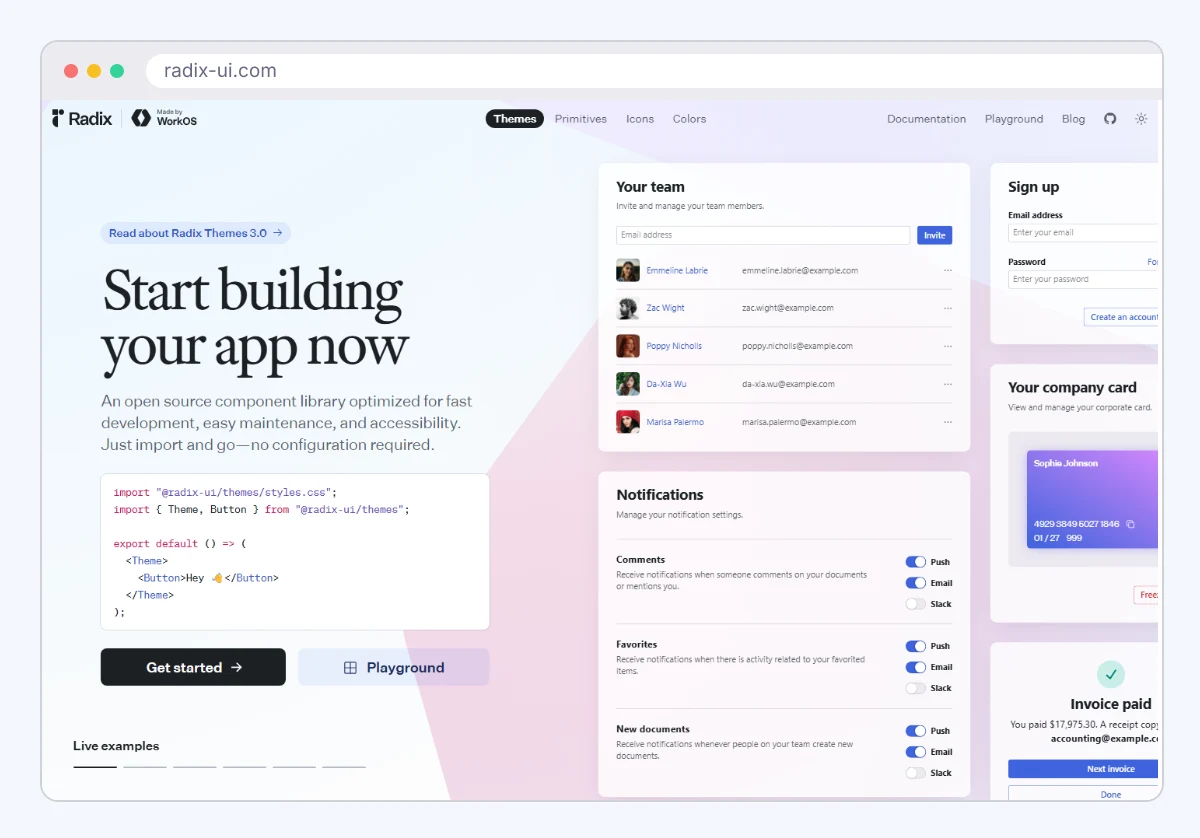
It's free and open source. The limit: with no visual styling, you won't get a finished-looking screen out of the box.
Official site: radix-ui.com.
Chakra UI
Chakra UI is a React component library with styled, accessible components and a theming system. It suits small teams who want a decent-looking interface fast without writing much CSS.
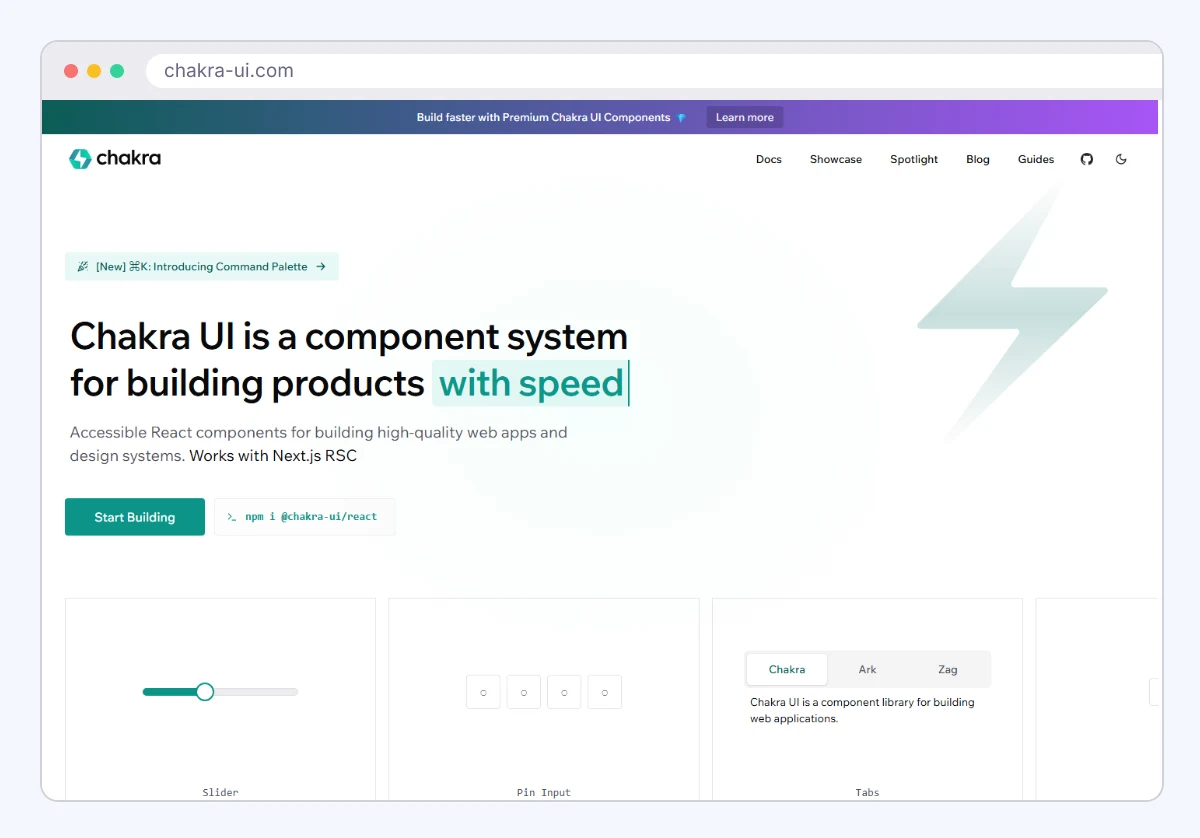
It's free and open source. Its styling approach has changed between major versions, so check the version against the official docs before you follow a tutorial.
Official site: chakra-ui.com.
Ant Design
Ant Design is a React component library and design language with a very large set of ready-made parts: data tables, forms, date pickers and charts. It suits internal tools and admin dashboards, where dense data screens matter more than a custom brand look.
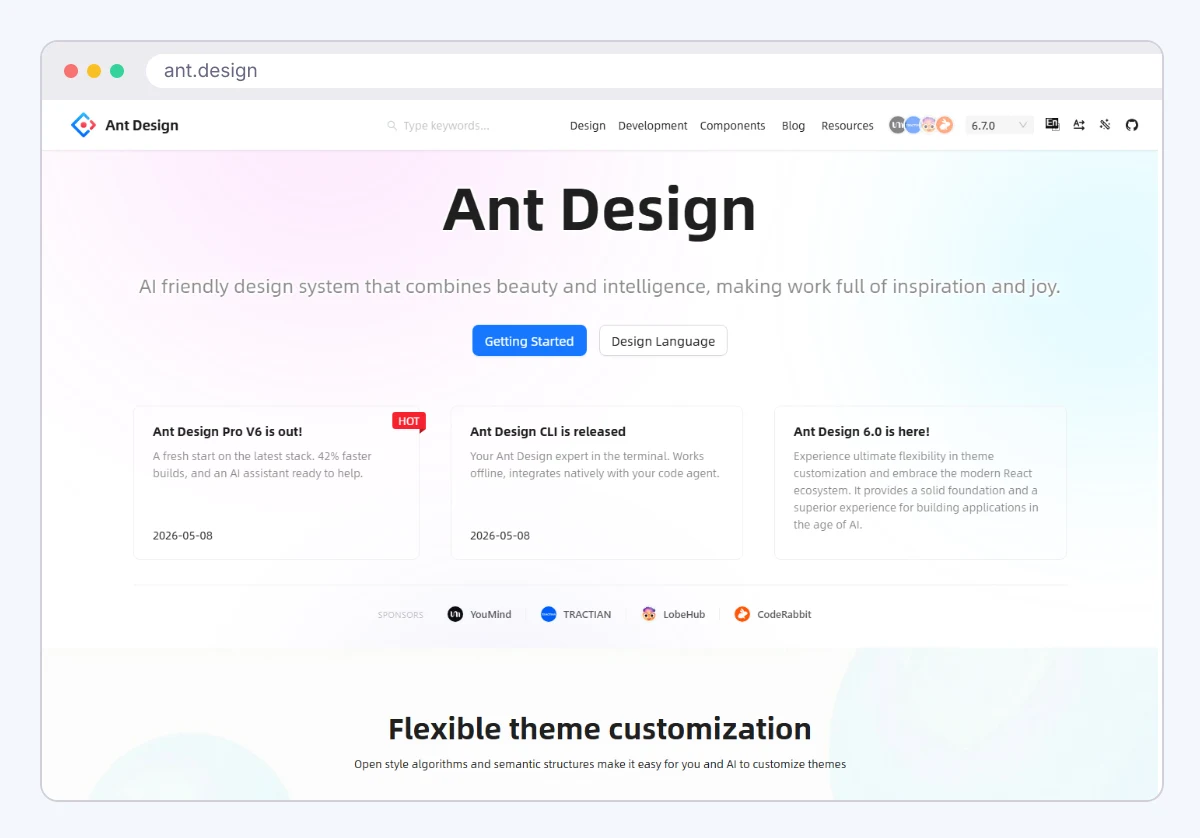
It's free and open source. The limit is appearance: it has a recognizable look, and bending it far from that look takes effort.
Official site: ant.design.
UI/UX Design Tools Compared
The table sorts the eight tools by job, cost model and who needs to work in them. Costs are models, not prices.
| Tool | Job | Cost model | Platform | Best for |
|---|---|---|---|---|
| Figma | Design and prototype | Free tier, paid seats | Browser | Cross-role product teams |
| Sketch | Design | Paid license | macOS app | Mac design teams |
| Penpot | Design and prototype | Open source, self-host or hosted | Browser | Data control |
| Adobe XD | Design and prototype | Maintenance mode | Desktop | Existing XD files |
| shadcn/ui | Code components | Free | React, Tailwind | Custom-looking apps |
| Radix UI | Code primitives | Free | React | Building a design system |
| Chakra UI | Code components | Free | React | Fast styled interfaces |
| Ant Design | Code components | Free | React | Admin and data screens |
Which One to Shortlist
Match the tool to your team's weakest link, not to the longest feature list.
- Designers and developers share files daily: Figma, or Penpot if you need open source.
- Everyone designs on Macs: Sketch is a fair option.
- No designer, one developer, an internal tool: Ant Design alone may be enough.
- Custom brand look in React: shadcn/ui over Radix UI primitives.
- Existing XD library: keep it running, and plan a move.
If your team has no designer at all, a component library covers most screens. If you need freelance visual work, a marketplace such as 99designs hires out logos and graphics, which is a different job from interface design.
Run One Real Screen Through Two Tools This Week
Take one real screen from your product, a settings page or a checkout form, and build it in two candidates. Time how long each takes and note where the handoff between design and code breaks. Ten minutes of friction on a single screen tells you more than any feature table. Then check the winner's official pricing page for the seat count you actually have.
Add SocialAtoZ as a preferred source
See us more often in your Google results.