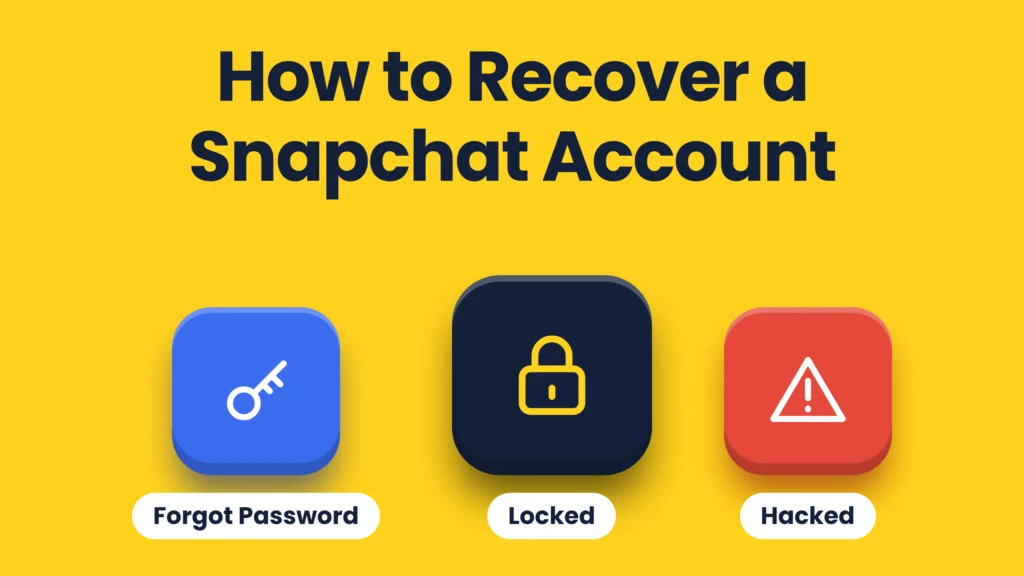
How you get back into a Snapchat account depends on why you are locked out. A forgotten password takes two minutes. A hacked account needs a password reset and a security check. A locked account goes through Snapchat’s in-app appeal, and some locks cannot be undone. This guide covers each case using Snapchat’s own help pages, checked in October 2026.
1. You forgot your password
- On the Snapchat login screen, tap Forgot your password?
- Choose to reset it by phone (SMS) or by email.
- Open the link or code Snapchat sends and set a new password.
If you no longer have the phone number or email on the account, try both, and check spam folders for the reset email.
2. Your account was hacked
Snapchat lists these warning signs: a login alert from a device or place you do not recognise, an unknown session in Settings, a changed phone number or email, a changed display name, two-factor authentication you did not set up, spam sent from your account, friends added without your permission, or Story posts you did not make.
- Reset your password straight away using the SMS or email link.
- In Settings, check that the email address and mobile number are yours, and correct them if not.
- Open session management in Settings and end any session you do not recognise.
- Turn on two-factor authentication.
Snapchat stresses that it will never ask for your password or My Eyes Only passcode. Anyone who does is not Snapchat.
3. You see “temporarily disabled” (SS01, SS03, SS08)
These codes appear after too many failed logins, too many sign-ups in a short time, or other unusual activity. Snapchat’s advice:
- Make sure you are using the correct login details.
- Wait 48 hours, then try again.
- Switch to a different, stable Wi-Fi network.
4. Your account is locked
Snapchat locks accounts that break its Community Guidelines or Terms of Service. What you can do depends on the message you see:
- Eligible for appeal: open the app, try to log in, and tap Appeal Decision on the pop-up. Snapchat says reviews can take up to 30 days and you will hear back by email or in the app.
- No Appeal Decision option: the lock is not eligible for appeal.
- Permanently locked: accounts locked permanently for violations cannot be unlocked.
Snapchat says the in-app appeal is the only legitimate route. Support tickets outside it will not speed anything up, and any website or person offering to “unlock” an account for money is a scam.
5. Your device is banned (SS06, SS07, SS18)
SS06 and SS18 mean Snapchat has banned the device itself because of abuse or repeated rule breaking. SS07 means too many accounts have been used on that device. Snapchat Support cannot remove a device ban.
Getting your data from a locked account
Even when you cannot use the app, you may still be able to download your data. Log in at accounts.snapchat.com on a computer, choose My Data, select what you want and submit. Snapchat notes that data may not be available for some locked account types. Our guide on downloading your Snapchat data walks through it.
FAQs
How do I recover my Snapchat account without a password?
Tap Forgot your password on the login screen and reset it by SMS or email. You need access to the phone number or email on the account.
How long does a Snapchat appeal take?
Snapchat says the review can take up to 30 days. You are notified by email or in the app.
Can a permanently locked Snapchat account be recovered?
No. Snapchat says accounts permanently locked for violating its Community Guidelines or Terms of Service cannot be unlocked.
What does SS07 mean on Snapchat?
Your device has been banned from logging in because too many accounts have been used on it. Snapchat Support cannot reverse device bans.
Add SocialAtoZ as a preferred source
See us more often in your Google results.