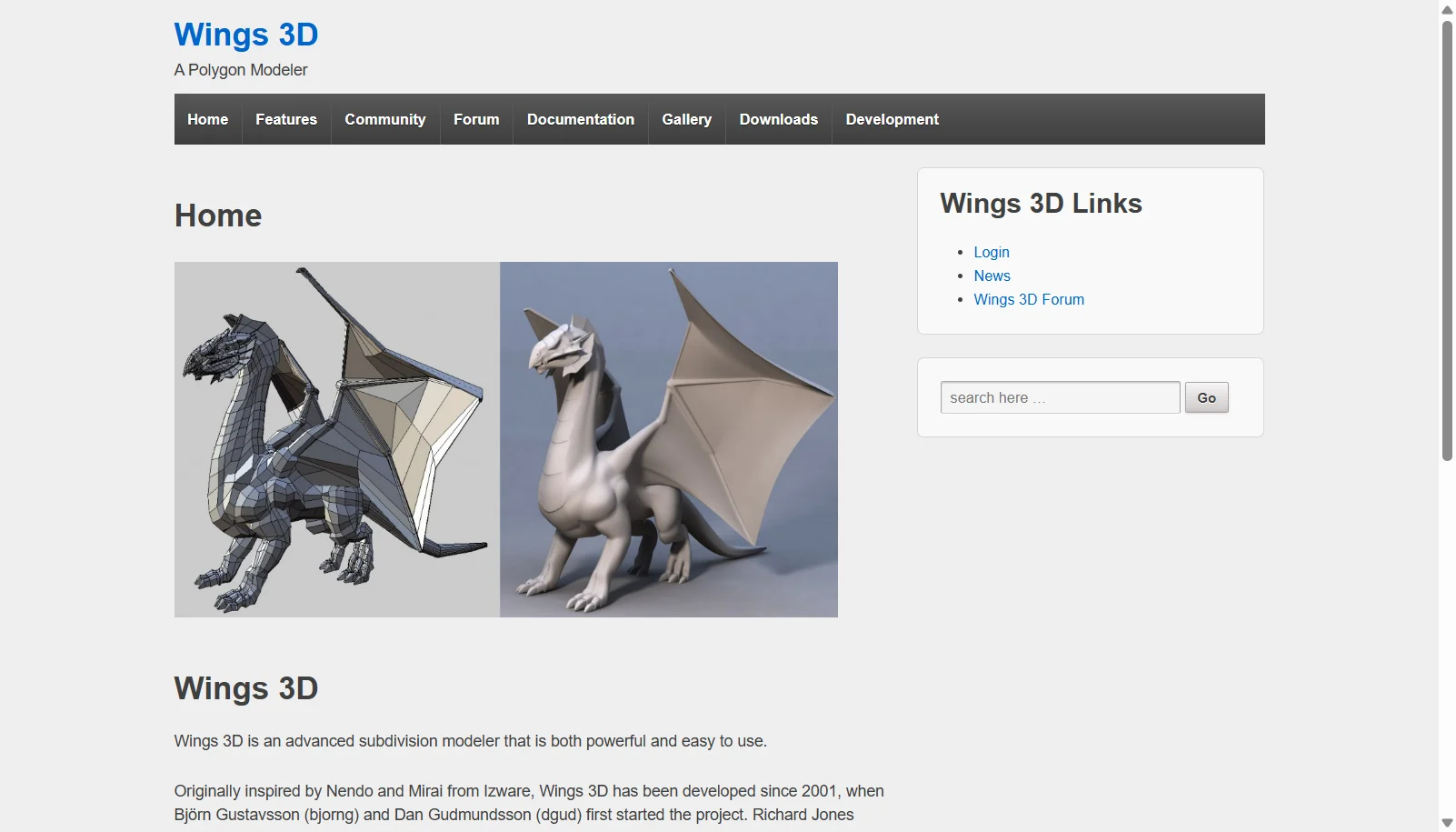
 See all screenshots
 - Deployment On Premises
- Starting price Free
- Free trial Not offered
- Best for Freelancers
What is Wings 3D?
Wings 3D is a free, open source subdivision surface polygon modeler that has been in active development since 2001, inspired by earlier modelers Nendo and Mirai. It offers a context-sensitive, right-click driven interface with four selection modes (vertex, edge, face, body) and a wide range of modeling tools including plane cut, slice, and a sculpt mode with push, pull, inflate, pinch, and smooth operations.
The software includes a built-in AutoUV mapping facility for unwrapping surfaces, support for lights, materials, and vertex colors, and a plugin system for extending functionality. Wings 3D is written in Erlang and does not include animation tools, so models are typically exported in formats such as OBJ, STL, or FBX for animation or rendering in other software. It is free for both personal and commercial use.
Key Features of Wings 3D
Wings 3D lists 9 documented features, including Subdivision surface polygon modeling, Context-sensitive right-click menu interface and Vertex, edge, face, and body selection modes. The list below covers what the product does rather than how it is marketed.
- Subdivision surface polygon modeling
- Context-sensitive right-click menu interface
- Vertex, edge, face, and body selection modes
- Built-in AutoUV mapping
- Sculpt mode (push, pull, inflate, pinch, smooth)
- Plane cut, slice, and edge loop/ring tools
- Support for lights, materials, and vertex colors
- Plugin architecture and customizable interface
- OBJ, STL, and FBX import/export
Wings 3D Pricing
Wings 3D lists one plan, at Free.
Open Source
Free
Unlimited use
Free and open source for both personal and commercial projects.
Wings 3D Specifications
Wings 3D is available on Windows and macOS. It has a free plan.
- Deployment
- On Premises
- Billing cycle
- Monthly
- Desktop
- Windows
- macOS
- Languages
- English
- Built for
- Freelancers
- Integrations
- OBJ, STL, FBX, DXF import/export
- Public API
- No
- Free trial
- No
- Free plan
- Yes
- Runs in browser
- No
- Customisable
- Yes
- Website
- wings3d.com
Wings 3D Videos
Wings 3D Screenshots
Wings 3D Comparisons



Your experience counts
Rate Wings 3D
Used Wings 3D? Your honest review helps the next buyer decide. It takes about three minutes.
Thanks, your review is in.
Our editors check every review before it goes live, usually within 2 business days.
Wings 3D FAQs
Alternatives to Wings 3D
Other 3D Modeling Software recorded on the same fields.