

Uizard
VerifiedAI UI design and prototyping, now part of Miro
Is this your product? Rent a top-5 spot in Prototyping Software from $219 a month.
 See all screenshots
 - Deployment Cloud Based
- Starting price Free
- Free trial Available
- Best for Individuals, Freelancers, Small Business
What is Uizard?
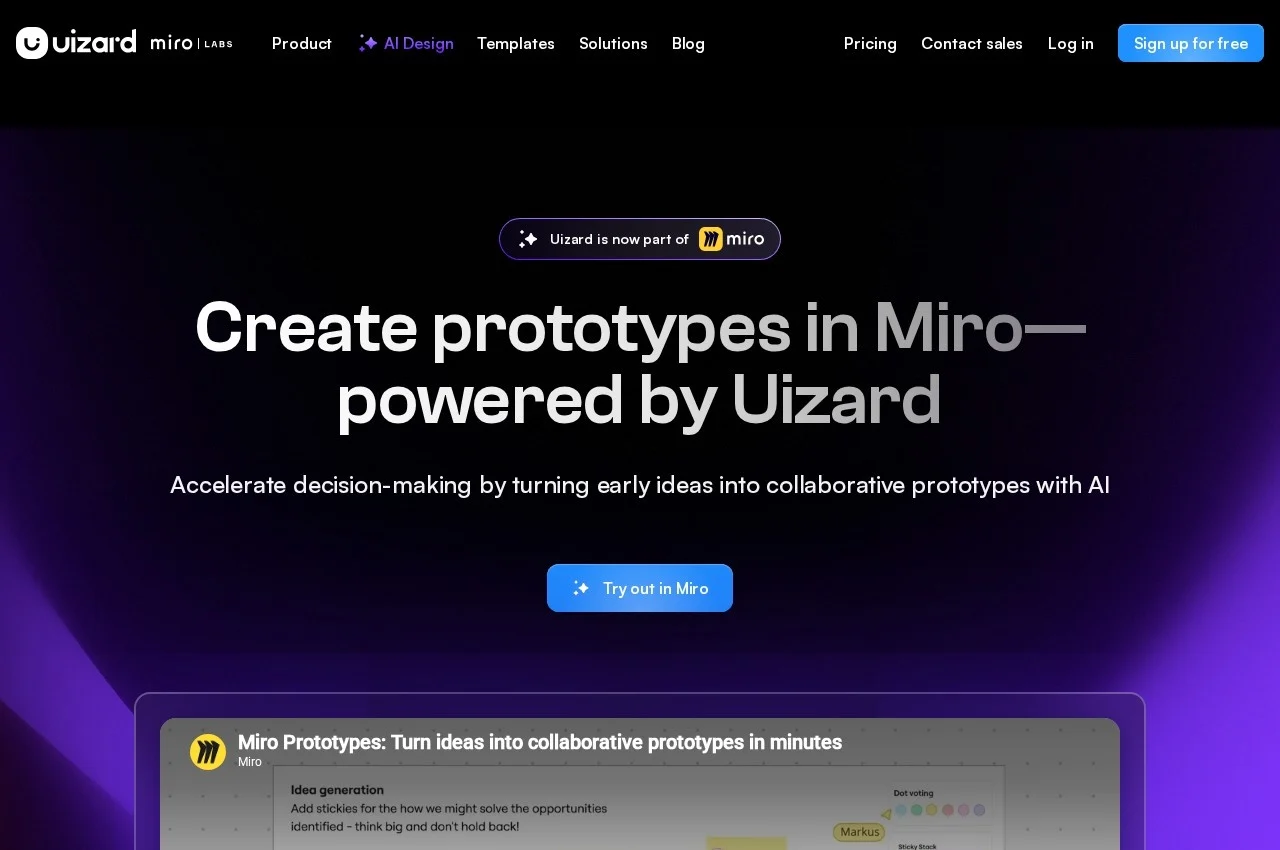
Uizard is a user interface design tool built around generating designs rather than drawing them. Its headline capability, Autodesigner, produces multi-screen editable prototypes from a plain text description, with the vendor's stated aim being that no idea gets dropped for want of design time. Once generated, any component can be selected and changed by describing the change rather than editing it manually, so iteration works the same way the initial generation did. Uizard is now part of Miro, and the vendor front page leads with creating prototypes inside Miro powered by Uizard, so anyone evaluating it should check which capabilities remain available standalone.
Two scanners handle the other common starting points. The Screenshot Scanner turns an existing screenshot into an editable mockup, which is the fastest route when redesigning something that already exists or borrowing a pattern from another product. The Wireframe Scanner digitises hand-drawn wireframes, so a whiteboard sketch becomes an editable file rather than being redrawn from scratch. Both keep the output editable rather than producing a flat image.
Underneath the AI layer is a conventional design tool covering wireframing, mockups and prototyping, with templates for mobile apps, websites, web apps, tablet apps and wireframes of each. Collaboration is real time and deliberately broad: the vendor's position is that everyone on a product team should be able to contribute, not just designers. It names designers and UX professionals alongside marketers as intended users, which is consistent with a tool that lowers the skill floor for producing a credible interface.
Key Features of Uizard
- Autodesigner generating multi-screen editable prototypes from a text description
- Component editing by describing the change rather than adjusting it by hand
- Screenshot Scanner turning a screenshot into an editable mockup
- Wireframe Scanner digitising hand-drawn wireframes
- Theme and screen generation across a whole project
- Conventional wireframing tools alongside the AI features
- Digital product mockups
- Interactive prototyping
- Templates for mobile app, website, web app and tablet designs
- Wireframe templates for apps and websites
- Real-time collaboration across a whole product team
- Design assistant surfacing the AI features in context
Uizard Pricing
Free
Free for everyone, aimed at students and individuals. Two projects, ten free templates, Autodesigner 1.5 engine.
Pro
$12
Up to 100 projects, private projects and access to all templates. Annual billing saves 40 percent.
Uizard Specifications
- Deployment
- Cloud Based
- Desktop
- Web App
- Built for
- Individuals
- Freelancers
- Small Business
- Medium Business
- Support
- Public API
- No
- Free trial
- Yes
- Free plan
- Yes
- Runs in browser
- No
- Customisable
- No
Uizard Screenshots
Uizard Comparisons


Your experience counts
Rate Uizard
Used Uizard? Your honest review helps the next buyer decide. It takes about three minutes.
Thanks, your review is in.
Our editors check every review before it goes live, usually within 2 business days.
Alternatives to Uizard
Other Prototyping Software recorded on the same fields.