
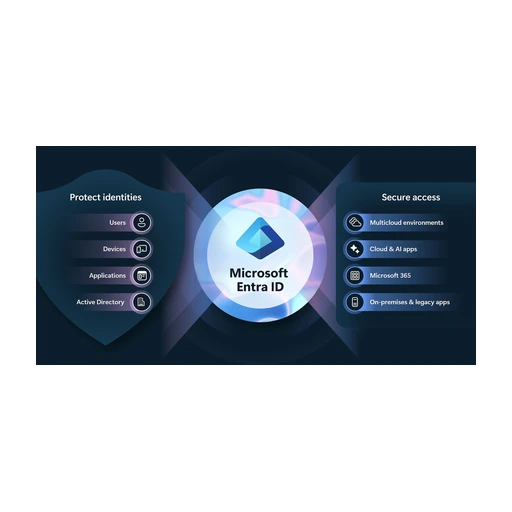
Microsoft Entra ID Governance
VerifiedIdentity governance add-on for Microsoft Entra ID: access reviews, entitlement management and lifecycle workflows.
Is this your product? Rent a top-5 spot in Access Control System from $219 a month.
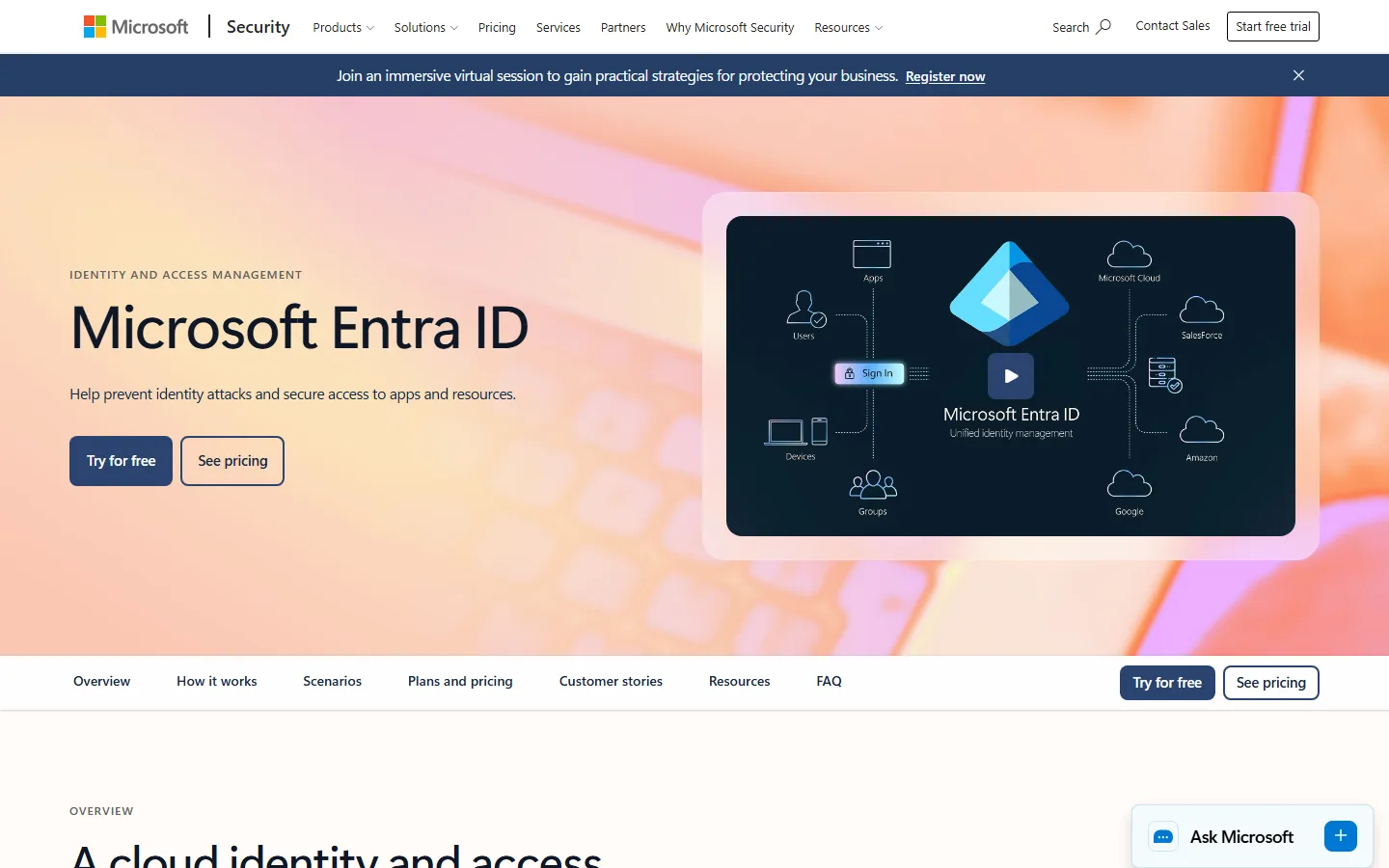 See all screenshots
- Deployment Cloud Based
- Starting price See Microsoft's official pricing page
- Free trial Available
- Best for SMEs, Enterprises
What is Microsoft Entra ID Governance?
Microsoft Entra ID Governance is an identity governance add-on for Microsoft Entra ID. It adds access reviews, entitlement management and lifecycle workflows, so IT teams can control who has access to what and remove it when it's no longer needed. It suits organizations already running on Microsoft identity.
What Does Entra ID Governance Add to Entra ID?
Entra ID Governance is a license that extends Microsoft Entra ID rather than replacing it. Entra ID handles sign-in, conditional access and the directory. Governance handles the question that comes after: should this person still have this access?
You manage it in the same Microsoft Entra admin center. That matters for small teams, because there's no second console, directory or identity store to maintain.
How Do Access Reviews Work?
Access reviews in Entra ID Governance prompt chosen reviewers to confirm or remove access on a recurring schedule. Reviewers can be managers, resource owners or the users themselves.
Reviews can cover group memberships, application assignments and role assignments. You can set a review to apply decisions automatically when it closes, which saves the manual cleanup step that makes many audits drag.
Skip the habit of reviewing everything at once. Start with guest accounts and privileged roles, where stale access carries the most risk.
What Do Lifecycle Workflows Automate?
Lifecycle workflows run tasks at joiner, mover and leaver events. Typical tasks include enabling an account, adding someone to groups, sending a welcome message or removing access on the last day.
The workflows work best when an HR system drives the dates. Microsoft documents HR-driven provisioning from HR systems; check Microsoft's official Entra documentation for the current list of supported connectors. Without an HR source, you're triggering on attributes you maintain by hand, and the automation is only as good as that data.
Entitlement management sits alongside this. It bundles apps, groups and sites into access packages that people request, with approval steps and expiry dates.
Who Should Use It and Who Can Skip It
Entra ID Governance fits when most of your apps and people already sit in Microsoft Entra ID and you need audit evidence for access.
- Fits when: you run Microsoft 365 and Entra ID, your auditors ask for periodic access recertification, and you want joiner and leaver tasks automated.
- Skip when: you only need single sign-on and multifactor authentication. Entra ID alone covers that.
- Look elsewhere when: you manage many non-Microsoft systems and need deep connectors, role mining or separation-of-duties analytics. Dedicated governance platforms such as SailPoint or Saviynt are built for that.
If you're issuing credentials to partners or customers, see Microsoft Entra External ID and Microsoft Entra Verified ID, which cover different jobs.
How Is It Priced?
Microsoft prices Entra ID Governance per user as an add-on, not as a standalone directory. The exact rate and billing basis aren't stated here: check Microsoft's official Entra pricing page for the current figure. Treat any figure from a reseller or directory as unconfirmed.
Budget for the prerequisite too. Governance builds on a base Microsoft Entra ID license (check Microsoft's licensing documentation for the exact prerequisite), so the real cost per user is the add-on plus the base license.
What to Check Before Buying
Before you commit, confirm four things:
- Which of your apps support provisioning through SCIM or a native connector.
- Whether your HR system is a supported source.
- Which feature you need sits in which license tier, since some capabilities may overlap with Entra ID P2.
- Who your reviewers will be, and whether they'll actually respond. A review nobody answers produces no evidence.
Pilot with one app and one review cycle before you license the whole company.
Key Features of Microsoft Entra ID Governance
Microsoft Entra ID Governance centers on three jobs: deciding who gets access, reviewing it on a schedule, and removing it when people leave.
- Access reviews for groups, applications and role assignments
- Entitlement management with access packages and approval workflows
- Lifecycle workflows for joiner, mover and leaver tasks
- Privileged Identity Management for just-in-time admin roles
- Automated provisioning from HR systems
- Access package expiry and recertification
Microsoft Entra ID Governance Pricing
Microsoft prices Entra ID Governance as a per-user add-on. Confirm the current rate and its prerequisites on Microsoft's own pricing page.
Microsoft Entra ID Governance
See Microsoft's official pricing page
Requires a base Microsoft Entra ID license
Add-on license for governance features. Billing basis and any free trial to be confirmed on the vendor page.
Microsoft Entra ID Governance Specifications
Entra ID Governance is cloud-delivered and managed in the Microsoft Entra admin center.
- Deployment
- Cloud Based
- Billing cycle
- Monthly
- Desktop
- Web App
- Languages
- English
- Built for
- SMEs
- Enterprises
- Support
- Phone
- Training
- Tickets
- Integrations
- Microsoft Entra ID, Microsoft Teams, Microsoft 365, HR-driven provisioning sources, SCIM-enabled apps
- Public API
- Yes
- Free trial
- Yes
- Free plan
- No
- Runs in browser
- Yes
- Customisable
- Yes
- Website
- microsoft.com
Microsoft Entra ID Governance Videos
Microsoft Entra ID Governance Screenshots
Your experience counts
Rate Microsoft Entra ID Governance
Used Microsoft Entra ID Governance? Your honest review helps the next buyer decide. It takes about three minutes.
Thanks, your review is in.
Our editors check every review before it goes live, usually within 2 business days.
Microsoft Entra ID Governance FAQs
Alternatives to Microsoft Entra ID Governance
Other Access Control System recorded on the same fields.