
Eclipse IDE
VerifiedFree, open source desktop IDE from the Eclipse Foundation, extended to many languages through plugins
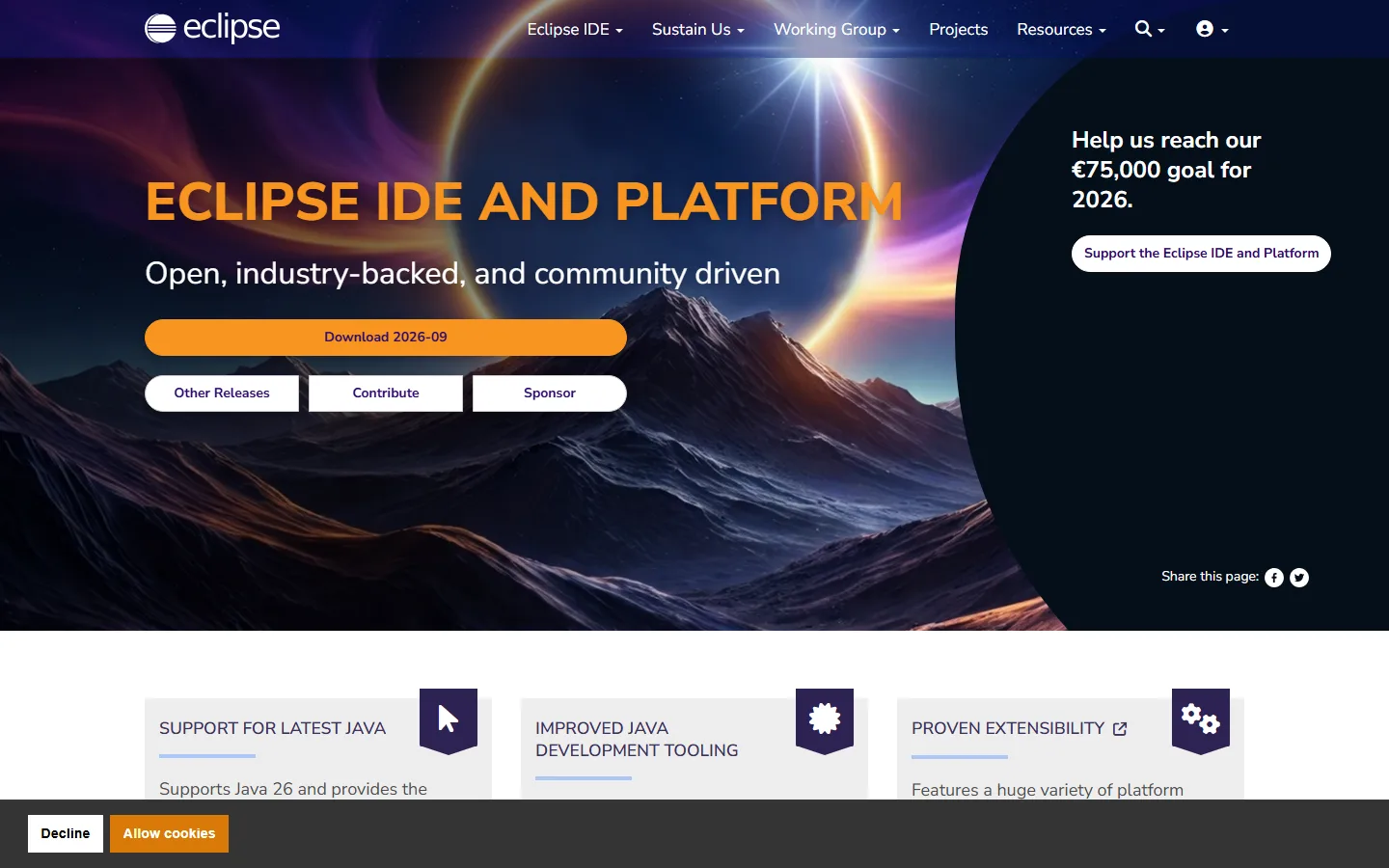 See all screenshots
- Deployment On Premises
- Starting price Free
- Free trial Not offered
- Best for Freelancers, Startups, SMEs
What is Eclipse IDE?
Eclipse IDE is a free, open source integrated development environment from the Eclipse Foundation. It's best known as a Java IDE, and plugins extend it to other languages, including C and C++ through the Eclipse CDT project. It runs as a desktop application on Windows, macOS and Linux.
What Is Eclipse IDE Built For?
Eclipse IDE is built for developers who want a full desktop IDE without a license bill. Java teams are its core audience, and the same platform hosts tooling for other languages and frameworks.
It's governed by a vendor-neutral foundation rather than a single company. For long-lived codebases, that means no seat license to audit and no risk that a new owner reprices the tool your team depends on.
How Does the Plugin Model Work?
Eclipse is a platform first and an IDE second. Language support, build tools and debuggers arrive as plugins, so a Java setup and a C/C++ setup share one core with different tooling on top.
The Eclipse CDT project shows the model in practice. It adds managed builds for various toolchains, source navigation, refactoring, and visual debugging with memory, register and disassembly viewers.
The flip side is setup effort. A plugin-based IDE gives you control, but someone on the team has to choose, version and maintain the plugin set.
Who Should Shortlist Eclipse IDE, and Who Should Skip It?
Eclipse fits teams that value a free, open license and are willing to own their tooling setup. It fits less well when you want deep framework support with no configuration.
| Your situation | Call |
|---|---|
| Java team that wants a full desktop IDE with no license cost | Shortlist it |
| Organization already built around Eclipse-based tools or plugins | Shortlist it |
| Team that wants framework-aware tooling with no plugin setup | Compare it with JetBrains IntelliJ IDEA |
| Building native iOS or macOS apps | Skip it |
Native Apple development runs through Apple's Xcode IDE, whatever editor you prefer for other work. Teams switching from Eclipse to IntelliJ IDEA get an Eclipse keymap and project importer there, though some friction remains.
What Does Eclipse IDE Cost?
The IDE is free to download and use, with no paid edition to upgrade to. Eclipse CDT's main repository, for example, is licensed under the Eclipse Public License 2.0 (EPL-2.0).
The real costs sit elsewhere: developer time spent configuring plugins, and any commercial support you buy from third parties. A Java IDE also needs a JDK, and a free build such as the Eclipse Temurin OpenJDK distribution keeps the whole toolchain license-free.
What to Check Before Standardizing on It
Set it up on a real project before you roll it out. Four checks matter most:
- Which plugins does your stack need, and are they actively maintained?
- Does your build, whether Maven, Gradle or make, import cleanly into an Eclipse workspace?
- Which JDK will developers run, and who keeps it patched?
- Where will the app run? For Jakarta EE work, test against your production server, such as the Eclipse GlassFish application server.
For side-by-side fields, see the specifications and alternatives sections on this page.
Key Features of Eclipse IDE
Eclipse IDE is a plugin platform: the core editor and workspace stay the same, and language and build tooling sit on top.
- Desktop IDE for Java development
- Plugin architecture for adding languages, build tools and debuggers
- C and C++ development through the Eclipse CDT project
- Source navigation, refactoring and code generation
- Visual debugging tools
- Runs on Windows, macOS and Linux
- Open source and governed by the vendor-neutral Eclipse Foundation
Eclipse IDE Pricing
Eclipse IDE is free and open source. Budget for setup time and any third-party support rather than licenses.
Eclipse IDE
Free
Open source
Eclipse IDE is free to download and use. There’s no paid edition; commercial support, if you need it, comes from third parties.
Eclipse IDE Specifications
Eclipse IDE is a desktop application installed on each developer's machine, on Windows, macOS or Linux.
- Deployment
- On Premises
- Desktop
- Windows
- macOS
- Linux
- Languages
- English
- Built for
- Freelancers
- Startups
- SMEs
- Enterprises
- Integrations
- Plugin-based: language, build and debugging tools install as plugins, including C and C++ support through Eclipse CDT
- Public API
- No
- Free trial
- No
- Free plan
- Yes
- Runs in browser
- No
- Customisable
- Yes
- Website
- eclipseide.org
Eclipse IDE Screenshots
Your experience counts
Rate Eclipse IDE
Used Eclipse IDE? Your honest review helps the next buyer decide. It takes about three minutes.
Thanks, your review is in.
Our editors check every review before it goes live, usually within 2 business days.