 See all screenshots
 - Deployment Cloud Based
- Starting price Free
- Free trial Available
- Best for Startups
What is DPI Converter?
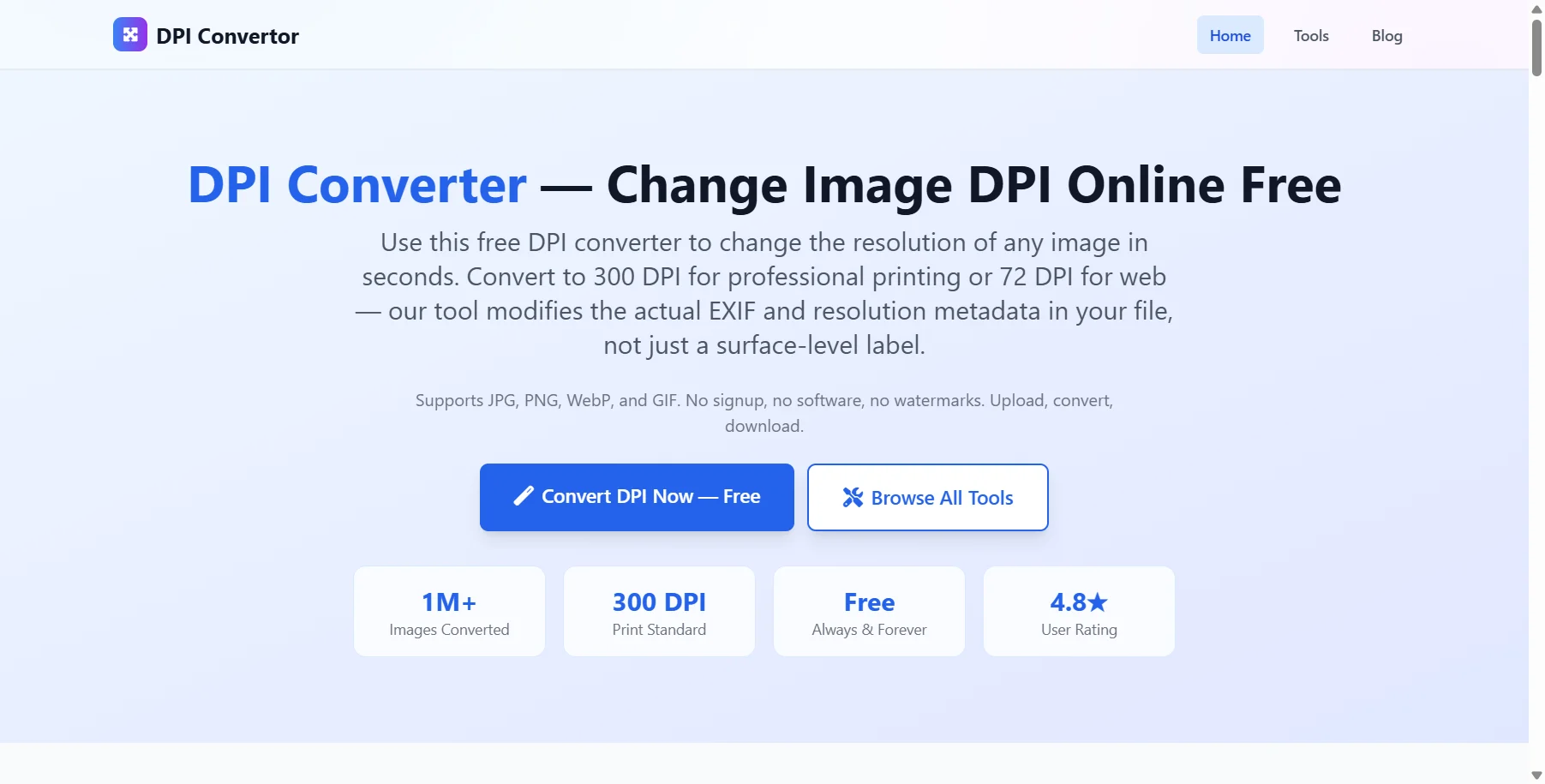
DPI Converter is a free online tool that changes the resolution of any image in seconds, letting you set values such as 72 DPI for web or 300 DPI for professional printing. Unlike tools that only relabel a file, it modifies the actual EXIF and resolution metadata, so the change is real and usable by print services.
The tool supports JPG, PNG, WebP, and GIF, with drag-and-drop upload and the option to enter any custom DPI value. There is no signup, no watermark, and no usage limit, and uploaded files are processed in isolated server memory and deleted immediately after download. For designers, sellers, and anyone preparing images for print or web, it offers a quick, private way to get the right resolution.
Key Features of DPI Converter
DPI Converter lists 5 documented features, including Convert to 72, 300, 600 DPI or a custom value, Supports JPG, PNG, WebP, and GIF and Drag-and-drop upload up to 50MB. The list below covers what the product does rather than how it is marketed.
- Convert to 72, 300, 600 DPI or a custom value
- Supports JPG, PNG, WebP, and GIF
- Drag-and-drop upload up to 50MB
- No signup or watermarks
- Files deleted immediately after processing
DPI Converter Pricing
DPI Converter publishes 1 plan, starting at $0 on the Free tier. Figures are taken from the vendor's own pricing page.
DPI Converter Specifications
DPI Converter is available on web app. It has a free trial and has a free plan.
- Deployment
- Cloud Based
- Desktop
- Web App
- Languages
- English
- Built for
- Startups
- Support
- Integrations
- No major third-party integrations (output verified compatible with Adobe Photoshop, Lightroom, GIMP, InDesign, ImageMagick)
- Public API
- No
- Free trial
- Yes
- Free plan
- Yes
- Runs in browser
- Yes
- Customisable
- Yes
- Website
- dpiconverter.online
DPI Converter Screenshots
DPI Converter Comparisons
Side by side comparisons of DPI Converter against 1 other AI Agent Tools option listed here.

Your experience counts
Rate DPI Converter
Used DPI Converter? Your honest review helps the next buyer decide. It takes about three minutes.
Thanks, your review is in.
Our editors check every review before it goes live, usually within 2 business days.
DPI Converter FAQs
Alternatives to DPI Converter
Other AI Agent Tools recorded on the same fields.