The picture comes back wrong, so you add more words. It comes back wrong differently.
That loop is what learning how to write AI image prompts usually looks like, and adding words is the wrong lever.
A prompt fails when two of its instructions disagree, not when it is too short. The model satisfies one and quietly drops the other.
Key Takeaways
- Name the subject first; a prompt that opens with mood anchors on mood.
- Two instructions that pull against each other cost you one of them.
- Quote any words that must appear, or lettering comes back as texture.
Length Is Not the Problem
A long prompt is not a detailed prompt. It’s usually a short prompt with adjectives stacked on it.
Every word you add either changes the picture or competes with a word already there. The second kind is what makes results feel random.
Cut a prompt in half and see what moves. Anything that doesn’t change the picture was never doing work, and it was crowding whatever sat next to it.
The Parts a Prompt Is Made Of
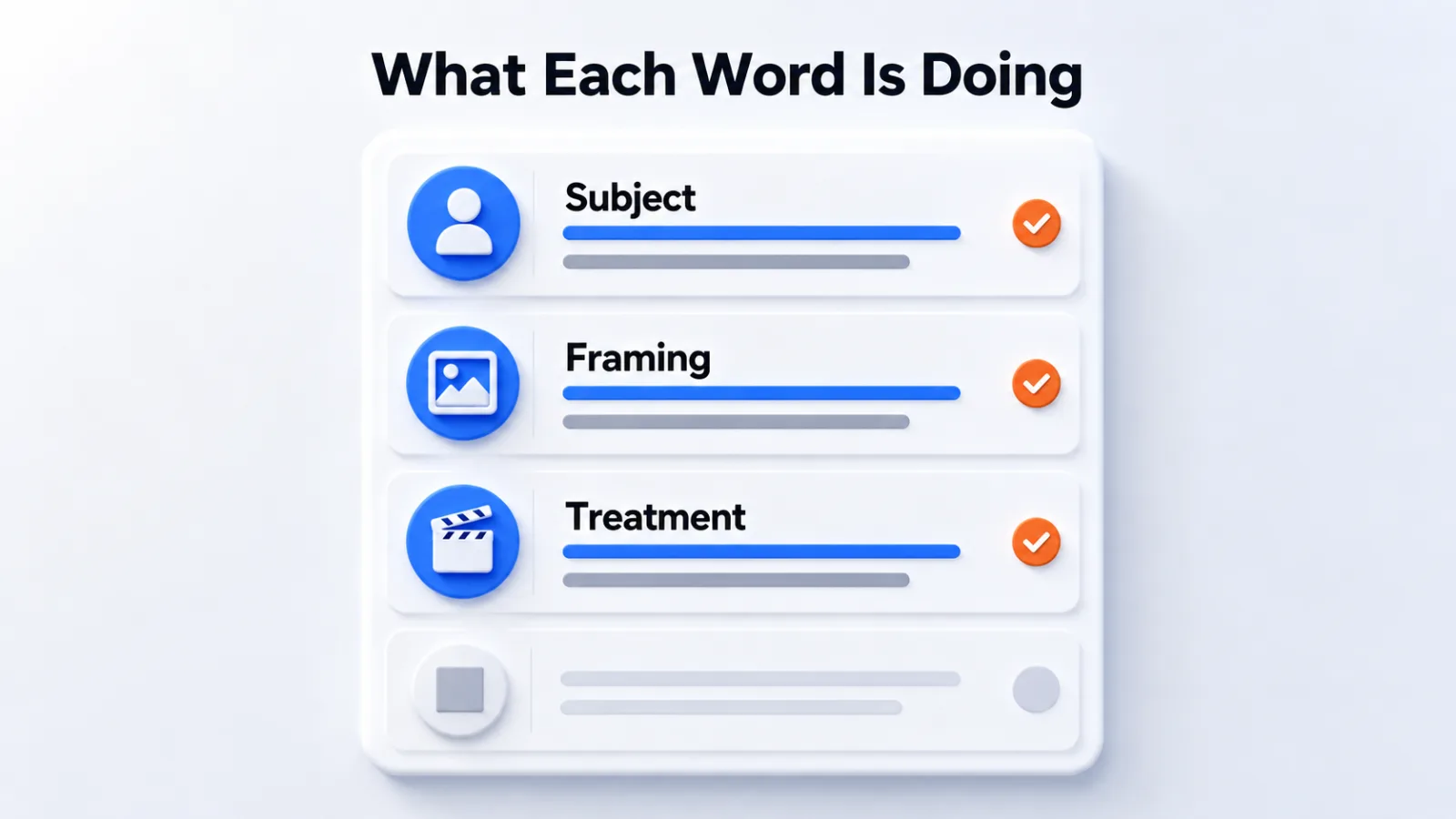
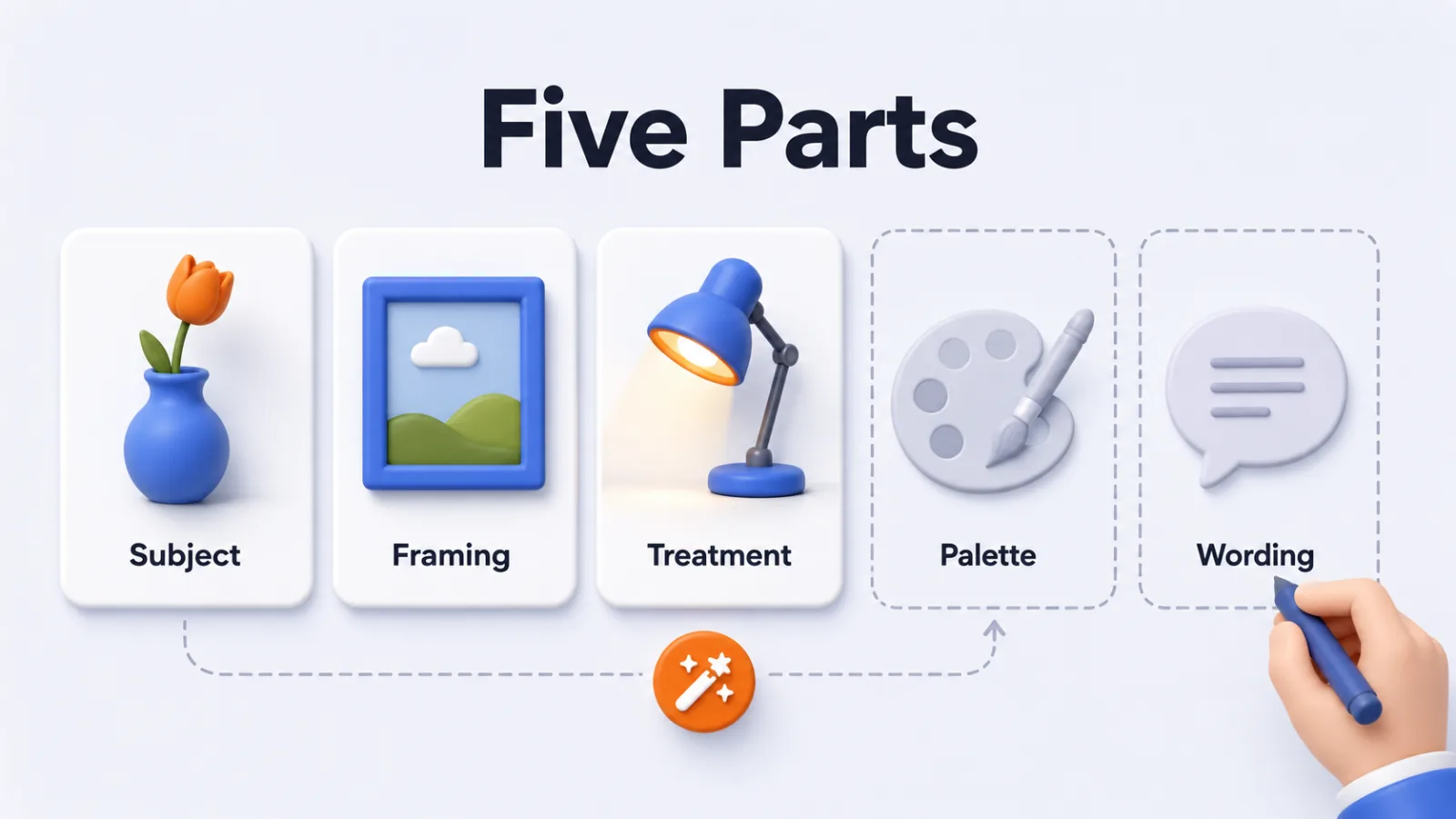
Five parts cover almost everything, and most prompts name two of them.
| Part | What it settles | Left out, you get |
|---|---|---|
| Subject | What the picture is of | A mood with something vague inside it |
| Framing | Where the viewer stands | A centered shot at a default distance |
| Treatment | The medium and finish | Whatever the tool leans toward |
| Palette | The colour range | Saturated colour nobody asked for |
| Wording | Any text that must appear | Letter-shaped texture |
Naming all five every time isn’t the goal. Naming none of them is what makes a request read as a wish.
The parts you leave out are still decided, only not by you.
The Same Request, Written Twice
A vague version: “a nice product photo of a coffee grinder, professional.”
A named version: “A matte black hand coffee grinder on pale concrete, seen from slightly above, soft window light from the left, muted greys with one warm highlight.”
The second isn’t longer for its own sake. Every clause replaces a decision the tool would otherwise make on your behalf.
Notice what it still doesn’t say. There’s no mood word, no “professional”, and nothing about quality, because none of those change what gets drawn.
A Portrait
Vague: “professional headshot, high quality.”
Named: “A woman in a charcoal jacket against a mid-grey backdrop, chest up, one soft key light from the right, shallow depth of field.”
A Diagram
Vague: “diagram showing our process, modern style.”
Named: “Four labeled cards in a row joined by arrows, flat vector, deep blue on a pale ground, labels reading Intake, Review, Build, Release, no other wording.”
The pattern holds across all three. The vague version names a quality, and the named version names a decision.
Treat these as starting shapes rather than formulas. A template you can’t explain fails the same way a borrowed modifier does.
Modifiers and Reference Images Do Different Jobs
A modifier adjusts a picture you have already described. A reference supplies something a description can’t reach.
Style modifiers work when they name something specific: a lens length, a print process, a lighting setup. They stop working when they name a vibe, because a vibe is exactly the kind of instruction another clause can contradict.
A reference image earns its place when the target is a particular shape, layout or likeness. Those cost more attempts to describe than to attach.
The Order You Say Things In Changes the Result
Put the subject first, the framing second, the treatment last.
Models weight the opening of a prompt more heavily. A request that begins with atmosphere and reaches the subject at the end gives you an atmospheric picture of roughly the right thing.
Subject Before Style
Say what the picture is of before you say what it looks like.
“A brass desk lamp, photographed from a low angle, warm evening light” holds together. The same words in reverse order give you warm evening light with a lamp somewhere in it.
One Idea Per Prompt
A picture that carries two ideas will carry neither clearly.
If the brief needs a comparison and a mood and a headline, that’s three pictures, or one picture and some restraint about which idea it has to land.
Two Instructions That Can’t Both Be True
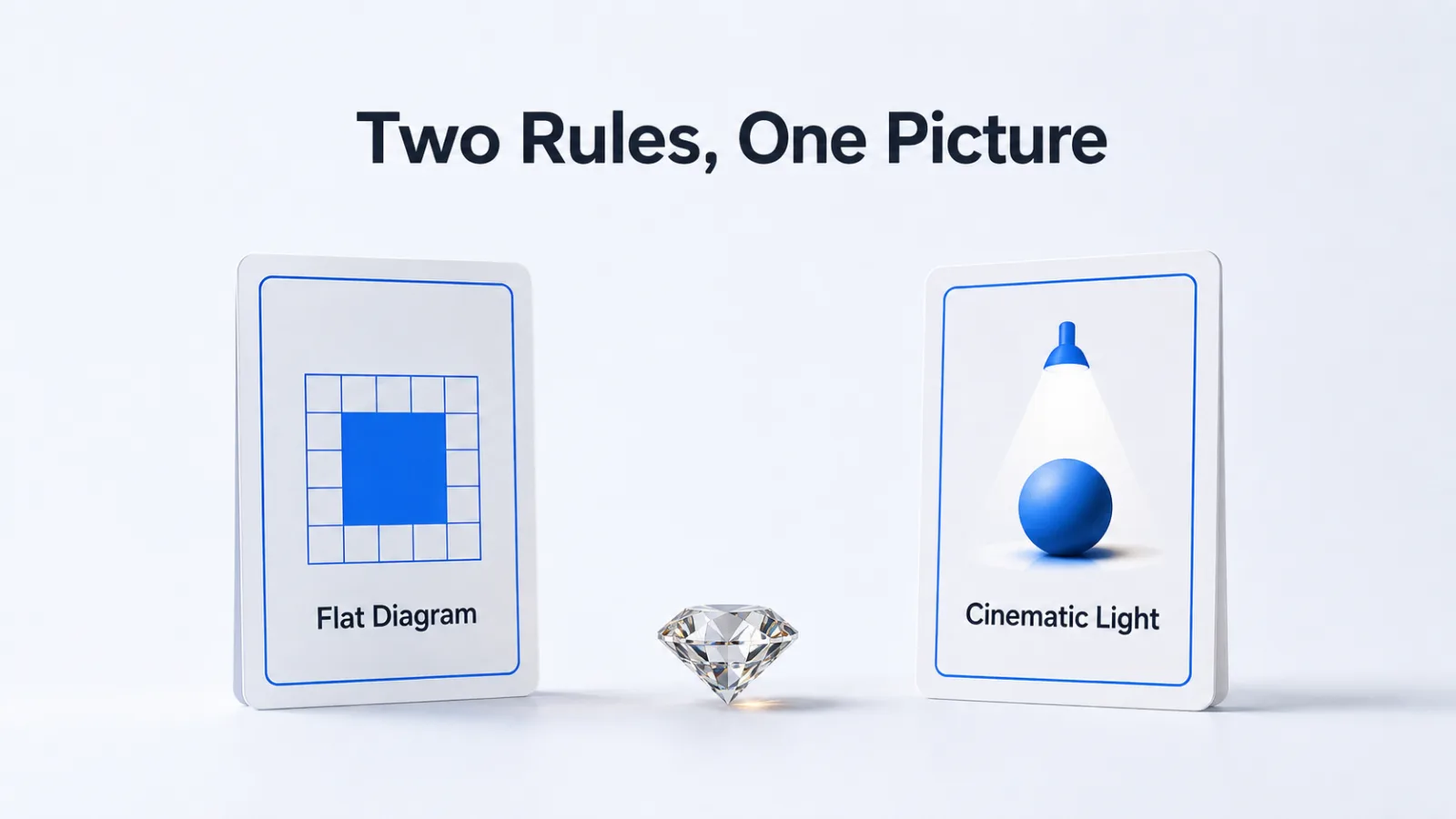
Most failures are two instructions that can’t both be true, and the pair is rarely obvious.
Style words carry implied composition. Asking for a flat vector diagram and a cinematic look sets a rule about lighting against a rule about medium.
One of them wins, and the choice isn’t yours.
The same happens with scale. Naming one dominant element and then listing six things of equal importance leaves the model to decide which instruction you meant.
When a result keeps missing in the same way, look for the pair rather than adding a third instruction to referee them.
Getting Words Inside the Picture Right
Quote the exact text, and say it is the only wording in the image.
Left unspecified, models treat lettering as texture rather than language, which is why signage in generated pictures reads as letter-shaped shapes. The same instinct fills any surface that would carry small print with the same mush.
Naming the wording pins it. Naming it as the only wording stops the model inventing captions for everything else in the frame.
Say What You Want, Not What You Don’t
Negative instructions work less often than people expect.
Telling a model to avoid something still puts the idea in the prompt, and a description precise enough usually makes the alternative impossible anyway.
Describing a subject on a plain background does more than banning clutter, because the first version tells the model what to draw.
The Same Prompt Behaves Differently Across Tools
Prompt habits don’t transfer cleanly between generators.
Some tools reward dense comma-separated modifiers. Others do better with one plain sentence and lose the thread when a request turns into a list.
Text inside the frame is where they differ most, and it’s also what changes fastest between releases. A short test on the tool you use beats any borrowed formula.
That’s the case for keeping a request you can explain. One you understand ports to a new tool, and a pile of copied modifiers doesn’t.
Test One Variable at a Time
Change one clause per attempt and keep what worked.
Rewriting the whole prompt after a bad result is how people end up with long prompts they can’t explain. Two runs where only the medium differs tell you more than ten rewrites.
The loop is the same whichever of the AI image generators you use. Tools that keep prompt history sit in the AI image generation software category.
Questions People Ask About AI Image Prompts
How do you write a good AI image prompt?
You name the subject first, then the framing, then the treatment, and you stop. A prompt that opens with a mood and reaches the subject at the end gives the model the wrong thing to anchor on.
Should AI image prompts be long or short?
Short enough that every word changes the picture. Length itself does nothing: once a prompt carries two instructions that pull against each other, the model satisfies one and drops the other, and you cannot predict which.
Why does my AI image prompt get ignored?
It usually isn’t ignored, it’s outvoted. A style word can carry an implied composition. Asking for a flat diagram and a cinematic look sets two rules against each other, and the stronger one wins.
How do you get text right in an AI generated image?
You quote the exact words and say they are the only wording in the picture. Left unspecified, the model treats lettering as texture and fills any surface that would carry small print with shapes that look like writing.
Do negative prompts help?
Sometimes, and less than people expect. Naming what you don’t want still puts the word in the prompt. It’s often faster to describe what you do want precisely enough that the alternative never arises.
Cut the Next Prompt in Half
Take a prompt that keeps disappointing you and delete half of it.
Run both versions and compare. The half that changed nothing was the half competing with the words doing the work.
That habit outlasts any list of magic words, because it fixes the prompt you have rather than replacing it with someone else’s.
Add SocialAtoZ as a preferred source
See us more often in your Google results.