Hardware is the parts you could drop. Software is the instructions telling them what to do.
That’s the definition, and it takes a second to learn.
The useful question isn’t what the words mean. It’s which of the two you’re dealing with right now. The difference between software and hardware pays off at the moment something breaks, or the moment you’re about to spend money.
Key Takeaways
- Hardware fails gradually and permanently; software fails suddenly and repeatably.
- A fault that follows your files to another machine is software.
- Hardware is bought once; software is licensed and keeps costing.
The One-Line Version
One you can hold, one you can’t.
Hardware is physical: the processor, the drive, the screen, the cable in the back. Software is a set of instructions stored on that hardware, and it does nothing at all until hardware runs it.
Neither is useful alone. A computer with no software is a heater, and software with no hardware is a file nobody can open.
Side by Side
Five differences do the work, and the last two are the ones people underestimate.
| Hardware | Software | |
|---|---|---|
| What it is | Physical components | Instructions stored on them |
| How you change it | Replace or add a part | Update, reinstall or reconfigure |
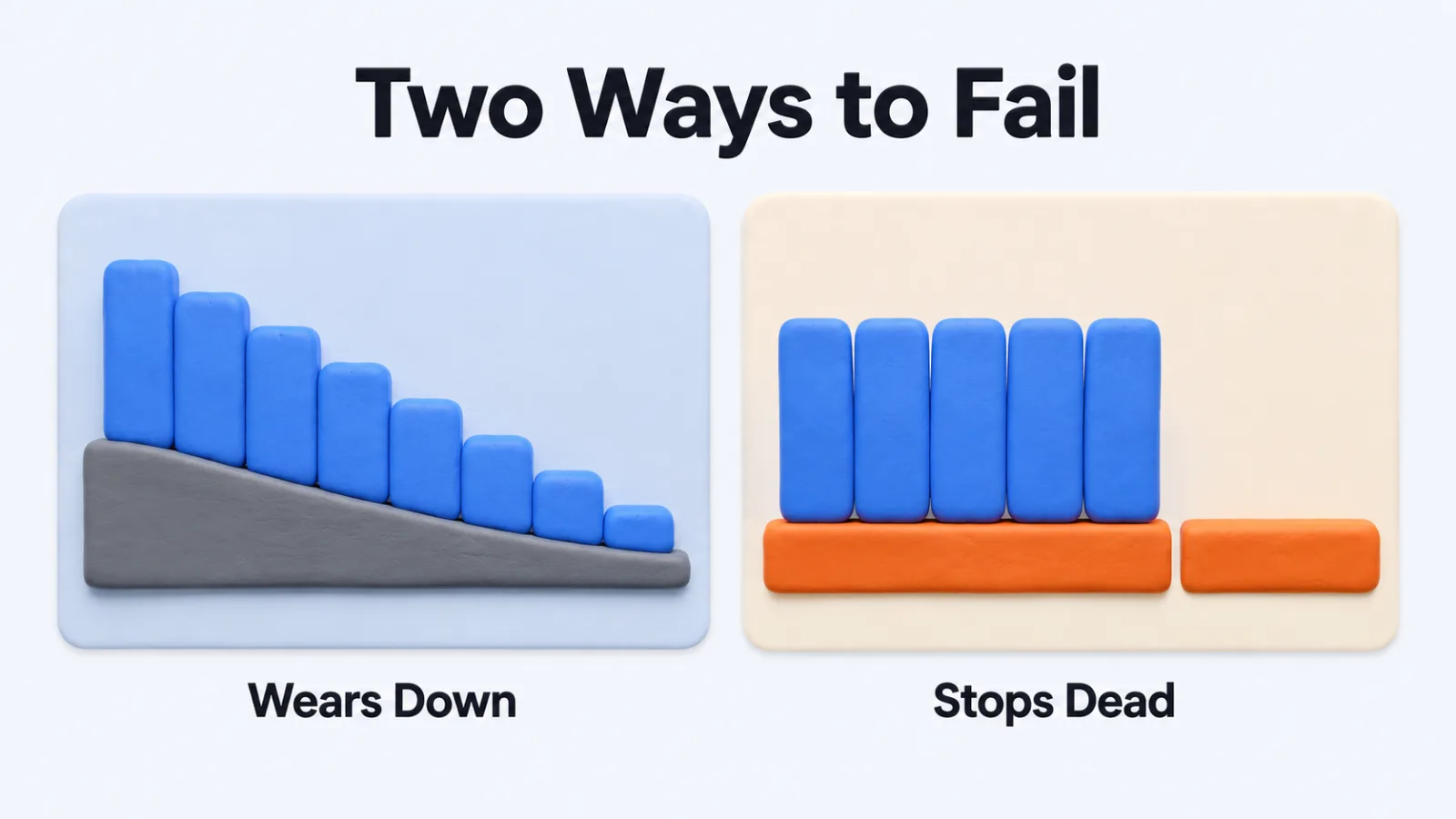
| How it fails | Gradually, then for good | Suddenly, and often repeatably |
| What it costs | Paid once, loses value | Licensed, recurs yearly |
| How you fix it | Swap the component | Change the instructions |
The failure row is what makes the two distinguishable in practice. A problem that repeats identically every time you do the same thing is almost never a worn component.
Telling Which One Broke
Four questions separate them without opening anything.
Does It Repeat Exactly?
Software faults are deterministic. The same steps produce the same failure, at the same point, every time.
Hardware faults drift. They worsen when the machine is warm, appear after an hour, or move around as a component degrades.
Does It Follow Your Data?
Copy the file or the account to another machine and try again.
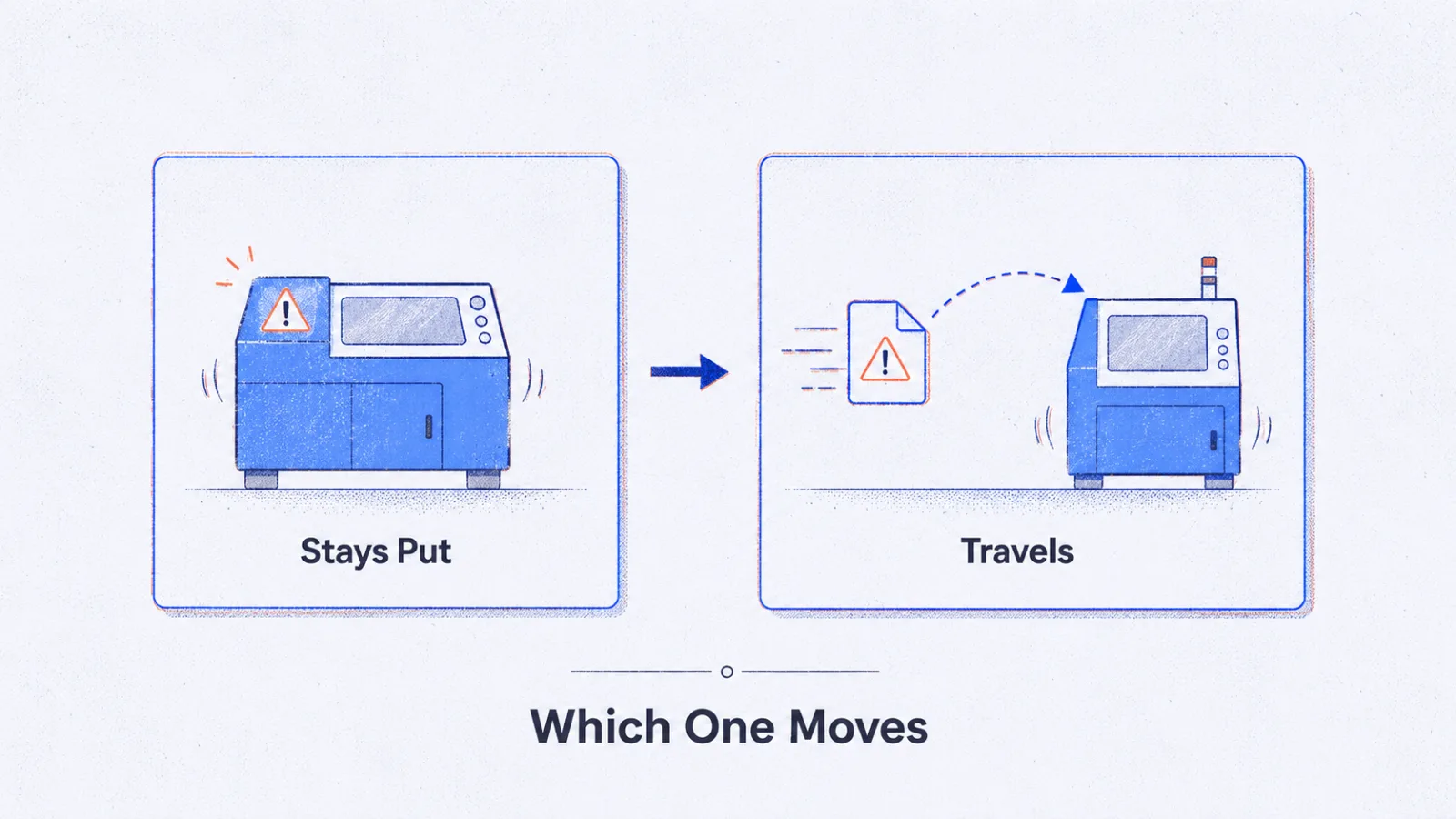
If the problem travels with it, the problem is software. If the second machine is fine with the same data, look at the first machine’s parts.
Did It Start After a Change?
Software faults have a first day, and something happened on it.
An update, an install, a setting. Hardware rarely fails on a day anything happened, which is why “it was fine yesterday” points toward software more often than people expect.
What Do the Tools Say?
Both sides have diagnostics, and running them beats guessing.
Built-in memory and drive checks cover the components, while network diagnostics software separates a broken connection from an application that merely thinks it is offline. That last distinction accounts for a large share of faults blamed on hardware.
The Line Blurs in Four Places
The definitions are clean and the boundary isn’t.
Firmware
Firmware is software written for one specific device and stored on it.
Your router, your drive and your keyboard each run some. It behaves like part of the hardware, updates like software, and fails in ways that look like both.
Virtual Machines
A virtual machine is software pretending to be hardware, convincingly enough that an operating system installs onto it without noticing.
The processor and drive it reports are invented. This is what lets one physical server present itself as twelve.
The Cloud
Cloud services are software you use and hardware somebody else owns.
The distinction still exists; it has moved into a contract. When their hardware fails, you experience it as software that stopped working, and you can’t replace the part.
Appliances
Plenty of products sold as hardware are software on a standard box.
A network firewall appliance is often a general-purpose computer running one program. It’s sold as a physical thing because that’s easier to buy, not because the function needs its own metal.
What Each Costs Over Time
They fail differently and they bill differently, and the second one plans worse.
Hardware is a purchase. It loses value from the day you buy it, needs replacing on a rough cycle, and the cost is visible because it arrives as one invoice.
Software mostly isn’t a purchase any more. It’s access, billed while you keep using it, and how that access is structured is covered in types of software licenses.
The trap is treating a subscription as a one-off the way a laptop is. Five tools at modest monthly prices outrun a hardware refresh within a couple of years.
Check the Software Before the Hardware
Check the software before replacing the hardware.
A machine that has become slow is more often carrying years of accumulated background programs than failing silicon. Clearing that costs an afternoon, and a replacement costs a month’s budget.
Go the other way when the limit is physical. Running out of memory, storage or ports isn’t something a setting fixes, and no amount of tidying adds a component that isn’t there.
The Types, Briefly
Both sides divide into two useful groups.
Hardware splits by what it does with information: input devices take it in, output devices present it, storage keeps it, and the processor and memory work on it.
Software splits by who it serves. System software runs the machine and includes the operating system and drivers, while application software does the job you sat down to do.
The Hardware Groups
Four jobs cover almost every component in a machine.
Input devices bring information in: keyboard, mouse, microphone, camera, scanner. Output devices send it back out through the screen, the speakers or a printer.
Storage keeps it when the power goes off, which is the drive. Processing works on it while the power is on, which is the processor and the memory, and memory forgetting everything at shutdown is why an unsaved document disappears.
The Software Groups
Two groups, split by who they serve.
System software runs the machine for its own sake: the operating system, the drivers that let it talk to each component, and the utilities that maintain it. You rarely open any of it deliberately.
Application software is everything you did open deliberately, from a browser to a spreadsheet. It runs on top of the system software and can’t reach the hardware without it.
Who Can Fix It, and How Fast
The repair paths differ more than the faults do.
Software can usually be fixed by whoever is sitting at the machine, or by somebody remote, and the fix arrives in minutes. Reinstalling, rolling back an update or changing a setting costs nothing but attention.
Hardware needs hands, a part, and frequently a wait. That’s why a business with people in three cities keeps spare machines rather than spare components, and why a failing laptop is replaced more often than repaired.
That asymmetry is the practical reason to rule software out first. The cheaper possibility is also the faster one to test.
Keeping Both Working
Each needs attention, and only one of them tells you when.
Software announces itself through update prompts, and the discipline of handling those on purpose rather than when interrupted is what patch management means.
Hardware gives quieter warnings: fans running longer, drives getting slower, batteries holding less. Those are worth acting on before they become the failure that ends with a purchase.
Questions People Ask About Hardware and Software
Is an operating system hardware or software?
Software, and the most important piece of it on any machine. It sits between your hardware and everything else you run, which is why a fault in it looks like the whole computer is broken.
What is firmware?
Firmware is software written to control one specific piece of hardware, stored on the hardware itself. It behaves like part of the device, which is why it sits awkwardly between the two categories.
Can software damage hardware?
Rarely and indirectly. Software can drive components harder than they were meant to run, or corrupt the firmware a device depends on. It can’t wear out a part the way heat and time do.
Which one fails more often?
Software, by a wide margin, and it’s also the cheaper of the two to fix. Hardware failures are less frequent and far more likely to end with a purchase.
Do you need new hardware to run new software?
Sometimes, and less often than the upgrade prompt suggests. Check the stated requirements against what you have before assuming the machine is the problem.
Ask Which One Before You Spend
Next time something misbehaves, run the four questions before reaching for a card.
Does it repeat exactly, does it follow your data, did it start after a change, and what do the diagnostics say. Those four resolve most faults into one category or the other.
Getting that right is the difference between an afternoon and an invoice, which is the only reason the distinction is worth knowing at all.
Add SocialAtoZ as a preferred source
See us more often in your Google results.