Every breach report that mentions a known flaw describes the same gap. A fix existed. Nobody put it on the machine that mattered.
That gap isn’t ignorance, and it usually isn’t laziness either.
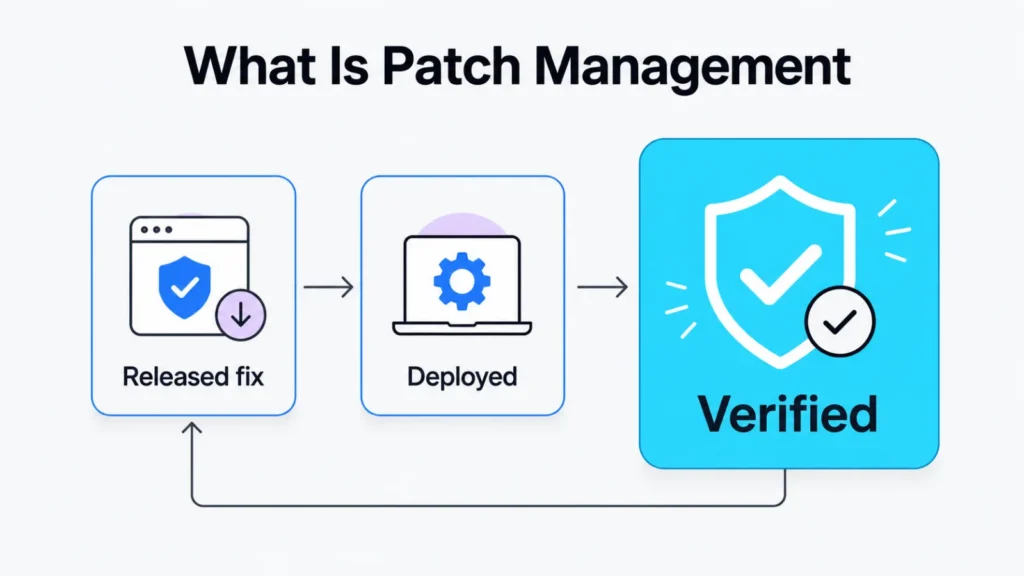
Patch management is the loop that carries a released fix through to a verified install.
What is patch management in practice comes down to how well you close that loop.
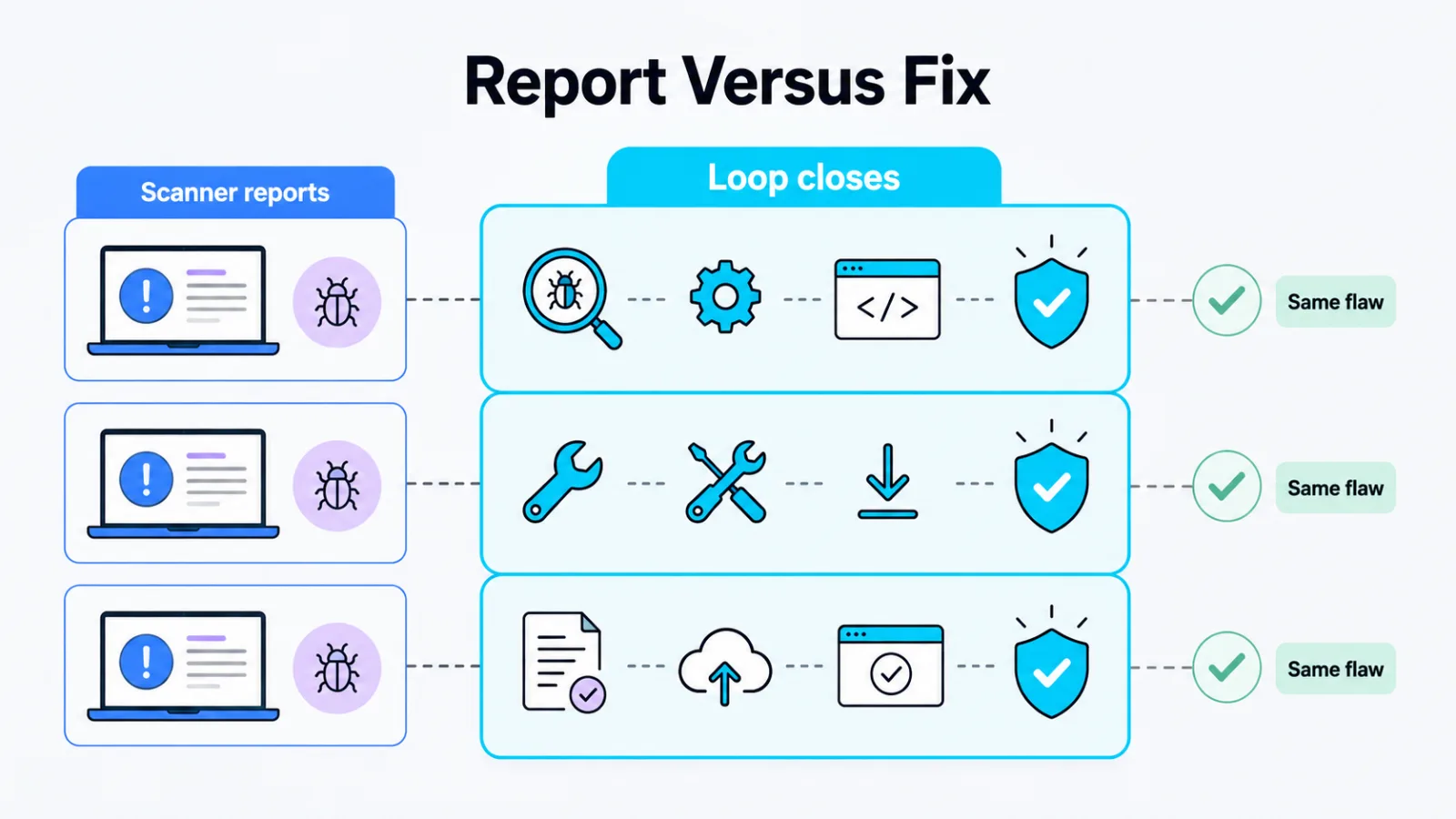
Scanning tells you what’s missing. The loop is what makes it stop being missing.
TL;DR
- Inventory first: you can’t patch what you can’t see.
- Verification last: a deployed patch isn’t an installed one.
- Reboots and old dependencies cause more misses than scanning gaps.
What Patch Management Covers
Patch management covers four jobs that have to happen in order, and a team that does three of them still has an exposure.
Know what you run. Learn that a fix exists.
Decide when it goes on. Confirm it went on.
Most tools handle the middle two well and the outer two poorly, which is where the gap opens.
The Patch Cycle, Step by Step
Each step feeds the next, so a weak one shows up as a failure two steps later.
Inventory
Inventory is the list of what you run, including versions.
This is the step teams assume they have done.
The laptop a contractor kept, the server built for a project that ended, the appliance nobody logs into: none appear on a list drawn from memory.
Monitoring
Monitoring is knowing that a fix was published, and for which version.
Vendor advisories arrive at different cadences. Some publish monthly on a fixed day, some publish the moment a flaw is confirmed, and the second kind is the one that catches teams mid-quarter.
Triage
Triage decides what goes first, and it is a judgement about exposure rather than a score.
A flaw in something reachable from the internet outranks a worse flaw in something only three people on the internal network can open.
Testing
Testing confirms the fix doesn’t break what it touches.
Skipping it feels fast until a patch takes a line-of-business application down, after which the team stops patching anything for a quarter. That reaction costs more than the outage did.
Deployment
Deployment puts the fix on the machine, and it is where the calendar meets reality.
Machines that are off during the window, laptops that never join the network, and anything needing a reboot somebody has to approve all fall out here.
Verification
Verification confirms the version on the machine changed.
A deployment tool reporting success means it sent the instruction. It doesn’t mean the install completed, survived the reboot, or reached the machine that was asleep.
How Teams Fall Behind
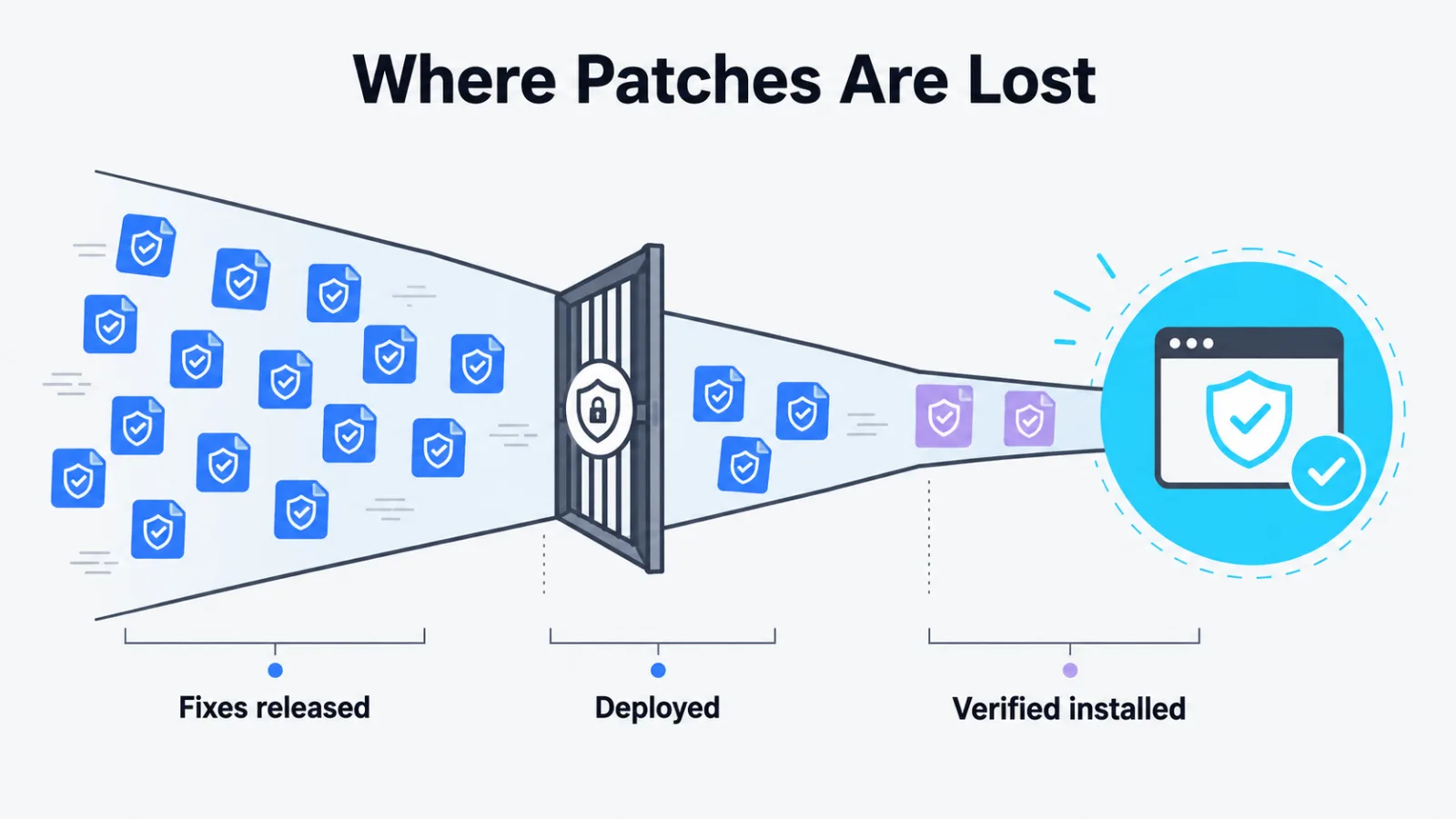
Teams fall behind on operations, not on information.
The backlog fills with machines needing a reboot nobody scheduled, and with old applications pinned to the version a patch replaces.
Both are scheduling and ownership problems wearing a technical costume. A better scanner finds them faster without fixing either.
The other pattern is the deferred patch that becomes permanent. Something broke once, the rollback hurt, and the team quietly stopped applying that vendor’s fixes.
What to Ask a Vendor About Patching
You inherit your vendor’s patch speed whether you ask about it or not, so ask about it.
Three questions separate a real process from a policy document. How long from a reported flaw to a released fix, who decides that a fix ships out of cycle, and how customers find out a patch exists.
The third question is the one that gets vague answers, and a fix you never hear about is a fix you never install.
The same discipline belongs upstream of the release, which is what the secure development life cycle covers at its operate stage.
Patch Management Questions Teams Ask
What is patch management?
Patch management is the loop that carries a vendor’s released fix through to a verified install on every machine you own. It covers four jobs: knowing what you run, learning a fix exists, testing it, and confirming it landed. Skipping the last one is why teams believe they are patched when they are not.
How is patching different from updating?
The difference is scope and intent. An update can add features, change behavior and fix defects at once, while a patch is a targeted change that closes a specific flaw. Teams that treat the two identically end up deferring security fixes because a feature change broke something once.
How quickly should a patch be applied?
It depends on exposure rather than on the calendar. Anything reachable from the internet and already being exploited belongs in the same week. An internal tool behind a firewall can wait for the next maintenance window.
Why do patches get skipped?
It is almost never because nobody knew. They get skipped because the machine was off, the reboot needed a window nobody scheduled, or an older application depends on the version being replaced. Those are operational problems, and no amount of scanning fixes them.
Who is responsible for patching cloud software?
The vendor patches its own platform, and you patch whatever you configure on top of it. That line moves depending on the service, so read it in the contract rather than assuming. Your responsibility usually covers access rules, integrations and anything you self-host.
Start With the Inventory
Pull your asset list, pick ten machines at random, and check the installed version of one piece of software on each.
Most teams find at least one machine the list says something untrue about.
That discrepancy is the real patch backlog, and it was there before any scanner reported a number.
Add SocialAtoZ as a preferred source
See us more often in your Google results.