
Most complete listing

Jungle AI
Answers the most buyer questions in this category.
21 tools compared
Exam Software is a category of tools that create and administer online exams and tests, with question banks, grading, and proctoring. They are used by schools, universities, and training providers that assess learners online.
On this page you can browse and compare the best Exam Software options side by side by features, pricing, integrations, and verified user reviews. Use the list below to shortlist the tools that best match your workflow, requirements, and budget.
Picked from the Exam Software records below, by what each one is strongest at.
Most complete listing
Answers the most buyer questions in this category.
Lowest starting price

Paid plans from $19.99.
Free plan
Start without paying, upgrade later.
Compare the 10 most relevant Exam Software options on price, free trial and deployment.
| Product | Starting price | Free trial | Free plan | API | Deployment |
|---|---|---|---|---|---|
| Jungle AI Insanely good multiple choice questions made in seconds | $150/month | ✓ | ✓ | – | Cloud Based |
 Janison Enterprise grade assessment platform used for national and professional certification… Janison Enterprise grade assessment platform used for national and professional certification… | Custom | – | – | ✓ | Cloud Based |
| Testportal Online test and quiz maker with AI question generation and… | $35 | ✓ | ✓ | ✓ | Cloud Based |
 Eklavvya AI powered online exam and interview assessment platform for education… Eklavvya AI powered online exam and interview assessment platform for education… | Free | – | ✓ | ✓ | Cloud Based, On Premises |
 Exam.net Secure online exam platform with lockdown browser and accessibility tools… Exam.net Secure online exam platform with lockdown browser and accessibility tools… | Custom | ✓ | – | – | Cloud Based |
 Conduct Exam Cloud based online exam software with proctoring for institutes and… Conduct Exam Cloud based online exam software with proctoring for institutes and… | Custom | – | – | – | Cloud Based |
 Proctorio Browser based AI exam proctoring and lockdown for higher education Proctorio Browser based AI exam proctoring and lockdown for higher education | Custom | – | – | – | Cloud Based |
| ProProfs Quiz Maker AI powered online quiz maker for training, education, hiring, and… | $19.99 | ✓ | ✓ | – | Cloud Based |
 Mercer Mettl Cloud-based assessment and AI proctoring platform for hiring, upskilling, and… Mercer Mettl Cloud-based assessment and AI proctoring platform for hiring, upskilling, and… | Custom | – | – | ✓ | Cloud Based |
 ExamSoft Secure digital exam platform with offline testing, proctoring, and ID… ExamSoft Secure digital exam platform with offline testing, proctoring, and ID… | Custom | – | – | – | Cloud Based |
Insanely good multiple choice questions made in seconds
Jungle is an AI-powered study platform that turns existing course material into practice questions and flashcards. Users upload or link source content, including lecture slides, PDFs, PowerPoint presentations, textbooks, notes, webpages, Google Drive files, or YouTube videos, and Jungle generates multiple-choice, free-response, and case-based questions from that material in any language. A built-in AI judge system scores generated questions for relevance and for how plausible the incorrect multiple-choice answers are, aiming to avoid the obviously wrong distractors common in simpler quiz generators. While studying, users can chat with the source document or video to ask follow-up questions, request personalized explanations and analogies for concepts they are stuck on, and use AI-generated image occlusion to turn diagrams into study prompts.
The platform includes spaced repetition review to resurface questions a learner is likely to forget, a progress-tracking system built around a tree that grows as students answer questions, and the ability to export finished card decks to Anki. Jungle is available through the web and through iOS and Android apps, and is aimed primarily at students, from undergraduates to those in professional programs such as pre-med and veterinary tracks, who want to convert existing course material into active recall practice rather than building flashcards by hand. A free plan allows a limited number of monthly generations with caps on document length and video length, while the paid Super Learner plan removes those limits for unlimited generations, unlimited document chats, and AI explanations on every question.
Explore various Keka features, compare the pricing plans, and unlock the potential of seamless operations by selecting the right software for your business.
Features
View all Jungle AI FeaturesPricing
Jungle AI Caters to
Enterprise grade assessment platform used for national and professional certification exams
Janison is an enterprise grade digital assessment platform based in Sydney, Australia, built for governments, education authorities, and professional certification bodies that need to run secure exams at scale, including Australia's NAPLAN Online national assessment. The platform includes authoring tools with more than 20 question types, item banks, AI-assisted content creation, remote proctoring with facial recognition identity checks, and a locked-down test player that works even with unstable internet.
Janison supports automated, semi-automated, and manual marking, plus native integrations with LMS platforms including Blackboard, Brightspace, Canvas, and Moodle. There is no free plan or free trial. Pricing is entirely custom, based on assessment volume, integrations, hosting requirements, and delivery mode, and typically requires a minimum of 2,500 assessments a year, with implementation taking three to twelve months.
Explore various Keka features, compare the pricing plans, and unlock the potential of seamless operations by selecting the right software for your business.
Features
View all Janison FeaturesPricing
Janison Caters to
Online test and quiz maker with AI question generation and cheat detection technology
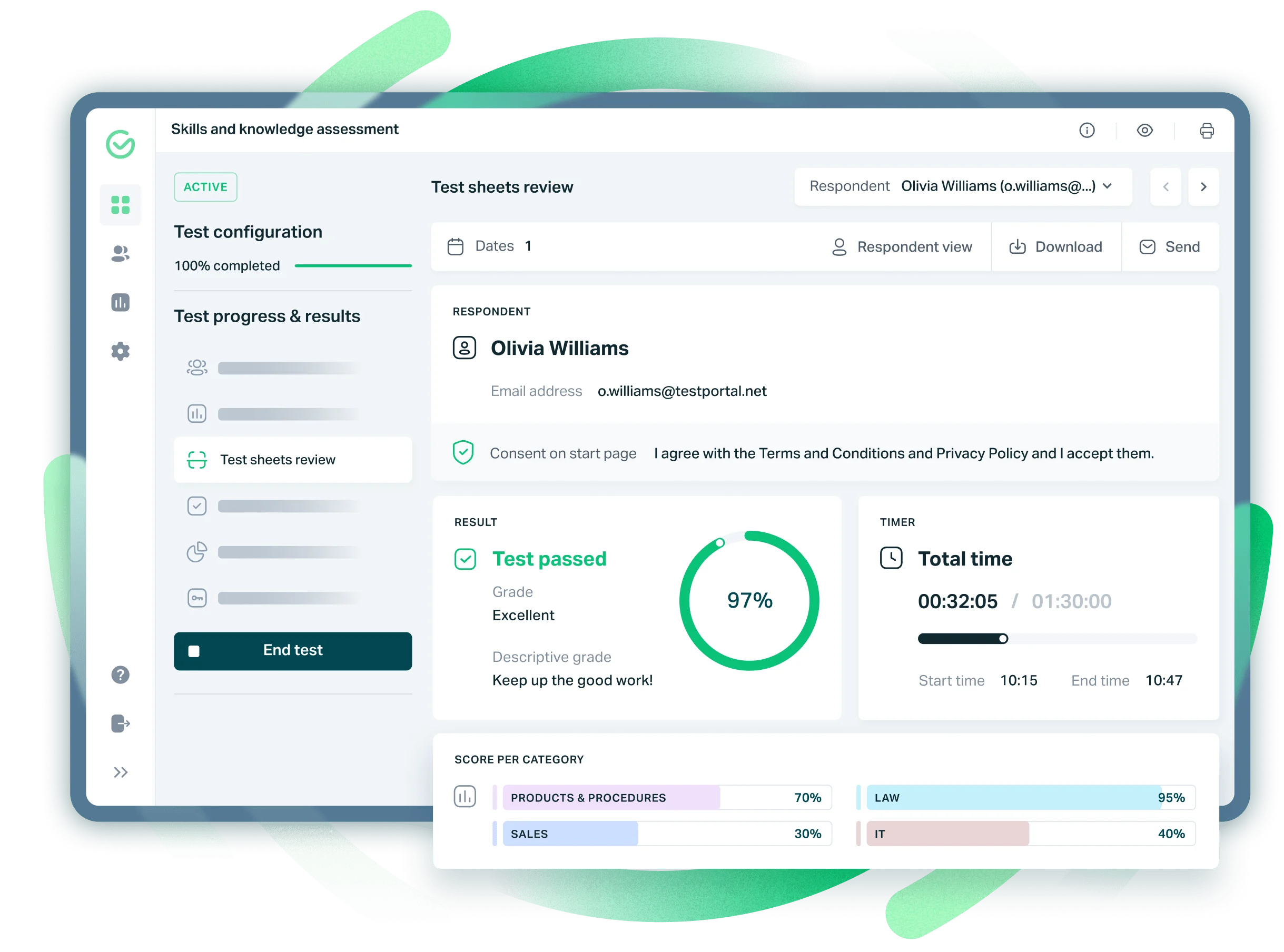
Testportal is an online test and quiz maker for businesses and educational users, allowing anyone to build tests with an intuitive question manager and AI-assisted question generation. It supports multiple question types including single and multiple choice, short open-ended answers, and file attachments like video, audio, and images, with automatic self-grading and instant feedback for test takers. It is also available as a Microsoft Teams add-in.
Testportal's Honest Respondent Technology uses AI to flag gaze direction, screen sharing, and extra monitors to discourage cheating. Business plans run from 35 dollars a month for the Standard tier with 30 results included, up to a custom-priced MAX Customized plan for unlimited results, each with a 14 day free trial. A limited, permanently free plan is available for teachers and educators.
Explore various Keka features, compare the pricing plans, and unlock the potential of seamless operations by selecting the right software for your business.
Features
View all Testportal FeaturesPricing
Testportal Caters to
AI powered online exam and interview assessment platform for education and hiring
Eklavvya is an AI powered online examination and interview assessment platform from Splashgain Technology Solutions, aimed at educational institutions and corporate hiring teams in India and abroad. It supports objective, subjective, coding, and voice or oral assessments, an AI question paper generator with syllabus alignment, and video or AI-driven interviews for recruitment and admissions. Exams can be delivered in English, Hindi, Spanish, Arabic, Tamil, and other languages.
Security features include 360 degree AI proctoring with dual camera streaming and facial recognition, plus a secure browser that blocks other windows during exams. A free plan covers up to 25 exams, while Standard, Professional, and Enterprise tiers are quoted on request and billed using exam credits, with pricing based on candidate volume, features, and deployment type, including on-premises white label options.
Explore various Keka features, compare the pricing plans, and unlock the potential of seamless operations by selecting the right software for your business.
Features
View all Eklavvya FeaturesPricing
Eklavvya Caters to
Secure online exam platform with lockdown browser and accessibility tools for schools
Exam.net is a secure online exam platform built primarily for schools and universities to run digital assessments and prevent cheating. It offers a lockdown browser with adjustable security levels, automated plagiarism checks, and randomized question order, alongside accessibility tools like text-to-speech, translation, and extra time for students who need it. Teachers can build exams with multiple question types or upload an existing PDF exam and have it live within minutes, without requiring students to create accounts.
The platform runs on PC, Mac, Chromebook, and iPad, and integrates with Google Classroom and Microsoft Teams. Pricing is not published publicly; schools get a discounted first year and are then quoted annually based on usage, with a 30 day free trial available so a whole school can evaluate the platform together.
Explore various Keka features, compare the pricing plans, and unlock the potential of seamless operations by selecting the right software for your business.
Features
View all Exam.net FeaturesPricing
Exam.net Caters to
Cloud based online exam software with proctoring for institutes and companies
Conduct Exam is a cloud based online examination system built by Conduct Exam Technologies in India for schools, colleges, universities, and corporate training teams. It lets administrators create, schedule, and analyze exams made up of multiple choice, aptitude, and descriptive questions, and supports test taking in English, Hindi, and other regional languages. Dedicated Android and iOS apps let students take exams on mobile devices, including some offline functionality.
To help deter cheating, Conduct Exam offers remote proctoring with facial recognition and a web screen lock that restricts access to other applications during a test. Instructors get graphical performance reports after each exam, and institutions can sell question banks online through an integrated payment gateway. Exact pricing was not confirmed on the vendor's own site during this research.
Explore various Keka features, compare the pricing plans, and unlock the potential of seamless operations by selecting the right software for your business.
Features
View all Conduct Exam FeaturesPricing
Conduct Exam Caters to
Browser based AI exam proctoring and lockdown for higher education
Proctorio is a browser extension based exam proctoring system used mainly by colleges and universities to secure online exams taken through an LMS. It offers fully automated AI monitoring, recording student webcam and microphone activity for later review, along with configurable lockdown settings that block access to outside websites and applications during a test. Identity verification captures ID card and face images before an exam begins.
A tool called WebSweep scans the web for leaked exam content, and the Review Center gives instructors AI flagged incident logs, recordings, and suspicion ratings to speed up integrity checks. Institutions can also pay for Professional Review, where trained staff manually review flagged recordings. Proctorio does not publish pricing; institutions must contact a sales representative for a custom quote.
Explore various Keka features, compare the pricing plans, and unlock the potential of seamless operations by selecting the right software for your business.
Features
View all Proctorio FeaturesPricing
Proctorio Caters to
AI powered online quiz maker for training, education, hiring, and certification
ProProfs Quiz Maker is a cloud based tool for building online quizzes, tests, and exams for training, education, hiring, and certification. It offers AI powered quiz generation, a library of over 100,000 pre built quizzes, and more than 20 question types including hotspot, video response, and formula editor questions. Automatic grading, AI assisted feedback, custom certificates, and detailed reports help trainers and teachers save time on manual scoring.
The platform supports SCORM and Tin Can API so quizzes can run inside existing learning management systems, and includes basic proctoring features such as webcam and screen share checks. Plans range from a free tier for small quizzes to paid tiers billed per 100 active quiz takers, plus dedicated plans for certification, hiring, and K-12 or district use.
Explore various Keka features, compare the pricing plans, and unlock the potential of seamless operations by selecting the right software for your business.
Pricing
ProProfs Quiz Maker Caters to
Cloud-based assessment and AI proctoring platform for hiring, upskilling, and certification.
Mercer Mettl is a cloud-based online assessment and proctoring platform used for pre-hire screening, employee upskilling, and certification testing. It offers a library of job-skills and psychometric assessments across more than 26 question formats, coding assessments, and AI-driven proctoring that uses facial recognition and a three-point candidate authentication process to flag suspicious behavior during remote exams.
Mettl was acquired by Mercer, part of Marsh McLennan, in 2018 and is headquartered in Gurugram, India, operating in more than 90 countries and supporting over 30 languages. Pricing is fully customized; Mercer Mettl does not publish tiered pricing and instead offers a pay-as-you-go model based on the assessment packages and number of attempts an organization selects, available through a consultation with its sales team.
Explore various Keka features, compare the pricing plans, and unlock the potential of seamless operations by selecting the right software for your business.
Features
View all Mercer Mettl FeaturesPricing
Mercer Mettl Caters to
Secure digital exam platform with offline testing, proctoring, and ID verification.
ExamSoft is a digital assessment platform used by higher education programs (including medical, nursing, law, pharmacy, and business schools), K-12 institutions, and certification and licensure bodies such as bar associations. Its core product, Examplify, lets students take secure exams offline on a laptop, syncing results once reconnected. Companion tools include ExamMonitor for remote proctoring, ExamID for identity verification, ExamNow for real-time polling, and ExamSCORE for rubric-based grading.
ExamSoft is headquartered in Boca Raton, Florida, with an additional office in Dallas, Texas. The platform integrates with Blackboard and Canvas and provides detailed analytics on question-level performance and curriculum mapping for accreditation. ExamSoft does not publish pricing publicly and offers no free plan or free trial; subscription cost depends on an institution's size and selected modules.
Explore various Keka features, compare the pricing plans, and unlock the potential of seamless operations by selecting the right software for your business.
Features
View all ExamSoft FeaturesPricing
ExamSoft Caters to
Buyers comparing Exam Software usually find the shortlist separates on workflow fit and total cost rather than headline capability. This guide walks through capabilities, typical users, pricing models, and how to run a trial that tells you something.
Exam Software helps teams support teaching, learning, enrolment, and the administration of an education provider. The value is mostly in removing duplicate effort, since the same information stops being re entered across disconnected tools. Most products handle the easy cases; the useful test is what happens at the edges of your process.
These are the capabilities that most often distinguish Exam Software products in practice.
Teams using Exam Software well typically report:
Exam Software is used by administrators, teachers and tutors, registrars, and school or institution leadership. The best fit depends less on organisation size than on how closely a product’s assumptions match how you already operate.
Worth weighing before you commit to any Exam Software option:
Test two or three options on real cases, not a scripted demo, and weight the opinion of whoever will be in it every day.
Commonly per student per year or per staff user per month. Larger institutions usually negotiate annual contracts with implementation included. Model cost at the scale you expect to reach, and check nothing you depend on sits in a higher tier than the one quoted.
Exam Software covers the operational side of teaching and learning work, holding records, scheduling and invoicing together instead of across separate tools.
Generic software leaves you building the teaching and learning specifics yourself, whereas Exam Software ships with them at a higher price.
Fit depends on the scale Exam Software was designed for, so check whether the vendor’s typical teaching and learning customer resembles your own operation.
Migration support varies across Exam Software, so ask what the vendor imports as standard from your current teaching and learning records and what needs manual work.
Exam Software is usually billed per seat or per site each month, and specialist teaching and learning tooling generally prices above generic software.
Test Exam Software on genuine teaching and learning tasks with the people who will actually use it rather than on a scripted scenario.