

Plans and Pricing
Compare pricing of Toon Boom Harmony vs Compare with the following detailed pricing plan info. Toon Boom Harmony comes in 2 packages: Foundation, Strength. On the other hand, Compare has not provided information about its pricing.
Screenshot
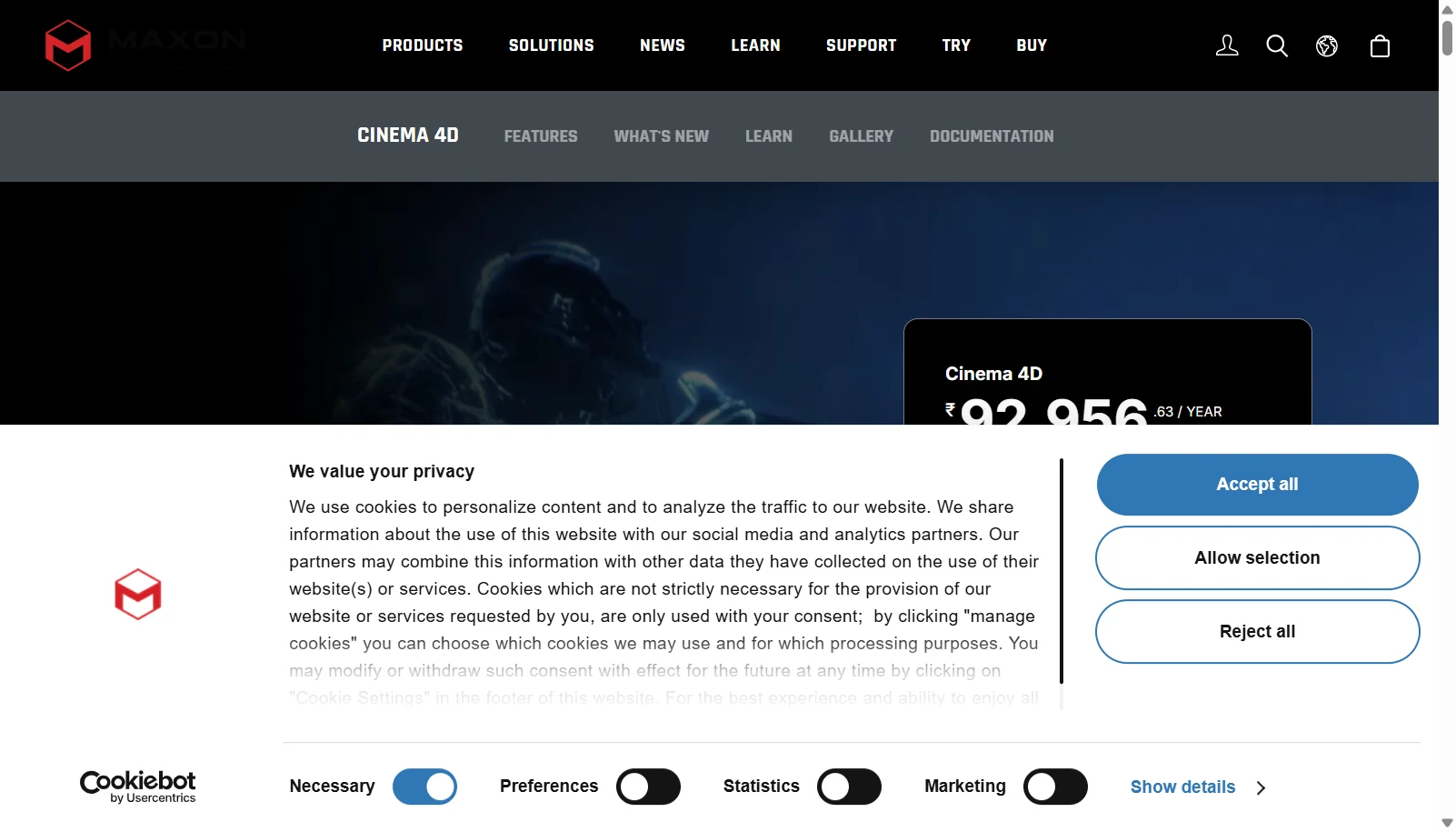
Take a look at the below screenshots and seamlessly compare the user interface of Toon Boom Harmony and Cinema 4D (Maxon) for better insights.

Features
Compare between Toon Boom Harmony and Cinema 4D (Maxon) on their key features and functionalities to pick the right one for your business.
- Traditional hand-drawn and paperless animation workflows
- Cut-out style rigged character animation
- Vector and bitmap drawing tools with pressure-sensitive brushes
- Node-based rigging with deformers and Attribute Controllers
- Onion skinning and advanced scanning/vectorization of paper drawings
- Up to 8K camera resolution and full effects/compositing nodes (Premium)
- Selection Lock and Mirror Reference View for complex rig editing
- 3D model import support in the Premium tier
- Parametric and polygonal modeling with generators and deformers
- MoGraph procedural motion graphics toolset
- Redshift GPU renderer included in every subscription
- Integrated character rigging and keyframe animation
- Simulation for cloth, hair, particles, and rigid bodies
- Cineware integration with Adobe After Effects
- Multi-pass, compositing-ready rendering output
- Cinema 4D for iPad for mobile/tablet workflows
Additional Details
| Details | Toon Boom Harmony | Cinema 4D (Maxon) |
|---|---|---|
| Languages | English | English |
| Country | Canada | Germany |
| API Available | ✖ | ✔ |
| Run On Mobile Browser | ✖ | ✖ |
| Free Plan | ✖ | ✖ |
| Customization | ✔ | ✔ |
| Support | Email, Tickets, Training | Email, Phone, Tickets, Training |
| Target Audience | Freelancers, SMEs, Agencies, Enterprises | Freelancers, SMEs, Agencies, Enterprises |
| Platforms | Windows, macOS | Windows, macOS |
| Subscription Plans | Monthly | Monthly |
| Deployment | on premises | on premises |