


Plans and Pricing
Compare pricing of LibreOffice Draw vs Compare with the following detailed pricing plan info. LibreOffice Draw comes in 2 packages: Foundation, Strength. On the other hand, Compare has not provided information about its pricing.
Screenshot
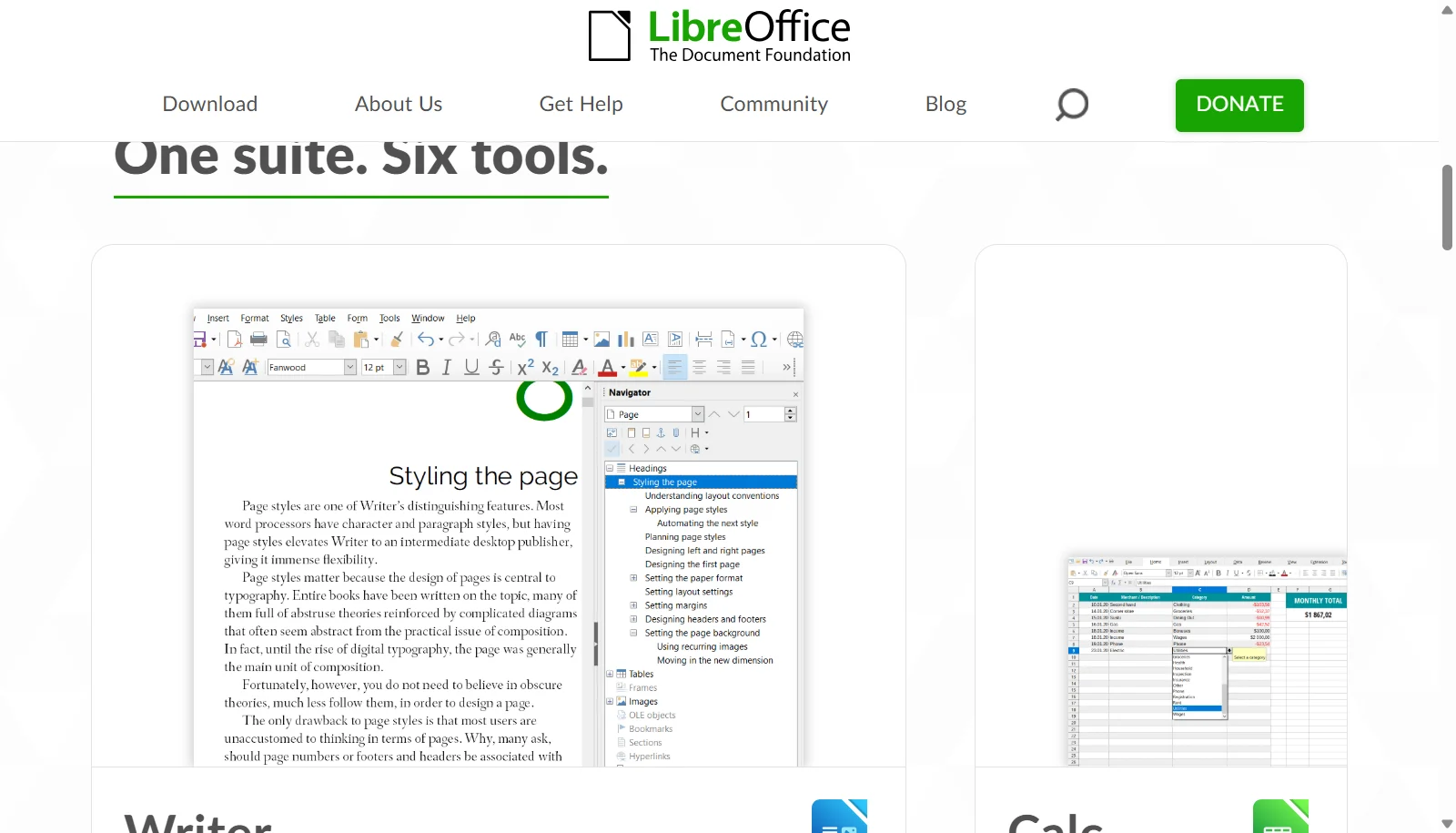
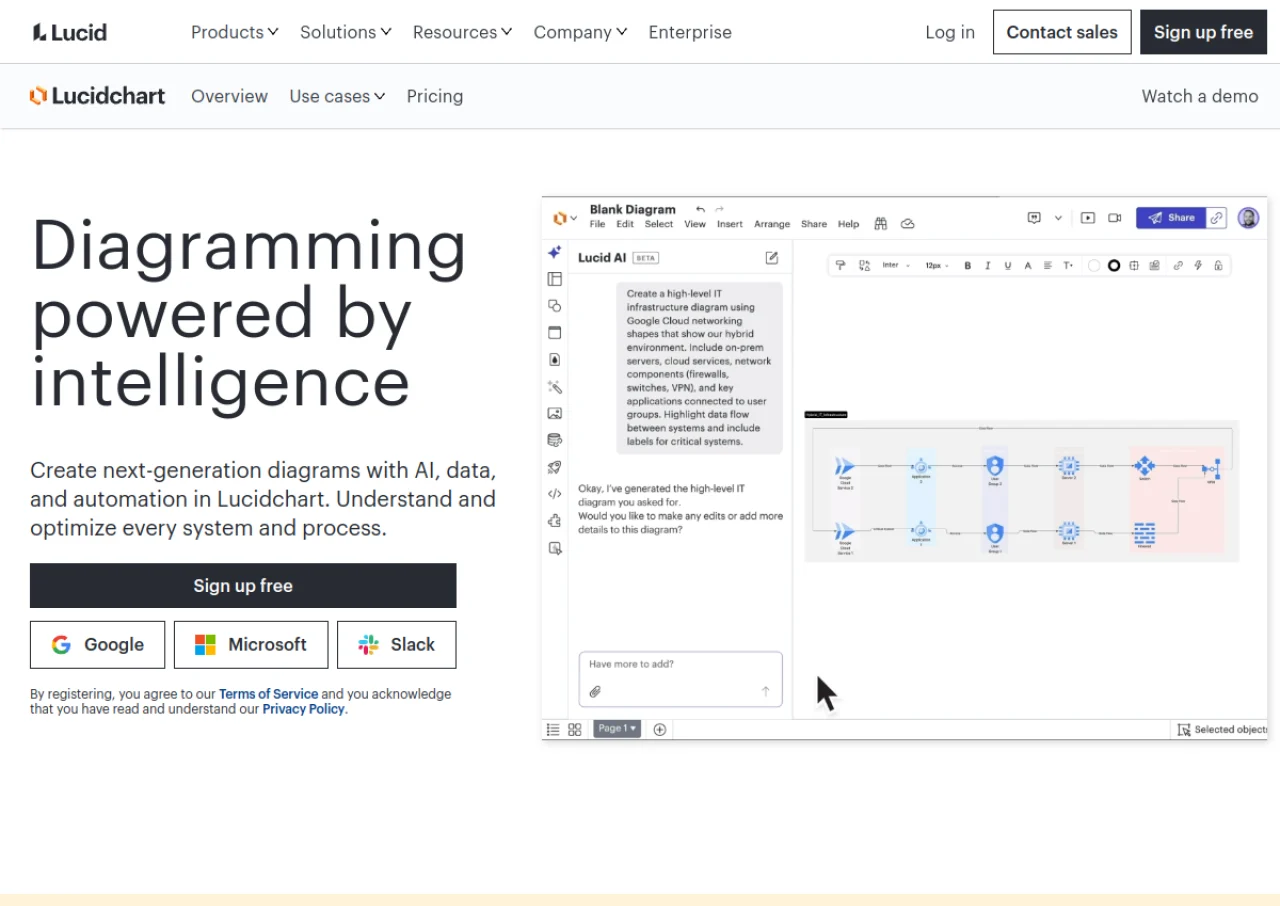
Take a look at the below screenshots and seamlessly compare the user interface of LibreOffice Draw and Lucidchart for better insights.
Features
Compare between LibreOffice Draw and Lucidchart on their key features and functionalities to pick the right one for your business.
- Vector shape, polygon, and Bezier curve tools
- Premade flowchart and diagram shape libraries
- Connection points for linking diagram elements
- Master page concept for reusable layouts
- Batch operations for multiple objects
- Import/export SVG, PDF, PNG, and Visio (VSD) formats
- Integration with LibreOffice Writer and Impress
- Cross-platform on Windows, macOS, and Linux
- Real time collaborative editing with comments and chat
- Extensive shape and template library for flowcharts, UML, ER and network diagrams
- Data linking to Google Sheets and Excel for live updating diagrams
- Auto generation of org charts and database diagrams from data
- Version history and revision tracking
- Integrations with Slack, Microsoft Teams, Confluence and Jira
- Presentation mode for walking through diagrams
- Custom shape libraries
Additional Details
| Details | LibreOffice Draw | Lucidchart |
|---|---|---|
| Languages | English | English |
| Country | Germany | United States |
| API Available | ✔ | ✔ |
| Run On Mobile Browser | ✖ | ✔ |
| Free Plan | ✔ | ✔ |
| Customization | ✔ | ✔ |
| Support | Training | Email, Phone, Live Support, Training, Tickets |
| Target Audience | Freelancers, Startups, SMEs, Enterprises | Freelancers, SMEs, Agencies, Enterprises |
| Platforms | Windows, macOS | Web App |
| Subscription Plans | One-time | Yearly |
| Deployment | on premises | cloud based |