


Plans and Pricing
Compare pricing of LibreOffice Draw vs Compare with the following detailed pricing plan info. LibreOffice Draw comes in 2 packages: Foundation, Strength. On the other hand, Compare has not provided information about its pricing.
Screenshot
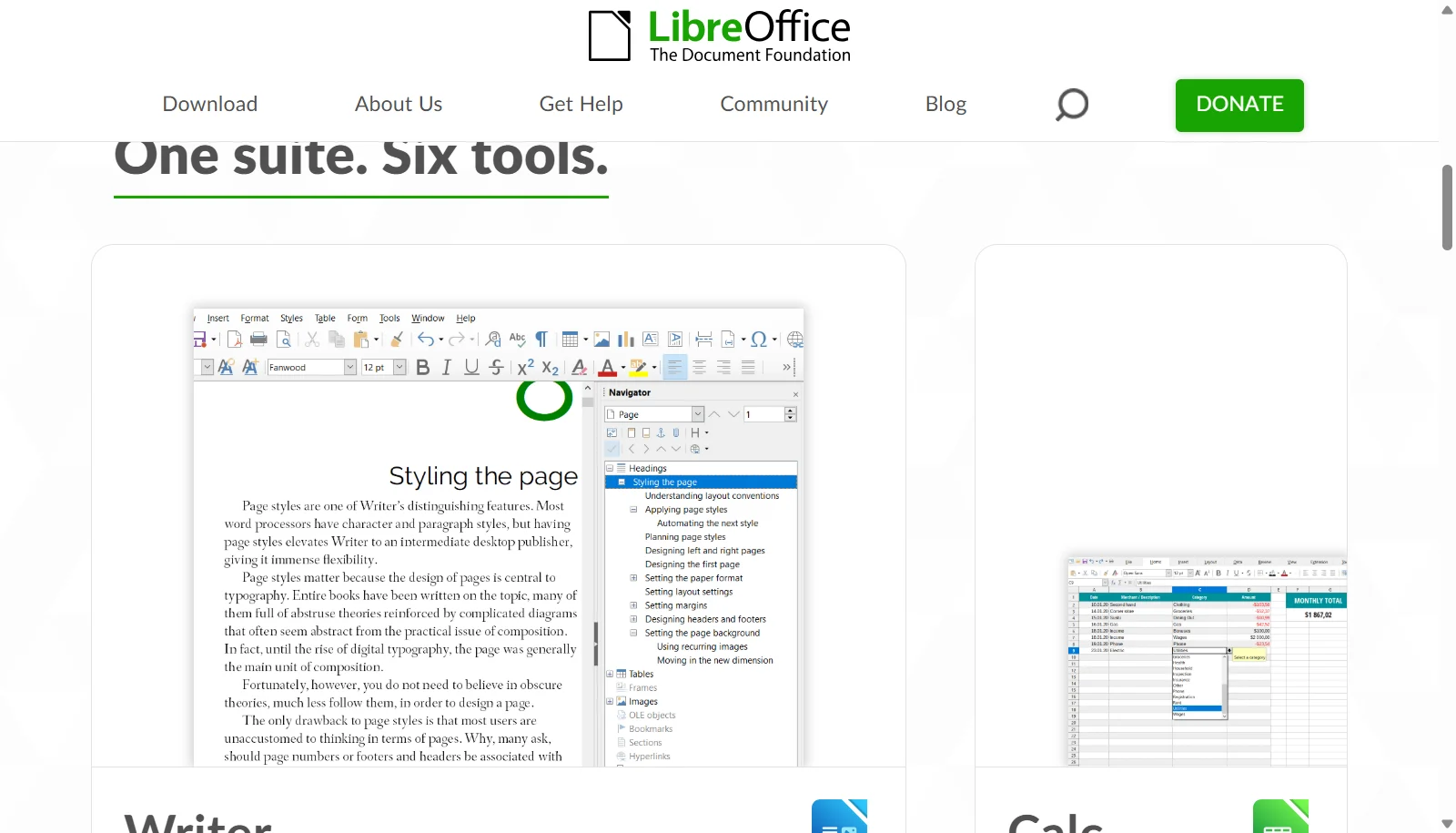
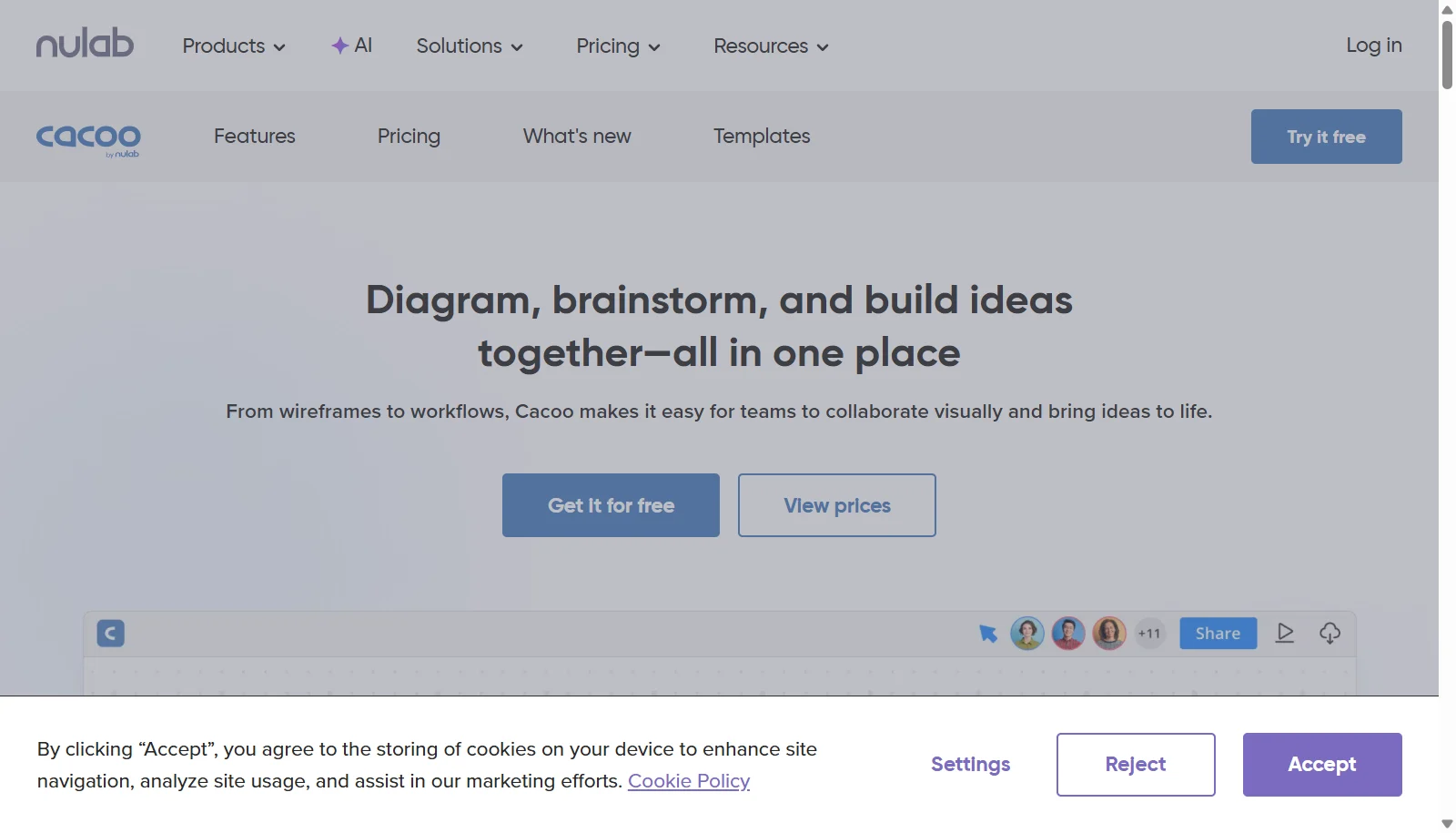
Take a look at the below screenshots and seamlessly compare the user interface of LibreOffice Draw and Cacoo (Nulab) for better insights.
Features
Compare between LibreOffice Draw and Cacoo (Nulab) on their key features and functionalities to pick the right one for your business.
- Vector shape, polygon, and Bezier curve tools
- Premade flowchart and diagram shape libraries
- Connection points for linking diagram elements
- Master page concept for reusable layouts
- Batch operations for multiple objects
- Import/export SVG, PDF, PNG, and Visio (VSD) formats
- Integration with LibreOffice Writer and Impress
- Cross-platform on Windows, macOS, and Linux
- Infinite canvas for flowcharts, wireframes and network diagrams
- Real time co-editing with in-app video chat and comments
- Follow mode to guide teammates during reviews
- Code-to-Graph text-to-UML diagram generation
- Kanban tool for task tracking
- Revision history on paid plans
- Multiple export formats including PNG, SVG, PDF and PPT
- Nulab developer API access
Additional Details
| Details | LibreOffice Draw | Cacoo (Nulab) |
|---|---|---|
| Languages | English | English |
| Country | Germany | Japan |
| API Available | ✔ | ✔ |
| Run On Mobile Browser | ✖ | ✔ |
| Free Plan | ✔ | ✔ |
| Customization | ✔ | ✔ |
| Support | Training | Email, Live Support, Training, Tickets |
| Target Audience | Freelancers, Startups, SMEs, Enterprises | Freelancers, Startups, SMEs, Agencies, Enterprises |
| Platforms | Windows, macOS | Web App |
| Subscription Plans | One-time | Monthly |
| Deployment | on premises | cloud based |