


Plans and Pricing
Compare pricing of Jira vs Compare with the following detailed pricing plan info. Jira comes in 2 packages: Foundation, Strength. On the other hand, Compare has not provided information about its pricing.
Screenshot
Take a look at the below screenshots and seamlessly compare the user interface of Jira and Trello for better insights.
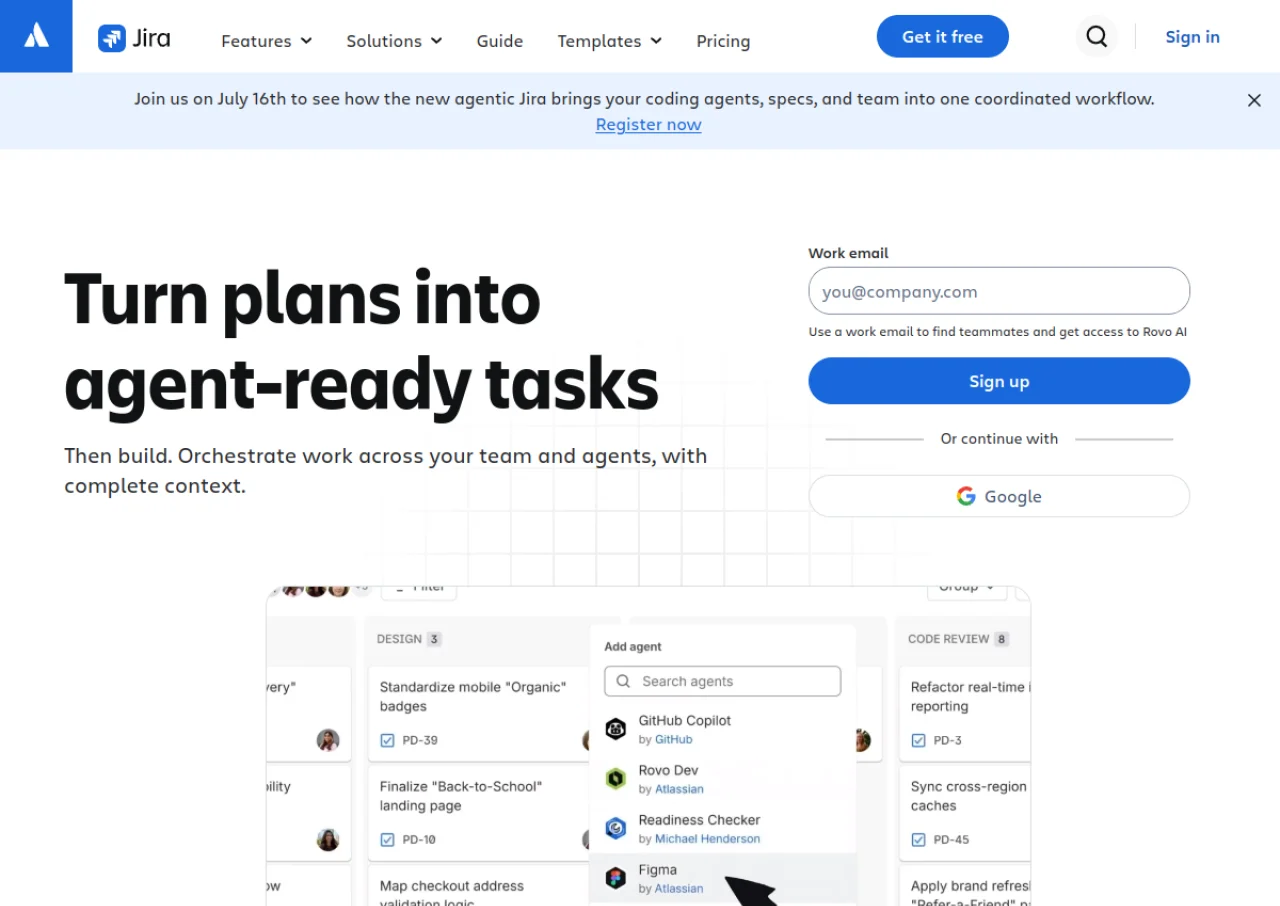
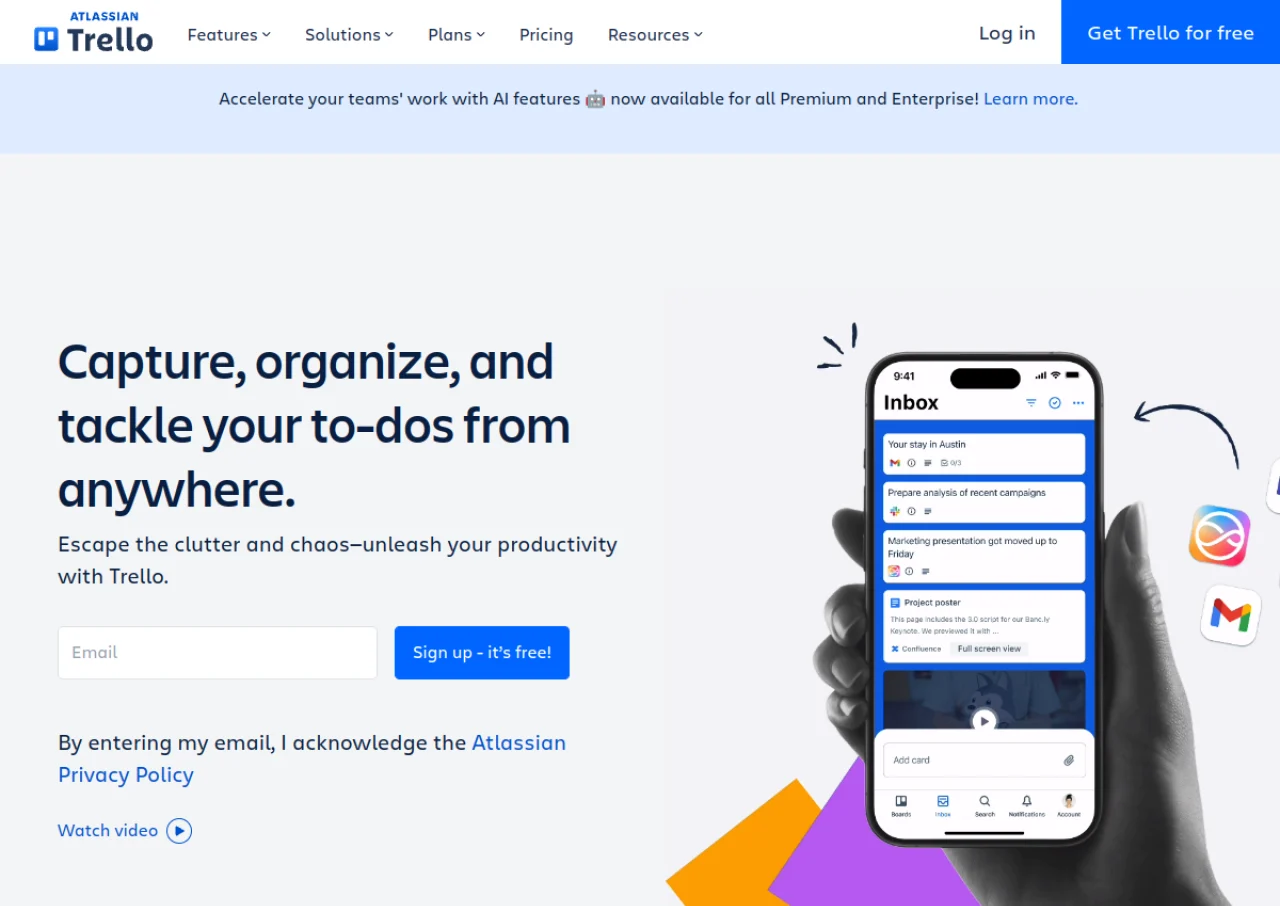
Features
Compare between Jira and Trello on their key features and functionalities to pick the right one for your business.
- Scrum and Kanban boards
- Backlog and sprint planning
- Customizable workflows
- Automation rules
- Reporting and dashboards (burndown, velocity, cumulative flow)
- Timeline and roadmap views
- iOS and Android mobile apps
- Integrations with Confluence, Bitbucket, and Marketplace apps
- Cross-project planning and dependency management (Premium)
- Enterprise-grade admin controls and security
- Kanban boards with lists and drag and drop cards
- Butler no-code automation (rules, buttons, scheduled commands)
- Power-Ups for extending board functionality
- Calendar, Timeline, Table, Dashboard and Map views (Premium+)
- Checklists, due dates, labels and custom fields
- Card mirroring across boards
- Board and workspace level templates
- Mobile apps for iOS and Android
- Unlimited Power-Ups on every plan including Free
- Organization-wide permissions and SSO (Enterprise)
Additional Details
| Details | Jira | Trello |
|---|---|---|
| Languages | english | english |
| Country | Australia | United States |
| API Available | ✔ | ✔ |
| Run On Mobile Browser | ✔ | ✔ |
| Free Plan | ✔ | ✔ |
| Customization | ✔ | ✔ |
| Support | Email, Live Support, Training, Tickets | Email, Live Support, Tickets |
| Target Audience | startups, smes, agencies, enterprises | freelancers, startups, smes, agencies, enterprises |
| Platforms | web app | web app, windows, macos |
| Subscription Plans | Monthly | Monthly |
| Deployment | cloud based, on premises | cloud based |