

Plans and Pricing
Compare pricing of draw.io (diagrams.net) vs Compare with the following detailed pricing plan info. draw.io (diagrams.net) comes in 2 packages: Foundation, Strength. On the other hand, Compare has not provided information about its pricing.
Screenshot
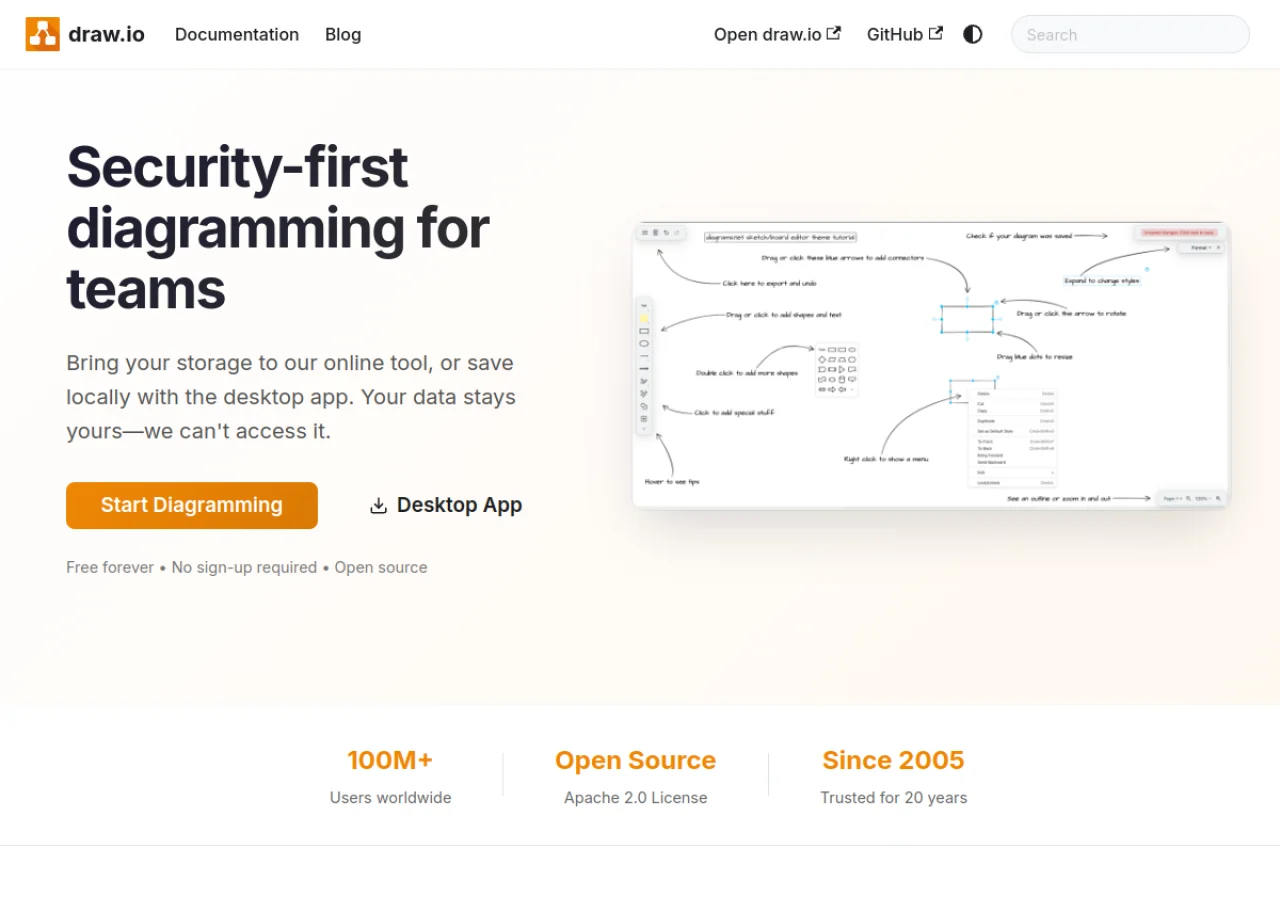
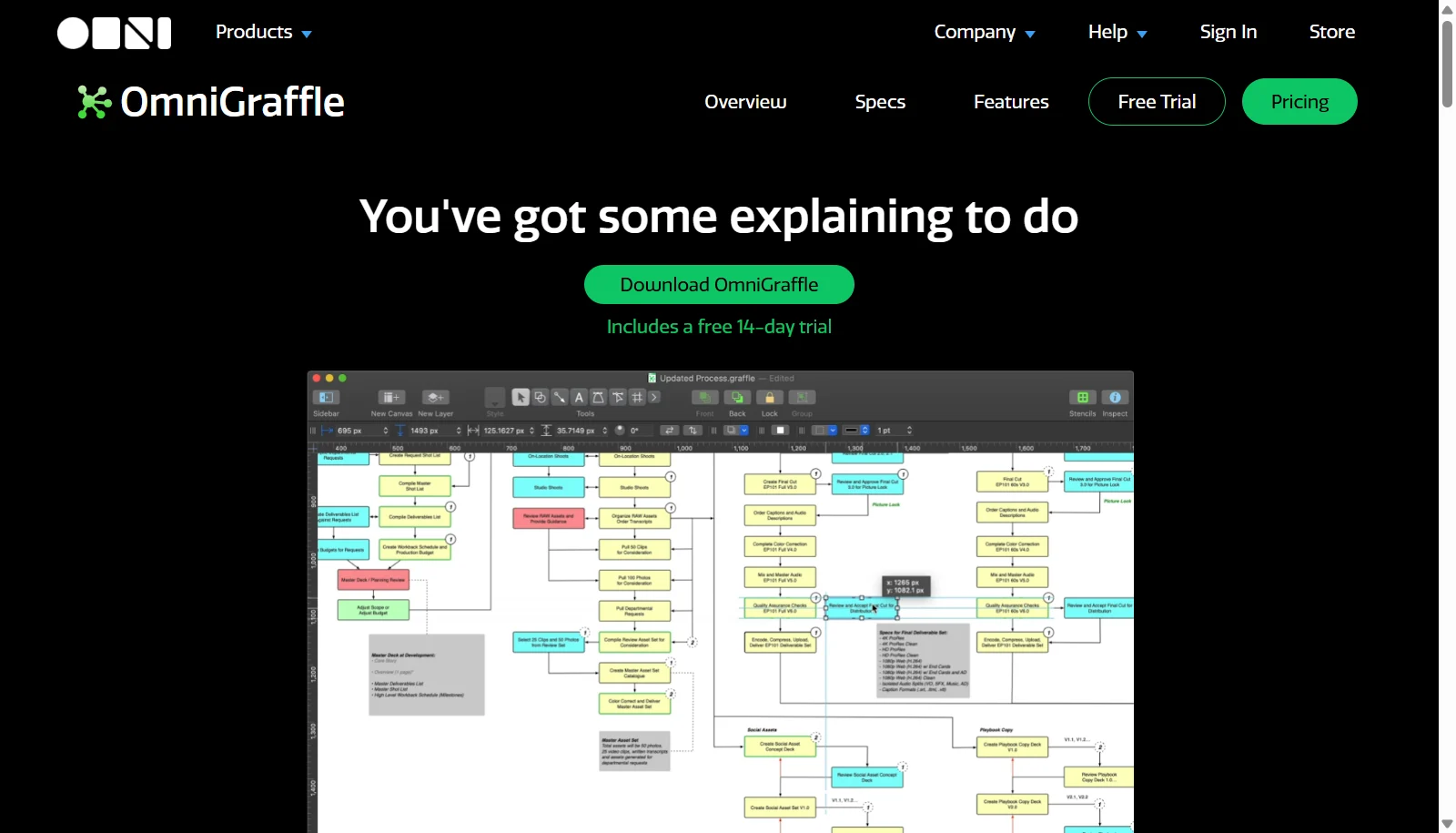
Take a look at the below screenshots and seamlessly compare the user interface of draw.io (diagrams.net) and OmniGraffle for better insights.
Features
Compare between draw.io (diagrams.net) and OmniGraffle on their key features and functionalities to pick the right one for your business.
- Free to use with no account or login required
- Web app and downloadable desktop app for Windows, macOS and Linux
- Wide diagram type support including flowcharts, UML, ER, BPMN and network diagrams
- Multiple editor themes including Classic, Minimal and Sketch
- Cloud storage integrations with Google Drive, OneDrive, Dropbox and GitHub
- Preloaded icon sets for major cloud providers
- Export to SVG, PNG and PDF
- User controlled data storage for privacy
- Vector-based shapes with Bezier, orthogonal, and curved lines
- Smart guides and auto layout for spacing
- Multiple canvases and artboards
- Stencils and template library
- Force Touch alignment feedback on Mac
- Dark Mode, iCloud sync, and Apple Silicon support
- Export to PDF, SVG, PNG, and Visio-compatible formats
- Native iPhone and iPad apps
Additional Details
| Details | draw.io (diagrams.net) | OmniGraffle |
|---|---|---|
| Languages | English | English |
| Country | United Kingdom | United States |
| API Available | ✖ | ✖ |
| Run On Mobile Browser | ✔ | ✖ |
| Free Plan | ✔ | ✖ |
| Customization | ✔ | ✔ |
| Support | Email, Tickets | Email, Tickets, Training |
| Target Audience | Freelancers, Startups, SMEs, Agencies, Enterprises | Freelancers, SMEs, Agencies, Enterprises |
| Platforms | Web App, Windows, macOS | macOS |
| Subscription Plans | Yearly | Yearly |
| Deployment | cloud based, on premises, hybrid | on premises |