
OnPay
VerifiedFull-service online payroll, HR, and benefits software for small and mid-sized businesses
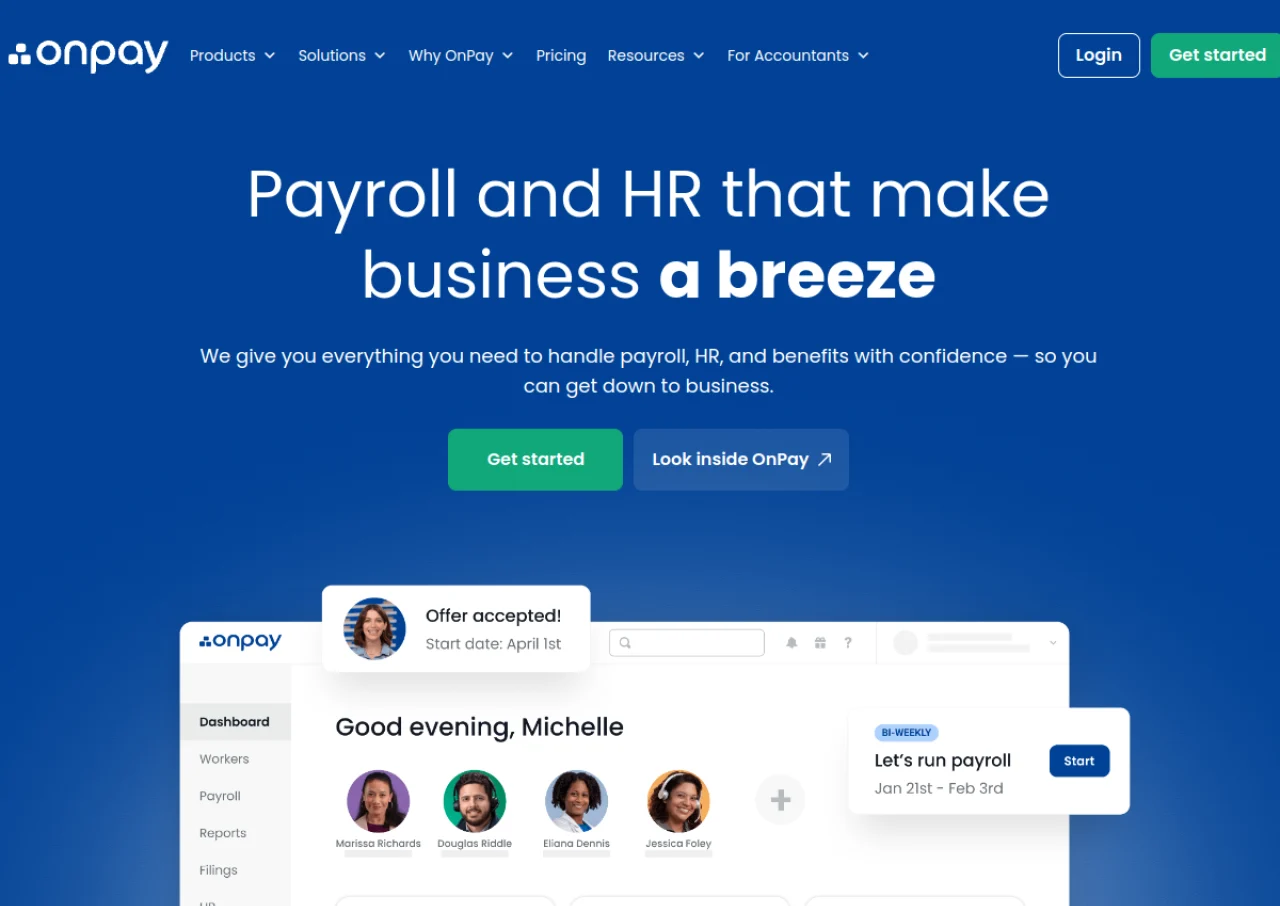 See all screenshots
 - Deployment Cloud Based
- Starting price $49
- Free trial Available
- Best for Freelancers, Startups, SMEs
What is OnPay?
OnPay is a cloud-based payroll and HR platform built for small and mid-sized businesses. It handles full-service payroll for both W-2 employees and 1099 contractors, including automatic calculation and filing of federal, state, and local payroll taxes. The platform supports unlimited pay runs, multiple pay schedules and rates, direct deposit, debit card payment, and printed checks at no extra fee, along with year-end tax form generation.
Beyond payroll, OnPay offers HR tools such as employee self-onboarding with e-signatures, document storage, PTO tracking with customizable accrual policies, and organizational charts. It also provides benefits administration, including health insurance brokered in-house, 401(k) integrations, and workers' compensation plans. OnPay integrates with accounting software like QuickBooks and Xero and with time-tracking tools such as Deputy and When I Work. Pricing is a single transparent plan rather than tiered packages.
Key Features of OnPay
OnPay lists 10 documented features, including Full-service payroll for W-2 employees and 1099 contractors, Automatic federal, state, and local payroll tax calculation and filing and Unlimited payroll runs and multiple pay schedules/rates. The list below covers what the product does rather than how it is marketed.
- Full-service payroll for W-2 employees and 1099 contractors
- Automatic federal, state, and local payroll tax calculation and filing
- Unlimited payroll runs and multiple pay schedules/rates
- Direct deposit, debit card payment, and printed checks at no extra fee
- Employee self-onboarding with e-signature HR documents
- PTO tracking with customizable accrual policies
- Benefits administration (health insurance, 401(k), workers' comp)
- Prebuilt and custom payroll reports exportable to accounting software
- Integrations with QuickBooks, Xero, and time-tracking tools like Deputy and When I Work
- Organizational charts and employee self-service portal
OnPay Pricing
OnPay lists one plan, at $49.
Payroll Essentials
$49
base per month plus $6 per worker
Full service payroll for W-2 and 1099 workers with federal, state and local tax filing and no hidden fees.
OnPay Specifications
OnPay is available on web app and has iOS and Android apps. It has a free trial.
- Deployment
- Cloud Based
- Billing cycle
- Monthly
- Desktop
- Web App
- Mobile
- iOS
- Android
- Languages
- English
- Built for
- Freelancers
- Startups
- SMEs
- Support
- Phone
- Live Support
- Integrations
- QuickBooks, Xero, Deputy, When I Work, QuickBooks Time, and various 401(k) and workers' compensation providers
- Public API
- No
- Free trial
- Yes
- Free plan
- No
- Runs in browser
- Yes
- Customisable
- Yes
- Website
- onpay.com
OnPay Videos
OnPay Screenshots
OnPay Comparisons
Side by side comparisons of OnPay against 3 other Payroll Software options listed here.



Used OnPay? Write the first review.
OnPay FAQs
Alternatives to OnPay
Other Payroll Software recorded on the same fields.