
Microsoft Power Automate
VerifiedLow-code automation platform for building workflows and RPA bots across Microsoft and third-party apps
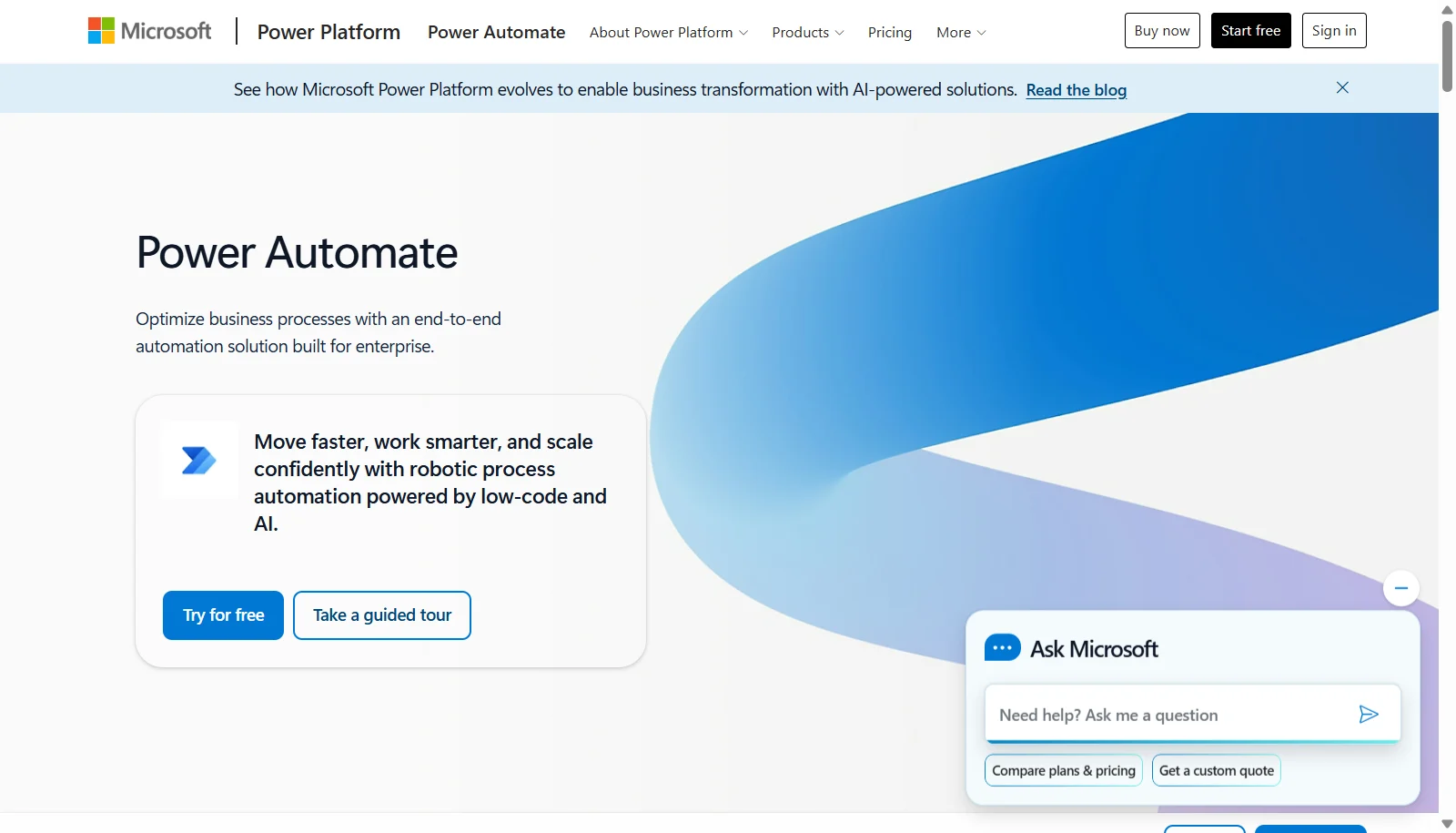 See all screenshots
 - Deployment Cloud Based, Hybrid
- Starting price $15
- Free trial Available
- Best for Startups, SMEs, Agencies
What is Microsoft Power Automate?
Microsoft Power Automate is a low-code automation platform within the Microsoft Power Platform that lets individuals and organizations build automated workflows across cloud apps, on-premises systems, and the desktop. It supports cloud flows triggered automatically, on a schedule, or instantly, as well as desktop flows that use robotic process automation to interact with legacy applications and websites. Copilot, built directly into the flow designer, helps users describe automations in plain language and troubleshoot errors.
The platform connects to more than 1,000 data sources including SharePoint, Salesforce, Dynamics 365, and Google Sheets. Pricing is per user for attended automation, per bot for unattended RPA, and scales up with add-ons like AI Builder and process mining, making it suitable for individuals through large enterprises already invested in the Microsoft ecosystem.
Key Features of Microsoft Power Automate
Microsoft Power Automate lists 9 documented features, including Cloud flows triggered automatically, instantly, or on a schedule, Desktop flows for attended and unattended RPA and 1,000+ prebuilt connectors including SharePoint, Salesforce, and Dynamics 365. The list below covers what the product does rather than how it is marketed.
- Cloud flows triggered automatically, instantly, or on a schedule
- Desktop flows for attended and unattended RPA
- 1,000+ prebuilt connectors including SharePoint, Salesforce, and Dynamics 365
- Copilot assistant for building and troubleshooting flows in natural language
- AI Builder for document processing and prediction models
- Approval workflows manageable from mobile devices
- Process mining and task mining to find automation opportunities
- Dataverse integration for structured data storage
- Prebuilt templates for common automation scenarios
Microsoft Power Automate Pricing
Microsoft Power Automate lists 3 plans, from $15 to $215.
Power Automate Premium
$15
per user/month
Paid yearly; adds attended and unattended automation on top of the free trial of UI based cloud flows and standard connectors.
Power Automate Process
$150
per bot/month
Paid yearly; includes Microsoft Dataverse entitlements of 50 MB database and 200 MB file.
Power Automate Hosted Process
$215
per bot/month
Paid yearly; hosted equivalent of the Process plan with the same Dataverse entitlements.
Microsoft Power Automate Specifications
Microsoft Power Automate is available on web app and Windows and has iOS and Android apps. It offers an API and has a free trial.
- Deployment
- Cloud Based
- Hybrid
- Billing cycle
- Yearly
- Desktop
- Web App
- Windows
- Mobile
- iOS
- Android
- Languages
- English
- Built for
- Startups
- SMEs
- Agencies
- Enterprises
- Support
- Phone
- Live Support
- Training
- Tickets
- Integrations
- SharePoint, Dynamics 365, Salesforce, Google Sheets, OneDrive, Microsoft Teams, Outlook, SQL Server, Excel, and 1,000+ connectors via the Power Platform connector library
- Public API
- Yes
- Free trial
- Yes
- Free plan
- No
- Runs in browser
- Yes
- Customisable
- Yes
- Website
- microsoft.com
Microsoft Power Automate Videos
Microsoft Power Automate Screenshots
Microsoft Power Automate Comparisons



Used Microsoft Power Automate? Write the first review.