Kapwing
VerifiedBrowser-based collaborative video editor with AI-powered tools
 See all screenshots
 - Deployment Cloud Based
- Starting price Free
- Free trial Not offered
- Best for Freelancers, Startups, SMEs
What is Kapwing?
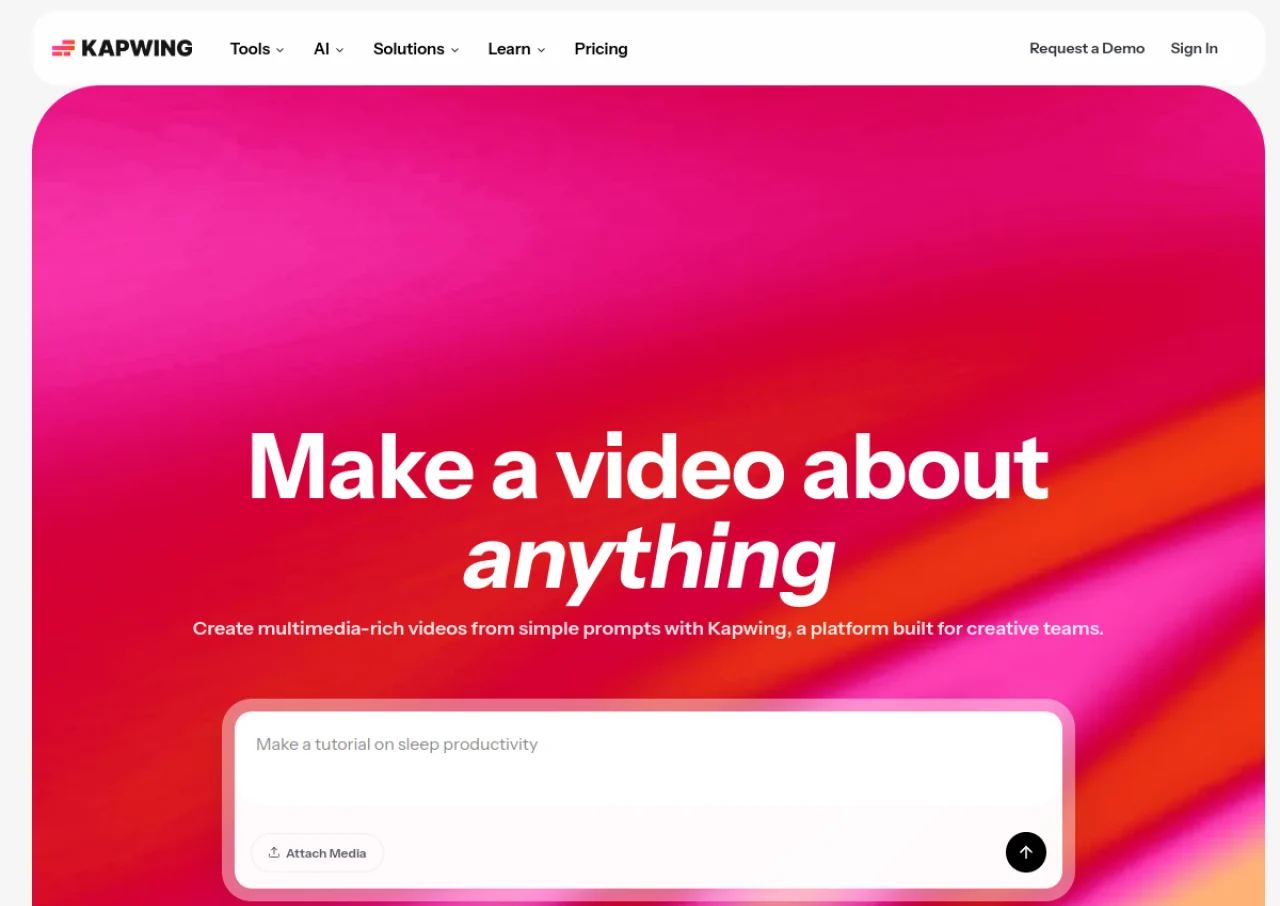
Kapwing is a browser-based video editing platform aimed at content creators, social media teams, and small businesses who need to produce videos quickly without installing software. It combines a collaborative timeline editor with AI-powered tools such as Smart Cut for removing silences, automatic subtitles, an AI clip maker, and background removal. Teams can work together in shared workspaces with templates, stock footage, and brand kits.
Kapwing offers a free plan with watermarked exports limited to one minute at 720p, while paid Pro and Business plans remove the watermark, unlock 4K exports, and add larger storage and AI credit allowances. All AI features draw from a single monthly credit pool. There is no dedicated free trial for paid plans, but the free tier lets users test core tools before upgrading.
Key Features of Kapwing
Kapwing lists 10 documented features, including AI Smart Cut silence removal, Automatic subtitle generation and AI clip maker for short-form content. The list below covers what the product does rather than how it is marketed.
- AI Smart Cut silence removal
- Automatic subtitle generation
- AI clip maker for short-form content
- Background removal
- Collaborative browser-based editing
- Brand Kit and templates
- Stock footage and music library
- Team workspaces with shared credits
- Custom voice cloning and lip sync (Business)
- 4K video export (Pro and above)
Kapwing Pricing
Kapwing lists 3 plans, starting free and running to $50.
Free
Free
10 credits
For anyone getting started creating and repurposing content, with unlimited exports carrying a watermark and videos up to 4 minutes.
Pro
$16
per member, per month, billed annually, 1,000 credits per month
For individuals and small groups creating more content in less time; billed monthly it is $24, and the annual option is $192 per year.
Business
$50
per member, per month, billed annually, 4,000 credits per month
For teams that need to supercharge their content workflow; billed monthly it is $64, and the annual option is $600 per year.
Kapwing Specifications
Kapwing is available on web app. It has a free plan.
- Deployment
- Cloud Based
- Billing cycle
- Monthly
- Desktop
- Web App
- Languages
- English
- Built for
- Freelancers
- Startups
- SMEs
- Agencies
- Support
- Live Support
- Tickets
- Integrations
- Direct export/publishing integrations with YouTube, TikTok, and Instagram; stock media libraries
- Public API
- No
- Free trial
- No
- Free plan
- Yes
- Runs in browser
- Yes
- Customisable
- Yes
- Website
- kapwing.com
Kapwing Videos
Kapwing Screenshots
Kapwing Comparisons


Used Kapwing? Write the first review.
Kapwing FAQs
Alternatives to Kapwing
Other AI Audio Enhancer Tool recorded on the same fields.