
Clipchamp
VerifiedMicrosoft's free browser based video editor with AI captions and Copilot script suggestions
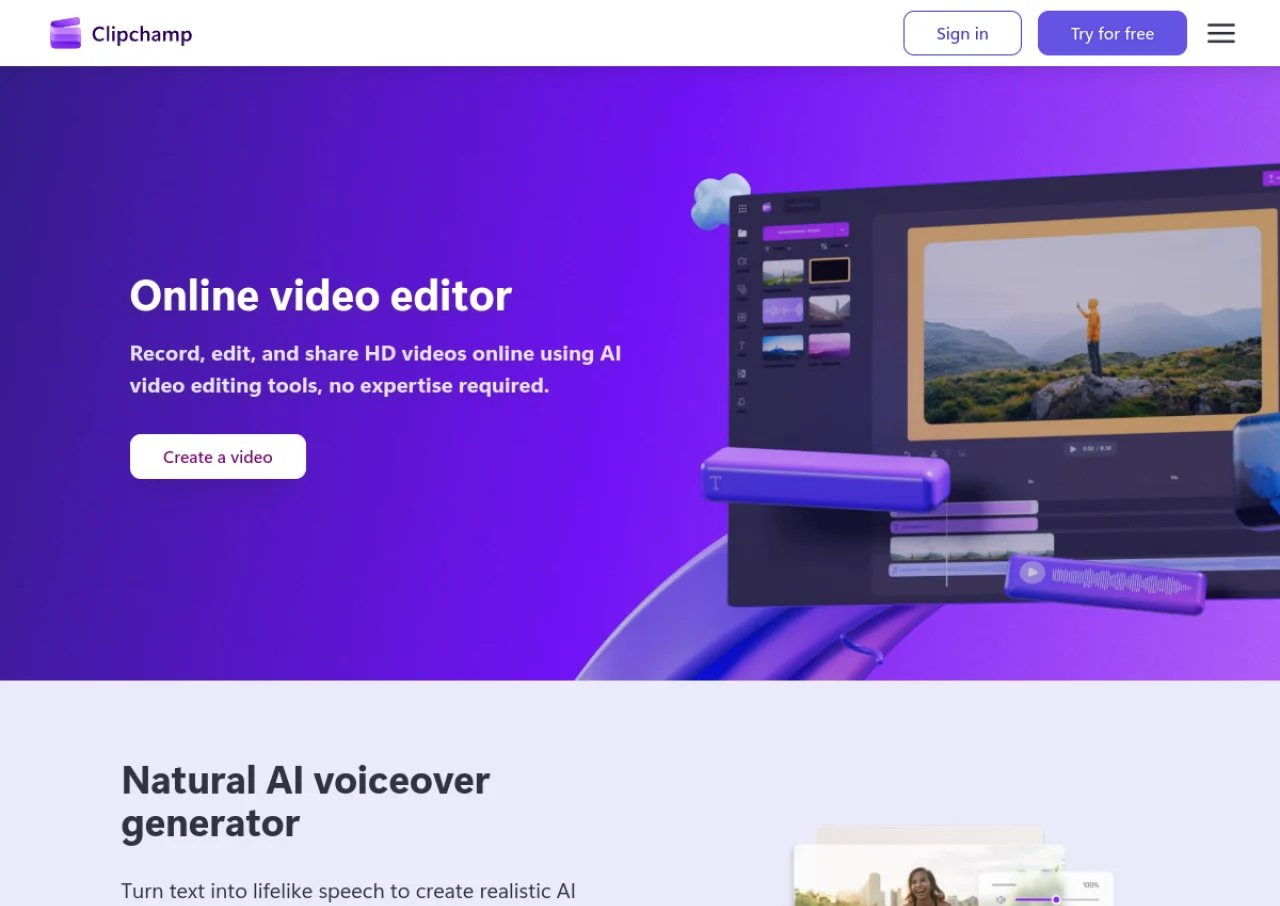 See all screenshots
 - Deployment Cloud Based
- Starting price Free
- Free trial Not offered
- Best for Freelancers, Startups, SMEs
What is Clipchamp?
Clipchamp is a browser based video editor owned by Microsoft, free for personal use with sign in via a Microsoft account and no download required. The free plan includes a timeline editor with multi track support, transitions, filters, picture in picture, screen recording, and AI features such as auto captions in 90 plus languages with speaker detection, AI powered noise suppression, and automatic silence removal, exporting up to 1080p with no watermark. Access to a library of about 3 million royalty free stock assets is also included.
Premium features, including 4K export, a larger premium stock library, and a brand kit tool, are available for $11.99 per month standalone, or bundled into Microsoft 365 Personal ($9.99 per month or $99.99 per year, with 1TB OneDrive storage) and Microsoft 365 Family ($12.99 per month or $129.99 per year, shareable across up to 6 people). Clipchamp also offers Copilot integration for AI script suggestions.
Key Features of Clipchamp
Clipchamp lists 10 documented features, including AI auto captions in 90+ languages with speaker detection, Text to video AI clip generation powered by Azure AI and Auto compose for assembling a rough cut from raw footage. The list below covers what the product does rather than how it is marketed.
- AI auto captions in 90+ languages with speaker detection
- Text to video AI clip generation powered by Azure AI
- Auto compose for assembling a rough cut from raw footage
- Screen recording with webcam overlay
- AI powered background noise suppression
- Automatic silence and pause removal
- Multi track timeline editor with transitions and filters
- Library of about 3 million royalty free stock assets
- Light and dark mode interface
- Microsoft Copilot integration for script suggestions
Clipchamp Pricing
Clipchamp lists 4 plans, starting free and running to $12.99.
Free
Free
Export up to 1080p with no watermark, basic editing tools, free stock assets, and AI subtitles, voiceovers, and silence removal
Premium (standalone)
$11.99/month
4K export, premium stock asset library, brand kit tool, and cloud backup
Microsoft 365 Personal
$9.99/month
or $99.99/year
Includes Clipchamp Premium features plus 1TB OneDrive storage and the full Office suite
Microsoft 365 Family
$12.99/month
or $129.99/year
Same Premium Clipchamp features, shareable across up to 6 users
Clipchamp Specifications
Clipchamp is available on web app and Windows. It has a free plan.
- Deployment
- Cloud Based
- Billing cycle
- Monthly
- Desktop
- Web App
- Windows
- Languages
- English
- Built for
- Freelancers
- Startups
- SMEs
- Support
- Tickets
- Integrations
- Microsoft 365, OneDrive, Microsoft Copilot
- Public API
- No
- Free trial
- No
- Free plan
- Yes
- Runs in browser
- Yes
- Customisable
- Yes
- Website
- clipchamp.com
Clipchamp Videos
Clipchamp Screenshots
Clipchamp Comparisons



Used Clipchamp? Write the first review.
Clipchamp FAQs
Alternatives to Clipchamp
Other Video Editing Software recorded on the same fields.