Google Classroom
VerifiedFree Google tool for creating, distributing, and grading class assignments online.
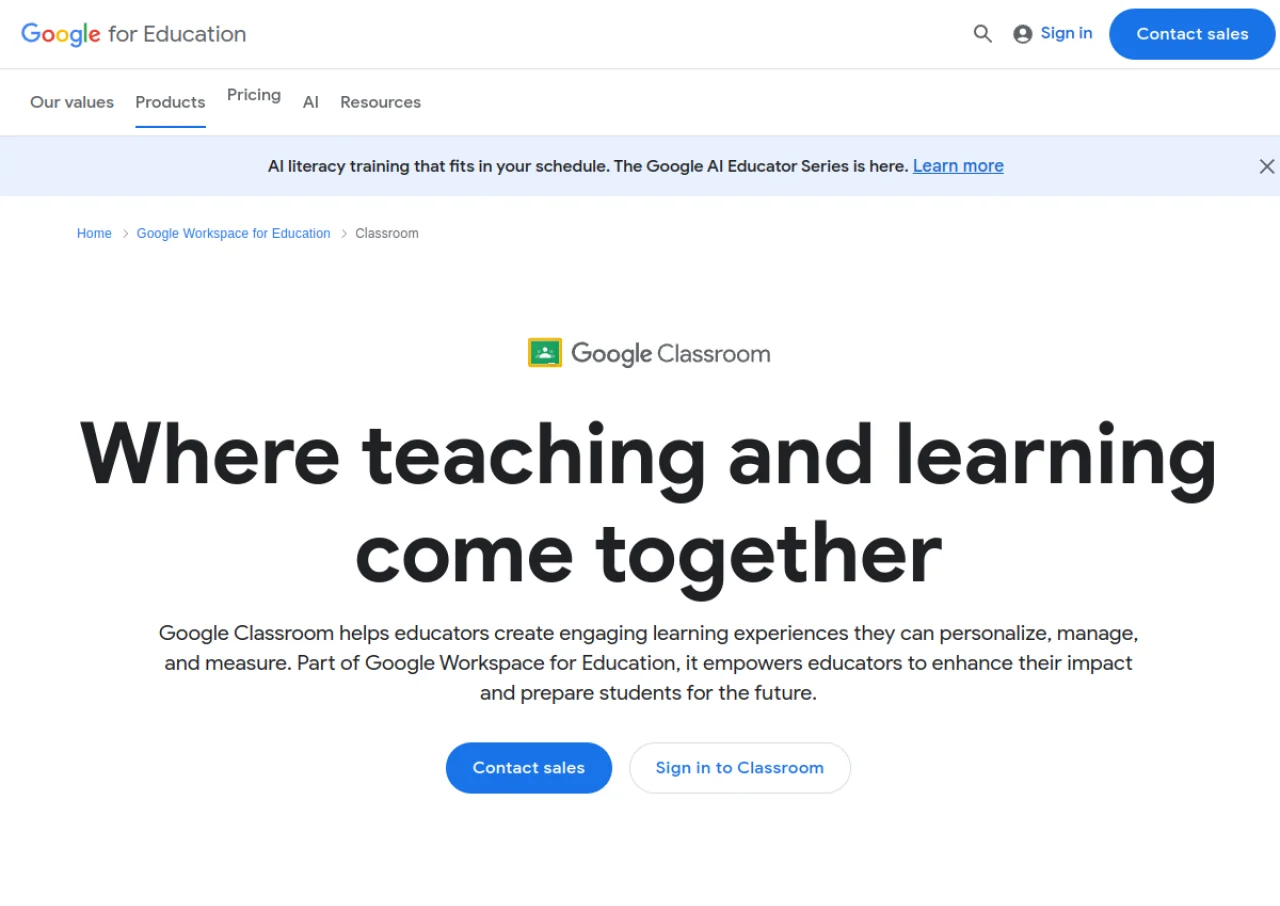 See all screenshots
 - Deployment Cloud Based
- Starting price Free
- Free trial Not offered
- Best for SMEs, Enterprises
What is Google Classroom?
Google Classroom is a free learning management tool included with Google Workspace for Education. It helps teachers create, distribute, and grade assignments, share announcements, and communicate with students in one place. Classroom integrates with Google Drive, Docs, Sheets, Slides, Forms, and Meet, and connects to student information systems such as PowerSchool and Infinite Campus for roster syncing. It supports individual educators with a personal Google account as well as entire school districts and universities.
Teachers can build rubrics, reuse class templates, and generate originality reports that compare student work against web pages and books. Practice sets and Read Along add self-paced, auto-graded exercises. Native iOS and Android apps let teachers grade and give feedback from anywhere, while guardian email summaries keep parents informed of student progress.
Key Features of Google Classroom
Google Classroom lists 10 documented features, including Assignment creation, distribution, and grading with rubrics and comment banks, Originality reports that check student work against web pages and books and Google Meet integration for virtual classes and attendance. The list below covers what the product does rather than how it is marketed.
- Assignment creation, distribution, and grading with rubrics and comment banks
- Originality reports that check student work against web pages and books
- Google Meet integration for virtual classes and attendance
- Practice sets with self-paced, auto-graded questions
- Guardian email summaries for parent updates
- Reusable class templates for sharing curriculum
- Student information system integrations (PowerSchool, Infinite Campus, Skyward, Follett Aspen)
- Classroom analytics for tracking engagement and performance
- Read Along tool for independent reading practice
- Native iOS and Android apps for grading on the go
Google Classroom Pricing
Google Classroom lists 4 plans. One is free; the rest are quoted on request.
Education Fundamentals
Free
Per qualifying institution
Core Classroom plus Gmail, Docs, Sheets, Slides, Meet, and Drive with 100 TB pooled storage; no cost for qualifying schools
Education Standard
Custom
(through authorized reseller)
Per user/year
Adds advanced security, analytics, and admin controls on top of Fundamentals
Teaching and Learning Upgrade
$60 USD per user/year
Add-on per user/year
Adds premium video communication and enhanced Classroom tools on top of Fundamentals or Standard
Education Plus
$6 USD per user/year
(annual plan); higher rate for flexible monthly billing
Per user/year
Includes Standard plus Teaching and Learning Upgrade features, personalized Cloud Search, and extra Drive storage
Google Classroom Specifications
Google Classroom is available on web app and has iOS and Android apps. It offers an API and has a free plan.
- Deployment
- Cloud Based
- Billing cycle
- Yearly
- Desktop
- Web App
- Mobile
- iOS
- Android
- Languages
- English
- Built for
- SMEs
- Enterprises
- Support
- Phone
- Tickets
- Training
- Integrations
- Hundreds of EdTech apps via Google for Education App Hub, PowerSchool, Infinite Campus, Skyward, Follett Aspen (SIS/OneRoster sync), Clever, plus native Google Drive, Docs, Sheets, Slides, Forms, and Meet
- Public API
- Yes
- Free trial
- No
- Free plan
- Yes
- Runs in browser
- Yes
- Customisable
- No
- Website
- edu.google.com
Google Classroom Videos
Google Classroom Screenshots
Google Classroom Comparisons
Side by side comparisons of Google Classroom against 3 other Learning Management Software options listed here.



Used Google Classroom? Write the first review.
Google Classroom FAQs
Alternatives to Google Classroom
Other Learning Management Software recorded on the same fields.