
GitBook
VerifiedDocumentation and knowledge platform with Git sync and AI search
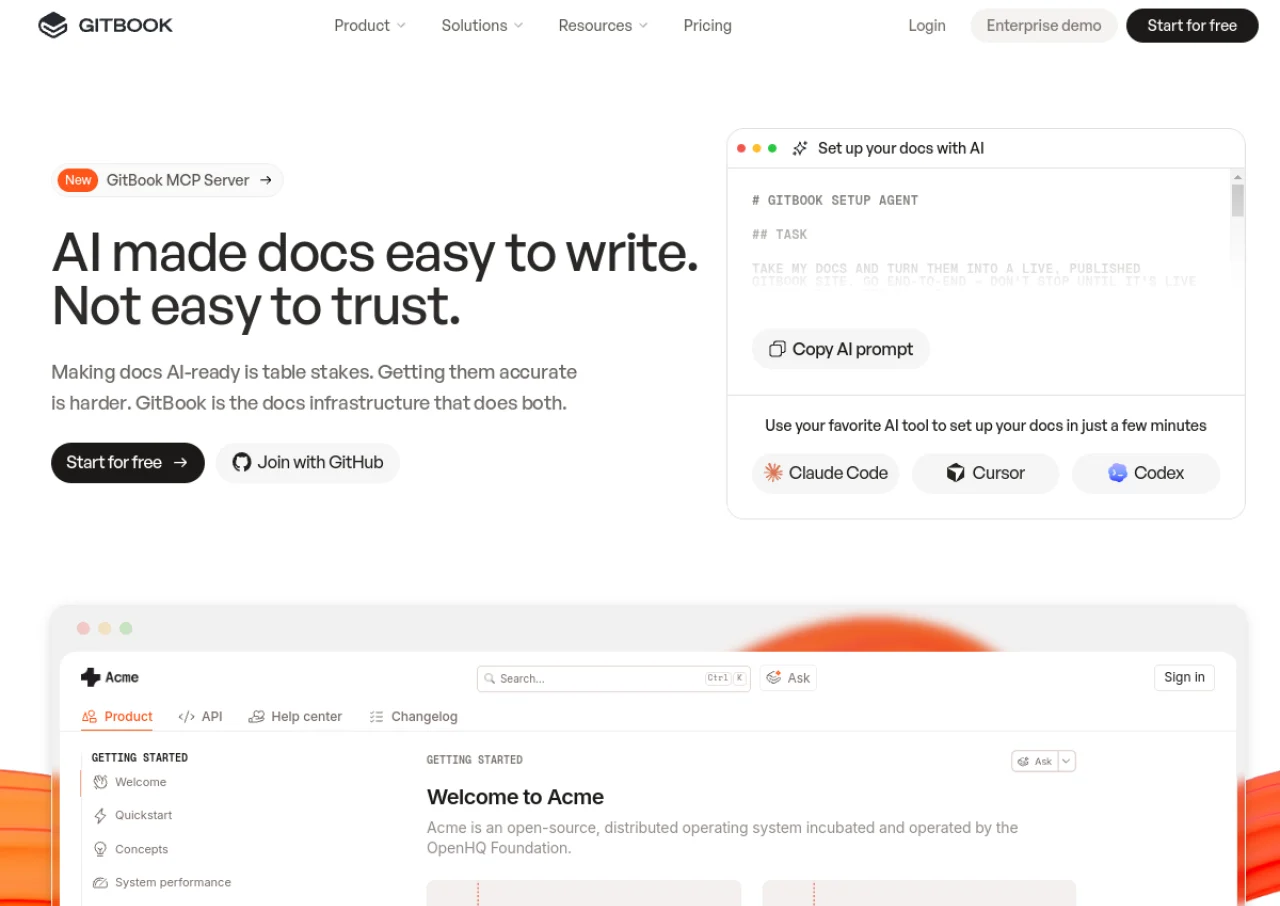 See all screenshots
 - Deployment Cloud Based
- Starting price Free
- Free trial Available
- Best for Freelancers, Startups, SMEs
What is GitBook?
GitBook is a documentation platform for technical teams that combines a visual block based editor with bidirectional Git Sync, letting engineers edit Markdown through GitHub or GitLab pull requests while other team members use the browser editor. It supports interactive API playgrounds, preview deployments, and content built for both human readers and AI retrieval through LLM optimizations.
GitBook is priced per site with additional per user fees, ranging from a free plan for individuals to Premium and Ultimate tiers that add AI search, an AI Assistant, custom domains, and analytics. Enterprise plans add SAML SSO, white glove migration, and dedicated support. A 14 day free trial activates automatically when a collaborator is invited to a workspace, and published documentation is always free to read.
Key Features of GitBook
GitBook lists 9 documented features, including Bidirectional Git Sync with GitHub and GitLab, Block based visual editor with custom blocks and Interactive API playgrounds and reference docs. The list below covers what the product does rather than how it is marketed.
- Bidirectional Git Sync with GitHub and GitLab
- Block based visual editor with custom blocks
- Interactive API playgrounds and reference docs
- AI search and AI Assistant for reader questions
- GitBook Agent that flags outdated content
- Custom domain and advanced branding
- Analytics and user feedback collection
- SAML SSO and access controls on higher tiers
- Preview deployments for reviewing changes
GitBook Pricing
GitBook lists 4 plans. Three carry a published figure, from Free to $249; the rest are quoted on request.
Free
Free
per site/month
For individuals, with the block based editor and GitHub or GitLab sync.
Premium
$65
per site/month
For public branded docs sites, plus $12 per user per month for team members. Prices reflect annual billing.
Ultimate
$249
per site/month
For centralized docs with the AI Assistant, plus $12 per user per month. Prices reflect annual billing.
GitBook Specifications
GitBook is available on web app. It offers an API, has a free trial and has a free plan.
- Deployment
- Cloud Based
- Billing cycle
- Monthly
- Desktop
- Web App
- Languages
- English
- Built for
- Freelancers
- Startups
- SMEs
- Agencies
- Enterprises
- Support
- Live Support
- Tickets
- Integrations
- GitHub, GitLab, and various API and Git based workflow tools
- Public API
- Yes
- Free trial
- Yes
- Free plan
- Yes
- Runs in browser
- Yes
- Customisable
- Yes
- Website
- gitbook.com
GitBook Videos
GitBook Screenshots
GitBook Comparisons


Used GitBook? Write the first review.
GitBook FAQs
Alternatives to GitBook
Other Knowledge Base Software recorded on the same fields.