CapCut
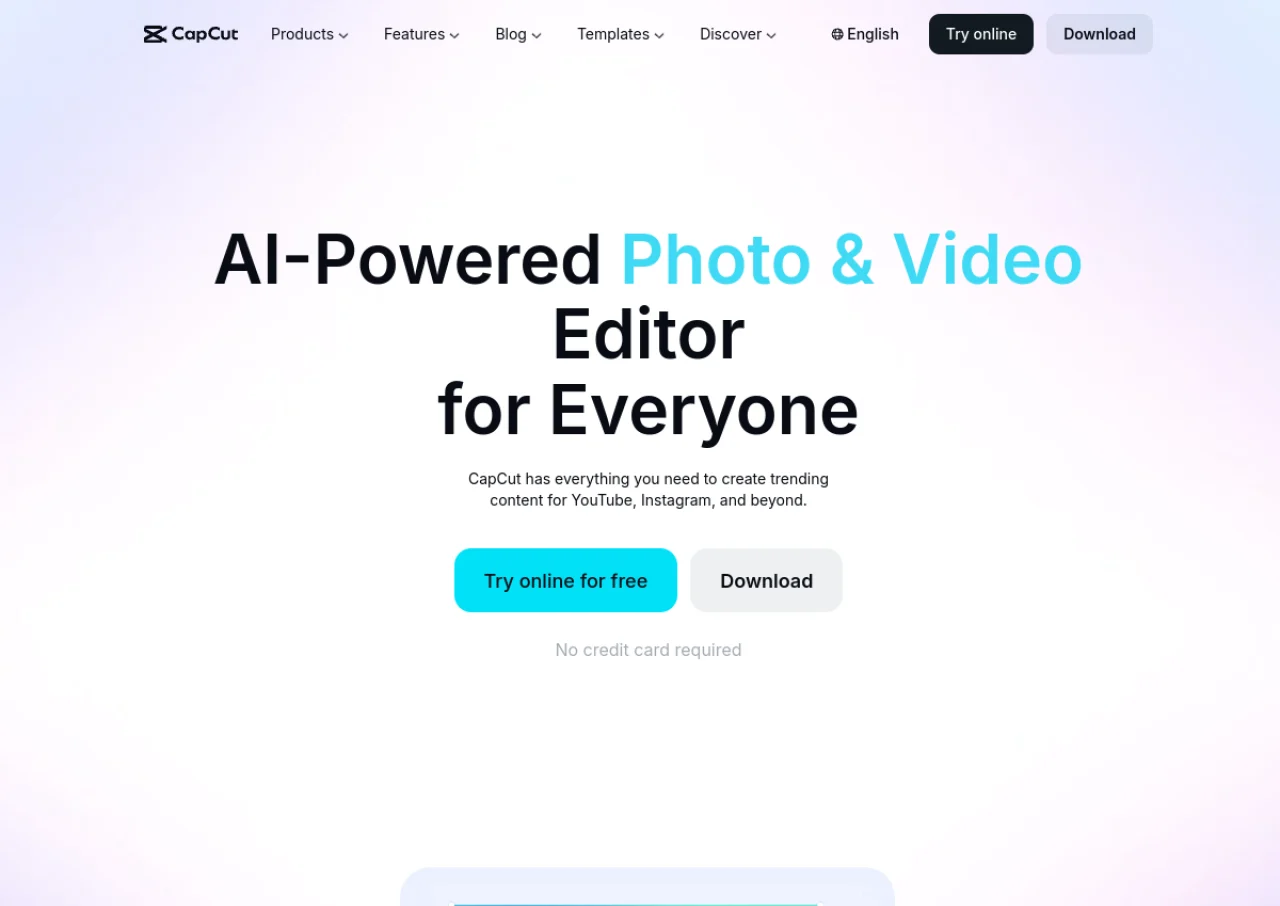
VerifiedAI powered video editor and template platform built for short form social media content
 See all screenshots
 - Deployment Cloud Based
- Starting price Free
- Free trial Not offered
- Best for Freelancers, Startups, SMEs
What is CapCut?
CapCut is a video editing app from ByteDance built for creating short form content for platforms like TikTok, Instagram, and YouTube. It offers a free tier with a multi track timeline, keyframe animation, chroma key, speed ramping, basic AI voiceover, and a large library of free templates and effects, exporting at up to 1080p. Paid tiers add 4K and HDR export, camera tracking, vocal isolation, speaker ID captions, AI voice effects, text to video and image to video generation, voice cloning, and expanded cloud storage.
In early 2026 CapCut restructured its pricing, renaming the former Pro tier to Standard and introducing a new higher Pro tier with the full AI toolkit and a Team plan for multi seat use. CapCut is available as a web app, desktop app, and mobile app on iOS and Android, and is widely used by social media creators, marketers, and small businesses producing short video content.
Key Features of CapCut
CapCut lists 10 documented features, including AI Auto Edit that assembles a rough cut from raw footage and a text description, Auto captions supporting over 100 languages with real time translation and Effects library with tens of thousands of templates, transitions, and filters. The list below covers what the product does rather than how it is marketed.
- AI Auto Edit that assembles a rough cut from raw footage and a text description
- Auto captions supporting over 100 languages with real time translation
- Effects library with tens of thousands of templates, transitions, and filters
- AI Effects Generator that creates custom effects from natural language prompts
- Text to video and image to video AI generation
- Voice cloning and AI voice effects
- Camera tracking and vocal isolation tools
- Multi track timeline with keyframe animation and speed ramping
- Cross platform editing on web, desktop, iOS, and Android
- Cloud storage with cross device project sync on paid plans
CapCut Pricing
CapCut lists 4 plans, starting free and running to $24.99.
Free
Free
Core editing toolkit, 1080p export, free templates and effects, basic AI voiceover
Standard
$9.99/month
Removes watermarks and unlocks additional assets (renamed from the former Pro tier in early 2026)
Pro
$19.99/month
or $179.99/year
4K and HDR export, full AI toolkit including camera tracking, vocal isolation, speaker ID captions, and voice cloning, plus 1TB cloud storage
CapCut Specifications
CapCut is available on web app, Windows and macOS and has iOS and Android apps. It has a free plan.
- Deployment
- Cloud Based
- Billing cycle
- Monthly
- Desktop
- Web App
- Windows
- macOS
- Mobile
- iOS
- Android
- Languages
- English
- Built for
- Freelancers
- Startups
- SMEs
- Agencies
- Support
- Tickets
- Integrations
- TikTok, Instagram, and YouTube export presets, CapCut Cloud storage
- Public API
- No
- Free trial
- No
- Free plan
- Yes
- Runs in browser
- No
- Customisable
- Yes
- Website
- capcut.com
CapCut Videos
CapCut Screenshots
CapCut Comparisons


Used CapCut? Write the first review.
CapCut FAQs
Alternatives to CapCut
Other Video Editing Software recorded on the same fields.