
Movavi Video Editor
VerifiedBeginner friendly video editor with AI silence removal, auto captions, and a large effects library
 See all screenshots
 - Deployment On Premises
- Starting price $18.95/month
- Free trial Available
- Best for Freelancers, Startups, SMEs
What is Movavi Video Editor?
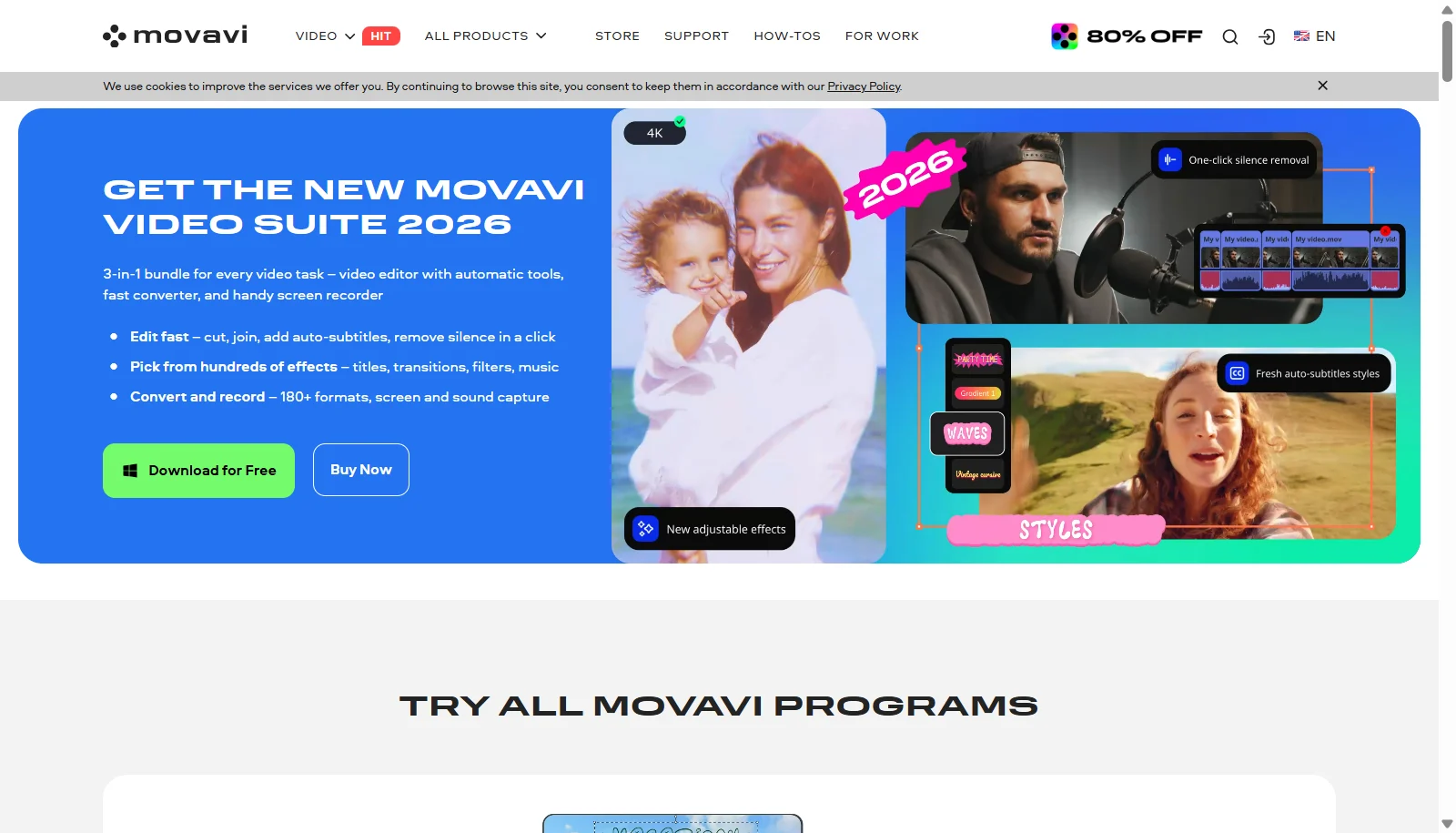
Movavi Video Editor is a consumer focused video editing application aimed at beginners and hobbyist creators. It includes AI powered tools such as silence removal, smart beat detection, automatic captioning in multiple languages, motion tracking for attaching text or stickers to moving objects, and an AI audio denoiser for removing background noise like wind or traffic. An auto crop tool keeps a speaker or product centered automatically, and the software includes an effects library with over 10,000 filters, transitions, titles, stickers, and overlays.
Movavi offers a Video Editor plan starting around $18.95 per month, a Video Suite plan bundling the editor with screen recording and file conversion tools at around $29.95 per month, and discounted annual bundles such as Video Suite Plus. A 7 day free trial with a watermark is available before purchase. Movavi is developed by a company headquartered in Riga, Latvia.
Key Features of Movavi Video Editor
Movavi Video Editor lists 10 documented features, including AI silence removal for automatically trimming pauses, Smart beat detection for syncing edits to music and AI auto captioning in multiple languages. The list below covers what the product does rather than how it is marketed.
- AI silence removal for automatically trimming pauses
- Smart beat detection for syncing edits to music
- AI auto captioning in multiple languages
- AI based motion tracking for text, stickers, and graphics
- AI audio denoiser for removing background noise
- Auto crop tool that keeps a subject centered automatically
- Effects library with over 10,000 filters, transitions, and titles
- 4K video export with frame precise cutting
- Color correction and overlay blending modes
- Bundled screen recorder and file converter in Video Suite
Movavi Video Editor Pricing
Movavi Video Editor lists 4 plans, from $18.95 to $99.95.
Video Editor
$18.95/month
Core editor with AI tools, screen recording, and media conversion features
Video Suite
$29.95/month
Bundles the video editor, screen recorder, file converter, and Movavi Effects
Video Suite Plus
$94.95/year
Everything in Video Suite plus three bonus effects packs
Video Suite + Photo Editor
$99.95/year
or $149.95 lifetime
Combines video tools with a full photo editor and AI enhanced photo tools
Movavi Video Editor Specifications
Movavi Video Editor is available on Windows and macOS. It has a free trial.
- Deployment
- On Premises
- Billing cycle
- Monthly
- Desktop
- Windows
- macOS
- Languages
- English
- Built for
- Freelancers
- Startups
- SMEs
- Support
- Tickets
- Integrations
- Movavi Effects Store, bundled screen recorder and file converter within Movavi Video Suite
- Public API
- No
- Free trial
- Yes
- Free plan
- No
- Runs in browser
- No
- Customisable
- Yes
- Website
- movavi.com
Movavi Video Editor Videos
Movavi Video Editor Screenshots
Movavi Video Editor Comparisons



Used Movavi Video Editor? Write the first review.
Movavi Video Editor FAQs
Alternatives to Movavi Video Editor
Other Video Editing Software recorded on the same fields.