 See all screenshots
 - Deployment On Premises
- Starting price Free
- Free trial Not offered
- Best for Freelancers, Startups, SMEs
What is Kdenlive?
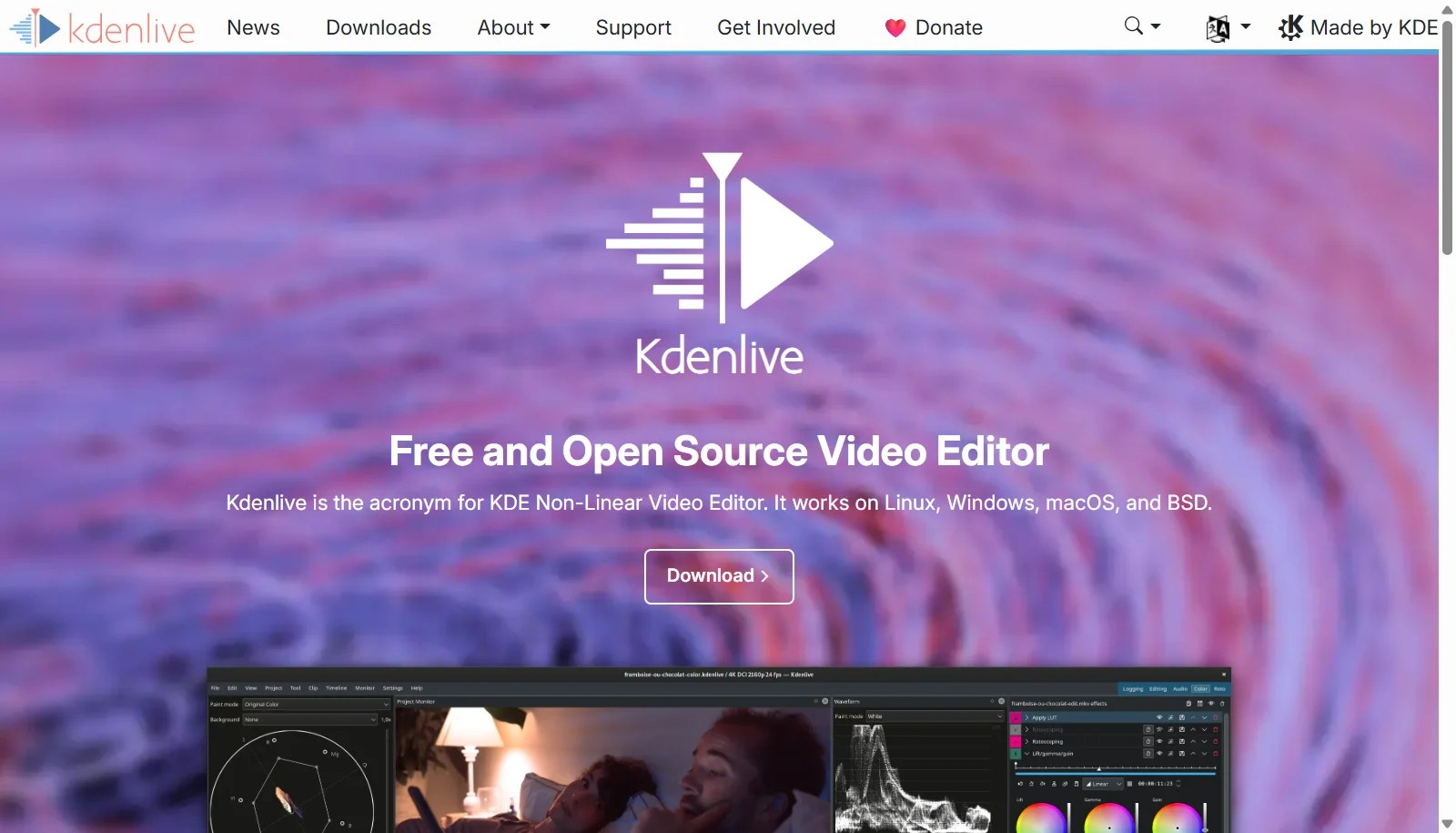
Kdenlive is a free, open source, non-linear video editor developed by the KDE community and built on the MLT multimedia framework. It runs on Linux, Windows, and macOS and offers multi-track timeline editing, a built-in title editor, keyframeable effects and transitions, and audio tools such as normalization and equalization. Because it is fully open source under the GPL-3.0 license, there are no paid tiers, watermarks, or feature restrictions of any kind.
The software supports proxy editing for handling large source files smoothly, along with color grading, masking, and chroma key effects for more advanced projects. Kdenlive is maintained by volunteer developers and funded through community donations, with documentation, forums, and a Matrix chat available for user support rather than formal commercial channels.
Key Features of Kdenlive
Kdenlive lists 10 documented features, including Multi-track non-linear timeline editing, Built-in title editor and Keyframeable effects and transitions. The list below covers what the product does rather than how it is marketed.
- Multi-track non-linear timeline editing
- Built-in title editor
- Keyframeable effects and transitions
- Audio normalization, equalization, and pitch tools
- Proxy editing for large files
- Color grading and masking tools
- Chroma key/blue screen support
- Wide format support via MLT and FFmpeg
- Customizable interface layouts
- Active plugin and effect ecosystem
Kdenlive Pricing
Kdenlive lists one plan, at Free.
Free
Free
None
Fully featured open source software under the GPL-3.0 license with no paid tiers
Kdenlive Specifications
Kdenlive is available on Windows and macOS. It has a free plan.
- Deployment
- On Premises
- Billing cycle
- One-time
- Desktop
- Windows
- macOS
- Languages
- English
- Built for
- Freelancers
- Startups
- SMEs
- Integrations
- MLT Framework, FFmpeg
- Public API
- No
- Free trial
- No
- Free plan
- Yes
- Runs in browser
- No
- Customisable
- Yes
- Website
- kdenlive.org
Kdenlive Videos
Kdenlive Screenshots
Kdenlive Comparisons


Used Kdenlive? Write the first review.
Kdenlive FAQs
Alternatives to Kdenlive
Other Video Editing Software recorded on the same fields.