
Adobe Document Cloud
VerifiedPDF creation, editing, and e-signature tools for individuals and business
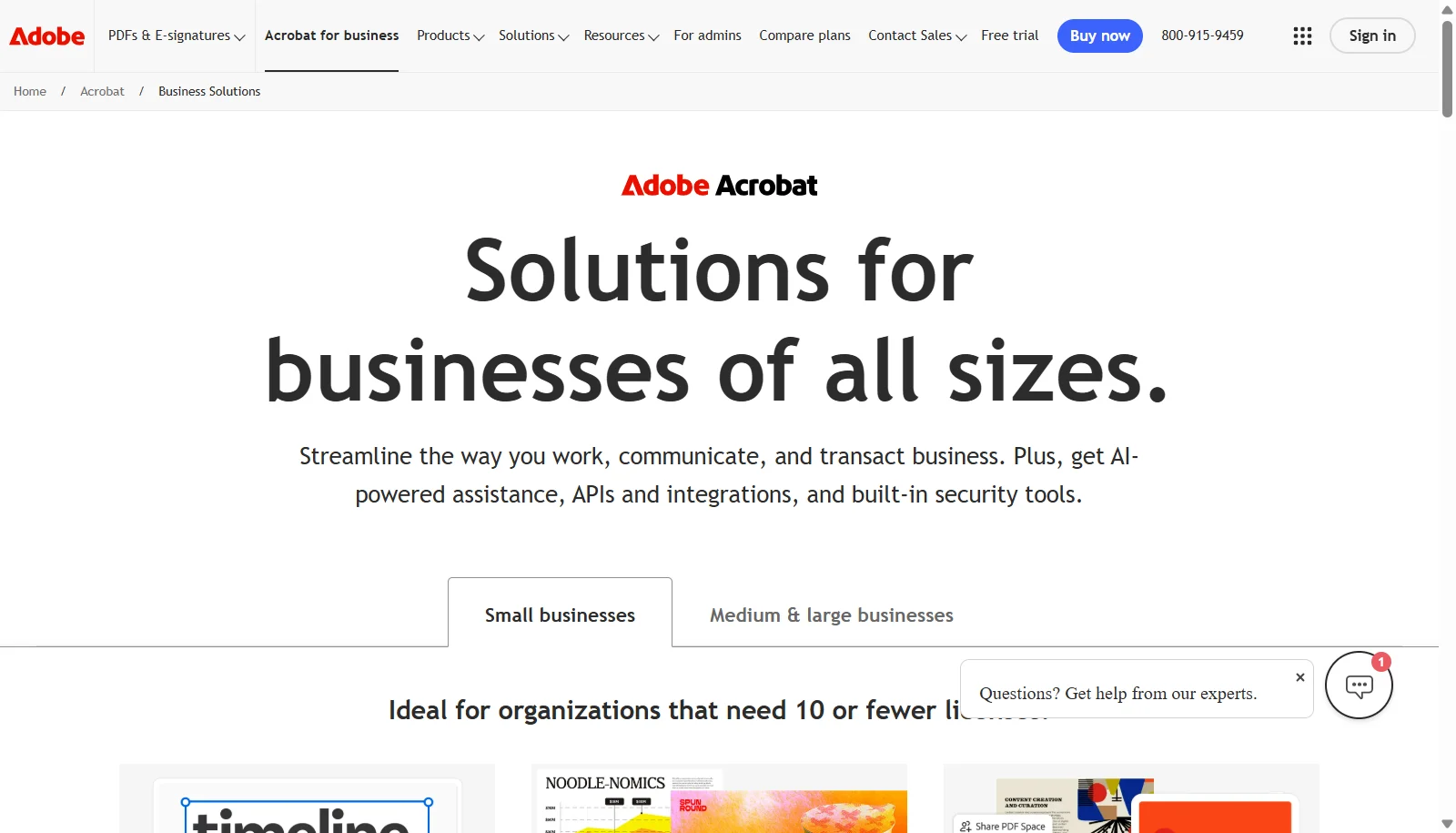 See all screenshots
 - Deployment Cloud Based
- Starting price $16.99/month
- Free trial Available
- Best for Freelancers, Startups, SMEs
What is Adobe Document Cloud?
Adobe Document Cloud, centered on Acrobat, is a PDF and e-signature platform for creating, editing, converting, and signing documents across desktop, web, and mobile. It supports core tasks like text and image editing, form creation, and combining files into PDFs, and higher tiers add OCR for scanned documents, redaction, document comparison, and Acrobat Sign for legally binding e-signatures with full audit trails.
Business plans are priced per license and billed monthly under an annual commitment, starting with Acrobat Standard for teams at $16.99 and Acrobat Pro for teams at $23.99, up to Acrobat Studio for teams at $29.99, which adds PDF Spaces and an AI Assistant. Acrobat Studio for enterprise is available at custom pricing for larger organizations. All business plans include admin license management and 24x7 support.
Key Features of Adobe Document Cloud
Adobe Document Cloud lists 10 documented features, including Edit text and images directly in PDFs, Create, fill, sign, and send forms and Legally binding e-signatures via Acrobat Sign with audit trails. The list below covers what the product does rather than how it is marketed.
- Edit text and images directly in PDFs
- Create, fill, sign, and send forms
- Legally binding e-signatures via Acrobat Sign with audit trails
- Convert, combine, and organize files into PDFs
- OCR for scanned document digitization (Pro/Studio)
- Redaction of sensitive information (Pro/Studio)
- PDF Spaces with AI Assistant for summaries and Q&A (Studio)
- Compare document versions to review differences
- Cloud storage integration with Box, Dropbox, Google Drive, OneDrive
- Admin dashboard for license management across teams
Adobe Document Cloud Pricing
Adobe Document Cloud lists 4 plans. Three carry a published figure, from $16.99 to $29.99; the rest are quoted on request.
Acrobat Standard for teams
$16.99/month
Per license
Annual plan billed monthly; PDF editing, converting, forms, admin features
Acrobat Pro for teams
$23.99/month
Per license, up to 10 licenses with free trial
Annual plan billed monthly; adds OCR, compare documents, redaction, advanced e-signature
Acrobat Studio for teams
$29.99/month
Per license, up to 10 licenses with free trial
Best value; annual plan billed monthly; adds PDF Spaces, Acrobat AI Assistant, Adobe Express Premium
Acrobat Studio for enterprise
Custom
Large organizations
Enterprise-grade capabilities; contact sales for a quote
Adobe Document Cloud Specifications
Adobe Document Cloud is available on web app, Windows and macOS and has iOS and Android apps. It offers an API and has a free trial.
- Deployment
- Cloud Based
- Billing cycle
- Monthly
- Desktop
- Web App
- Windows
- macOS
- Mobile
- iOS
- Android
- Languages
- English
- Built for
- Freelancers
- Startups
- SMEs
- Agencies
- Enterprises
- Support
- Phone
- Live Support
- Training
- Tickets
- Integrations
- Microsoft 365, Box, Dropbox, Google Drive, OneDrive, Salesforce, Microsoft Teams
- Public API
- Yes
- Free trial
- Yes
- Free plan
- No
- Runs in browser
- Yes
- Customisable
- Yes
- Website
- adobe.com
Adobe Document Cloud Videos
Adobe Document Cloud Screenshots
Adobe Document Cloud Comparisons



Used Adobe Document Cloud? Write the first review.
Adobe Document Cloud FAQs
Alternatives to Adobe Document Cloud
Other Document Management software recorded on the same fields.