
Timeero
VerifiedGPS time tracking, mileage tracking, and scheduling software for mobile and field teams
 See all screenshots
 - Deployment Cloud Based
- Starting price $6
- Free trial Available
- Best for SMEs, Startups, Freelancers
What is Timeero?
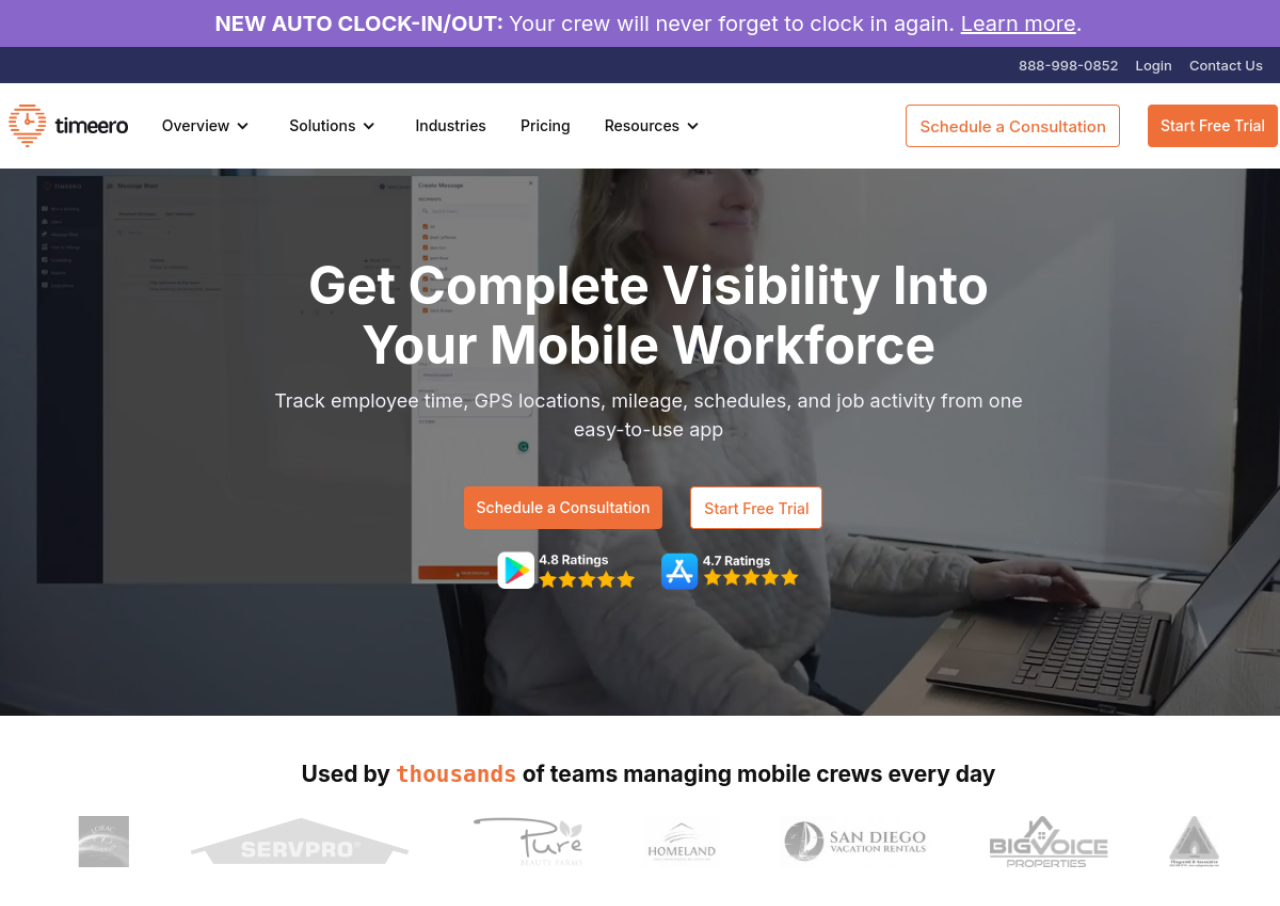
Timeero is a workforce management platform built for companies with mobile or field-based employees, such as construction crews, cleaning services, field service contractors, property managers, and home health agencies. It combines GPS-enabled time tracking, automatic mileage tracking, employee scheduling, job costing, and geofencing in a single app, letting field staff clock in and out from their phones while managers monitor locations and routes in real time, even when devices are offline.
Beyond time and mileage capture, Timeero supports job and task tracking, photo attachments, digital signatures, time-off management, and a facial-recognition time clock kiosk on higher tiers. It integrates with payroll and accounting tools including QuickBooks, Gusto, and ADP, and offers a public API on its top plan. Pricing is per active user with no setup or base fees, and the company offers a 14-day free trial.
Key Features of Timeero
Timeero lists 10 documented features, including GPS-enabled time clock with clock in/out from mobile app, Automatic mileage tracking and reimbursement calculation and Offline GPS tracking that syncs once back online. The list below covers what the product does rather than how it is marketed.
- GPS-enabled time clock with clock in/out from mobile app
- Automatic mileage tracking and reimbursement calculation
- Offline GPS tracking that syncs once back online
- Geofencing for automatic clock-in/out at job sites
- Employee scheduling and job/task assignment
- Job costing and labor cost tracking
- California break policy compliance tracking
- Facial recognition time clock kiosk (Premium)
- Payroll and accounting integrations (QuickBooks, Gusto, ADP)
- Public API access (Premium)
Timeero Pricing
Timeero lists 3 plans, from $6 to $12.
Basic
$6
per user/month, billed monthly
Time tracking, GPS and break tracking for small teams, limited to 10 users; paying annually lowers it to $5 per user/month.
Pro
$9
per user/month, billed monthly
Adds auto clock in and out and compliance tools for growing teams; paying annually lowers it to $7.50 per user/month.
Premium
$12
per user/month, billed monthly
Adds time off management and further compliance tools for larger teams and agencies; paying annually lowers it to $10 per user/month.
Timeero Specifications
Timeero is available on web app and has iOS and Android apps. It offers an API and has a free trial.
- Deployment
- Cloud Based
- Billing cycle
- Monthly
- Desktop
- Web App
- Mobile
- iOS
- Android
- Languages
- English
- Built for
- SMEs
- Startups
- Freelancers
- Support
- Phone
- Live Support
- Integrations
- QuickBooks, Gusto, ADP Workforce Now, and other payroll/accounting platforms
- Public API
- Yes
- Free trial
- Yes
- Free plan
- No
- Runs in browser
- Yes
- Customisable
- Yes
- Website
- timeero.com
Timeero Videos
Timeero Screenshots
Timeero Comparisons
Side by side comparisons of Timeero against 3 other Time Clock Software options listed here.



Timeero Reviews
No reviews yet
Used Timeero? Share your experience and help other buyers decide.
Timeero FAQs
Alternatives to Timeero
Other Time Clock Software recorded on the same fields.