
ClickTime
VerifiedTime tracking and resource planning software for professional services teams
 See all screenshots
 - Deployment Cloud Based
- Starting price $15
- Free trial Not offered
- Best for SMEs, Agencies, Enterprises
What is ClickTime?
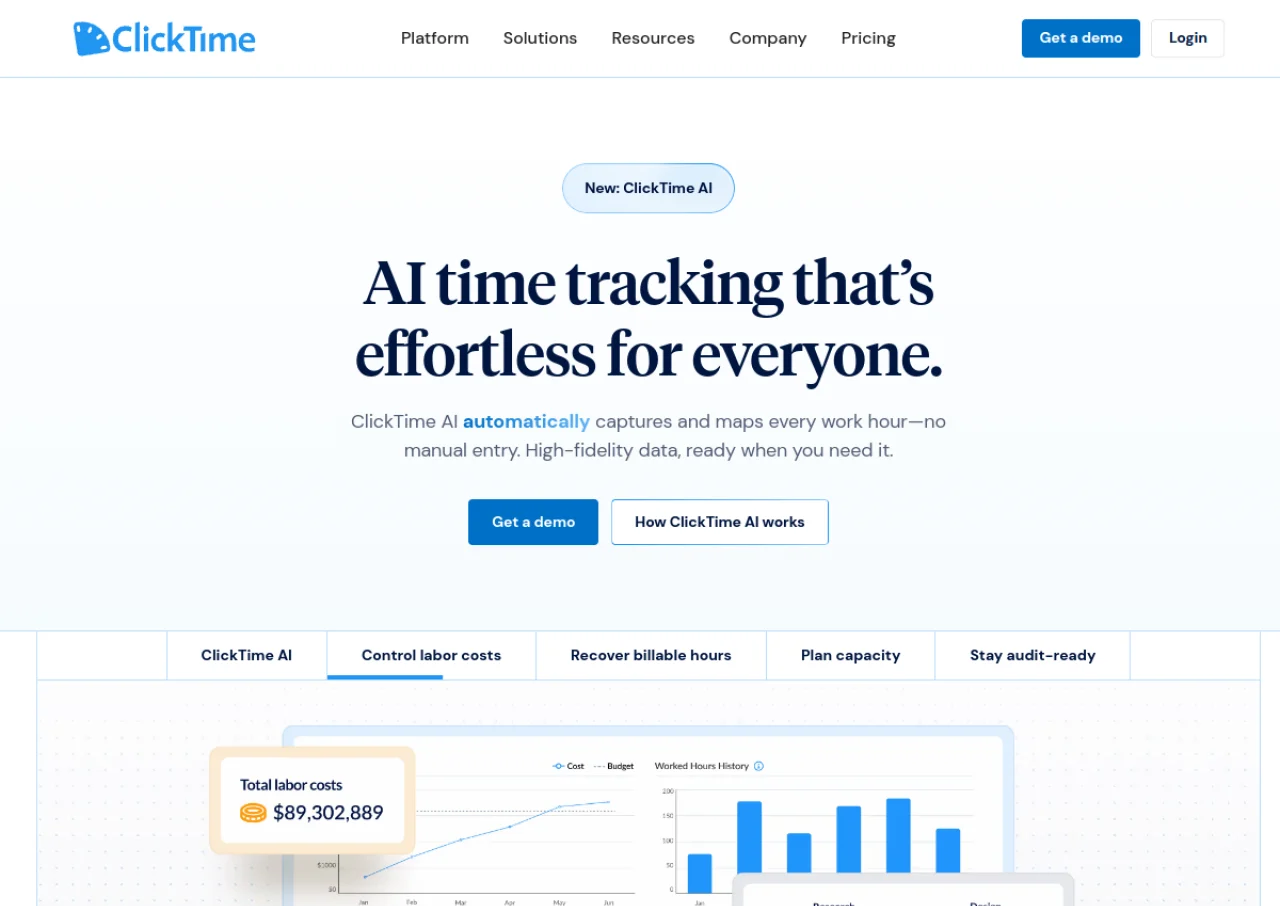
ClickTime is a web-based time tracking and resource planning platform designed for professional services firms, agencies, nonprofits, and government contractors. It lets employees log time from the web, mobile app, or a stopwatch, ties every entry to a client, project, and task, and uses ClickTime AI to pre-fill timesheets by matching activity from tools like Jira, Google Calendar, and Outlook to finance-defined categories. Managers get approval workflows, budget tracking, resource planning, and over 70 pre-built reports to monitor project profitability and utilization.
The platform also includes expense tracking with receipt capture, time-off management, and integrations with tools such as QuickBooks and Jira. ClickTime is sold on tiered per-user monthly pricing (Starter, Team, Premier) plus a custom-priced Enterprise tier with SSO and dedicated support, and offers discounted nonprofit pricing. Expense tracking is available as a paid add-on on lower tiers.
Key Features of ClickTime
ClickTime lists 10 documented features, including Online and mobile timesheets with stopwatch time entry, ClickTime AI auto-fill from Jira, Google Calendar, and Outlook activity and Project and task-level time tracking tied to clients. The list below covers what the product does rather than how it is marketed.
- Online and mobile timesheets with stopwatch time entry
- ClickTime AI auto-fill from Jira, Google Calendar, and Outlook activity
- Project and task-level time tracking tied to clients
- 70+ pre-built and customizable reports (Report Studio on higher tiers)
- Approval workflows for timesheet submission and review
- Time-off management and tracking
- Project budgeting, resource planning, and utilization goals
- Expense tracking with receipt capture
- Advanced/custom billing rates
- Integrations with QuickBooks, Jira, and other business tools
ClickTime Pricing
ClickTime lists 3 plans, from $15 to $31.
Starter
$15
per user/month, up to 25 users
Easy time tracking, 70 plus reports and email reminders; paying yearly lowers Starter to $12 per user/month.
Team
$19
per user/month, up to 200 users
Includes ClickTime AI and adds approval workflows, advanced billing rates and time off management.
Premier
$31
per user/month, up to 200 users
Includes ClickTime AI and adds resource management features; paying yearly lowers Premier to $27 per user/month.
ClickTime Specifications
ClickTime is available on web app and has iOS and Android apps. It offers an API.
- Deployment
- Cloud Based
- Billing cycle
- Monthly
- Desktop
- Web App
- Mobile
- iOS
- Android
- Languages
- English
- Built for
- SMEs
- Agencies
- Enterprises
- Support
- Live Support
- Training
- Tickets
- Integrations
- QuickBooks, Jira, Google Calendar, Outlook, and custom integrations (Enterprise tier)
- Public API
- Yes
- Free trial
- No
- Free plan
- No
- Runs in browser
- No
- Customisable
- Yes
- Website
- clicktime.com
ClickTime Videos
ClickTime Screenshots
ClickTime Comparisons
Side by side comparisons of ClickTime against 3 other Timesheet Software options listed here.



Used ClickTime? Write the first review.
ClickTime FAQs
Alternatives to ClickTime
Other Timesheet Software recorded on the same fields.