
Clockify
VerifiedFree time tracker and timesheet app for teams, with billing, reporting, and productivity tools
 See all screenshots
 - Deployment Cloud Based
- Starting price Free
- Free trial Available
- Best for Freelancers, Startups, SMEs
What is Clockify?
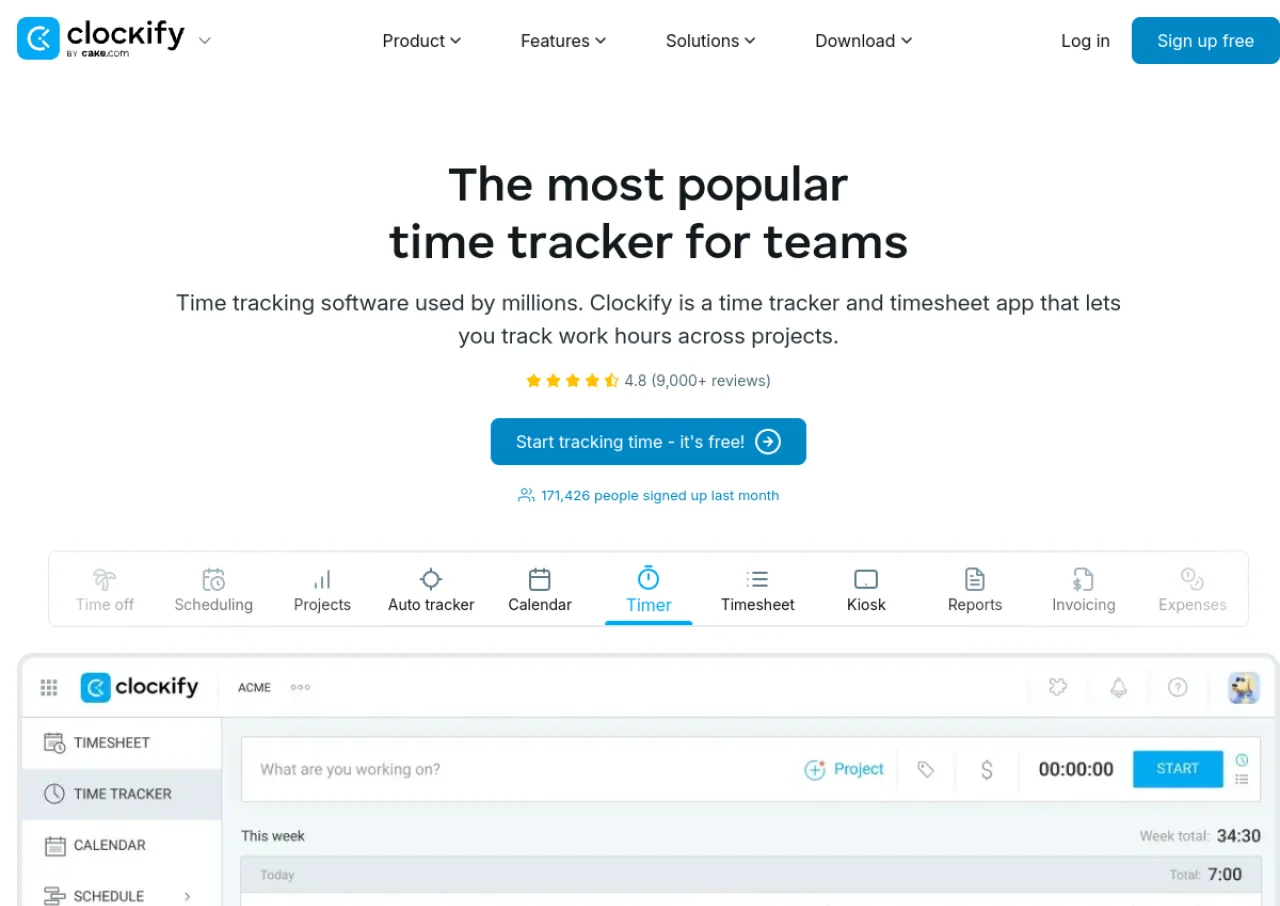
Clockify is a time-tracking and timesheet application built for teams and freelancers who need to log work hours, monitor project costs, and generate reports. Users can track time through a timer, a timesheet, or a kiosk clock-in screen, then tag entries as billable or non-billable and assign them to projects and clients. The platform supports desktop, mobile, and browser-extension apps, with an auto tracker that records time spent in other applications and websites for later categorization.
Beyond basic tracking, Clockify offers team-oriented features such as scheduling, time-off approvals, expense tracking, GPS location tracking, invoicing, and labor cost or profitability reporting on its paid tiers. Reports can be filtered by project, user, or date and exported as PDF, CSV, or Excel. Clockify is part of the CAKE.com suite of productivity tools and integrates with services like QuickBooks. It is used across industries including agencies, consulting, and remote teams for payroll-adjacent time and attendance tracking.
Key Features of Clockify
Clockify lists 10 documented features, including Timer, timesheet, and kiosk clock-in time tracking, Billable and non-billable hourly rates per project or user and Auto tracker that detects time spent in apps and websites. The list below covers what the product does rather than how it is marketed.
- Timer, timesheet, and kiosk clock-in time tracking
- Billable and non-billable hourly rates per project or user
- Auto tracker that detects time spent in apps and websites
- Team scheduling and capacity planning
- Time off tracking and approval workflows
- GPS and location tracking for field teams
- Expense tracking and invoicing for billable work
- Detailed reports exportable to PDF, CSV, or Excel
- Screenshots and activity monitoring on higher tiers
- QuickBooks and other third-party integrations
Clockify Pricing
Clockify lists 5 plans, starting free and running to $14.99.
Free
Free
Up to 5 users
Unlimited time tracking, timer, timesheet, auto tracker, calendar, mobile and desktop apps, reports, team activity
Basic
$4.99/user/month
$3.99/user/month billed annually; adds administration, kiosk access, bulk editing, time audit
Standard
$6.99/user/month
$5.49/user/month billed annually; adds invoicing, time off management, approval workflows, QuickBooks integration
Pro
$9.99/user/month
$7.99/user/month billed annually; adds scheduling, forecasting, expense tracking, labor cost analysis, GPS tracking
Enterprise
$14.99/user/month
$11.99/user/month billed annually; adds SSO, custom subdomains, SCIM provisioning, audit logs
Clockify Specifications
Clockify is available on web app, Windows and macOS and has iOS and Android apps. It offers an API, has a free trial and has a free plan.
- Deployment
- Cloud Based
- Billing cycle
- Monthly
- Desktop
- Web App
- Windows
- macOS
- Mobile
- iOS
- Android
- Languages
- English
- Built for
- Freelancers
- Startups
- SMEs
- Agencies
- Enterprises
- Support
- Live Support
- Integrations
- Integrates with QuickBooks and other tools; part of the CAKE.com suite alongside Plaky and Pumble; offers an API for custom integrations
- Public API
- Yes
- Free trial
- Yes
- Free plan
- Yes
- Runs in browser
- Yes
- Customisable
- Yes
- Website
- clockify.me
Clockify Videos
Clockify Screenshots
Clockify Comparisons
Side by side comparisons of Clockify against 3 other Time Tracking Software options listed here.



Used Clockify? Write the first review.
Clockify FAQs
Alternatives to Clockify
Other Time Tracking Software recorded on the same fields.