TimeCamp
VerifiedAutomatic time tracking software with attendance, billing, and productivity monitoring
 See all screenshots
 - Deployment Cloud Based, On Premises
- Starting price Free
- Free trial Available
- Best for Freelancers, Startups, SMEs
What is TimeCamp?
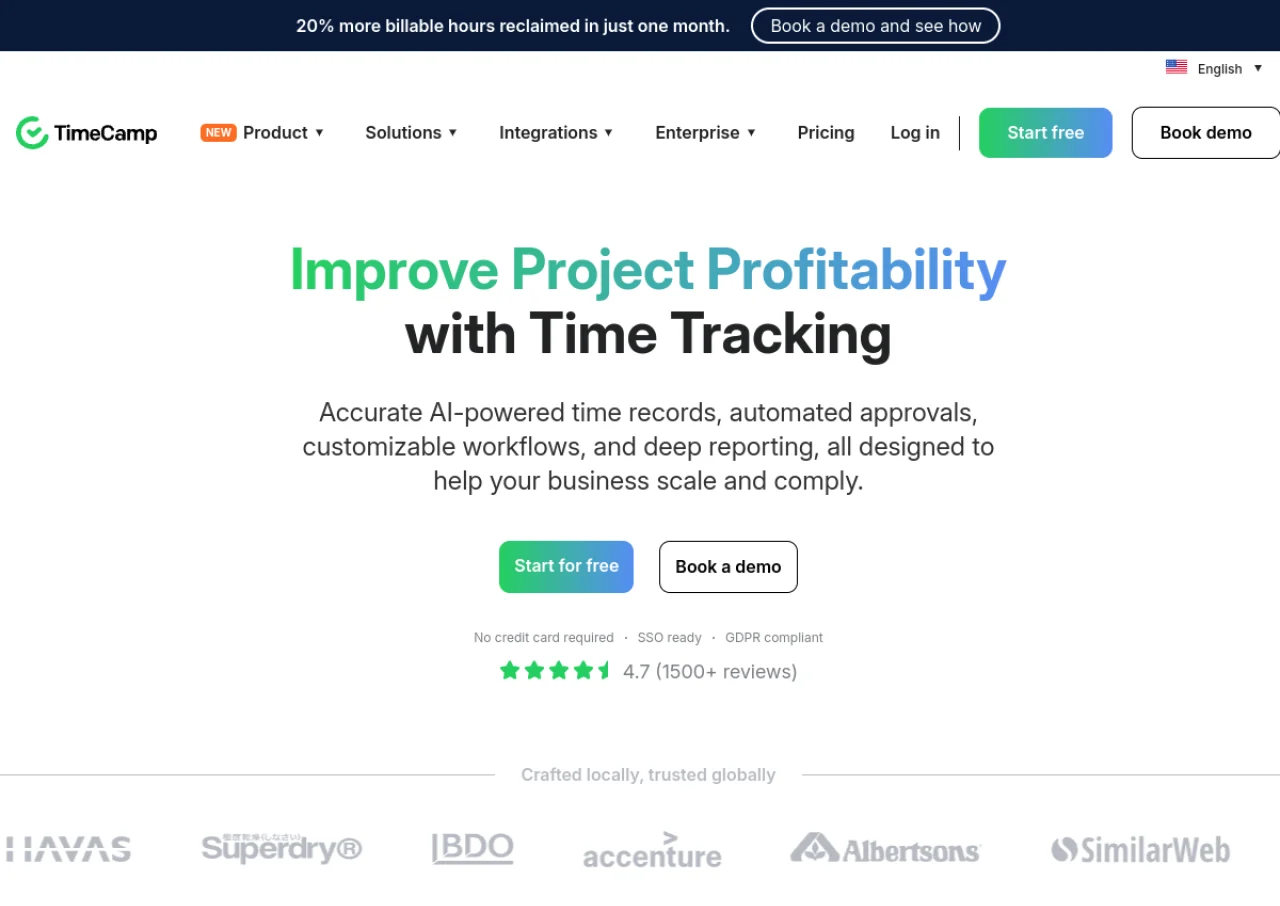
TimeCamp is a time tracking and workforce management platform designed for businesses that need to monitor employee hours, attendance, productivity, and billable work. Its core feature is automatic time tracking, powered by a lightweight desktop agent that detects the apps, websites, and documents a user works on and assigns time to projects using keyword rules, reducing manual timer use. Beyond tracking, TimeCamp includes timesheets, attendance and time-off management, overtime tracking, invoicing, budgeting, computer activity and screenshot monitoring, and project cost and profitability reporting.
The platform is used by freelancers, small teams, and larger organizations across industries such as agencies, software development, and consulting. It integrates with tools like Jira, Trello, Asana, and other project management and accounting software. TimeCamp is available as a web app, desktop apps for Windows and macOS, and mobile apps for iOS and Android, and offers a free-forever plan alongside paid tiers with more advanced billing, approval, and enterprise features.
Key Features of TimeCamp
TimeCamp lists 10 documented features, including Automatic time tracking via desktop agent using keyword-based project detection, Timesheets with approval workflows and Attendance, time-off, and overtime tracking. The list below covers what the product does rather than how it is marketed.
- Automatic time tracking via desktop agent using keyword-based project detection
- Timesheets with approval workflows
- Attendance, time-off, and overtime tracking
- Invoicing and billable time tracking
- Project budgeting and cost/profitability estimates
- Computer activity and screenshot monitoring
- Resource planning
- Integrations with Jira, Trello, Asana, and other tools
- Detailed reporting and data export
- Mobile app with GPS location tracking
TimeCamp Pricing
TimeCamp lists 4 plans, starting free and running to $9.99.
Starter
$3.99
per user per month
Time and Billing tier; the plan table lists $2.99 and $3.99 per user per month depending on billing term and this record uses the higher figure.
Premium
$6.99
per user per month
Profit and Productivity tier adding bulk edit, project templates and decimal format; the lower rate shown on the table is $4.99 per user per month.
Ultimate
$9.99
per user per month
Management and Security tier adding budgeting alerts and time rounding; the lower rate shown on the table is $7.99 per user per month.
TimeCamp Specifications
TimeCamp is available on web app, Windows and macOS and has iOS and Android apps. It offers an API, has a free trial and has a free plan.
- Deployment
- Cloud Based
- On Premises
- Billing cycle
- Monthly
- Desktop
- Web App
- Windows
- macOS
- Mobile
- iOS
- Android
- Languages
- English
- Built for
- Freelancers
- Startups
- SMEs
- Agencies
- Enterprises
- Support
- Live Support
- Tickets
- Integrations
- Jira, Trello, Asana, and other project management, accounting, and productivity tools
- Public API
- Yes
- Free trial
- Yes
- Free plan
- Yes
- Runs in browser
- Yes
- Customisable
- Yes
- Website
- timecamp.com
TimeCamp Videos
TimeCamp Screenshots
TimeCamp Comparisons
Side by side comparisons of TimeCamp against 3 other Time Tracking Software options listed here.



Used TimeCamp? Write the first review.
TimeCamp FAQs
Alternatives to TimeCamp
Other Time Tracking Software recorded on the same fields.