Topaz AI
VerifiedPowerful AI models. Local and in the cloud.
 See all screenshots
 - Deployment Cloud Based, On Premises, Hybrid
- Starting price $12
- Free trial Available
- Best for Freelancers, Startups, SMEs
What is Topaz AI?
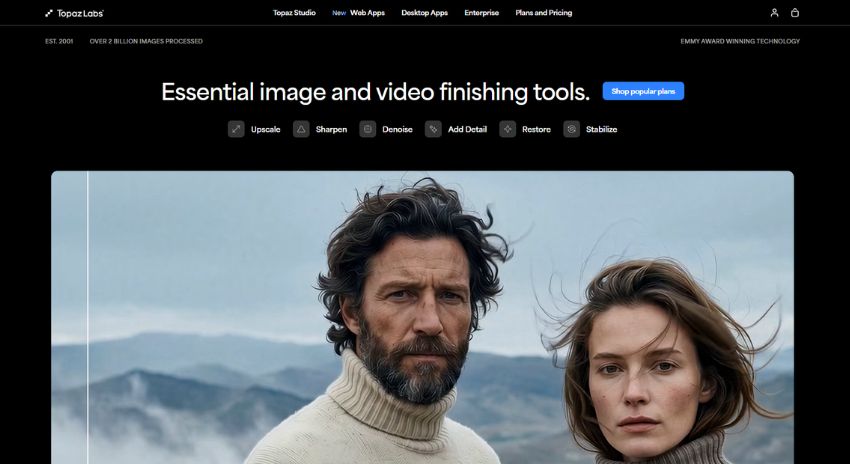
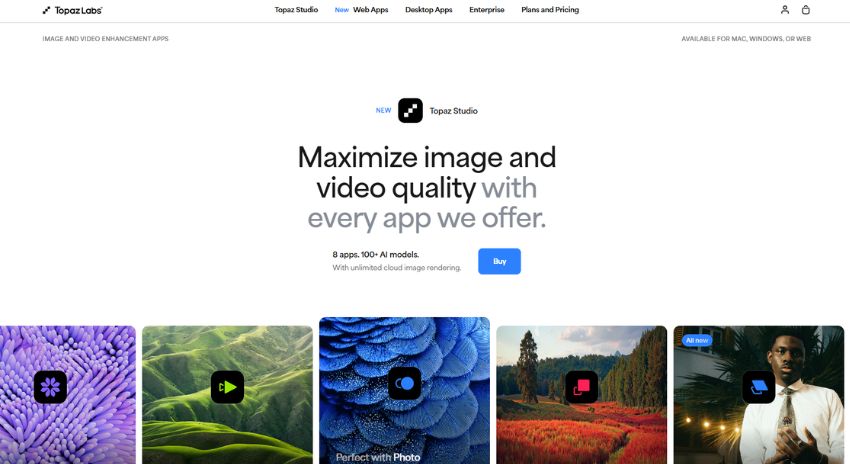
Topaz AI is a powerful suite of AI-driven image and video enhancement tools built by Topaz Labs for creators who need professional-quality results fast. Whether you’re a photographer restoring old photos, a videographer upscaling footage, or a studio team cleaning up assets for production, Topaz AI helps sharpen, denoise, upscale, relight, and restore media with minimal manual effort. It supports both local desktop rendering and cloud-based workflows, giving users flexibility based on speed, hardware, and project size. The platform includes specialized tools for unblurring faces, removing backgrounds, colorizing images, stabilizing video, and generating high-resolution outputs, making it especially valuable for creative professionals and businesses that need polished visuals at scale. With browser-based apps, desktop software, and commercial plans available, Topaz AI is designed to serve solo creators, agencies, and enterprise teams looking for dependable AI enhancement across photos and video.
Key Features of Topaz AI
Topaz AI lists 8 documented features, including Image Enhancement, Upscaling & Restoration and Video Enhancement. The list below covers what the product does rather than how it is marketed.
- Image Enhancement
- Upscaling & Restoration
- Video Enhancement
- Cloud & Local Workflows
- Business & Pro Features
- Video stabilization and slow-motion frame interpolation
- SDR to HDR video conversion
- Cloud rendering with credit-based system
Topaz AI Pricing
Topaz AI lists 2 plans, from $12 to $69.
Topaz Image Web
$12
per month
Limited time offer price for the image workflow plan covering unblur, sharpen, denoise and relight, reduced from $19.
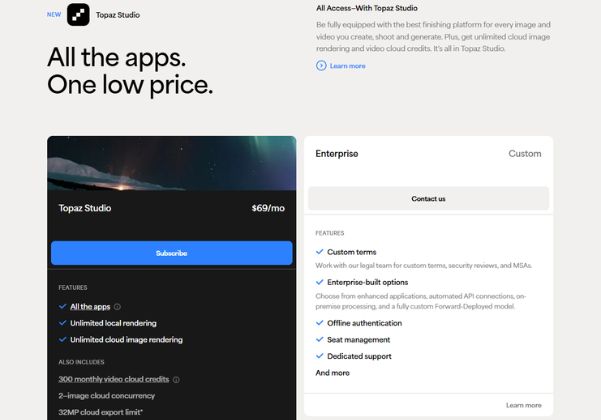
Topaz Studio
$69
per month
Monthly rate for all the apps including Topaz Video, Topaz Photo, Topaz Gigapixel and Topaz Mobile; $34 per month if paid as $399 billed annually.
Topaz AI Specifications
Topaz AI is available on web app, Windows and macOS and has iOS apps. It offers an API, has a free trial and has a free plan.
- Deployment
- Cloud Based
- On Premises
- Hybrid
- Billing cycle
- Yearly
- Desktop
- Web App
- Windows
- macOS
- Mobile
- iOS
- Languages
- English
- Built for
- Freelancers
- Startups
- SMEs
- Agencies
- Enterprises
- Support
- Live Support
- Training
- Tickets
- Integrations
- Adobe Premiere Panel; Adobe workflow support mentioned for Photoshop and Lightroom use cases
- Public API
- Yes
- Free trial
- Yes
- Free plan
- Yes
- Runs in browser
- Yes
- Customisable
- Yes
- Website
- topazlabs.com
Topaz AI Videos
Topaz AI Screenshots
Topaz AI Comparisons
Side by side comparisons of Topaz AI against 3 other AI Image Upscaler Tools options listed here.



Topaz AI Reviews
No reviews yet
Used Topaz AI? Share your experience and help other buyers decide.
Topaz AI FAQs
Alternatives to Topaz AI
Other AI Image Upscaler Tools recorded on the same fields.