Hostinger AI Image Upscaler
VerifiedAI tool to upscale and enhance image resolution up to 4x, built into Hostinger Website Builder
 See all screenshots
 - Deployment Cloud Based
- Starting price Free
- Free trial Available
- Best for Freelancers, Startups, SMEs
What is Hostinger AI Image Upscaler?
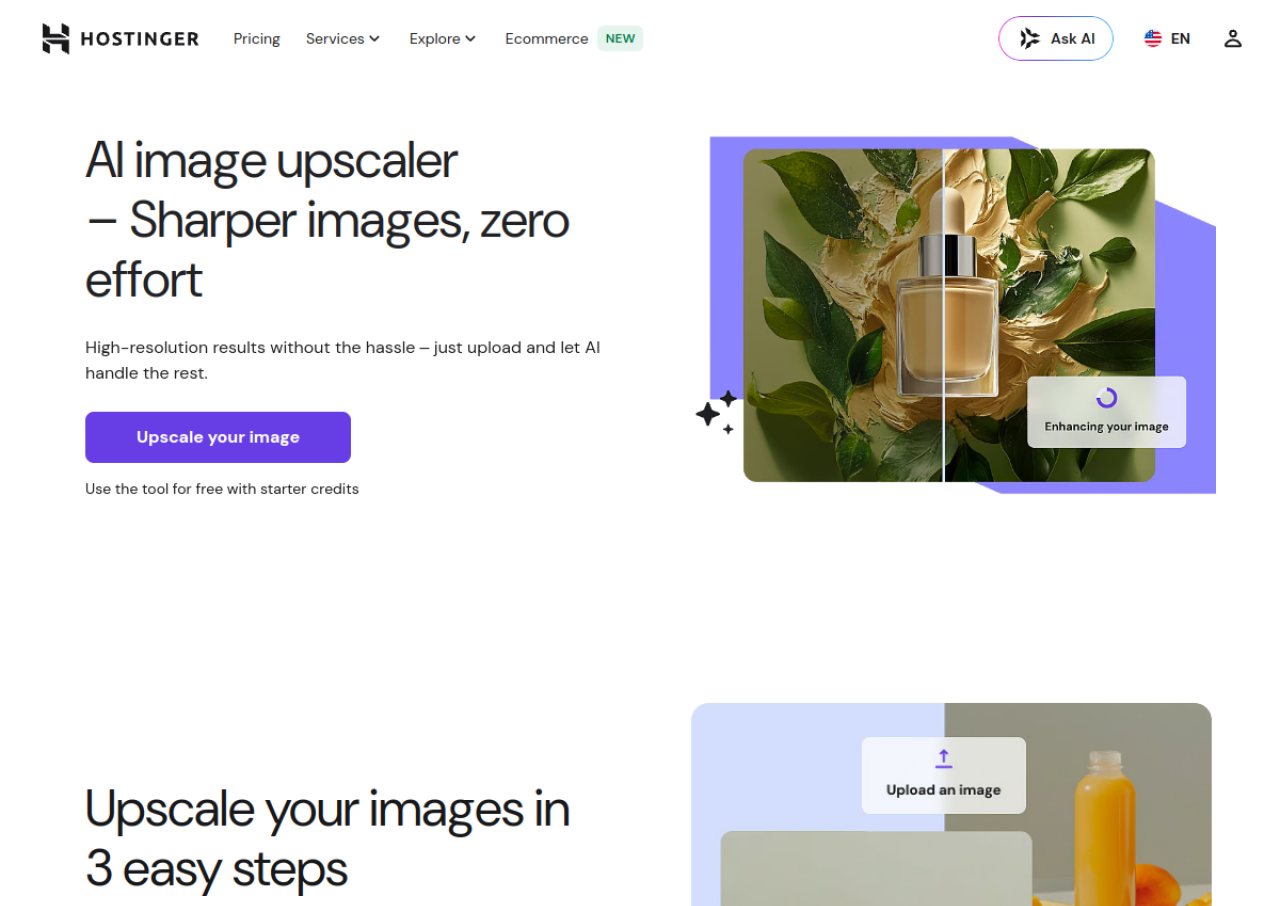
Hostinger AI Image Upscaler (formerly part of Zyro, now integrated into Hostinger's website builder) is a browser-based tool that increases image resolution and enhances photo clarity using AI. Users upload a JPEG or PNG image, and the AI automatically processes it to reduce noise, sharpen detail, and upscale it up to 4x without manual editing. The tool is aimed at website owners, online sellers, and content creators who want higher-resolution product photos, portraits, or other images for their sites without needing photo-editing skills.
Access requires a free Hostinger account. New users receive a limited number of free credits to upscale images; once that quota is used, continued use requires purchasing additional AI credits or a paid Hostinger plan. Uploaded images are stated to be deleted after processing. The upscaler is offered as one of several AI tools bundled with Hostinger's website builder plans (alongside tools like background remover and logo generator) rather than as a standalone paid product with its own dedicated pricing page.
Key Features of Hostinger AI Image Upscaler
Hostinger AI Image Upscaler lists 9 documented features, including AI-powered image upscaling up to 4x resolution, Noise reduction and detail sharpening and Supports JPEG and PNG file formats. The list below covers what the product does rather than how it is marketed.
- AI-powered image upscaling up to 4x resolution
- Noise reduction and detail sharpening
- Supports JPEG and PNG file formats
- Fast processing, results delivered in seconds
- No manual editing or technical skill required
- One-click high-resolution download
- Free starter credits for new accounts
- Uploaded images deleted after processing for privacy
- Integrated into Hostinger website builder AI tools suite
Hostinger AI Image Upscaler Pricing
Hostinger AI Image Upscaler lists 2 plans. One is free; the rest are quoted on request.
Free starter credits
Free
Limited number of free image upscales for new accounts
New Hostinger accounts receive free credits usable across AI tools including the Image Upscaler
AI Credits top-up
From $4.99
50 credits for $4.99, 100 credits for $7.99, 200 credits for $13.99, 400 credits for $23.99
General Hostinger AI credits (shared across tools such as Image Upscaler, background remover, logo generator) purchased as add-ons once free quota is exhausted; not an upscaler-specific price
Hostinger AI Image Upscaler Specifications
Hostinger AI Image Upscaler is available on web app. It has a free trial and has a free plan.
- Deployment
- Cloud Based
- Billing cycle
- Transaction
- Desktop
- Web App
- Languages
- English
- Built for
- Freelancers
- Startups
- SMEs
- Support
- Tickets
- Live Support
- Integrations
- Bundled within the Hostinger Website Builder platform alongside other Hostinger AI tools (background remover, logo generator, AI website builder); not documented as offering third-party app integrations.
- Public API
- No
- Free trial
- Yes
- Free plan
- Yes
- Runs in browser
- Yes
- Customisable
- No
- Website
- hostinger.com
Hostinger AI Image Upscaler Videos
Hostinger AI Image Upscaler Screenshots
Hostinger AI Image Upscaler Comparisons
Side by side comparisons of Hostinger AI Image Upscaler against 3 other AI Image Upscaler Tools options listed here.



Hostinger AI Image Upscaler Reviews
No reviews yet
Used Hostinger AI Image Upscaler? Share your experience and help other buyers decide.
Hostinger AI Image Upscaler FAQs
Alternatives to Hostinger AI Image Upscaler
Other AI Image Upscaler Tools recorded on the same fields.