AI Image Enlarger
VerifiedAI-powered image enlarger and enhancer that upscales photos up to 8x without losing detail
 See all screenshots
 - Deployment Cloud Based
- Starting price Free
- Free trial Not offered
- Best for Freelancers, SMEs, Agencies
What is AI Image Enlarger?
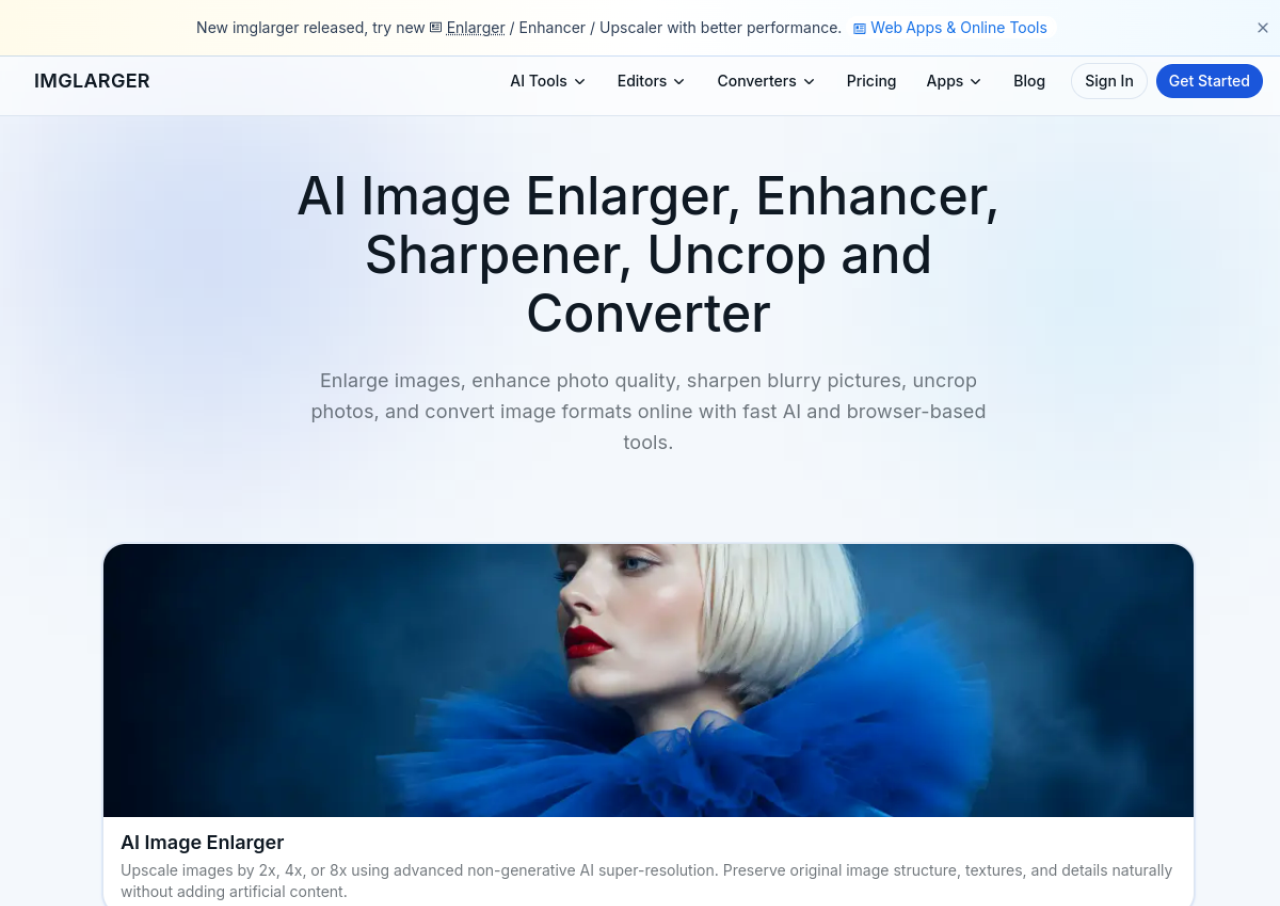
AI Image Enlarger, built by Imglarger, is a browser-based AI photo enhancement suite that upscales images by 2x, 4x, or up to 8x while rebuilding detail, edges, and textures instead of simply stretching pixels. It supports JPG, PNG, and WebP formats and includes complementary tools such as an AI photo enhancer for blurry or low-quality images, background removal, face retouching, anime and illustration upscaling, black-and-white photo colorization, and an AI uncrop/extender for expanding image backgrounds and aspect ratios.
The tool runs entirely online with no installation required, and offers a free tier alongside paid subscription plans with batch processing and higher-resolution limits. Uploaded and processed images are automatically deleted after a set retention window, and results are delivered without watermarks. A companion mobile app (PhotoAI) is also available for iPhone. The service targets casual users, photographers, e-commerce sellers, and designers who need quick image upscaling and restoration without professional editing software.
Key Features of AI Image Enlarger
AI Image Enlarger lists 10 documented features, including Upscale images 2x, 4x, or 8x while reconstructing detail and edges, AI photo enhancer for blurry or low-quality photos (denoise, sharpen) and Batch processing of multiple images (paid plans). The list below covers what the product does rather than how it is marketed.
- Upscale images 2x, 4x, or 8x while reconstructing detail and edges
- AI photo enhancer for blurry or low-quality photos (denoise, sharpen)
- Batch processing of multiple images (paid plans)
- One-click AI background removal
- AI face retouching for portraits
- Anime/manga/illustration-optimized upscaling
- Black-and-white photo colorization
- AI uncrop/image extender to expand backgrounds and change aspect ratios
- Format conversion (JPG, PNG, WebP, HEIC, etc.)
- No-watermark output on processed images
AI Image Enlarger Pricing
AI Image Enlarger lists 3 plans, starting free and running to $19.99.
Free
Free
/month
Trial credits and core AI tools with 100 credits per month that refresh at the start of each cycle.
Premium
$9.99
/month
Most popular tier with 2000 credits per month, scaling up to 8X, priority processing and no ads.
AI Image Enlarger Specifications
AI Image Enlarger is available on web app and has iOS apps. It has a free plan.
- Deployment
- Cloud Based
- Billing cycle
- Monthly
- Desktop
- Web App
- Mobile
- iOS
- Languages
- English
- Built for
- Freelancers
- SMEs
- Agencies
- Support
- Integrations
- No third-party software integrations found on the official site; the product is a standalone web tool with a companion iPhone app (PhotoAI).
- Public API
- No
- Free trial
- No
- Free plan
- Yes
- Runs in browser
- Yes
- Customisable
- No
- Website
- imglarger.com
AI Image Enlarger Screenshots
AI Image Enlarger Comparisons
Side by side comparisons of AI Image Enlarger against 3 other AI Image Upscaler Tools options listed here.



AI Image Enlarger Reviews
No reviews yet
Used AI Image Enlarger? Share your experience and help other buyers decide.
AI Image Enlarger FAQs
Alternatives to AI Image Enlarger
Other AI Image Upscaler Tools recorded on the same fields.