
Remove.bg
VerifiedAI-powered automatic background removal for images, in seconds
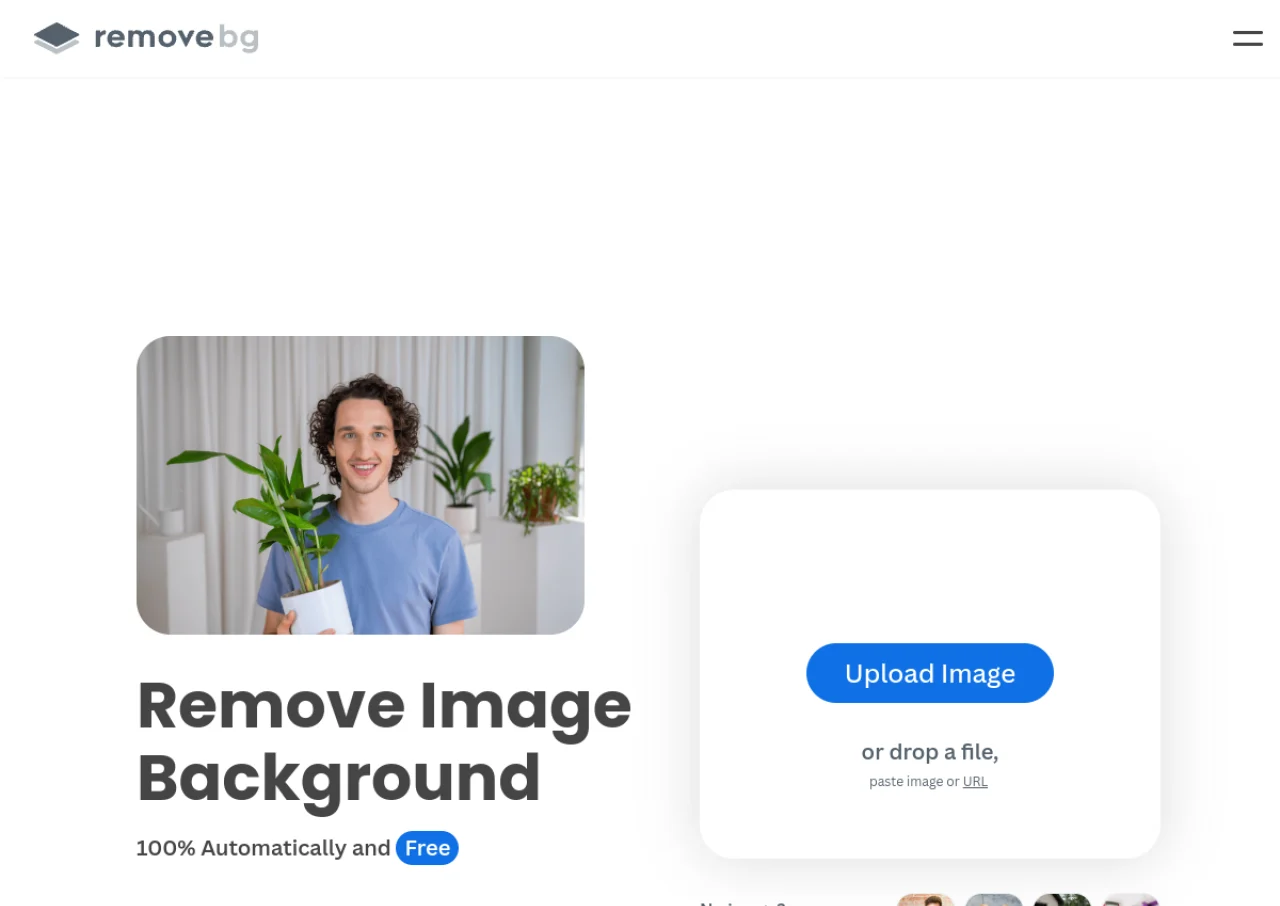 See all screenshots
 - Deployment Cloud Based
- Starting price Free
- Free trial Available
- Best for Freelancers, SMEs, Agencies
What is Remove.bg?
Remove.bg is an AI-powered background removal tool that automatically detects the foreground subject in a photo and strips out the background in seconds, without any manual masking or selection. It works through a website, downloadable apps for Windows, Mac, and Linux, a Photoshop extension, mobile apps, and a developer API, making it usable both by individuals doing one-off edits and by businesses processing images at scale. The tool supports images up to 50 megapixels and can output transparent PNGs, JPGs, or add solid colors and custom backgrounds after removal.
Remove.bg is owned and operated by Canva (Canva Austria GmbH). It is popular with e-commerce sellers, photographers, marketers, and developers who need consistent, fast background removal for product photos, portraits, and other images. Pricing is credit-based, with a free tier, monthly subscriptions, one-time pay-as-you-go credit packs, and custom enterprise plans for high-volume users processing over 100,000 images per year.
Key Features of Remove.bg
Remove.bg lists 10 documented features, including Fully automatic AI background removal with no manual masking, Supports images up to 50 megapixels and Developer API with HTTP interface for automated/bulk processing. The list below covers what the product does rather than how it is marketed.
- Fully automatic AI background removal with no manual masking
- Supports images up to 50 megapixels
- Developer API with HTTP interface for automated/bulk processing
- Bulk editing tools for processing multiple images at once
- Photoshop extension plugin
- Desktop apps for Windows, Mac, and Linux
- Mobile app for Android
- Custom background, color, and shadow options after removal
- Crop, scale, and subject positioning controls
- Free low-resolution preview mode with high-res paid downloads
Remove.bg Pricing
Remove.bg lists 6 plans. Four carry a published figure, from Free to ₹5,950; the rest are quoted on request.
Free
Free
Low-res previews (up to 0.25MP) plus 1 bonus high-res credit and 50 free API previews/month
No credit card required; unlimited low-resolution previews on the website
Pay-as-you-go
₹200 for 3 credits
(one-time)
Credits never expire
One-off purchase; can be used to top up on top of any subscription plan
Lite
₹599/month
Up to 40 credits per month
Includes AI photo editor, background removal, AI background, erase & restore, max quality exports, automation, API and integrations
Pro
₹2,650/month
Up to 200 credits per month
Most popular plan; everything in Lite plus bulk editing
Volume+
₹5,950/month
500 credits per month (adjustable)
Everything in Pro plus custom volume options
Enterprise
Custom
Starts at 100,000 images per year
Flexible API, credits, and rate limits with premium support; contact sales for a quote
Remove.bg Specifications
Remove.bg is available on web app, Windows and macOS and has Android apps. It offers an API, has a free trial and has a free plan.
- Deployment
- Cloud Based
- Billing cycle
- Monthly
- Desktop
- Web App
- Windows
- macOS
- Mobile
- Android
- Languages
- English
- Built for
- Freelancers
- SMEs
- Agencies
- Enterprises
- Support
- Tickets
- Integrations
- Photoshop extension, API for custom integrations, plugins for various e-commerce and design tools listed under remove.bg's Tools & API page
- Public API
- Yes
- Free trial
- Yes
- Free plan
- Yes
- Runs in browser
- Yes
- Customisable
- Yes
- Website
- remove.bg
Remove.bg Videos
Remove.bg Screenshots
Remove.bg Comparisons
Side by side comparisons of Remove.bg against 3 other AI Background Remover options listed here.



Used Remove.bg? Write the first review.
Remove.bg FAQs
Alternatives to Remove.bg
Other AI Background Remover recorded on the same fields.