Fotor Background Remover
VerifiedAI-powered tool that automatically removes image backgrounds with clean, precise edges
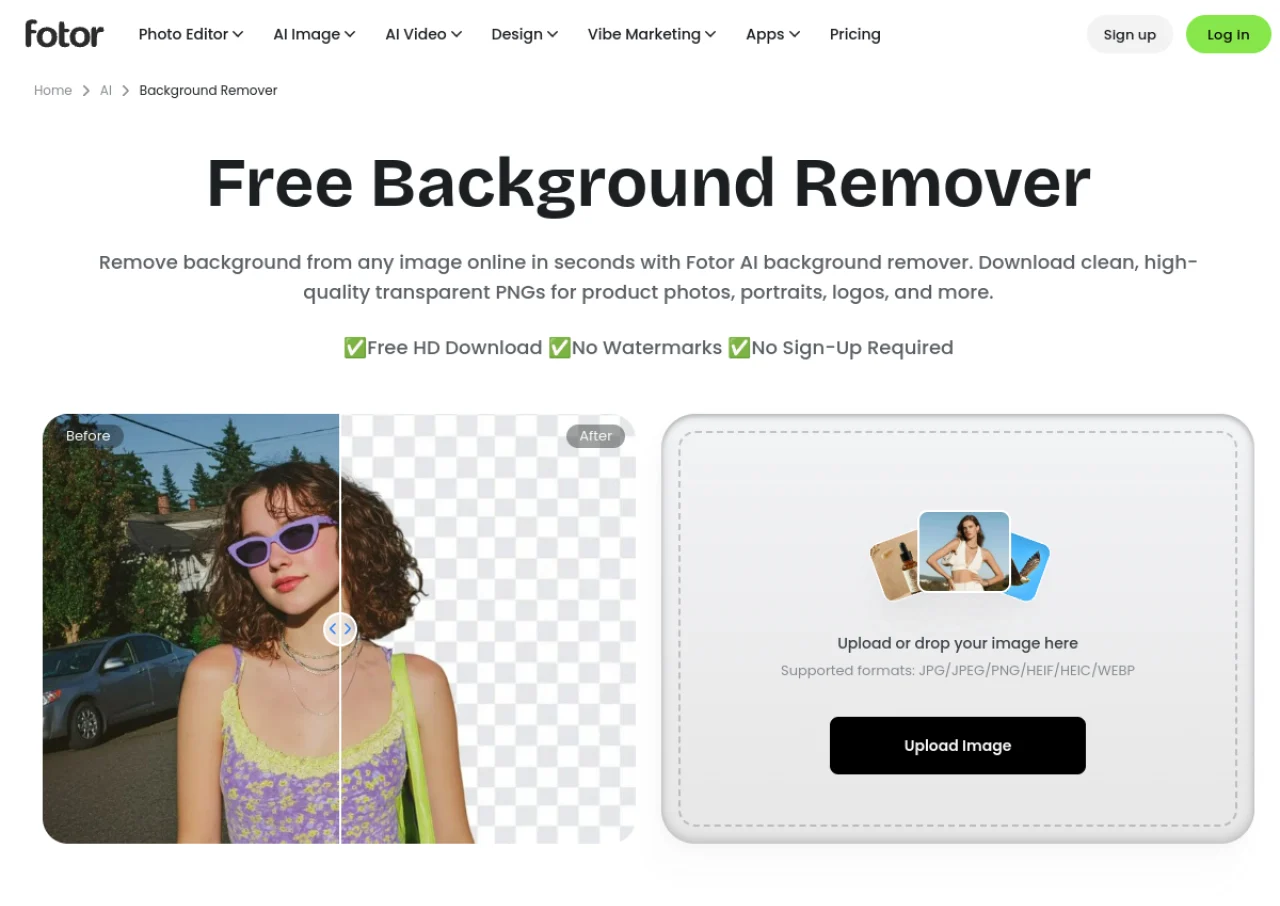 See all screenshots
 - Deployment Cloud Based
- Starting price Free
- Free trial Not offered
- Best for Freelancers, SMEs, Agencies
What is Fotor Background Remover?
Fotor Background Remover is an AI-powered feature within the Fotor online photo editing suite that automatically detects a subject in a photo and removes its background in seconds. It is designed to handle fine details like hair, fur, and semi-transparent objects, producing clean cutouts for portraits, product photos, logos, and signatures. Users can export a transparent PNG, swap in a solid color or AI-generated backdrop, or continue editing in Fotor's broader design tools. The tool supports batch processing of up to 50 images at once and works with common formats including JPG, PNG, HEIF, HEIC, and WEBP.
The tool is commonly used for e-commerce product listings, professional headshots and LinkedIn photos, passport and ID photos, pet merchandise, real estate images, and digitizing logos or signatures. It is browser-based and requires no software installation. A limited free version is available, but full-resolution, watermark-free background removal requires a paid Fotor subscription (Pro or Pro+), which also unlocks Fotor's other AI photo editing tools.
Key Features of Fotor Background Remover
Fotor Background Remover lists 9 documented features, including AI automatic subject detection and background removal, Precise edge handling for hair, fur, and transparent objects and Transparent PNG export. The list below covers what the product does rather than how it is marketed.
- AI automatic subject detection and background removal
- Precise edge handling for hair, fur, and transparent objects
- Transparent PNG export
- Solid-color and AI-generated background replacement
- Batch background removal for up to 50 images at once
- Support for JPG, PNG, HEIF, HEIC, and WEBP files up to 40MB
- Built-in editing tools (text, filters, effects) after background removal
- Specialized modes for passport/ID photos, signatures, and logos
- HD, no-blur output preserving original image quality
Fotor Background Remover Pricing
Fotor Background Remover lists 3 plans, starting free and running to $19.99.
Basic (Free)
Free
Limited/low-resolution background removal, watermarked exports
Free forever plan; background remover access is limited and outputs may include watermarks or lower resolution.
Pro
$8.99/month
Full-resolution AI Background Remover, unlimited AI Photo Enhancer
Reported as $8.99/month billed monthly, or roughly $3.33/month billed annually; unlocks watermark-free full-resolution background removal. Exact current figures could not be confirmed directly on Fotor’s live pricing page during this research session (page renders pricing dynamically via JavaScript).
Pro+
$19.99/month
Everything in Pro plus expanded storage and commercial-use assets
Reported as $19.99/month billed monthly, or roughly $7.49/month billed annually. Could not be independently confirmed on the live pricing page in this session.
Fotor Background Remover Specifications
Fotor Background Remover is available on web app and has iOS and Android apps. It has a free plan.
- Deployment
- Cloud Based
- Billing cycle
- Monthly
- Desktop
- Web App
- Mobile
- iOS
- Android
- Languages
- English
- Built for
- Freelancers
- SMEs
- Agencies
- Support
- Tickets
- Integrations
- No major third-party integrations (offers its own API and SDK for developers to embed Fotor's tools)
- Public API
- No
- Free trial
- No
- Free plan
- Yes
- Runs in browser
- Yes
- Customisable
- Yes
- Website
- fotor.com
Fotor Background Remover Videos
Fotor Background Remover Screenshots
Fotor Background Remover Comparisons
Side by side comparisons of Fotor Background Remover against 3 other AI Background Remover options listed here.



Used Fotor Background Remover? Write the first review.
Fotor Background Remover FAQs
Alternatives to Fotor Background Remover
Other AI Background Remover recorded on the same fields.