
Adobe Express Remove Background
VerifiedFree AI-powered tool to remove image and video backgrounds instantly, no sign-in required
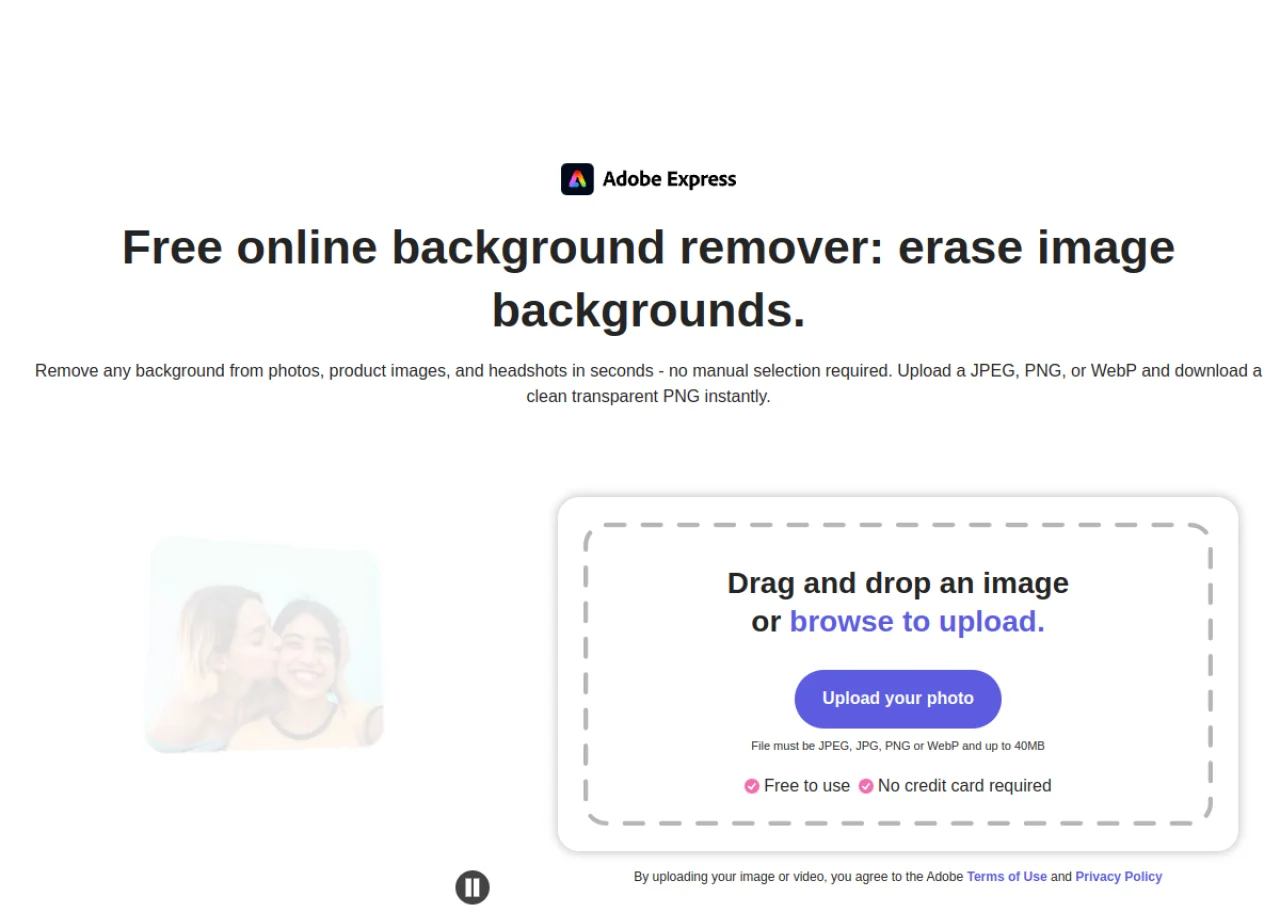 See all screenshots
 - Deployment Cloud Based
- Starting price Free
- Free trial Available
- Best for Freelancers, Startups, SMEs
What is Adobe Express Remove Background?
Adobe Express Remove Background is a free AI tool within Adobe Express that automatically detects and removes the background from JPG, PNG, and WebP images in one click, exporting a transparent PNG. It requires no account to try and no manual selection, making it useful for isolating product shots for e-commerce, cleaning up headshots, creating cutouts for presentations, and building layered collages. Refine edge, eraser, and restore brush tools let users clean up any missed areas after the automatic cutout. The tool also extends to video background removal, letting creators remove backgrounds from clips without a green screen.
The feature is part of the broader Adobe Express platform, which offers templates, Adobe Stock assets, fonts, and generative AI credits. Basic image background removal is currently free to use, while some related capabilities, such as video background removal and other premium editing tools, require an Adobe Express Premium or Teams subscription. Adobe Express works on desktop browsers and mobile devices.
Key Features of Adobe Express Remove Background
Adobe Express Remove Background lists 9 documented features, including One-click automatic background removal for images, AI-based subject detection with no manual selection needed and Exports clean transparent PNG files. The list below covers what the product does rather than how it is marketed.
- One-click automatic background removal for images
- AI-based subject detection with no manual selection needed
- Exports clean transparent PNG files
- Refine edge, eraser, and restore brush tools for manual touch-ups
- Video background removal without a green screen
- No account required for basic image background removal
- Works on desktop browsers and mobile devices
- Integrates directly into Adobe Express templates and designs
- Supports JPG, PNG, and WebP input formats
Adobe Express Remove Background Pricing
Adobe Express Remove Background lists 3 plans, starting free and running to $9.99.
Free
Free
Basic editing tools, 100,000+ templates, 1M+ Adobe Stock assets, 5GB storage, includes basic Remove Background for images
No credit card required; core image background removal is free
Premium
$9.99/month
250 generative AI credits/month, 200M+ Adobe Stock assets, all premium templates, 100GB storage, Remove Video Background, advanced animation, one-click resize
Billed monthly, no annual commitment; 30-day free trial available
Teams
$4.99/user/month
Business-oriented plan with premium features and admin/brand management for teams
Per user, billed annually (approx. $49.99/user/year per third-party sources)
Adobe Express Remove Background Specifications
Adobe Express Remove Background is available on web app and has iOS and Android apps. It has a free trial and has a free plan.
- Deployment
- Cloud Based
- Billing cycle
- Monthly
- Desktop
- Web App
- Mobile
- iOS
- Android
- Languages
- English
- Built for
- Freelancers
- Startups
- SMEs
- Agencies
- Enterprises
- Support
- Live Support
- Integrations
- Integrates within the Adobe Express ecosystem (templates, Adobe Stock, Adobe Fonts) and connects with Adobe Creative Cloud; supports content scheduling to social network accounts.
- Public API
- No
- Free trial
- Yes
- Free plan
- Yes
- Runs in browser
- Yes
- Customisable
- Yes
- Website
- adobe.com
Adobe Express Remove Background Videos
Adobe Express Remove Background Screenshots
Adobe Express Remove Background Comparisons
Side by side comparisons of Adobe Express Remove Background against 3 other AI Background Remover options listed here.



Used Adobe Express Remove Background? Write the first review.
Adobe Express Remove Background FAQs
Alternatives to Adobe Express Remove Background
Other AI Background Remover recorded on the same fields.