Google Tag Manager
VerifiedThe free tag container that made marketers independent of release cycles
 See all screenshots
 - Deployment Cloud Based, SaaS
- Starting price Free
- Free trial Available
- Best for Freelancers, Small Business, Medium Business
What is Google Tag Manager?
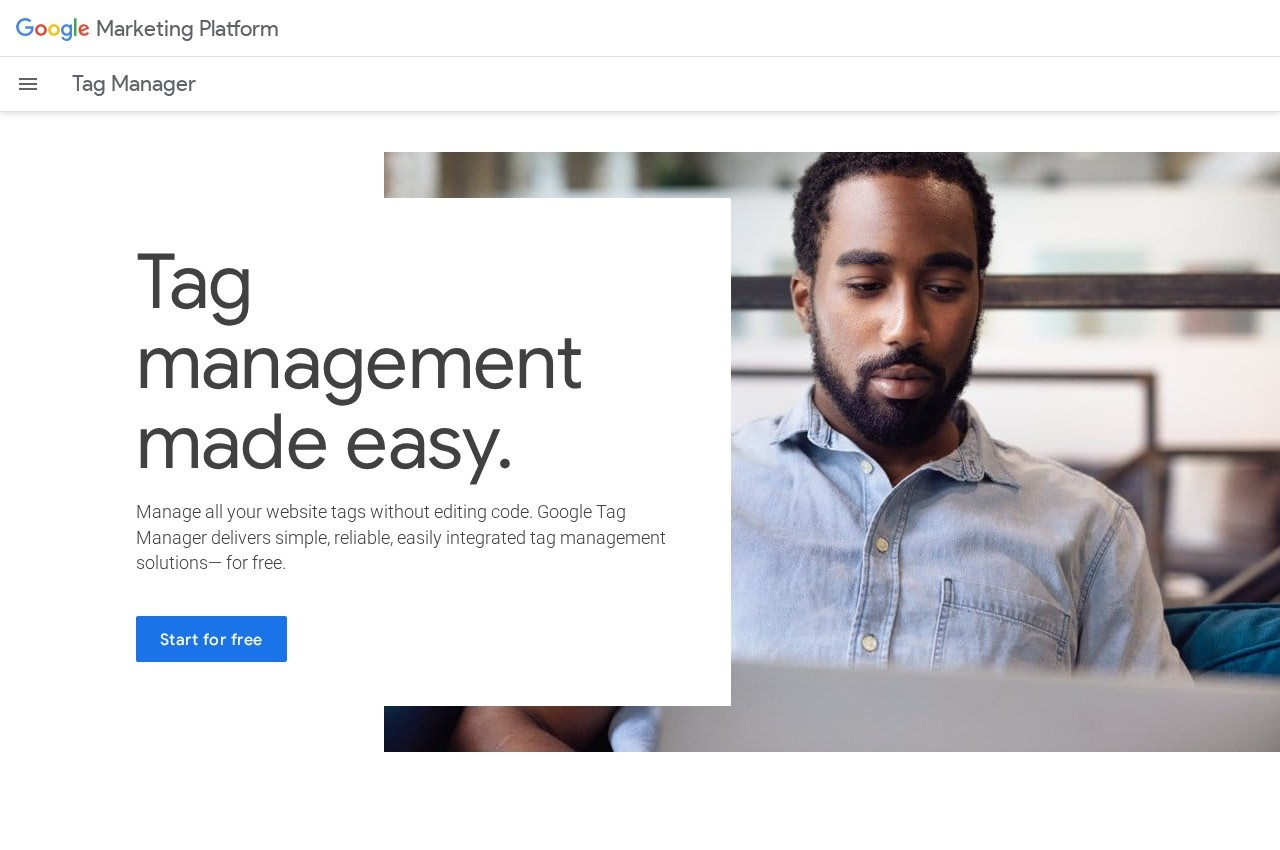
Google Tag Manager is a free tag management system that lets marketing and analytics tags be added, edited and removed through a web interface rather than by editing site code, with triggers, variables, versioning, preview mode and a server-side container option.
Being free is what made it the default and it is genuinely free rather than free-with-limits for most users, which is why the tag management category is effectively Google Tag Manager plus a set of products explaining what they do differently.
Removing the developer from the loop is the actual value and the honest description of the risk. A marketer can deploy a tracking tag in minutes without waiting for a release, and a marketer can also deploy a badly written tag that slows every page or leaks data, because the same permission covers both.
Server-side tagging is the more consequential recent capability, moving tag execution off the browser to a container the organisation controls, which improves page performance and gives back a measure of data collection that browser privacy controls have taken away. Tag Manager is free, with a 360 version sold inside Google Marketing Platform. Alongside the core engine, Google Tag Manager covers templates for common vendors, custom HTML and JavaScript tags, mobile app containers and tag Manager 360 within Google Marketing Platform, which is the practical surface a team works with day to day.
Key Features of Google Tag Manager
- Free tag management system
- Deploy tags without editing site code
- Triggers and variables
- Version history and rollback
- Preview and debug mode
- Workspaces for parallel changes
- User permissions and approval
- Server-side tagging containers
- Templates for common vendors
- Custom HTML and JavaScript tags
- Mobile app containers
- Tag Manager 360 within Google Marketing Platform
Google Tag Manager Pricing
Tag Manager
Free
The standard product is free to start and free to use, covering web and mobile app containers with triggers, variables, versioning and preview mode.
Tag Manager 360
Not published
The enterprise version sold as part of Google Marketing Platform, quoted through Google or a reseller rather than listed.
Google Tag Manager Specifications
- Deployment
- Cloud Based
- SaaS
- Desktop
- Web App
- Mobile
- iOS
- Android
- Built for
- Freelancers
- Small Business
- Medium Business
- Large Enterprise
- Support
- Knowledge Base
- Public API
- Yes
- Free trial
- Yes
- Free plan
- No
- Runs in browser
- No
- Customisable
- No
- Website
- marketingplatform.google.com
Google Tag Manager Screenshots
Google Tag Manager Comparisons



Google Tag Manager Reviews
No reviews yet
Used Google Tag Manager? Share your experience and help other buyers decide.
Google Tag Manager FAQs
Alternatives to Google Tag Manager
Other Tag Management Software recorded on the same fields.