
Vector Magic
VerifiedAuto-tracer that converts bitmap images into true vector files
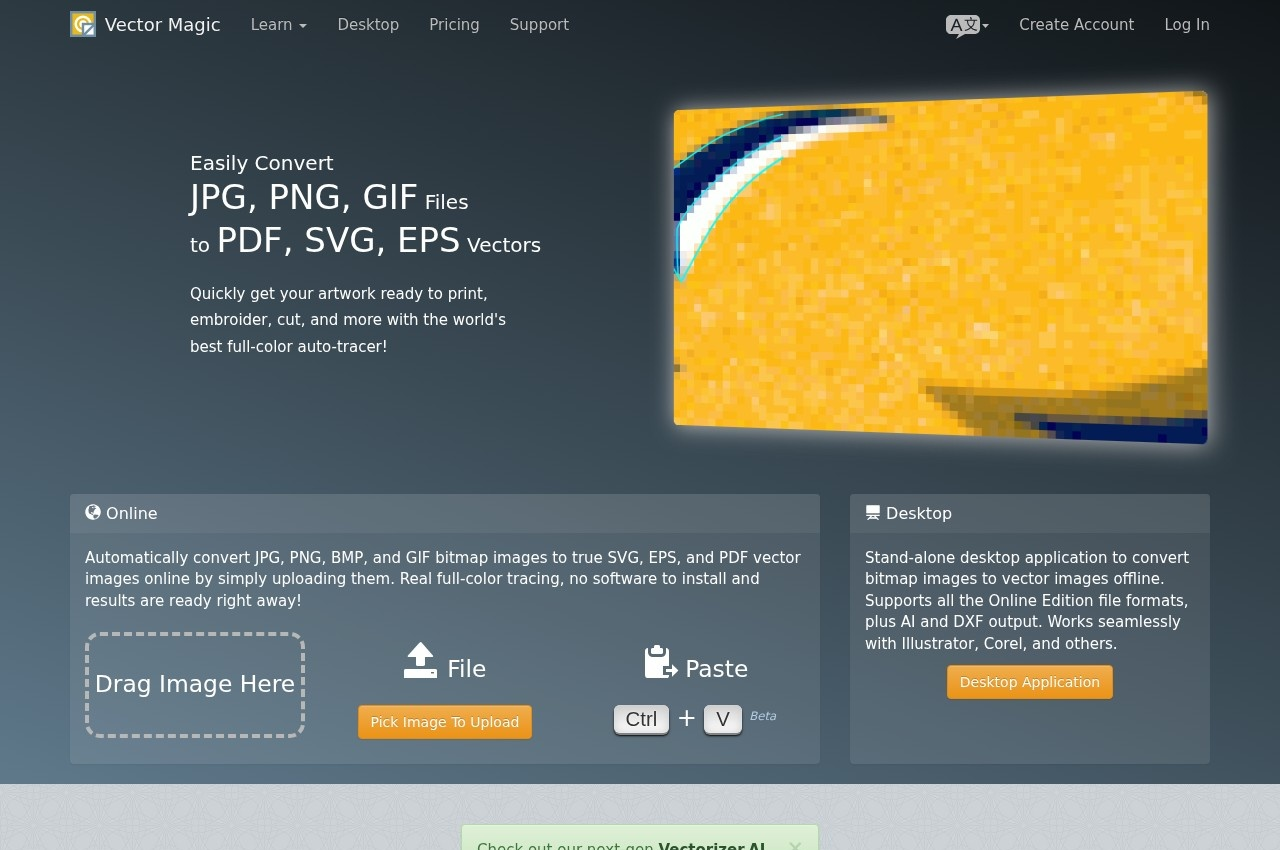 See all screenshots
 - Deployment Cloud Based, On Premise
- Starting price $5.49
- Free trial Available
- Best for Freelancers, Small Business, Medium Business
What is Vector Magic?
Vector Magic converts bitmap images into true vector artwork. It accepts JPG, PNG, BMP and GIF files and outputs SVG, EPS and PDF, with the desktop edition adding AI and DXF. The distinction the vendor draws is between tracing and embedding: the result is genuinely redrawn as paths rather than a bitmap wrapped in a vector container, which is what makes the output editable and resolution independent afterwards.
The tracing is fully automatic by default. On upload the tool works out what settings to use and traces the image without the user configuring anything, then offers a review step where the result can be corrected before download. The vendor calls out sub-pixel precision and node count as the two places auto-tracers usually fail, claiming it produces the right number of nodes rather than a path so dense it cannot be edited. The review interface asks practical questions about the source image, such as whether colour blends across edges or changes abruptly, and whether the image is clean or degraded.
Two editions exist. The Online Edition is browser-based with unlimited use on a monthly subscription. The Desktop Edition is a stand-alone application that works offline, supports every Online Edition format plus AI and DXF, and is sold as a one-time licence rather than a subscription. Typical uses named by the vendor are preparing artwork to print, cut or embroider, converting a logo for consistent display across media, and bringing scanned or hand-drawn source material into a vector composition.
Key Features of Vector Magic
- Automatic tracing of JPG, PNG, BMP and GIF bitmaps into vector paths
- SVG, EPS and PDF output from the browser-based edition
- AI and DXF output additionally supported by the desktop edition
- True tracing rather than embedding a bitmap inside a vector file
- Sub-pixel precision on traced edges
- Node count tuned so results stay editable rather than over-dense
- Automatic settings detection on upload, with no manual configuration required
- Review and edit step before the file is downloaded
- Offline desktop application that requires no upload
- Works alongside Illustrator, CorelDRAW and similar vector editors
- Full-colour tracing rather than monochrome or posterised output
- Handling options for blended, flat and degraded source images
Vector Magic Pricing
Online Edition
$5.49
Unlimited use of the browser-based application. Cancel at any time.
Desktop Edition
$295
Stand-alone offline application. All Online Edition formats plus AI and DXF output.
Vector Magic Specifications
- Deployment
- Cloud Based
- On Premise
- Desktop
- Web App
- Windows
- Mac
- Built for
- Freelancers
- Small Business
- Medium Business
- Support
- Public API
- No
- Free trial
- Yes
- Free plan
- No
- Runs in browser
- No
- Customisable
- No
Vector Magic Screenshots
Vector Magic Reviews
No reviews yet
Used Vector Magic? Share your experience and help other buyers decide.
Alternatives to Vector Magic
Other AI Image Upscaler Tools recorded on the same fields.